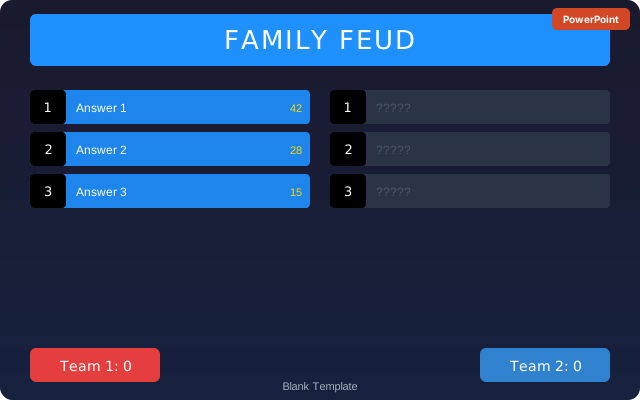
What Is a Family Feud Template and Who Needs One
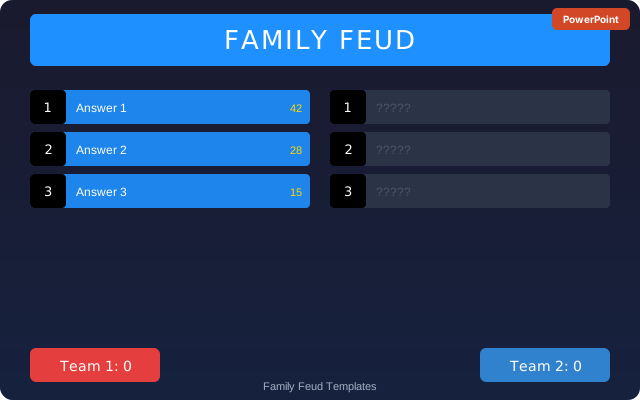
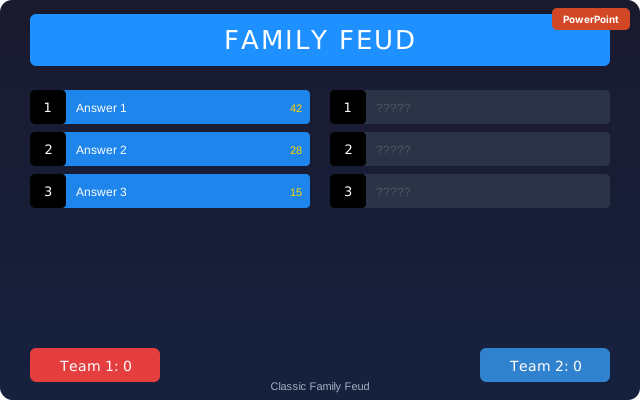
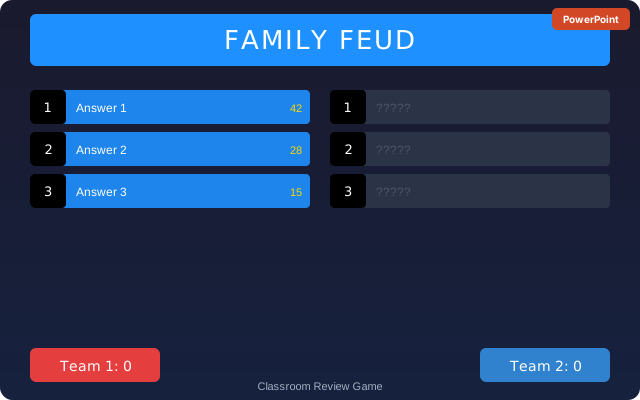
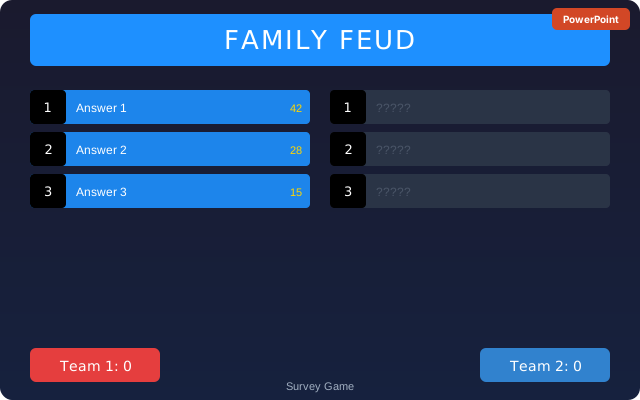
A Family Feud template is a pre-built game board layout, typically in Google Slides or PowerPoint, that replicates the on-screen experience of the television game show. It includes a board with hidden answer tiles that reveal one by one, a strike indicator showing X marks, and a score display for two competing teams. The template lets you swap in your own survey questions and answers so the game is customized for your audience.
Running a Family Feud game from scratch requires building a slide deck with reveal animations and score tracking, which can take two to three hours. A template reduces that setup to 20 to 30 minutes of question entry and answer filling. Family Feud is one of the most popular party game formats because almost everyone knows the rules from watching the show, so no instruction time is needed before the game begins.
- Teachers running a review game for a class where the survey answers are course-related facts or vocabulary
- Office managers and HR teams organizing holiday parties, team-building events, or all-hands game segments
- Families hosting holiday gatherings, reunion events, or birthday parties for mixed age groups
- Youth group leaders and camp counselors running structured games for large groups
- Wedding planners or couples organizing a wedding shower or reception entertainment segment featuring questions about the couple
- Trivia night hosts adding a survey-style round to break up traditional question formats
What to Include in a Family Feud Game Template
A complete Family Feud template needs more than just answer slides. These are the components that make the game run smoothly from start to finish.
- Title slide: The game show title graphic (or your custom event name in a similar bold style) shown while players are seated and getting ready to play
- Question slide: A slide showing the survey question in large text with a blank or covered answer board below. The host reads this slide aloud to both teams
- Answer board with reveal animations: The board with numbered answer slots (usually 5 to 8 per round). Each slot has an animation that reveals the answer and its point value when clicked
- Strike indicator: A way to show one, two, or three X marks on screen when a team gives a wrong answer. Many templates use a large red X graphic with a sound effect trigger
- Score tracker slide: A running score display updated after each round, showing both teams' totals clearly for the room to see
- Steal sequence slide: An optional slide used when a team has three strikes and the other team gets one steal attempt, showing the remaining hidden answers for one final guess
- Winner reveal slide: A congratulations slide that displays the winning team's name and final score at the end of the game
How to Run a Family Feud Game Using a Template
Setting up and running a Family Feud game from a template involves two phases: preparation before the event and game management during the event.
- Write your survey questions before opening the template. Aim for 5 to 8 rounds with one question per round. Good Family Feud questions have broad, relatable topics with multiple obvious answers (for example, 'Name something you find in a kitchen' rather than a trivia question with one correct answer)
- Open the Family Feud template in Google Slides or PowerPoint and go through each question round slide. Replace the placeholder question text with your question and fill in each answer slot with your prepared answers in order from most common to least common
- Assign point values to each answer. The most common answer gets the highest points; the least common gets the fewest. A simple scale like 40, 30, 20, 15, 10, 5 works well for a casual game
- Test every animation trigger before the event by clicking through all slides in presentation mode. Confirm that each answer tile reveals correctly and that the strike X graphics appear on command
- Divide your group into two teams and seat them facing the screen. Assign a buzzer or a hand-raise rule for the face-off round where one player from each team competes to control the board
- Host the game by reading each question aloud, accepting answers from the team, clicking to reveal correct answers, and clicking the strike graphic for wrong answers
- After three strikes, offer the other team one steal attempt. If they get a correct answer, they win all the points in the round. If they miss, the original team keeps any points already on the board
- Update the score tracker after each round and display it between rounds so both teams know where they stand
Writing Good Family Feud Survey Questions
The quality of the questions determines whether a Family Feud game is exciting and fast-paced or slow and frustrating. The best Family Feud questions share three qualities: the answers are broad enough that most people can think of something, specific enough that a clear top-five or top-six list exists, and relatable enough that everyone in the room has an opinion.
Questions that work well are open-ended and start with prompts like 'Name something...', 'Tell me something that...', or 'Give me a reason why...' followed by a universal topic. For example, 'Name something people take with them on a beach vacation' produces obvious answers like sunscreen, a towel, sunglasses, a swimsuit, and snacks that almost any group can play against each other.
Questions that don't work well are too specific, too obscure, or have only one or two sensible answers. 'Name a type of dinosaur' has too many equally obscure answers and no clear ranking. 'Name a word that rhymes with blue' has no survey logic because the answers are infinite. The question should produce a natural ranking where one answer is clearly most common and others get progressively rarer.
For themed events, custom questions add personality to the game. A wedding shower version might ask 'Name a reason the groom would give for being late.' A classroom version might ask 'Name something students do when the teacher leaves the room.' An office party version might ask 'Name an excuse employees give for missing a meeting.'
Family Feud Template Tips and Mistakes to Avoid
A few preparation steps separate a smooth Family Feud game from one where the host is fumbling with slides while players lose interest.
- Always test the slideshow in presentation mode before the event. Reveal animations that look correct in edit mode sometimes break in presentation mode if the trigger is set to 'On click of' the wrong object
- Practice clicking through one full round before the event. Knowing the click sequence for reveals and strikes becomes muscle memory so the game moves fast
- Have a printed answer sheet as a backup. If the slideshow crashes or the projector fails, you can still run the game orally using your paper cheat sheet with all the answers listed
- Keep each round to 5 or 6 answers for a faster game. Rounds with 8 answers can stall if both teams are struggling, so save 8-answer rounds for easy, universal questions
- Set a time limit per answer attempt (10 to 15 seconds works well) so the game does not slow down when a team debates internally
- For large groups over 20 people, use a microphone or project the answers clearly before revealing them so the whole room follows along, not just the players on stage
The template