What a Bingo Template Is and How It Works
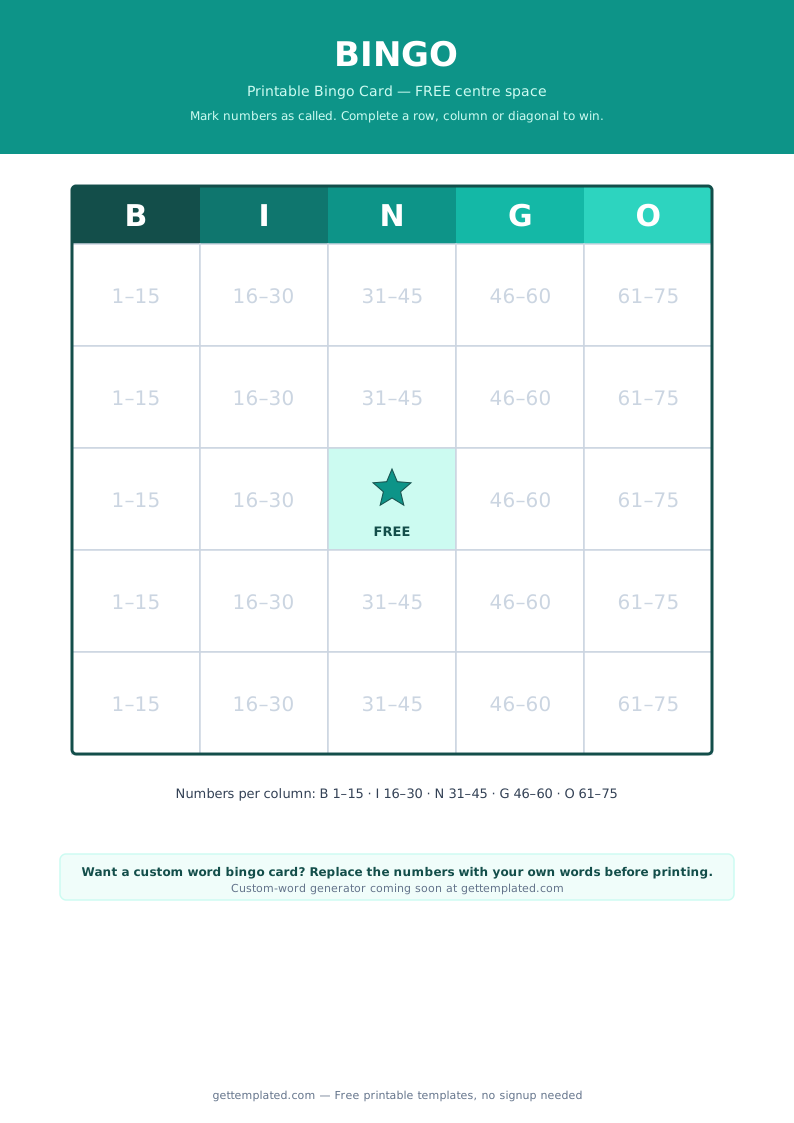
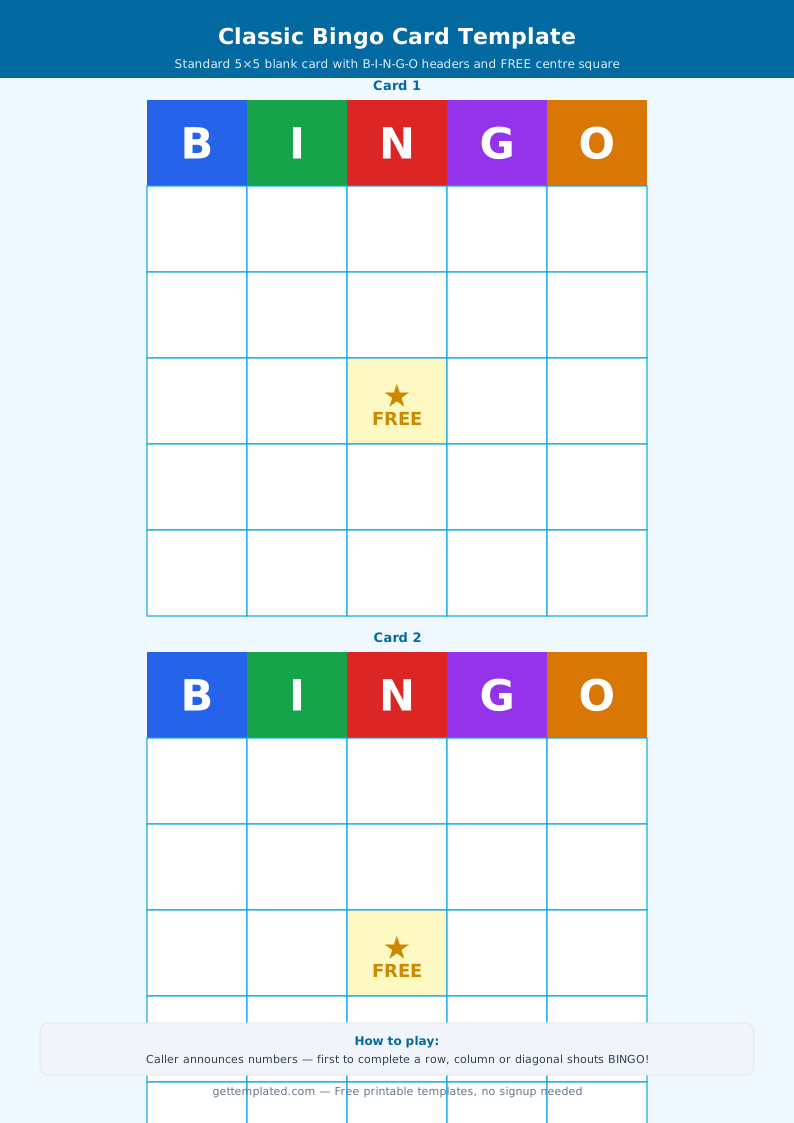
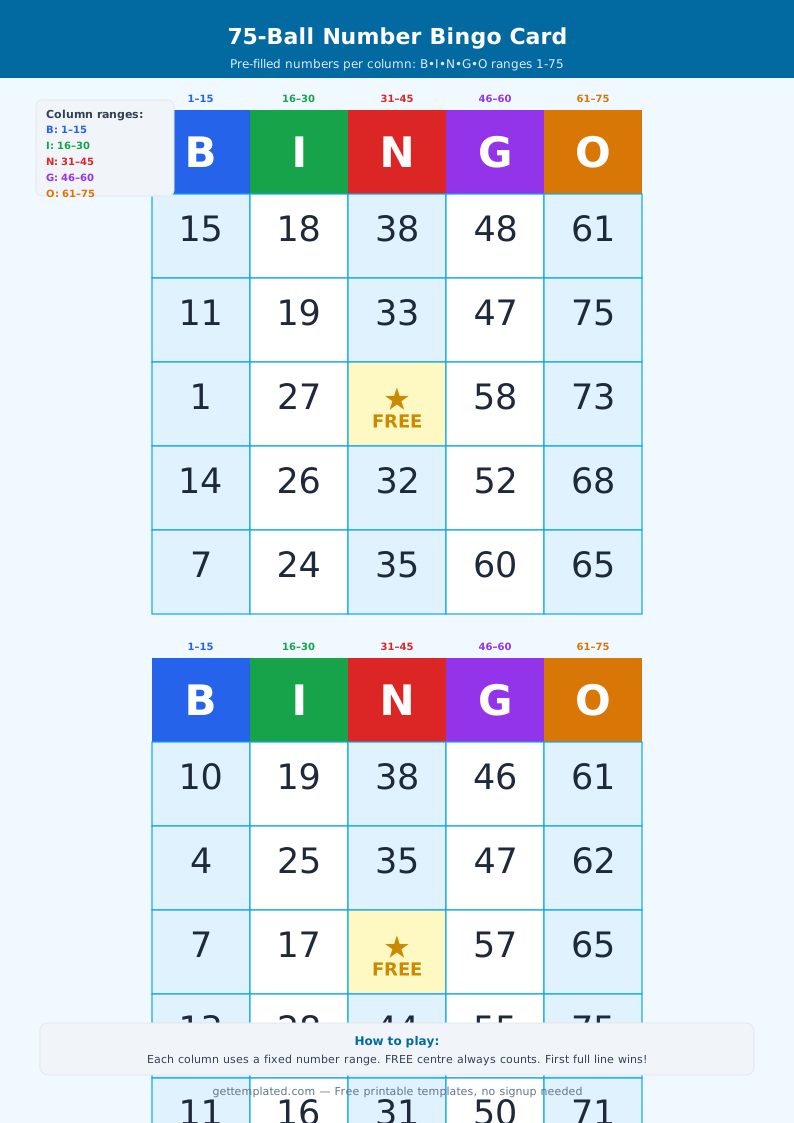
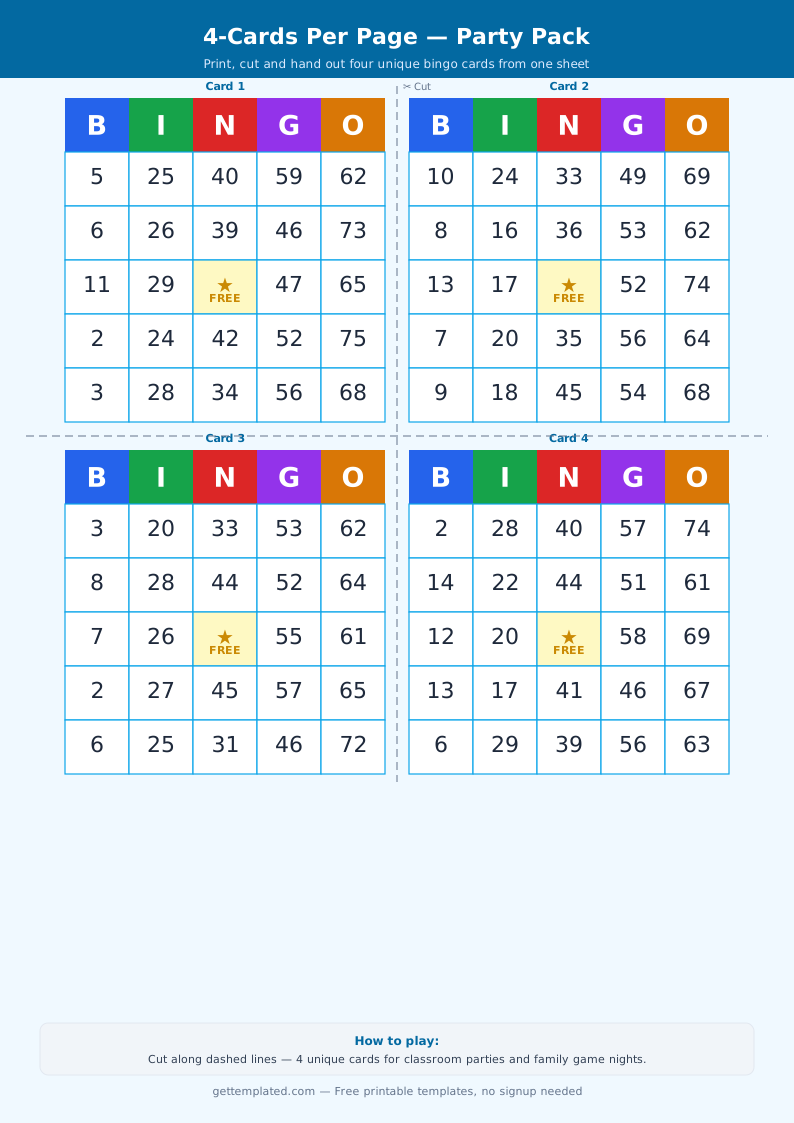
A bingo card template is a grid-based game sheet where players mark off squares as items are called. The standard layout is a 5x5 grid with the letters B-I-N-G-O across the top, giving 25 squares (24 unique items plus a free center square). A player wins when they complete a row, column, or diagonal line and shouts 'Bingo!'
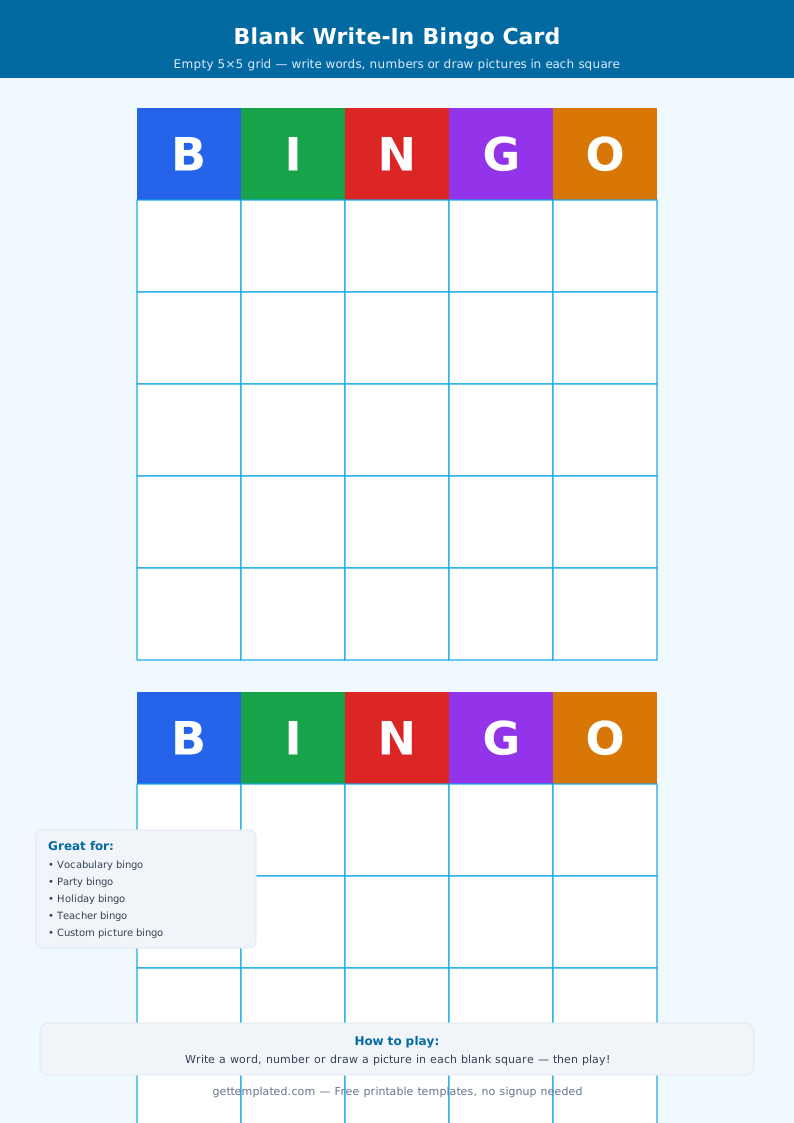
A blank bingo template has empty squares you fill in before printing, making it fully customizable. You can swap numbers for vocabulary words, holiday phrases, book titles, or any category relevant to your audience. The blank bingo card template approach is what teachers, event planners, and game night hosts prefer because each card can be unique, preventing everyone from winning at the same time.
- 5x5 grid: 24 content squares plus one free center square
- B-I-N-G-O header across the top columns
- Each card should be unique to prevent simultaneous wins
- Players mark squares with chips, coins, stickers, or daubers
- Win by completing a row, column, or diagonal (or blackout for harder games)
- A caller sheet lists all possible items so the caller can track what has been drawn
Types of Bingo Templates for Different Occasions
The bingo card template is one of the most versatile printable game formats because it adapts to virtually any theme just by changing the content of the squares. Here are the most popular variations.
A blank bingo template for classroom use often contains vocabulary words, math facts, or historical dates. A baby shower bingo template replaces numbers with common gift items ('Diaper Bag,' 'Onesies,' 'Pacifier') so guests play along as the parent-to-be opens presents. A human bingo template, also called 'People Bingo' or 'Get to Know You Bingo,' fills squares with personality traits or experiences ('Has traveled outside the US,' 'Can speak two languages') and players find real people who match each square.
- Classroom vocabulary bingo: words or definitions in each square
- Baby shower bingo: gift item predictions guests mark as presents are opened
- Human bingo: personality traits or life experiences for icebreaker games
- Holiday bingo: Christmas, Halloween, or Thanksgiving themed phrases and images
- Movie bingo: character names, famous lines, or plot events from a specific film
- Sports bingo: plays, penalties, or player names for watching parties
- Wedding bingo: common ceremony moments ('Bride Cries,' 'Flower Girl Steals the Show')
How to Make a Custom Bingo Card Template
Creating a custom bingo card template from scratch takes about ten minutes in Google Docs, Sheets, or Word. The key is making each card different by shuffling the order of items across cards, otherwise everyone wins at the same time and the game ends immediately.
In Google Sheets or Excel, a 5-column, 6-row table (one header row plus five content rows) gives you the grid. Type the letters B-I-N-G-O in row 1 and fill in content squares from row 2 down. Center all text, add a border to every cell, and mark the middle square of column 3 (row 4) as FREE. To make multiple unique cards, copy the sheet and manually rearrange the content in each copy, or use a random shuffling approach if you are comfortable with spreadsheet formulas.
- Write out all the items for your bingo game (typically 25-75 items for variety)
- Open Google Sheets or Word and create a 5x6 table (5 columns, 6 rows)
- Type B, I, N, G, O in the header row with bold formatting
- Fill in 24 unique items across the 24 content squares, leaving the center as FREE
- Adjust cell size so squares are large enough to write or stamp in (about 1 inch square minimum for printing)
- Duplicate the card and rearrange the items in a different order to make each card unique
- Print one card per player plus a separate caller list with all items listed
- Cut out chips or gather coins/beans for marking squares during play
Bingo Template Sizes and Format Options
The standard bingo board template is 5x5 and fits easily on a US Letter or A4 sheet. You can print two cards per page to save paper for large groups. For younger children, a 4x4 or 3x3 grid is simpler and faster to complete.
A blank bingo card template for printing works best with all cell borders set to a solid black line so they are clearly visible after printing. Use at least 10pt font inside each square for readability. If you are using images instead of text (like pictures of animals for a kids' version), make sure each image is sized to fit inside the cell without stretching the row height unevenly.
- Standard: 5x5 grid on US Letter (8.5x11), one card per page
- Two per page: two 5x5 cards side by side, good for large groups
- Mini: 4x4 or 3x3 grid for younger children or shorter games
- Jumbo: 6x6 or larger for complex themed games with more items
- Digital: shareable Google Sheets version for virtual events and remote teams
- Landscape orientation fits wider callout text in each square
Tips for Running a Great Bingo Game
The best bingo games feel fast enough to keep players engaged but not so quick that they end after two minutes. For a typical party bingo session with 10-20 players, you want enough unique items that the game lasts five to ten rounds before the first win. Using 50-75 unique items and distributing them across cards in random order achieves this naturally.
Keep a separate caller sheet where you cross off each item as it is called to avoid repeats. Have a small prize ready for each winner. If you want longer games, require 'blackout bingo' where a player must fill every single square rather than just one line. Blackout bingo with 24 squares typically takes 30-45 minutes with a large group, which is ideal for longer events like baby showers or classroom parties.
- Use 50-75 unique items distributed randomly to keep games from ending too fast
- Keep a caller sheet and cross off each item as it is called
- Prepare small prizes for each round to maintain excitement
- Try 'blackout bingo' (all squares marked) for longer, more intense games
- For virtual events, use a shared Google Sheets bingo template and video call
- Print extra cards so late arrivals can still join mid-game
The template