What a Venn Diagram Template Is and Who Uses It
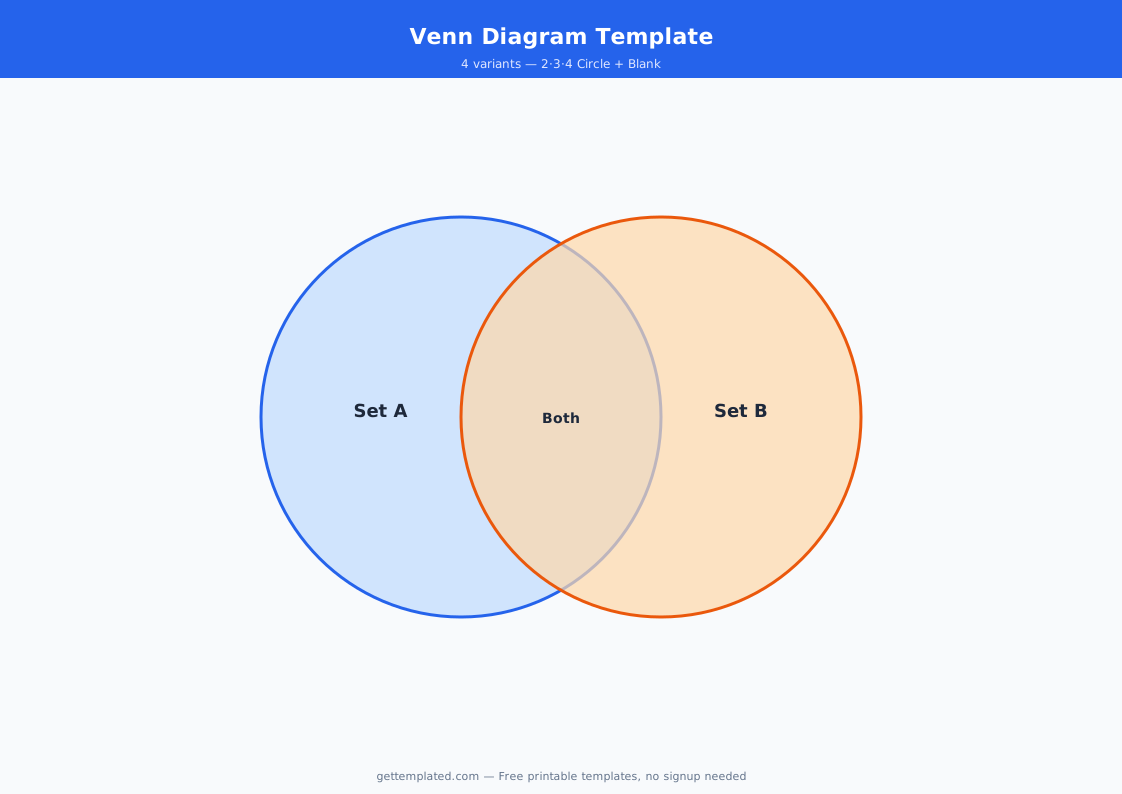
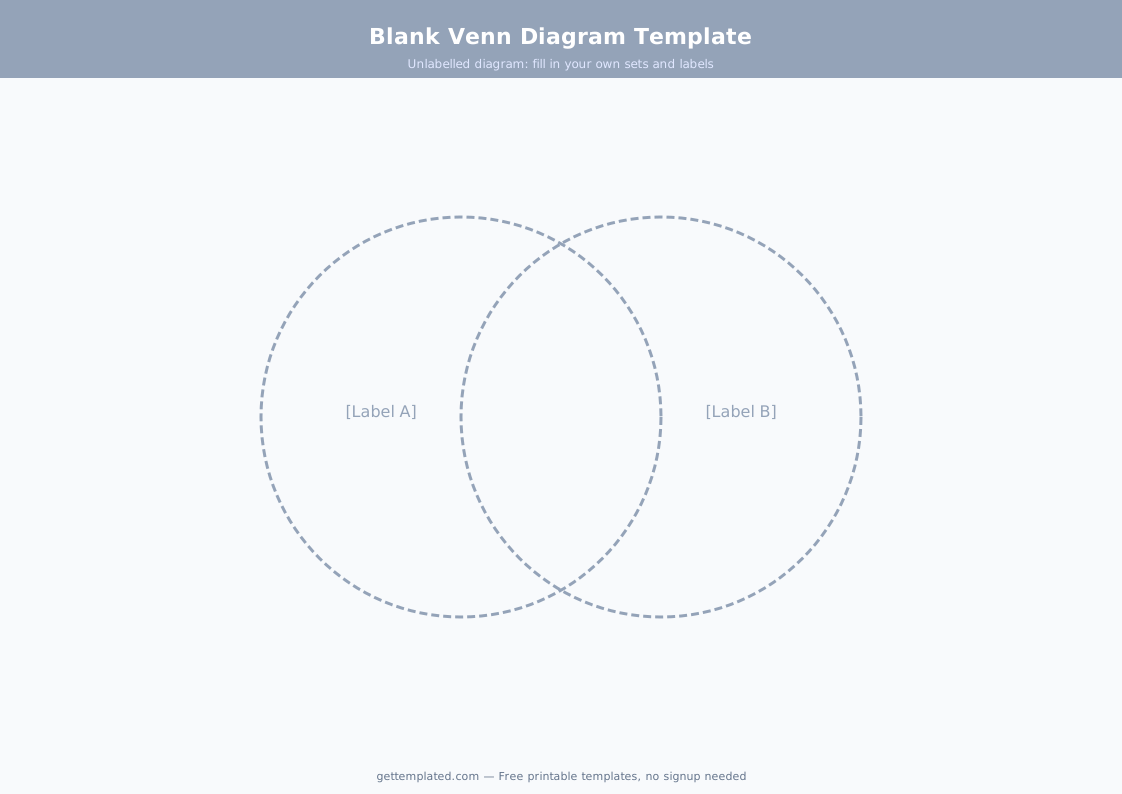
A Venn diagram is a visual tool made up of two or more overlapping circles, where each circle represents a set of items or characteristics, and the overlapping area in the middle represents what those sets have in common. The concept was introduced by logician John Venn in 1880 as a way to illustrate logical relationships between sets. Today it is one of the most widely used graphic organizers in education and one of the most recognizable data visualization tools in professional settings.
A blank Venn diagram template lets you fill in the circles for any comparison you need to make without drawing the diagram from scratch. Students use them to compare characters in a novel, historical events, or scientific concepts. Teachers create them as worksheet activities. Professionals use them in business analysis, product comparisons, and presentations. Data scientists use multi-set Venn diagrams to visualize overlapping datasets. The two-circle version is the most common; the three-circle version is useful when you are comparing three subjects at once.
- Shows similarities in the overlapping section and differences in the non-overlapping parts of each circle
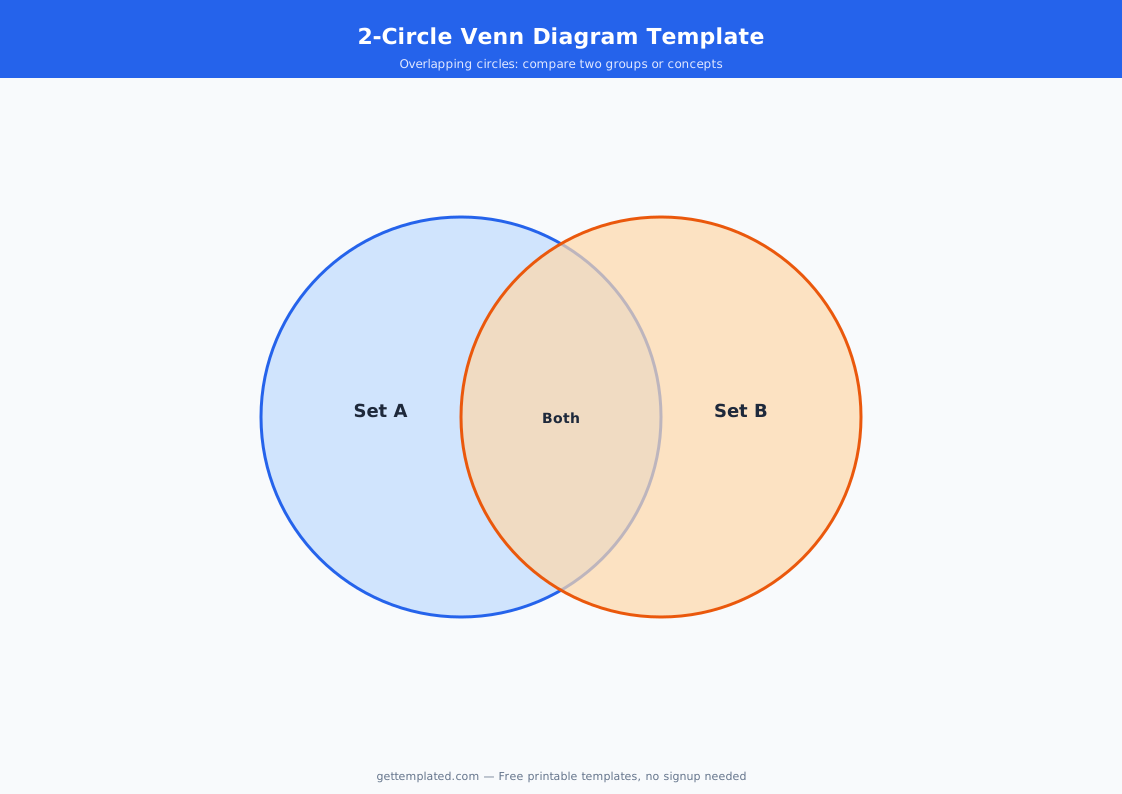
- Two-circle version: the most common format, ideal for comparing two subjects
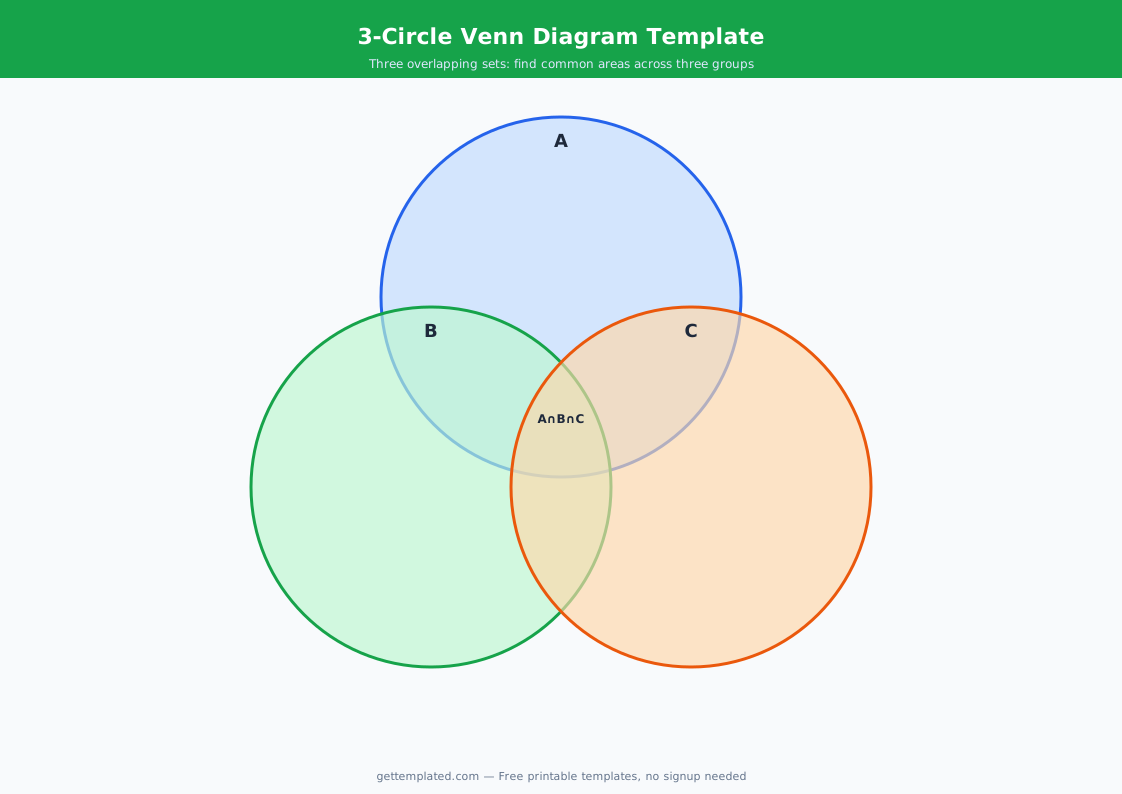
- Three-circle version: compares three subjects with seven distinct regions including three two-way overlaps and one center where all three meet
- Used in schools for reading comprehension, essay planning, and concept comparison activities
- Used in business for competitive analysis, product comparison, and strategic planning
- Works as a printable worksheet, a Google Docs document, or a Word file
What Goes in Each Section of a Venn Diagram
Each section of a Venn diagram has a specific purpose. Getting the placement right is the most important skill in using the diagram well. The most common mistake is putting items in the overlap section that are not actually shared by both subjects, or leaving the overlap empty because you are focused on differences instead of similarities.
- Left circle only: characteristics, features, or traits that belong exclusively to Subject A
- Right circle only: characteristics, features, or traits that belong exclusively to Subject B
- Overlapping center section: things that are true of BOTH Subject A and Subject B at the same time
- In a three-circle diagram, each two-way overlap contains items shared by exactly those two subjects but not the third
- The center of a three-circle diagram (where all three overlap) contains only what is true of all three subjects simultaneously
- Labels above each circle clearly identify what each circle represents so the reader can interpret the diagram
How to Use This Venn Diagram Template
The template above works as a text-based planning tool you can copy into Google Docs or Word. For a visual circular diagram, the text layout gives you the structure to plan what goes in each section before you move to a drawing tool. Google Docs has a built-in drawing feature (Insert, Drawing, New) where you can draw overlapping circles and add text boxes inside them. Word has similar shape tools under the Insert tab.
If you prefer a purely text-based approach, the template above with labeled sections (Only A, Both, Only B) works just as well for planning an essay, filling out a comparison, or preparing notes for a presentation. Many teachers accept text-based Venn diagram worksheets when the diagram circles are not required. For a printable version, copy the template into Google Docs and print it, or use the text layout as a planning sheet.
- Decide what two (or three) subjects you are comparing and write them at the top as the circle labels
- Brainstorm characteristics of Subject A on its own, Subject B on its own, and anything they have in common
- Place items that belong only to Subject A in the left section, only Subject B in the right section
- Place anything that is true of BOTH subjects in the overlapping center section
- For a three-circle diagram, identify the three two-way overlaps and the single center point where all three meet
- Review: make sure nothing in the overlap section is actually unique to one subject
- To draw the circular version in Google Docs: go to Insert, Drawing, New, and use the Ellipse shape tool to draw two overlapping circles, then add text boxes inside each section
Venn Diagram Uses and Variations
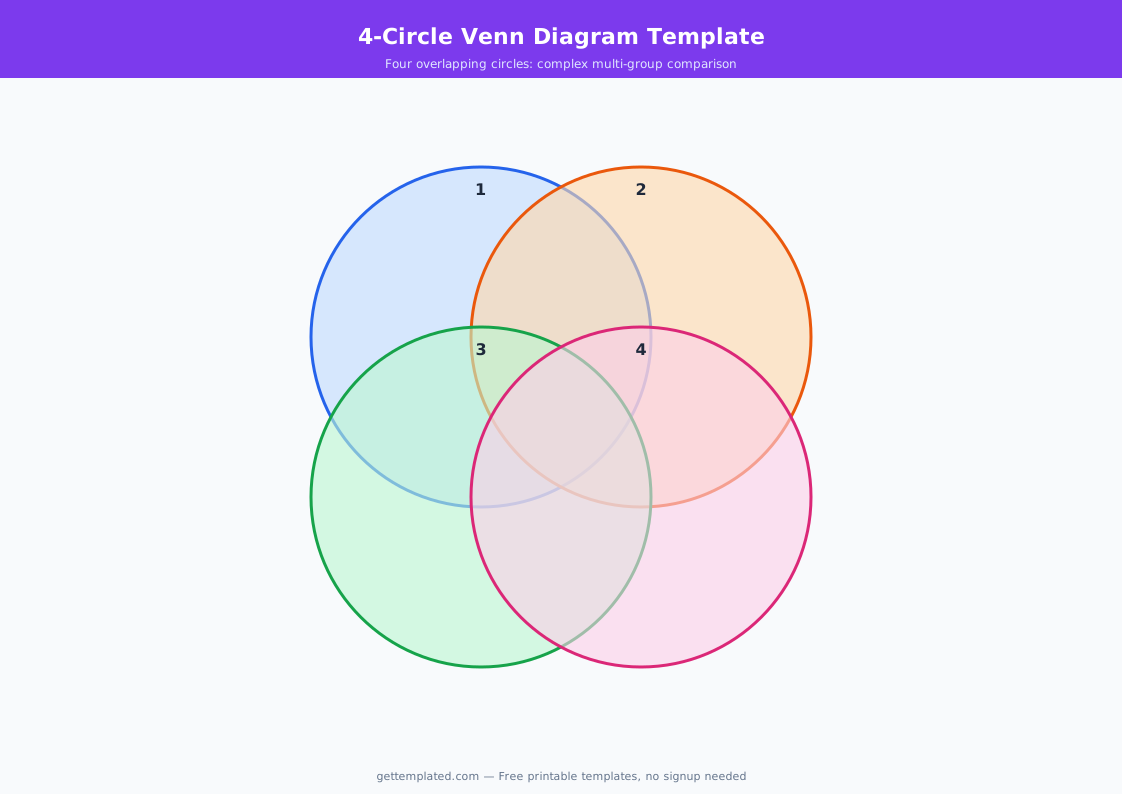
The two-circle Venn diagram is the standard format for most school assignments and simple comparisons. The three-circle version adds complexity but becomes very useful when you are comparing three related options, like three historical figures, three scientific theories, or three product features. In data science and mathematics, Venn diagrams can extend to four or more sets, though these become difficult to read visually and are usually represented as Euler diagrams instead.
In business settings, Venn diagrams appear frequently in presentations to show market overlap, audience segmentation, or the intersection of two strategic goals. A classic business example is the three-circle Venn diagram used to define a company's 'sweet spot': what you are good at, what the market needs, and what you can be paid for. Where all three overlap is the opportunity. For classroom use, the printable blank Venn diagram template is one of the most-used graphic organizers from elementary school through college.
- Reading and literature: compare two characters, two books, or two settings
- History: compare two historical events, time periods, or political systems
- Science: compare two species, two experiments, or two scientific theories
- Business: competitive analysis, market overlap, audience segmentation
- Essay planning: identify the comparison and contrast points before outlining a compare-contrast essay
- Math and logic: illustrate set relationships, intersections, and unions visually
Venn Diagram Tips and Common Mistakes
The most common mistake when filling out a Venn diagram is placing things in the overlap that are not actually shared by both subjects. An item belongs in the overlap only if it is genuinely true of both subjects at the same time. If you are comparing two countries and you write 'has a government' in the overlap, that is true of every country and adds no analytical value. The overlap should contain meaningful shared characteristics, not universal ones.
Another common issue is leaving the overlap section empty. If the two subjects have nothing in common, a Venn diagram may not be the best tool for the comparison. But in most cases, the difficulty is not that there are no similarities, but that you have not looked closely enough. The overlap is often where the most interesting insights are. In a compare-contrast essay, the overlap section frequently provides the thesis: the insight that makes the comparison meaningful.
- Only put items in the overlap if they are genuinely true of BOTH subjects, not just vaguely similar
- Avoid universal truths in the overlap (things true of everything): they add no value to the comparison
- Label each circle clearly so someone reading the diagram without context can interpret it
- Balance the sections: if one side is very full and the other is empty, you may be comparing incompatible subjects
- Use the Venn diagram as a planning tool before writing a compare-contrast essay: the overlap often becomes your thesis
- For a three-circle diagram, clearly distinguish the three two-way overlaps from the center where all three meet
The template