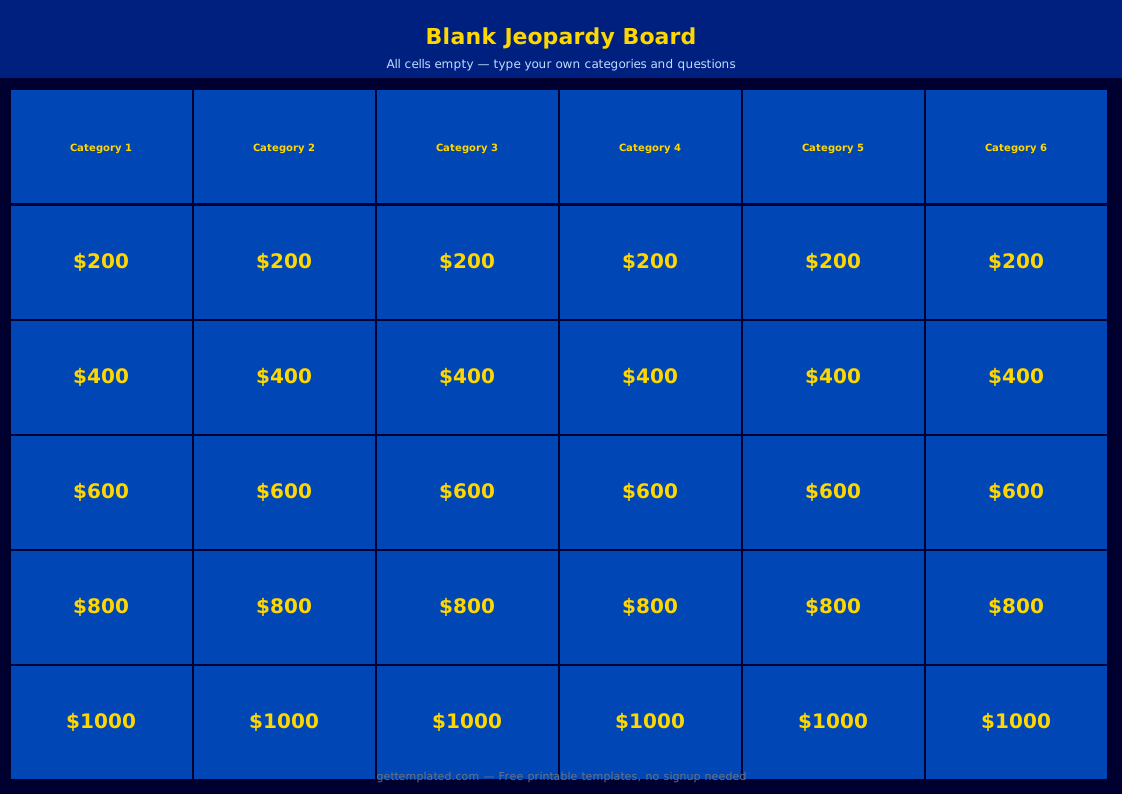
What Is a Jeopardy Template and Who Uses It?
A jeopardy template is a pre-built slide deck that replicates the game-show format where players choose clues by category and dollar value, then answer in the form of a question. Teachers use it for classroom review before tests, corporate trainers use it for onboarding and compliance refreshers, and hosts use it for trivia nights and parties.
The format works because it gives players agency over difficulty (choosing a $100 vs. $500 clue), creates natural team competition, and makes passive review active. Research on retrieval-based learning shows that formats requiring active recall outperform re-reading for long-term retention, which is why the jeopardy format has remained a classroom staple.
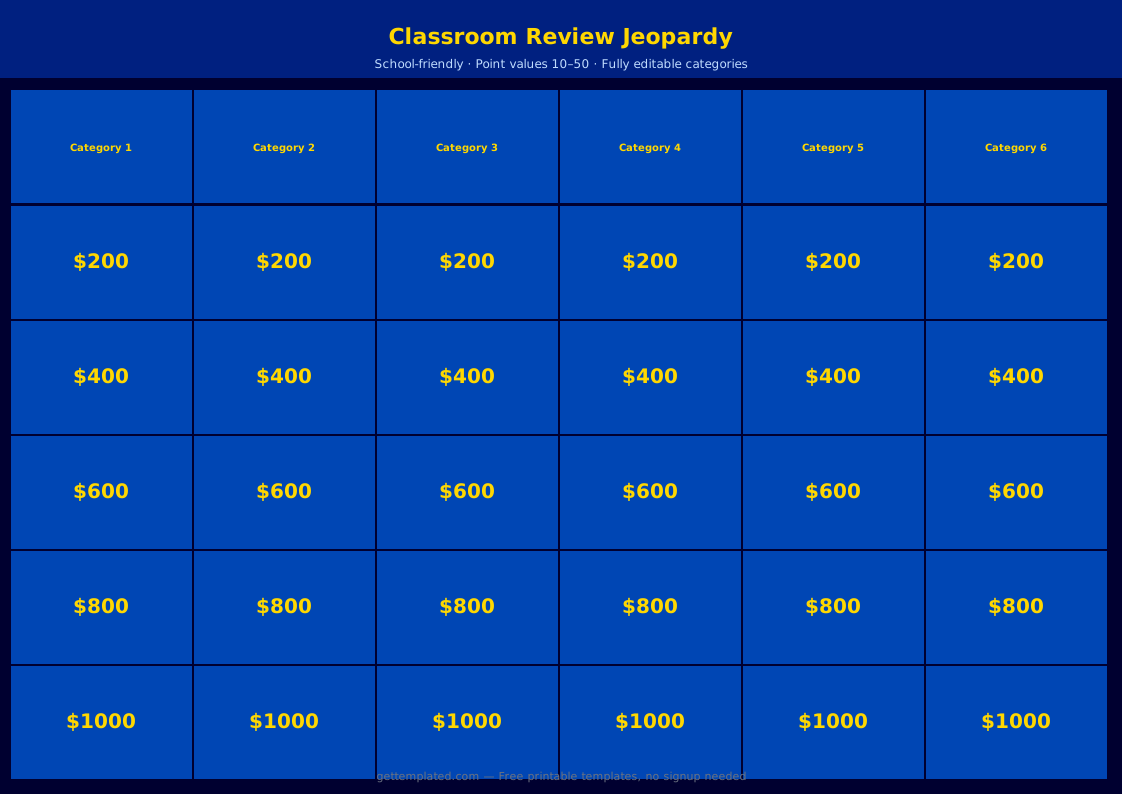
- Classroom test review across any subject: math, science, history, language arts
- Corporate training: onboarding quizzes, compliance reviews, product knowledge
- Team-building events and office parties
- College student study groups for exam prep
- Virtual and hybrid meetings using Google Slides with screen share
- Holiday-themed trivia nights for families or community groups
What to Include in a Jeopardy Template
A complete jeopardy template in Google Slides or PowerPoint needs more than just clue slides. The game board navigation, scoring system, and optional special rounds all affect how smoothly the game runs. Setting these up correctly before your event prevents interruptions mid-game.
Hyperlinks between the game board and individual clue slides are the most important technical element. When a player selects a category and value on the board, clicking that cell should jump directly to the correct clue slide. After the clue is read, the slide should link back to the main board. In Google Slides, insert a hyperlink via Insert > Link > Slides in this presentation. In PowerPoint, right-click the cell and use Hyperlink > Place in This Document.
- Title slide with game name, date, and host name
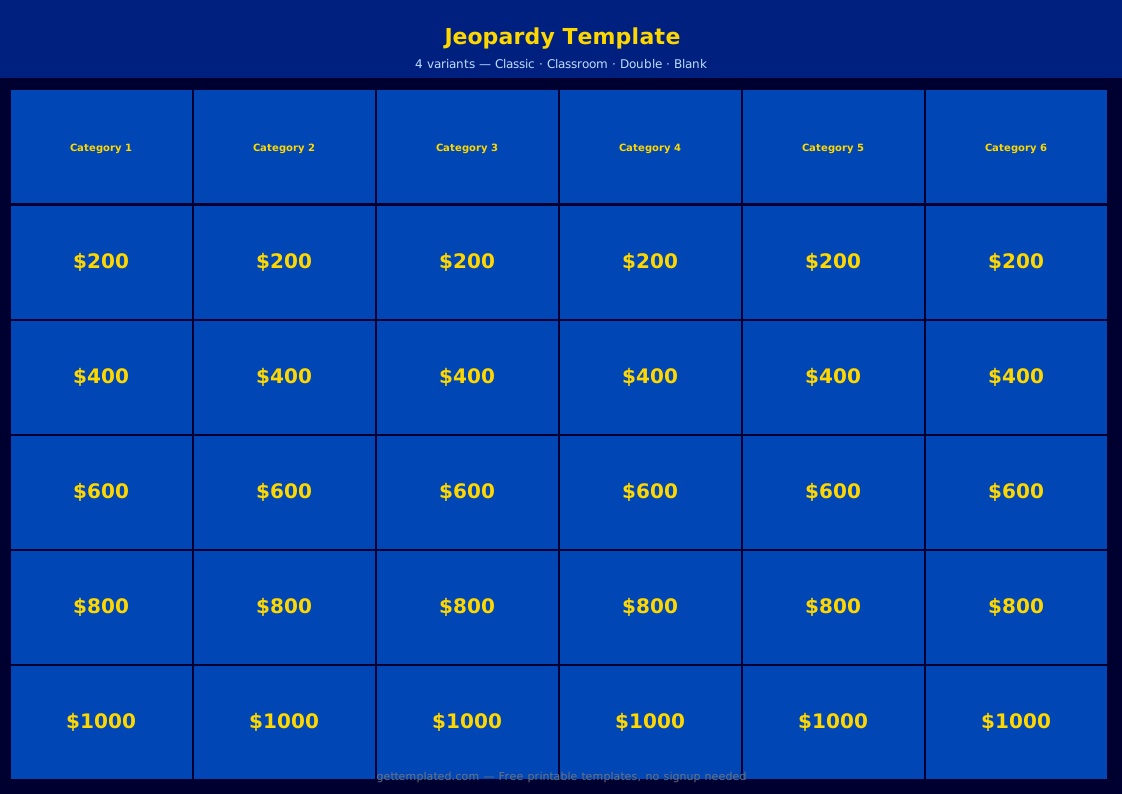
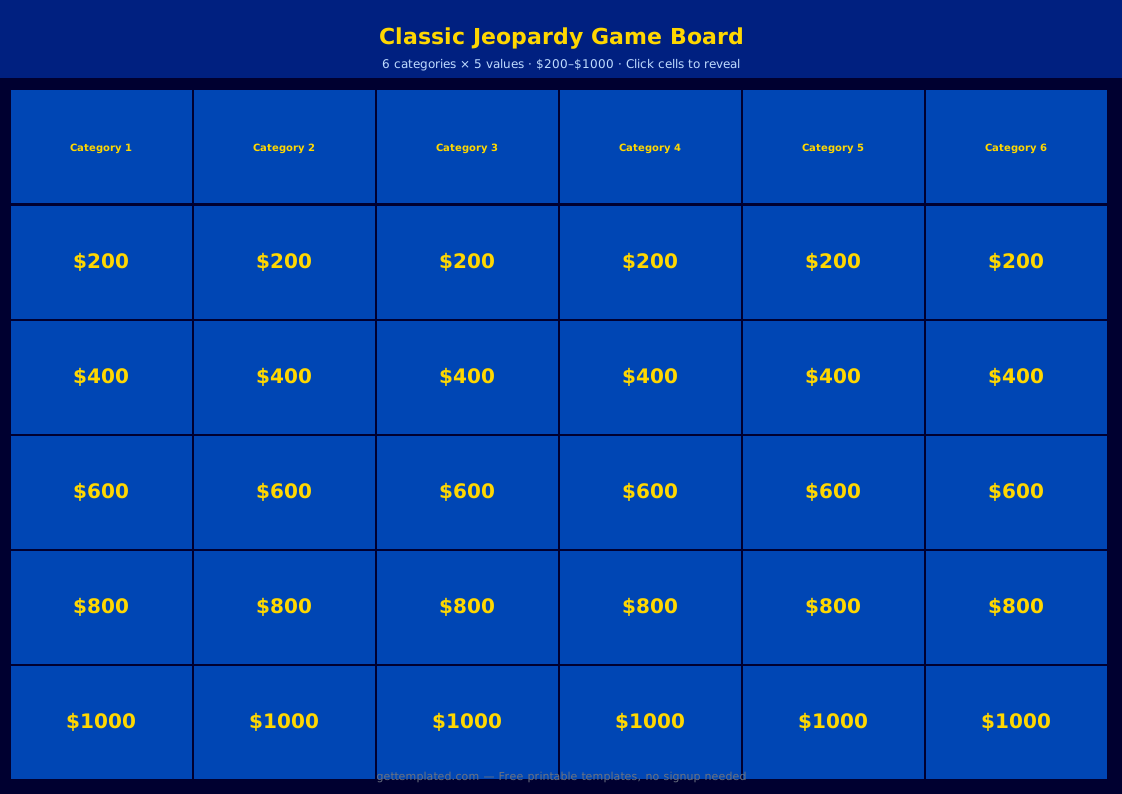
- Main game board with 5 categories and 5 point values (100-500)
- One clue slide per question (25 slides for a standard board)
- Hyperlinks from each board cell to its clue slide and back
- Visual indicator for answered clues (gray out or hide the dollar amount)
- Daily Double slide (1-2 per game, randomly placed)
- Final Jeopardy slide with a single category and written wager
- Scoreboard area (whiteboard, sticky notes, or a separate score slide)
How to Set Up a Jeopardy Game in Google Slides
Google Slides is the most popular format for a free jeopardy template because it works in any browser, is easy to share, and does not require a paid software license. The setup process takes roughly 20-30 minutes once you have your questions ready.
- Open Google Slides and create a new presentation. Set the theme to a dark background (navy or black) to match the classic game-show look.
- Create your title slide with the game name and any introductory rules.
- Build the game board on Slide 2: insert a table with 5 columns and 6 rows. Row 1 = category names. Rows 2-6 = point values ($100 through $500) in each cell.
- Create one clue slide for each of the 25 questions. Format each with the category name, point value, and the clue written in statement form. Add a separate text box below with the correct question (answer) in smaller or hidden text.
- Add hyperlinks: select each dollar amount cell on the game board, go to Insert > Link > Slides in this presentation, and link to the corresponding clue slide.
- On each clue slide, add a Back to Board button and link it to Slide 2.
- Insert 1 or 2 Daily Double slides. Choose which low-value cells on the board will link to these instead of standard clue slides.
- Build the Final Jeopardy slide as the last slide: show only the category name first, then reveal the clue after all players have written their wagers.
- Test every hyperlink before presenting to make sure navigation works correctly.
- During the game, when a clue is answered, return to the board and change that cell's background color to gray or delete the text to mark it as used.
Jeopardy Template Variations and Common Formats
The standard five-category, five-value board works well for most purposes, but there are several variations worth knowing depending on your group size, time available, and subject matter.
A PowerPoint jeopardy template works identically to the Google Slides version, with hyperlinks added via the Insert > Hyperlink menu. If your school or company uses Microsoft 365, PowerPoint is equally capable and slightly more reliable for animated transitions. The jeopardy PowerPoint template also downloads as a local file, making it available without an internet connection.
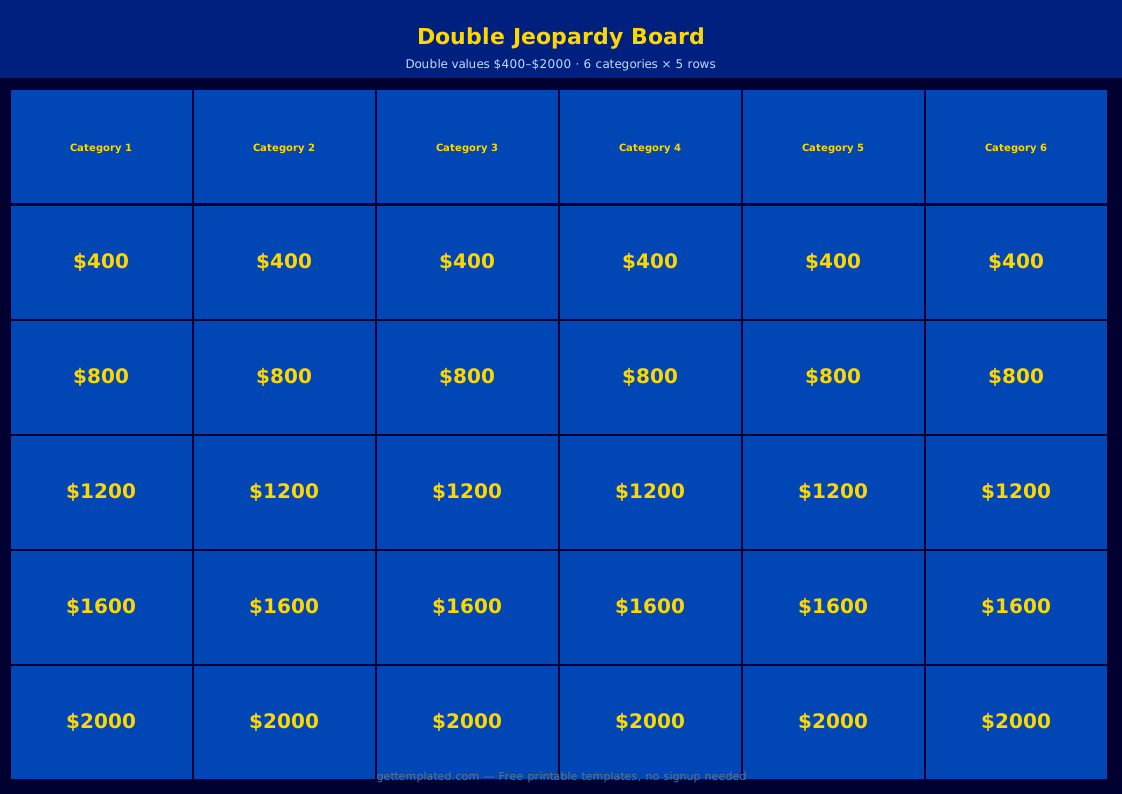
- Double Jeopardy round: a second board with the same categories and doubled point values (200-1000)
- 3-category mini board: faster format for shorter sessions (15-20 minutes total)
- Team format: 3-4 teams compete by buzzing in (use a physical buzzer, raised hands, or a digital buzzer app)
- Virtual format: share screen in Zoom or Google Meet with the host controlling navigation
- Subject-specific boards: science vocabulary, US history dates, math formulas, foreign language translation
- Themed boards: holiday trivia, pop culture, company history for onboarding
Tips for Writing Good Jeopardy Clues
The quality of your clues determines whether the game feels engaging or frustrating. Good jeopardy clues are specific, unambiguous, and scaled appropriately to their point value. Low-value clues should be accessible to most participants; high-value clues should challenge even well-prepared players.
Write in the format of a clue (a statement), not a direct question. The players must respond in question form. For example: write "The capital of France" rather than "What is the capital of France?" The players supply the question structure themselves.
- Scale difficulty: $100 clues should be answerable by most participants; $500 clues should stump some
- Be specific: avoid clues that could have multiple correct responses
- Avoid ambiguity: clues with trick interpretations frustrate players and slow the game
- Include a mix of recall, application, and reasoning clues across a single category
- Read clues aloud slowly and clearly; do not rush through longer statements
- For Daily Double, choose a category and value where the leading player or an underdog can make the game interesting
The template