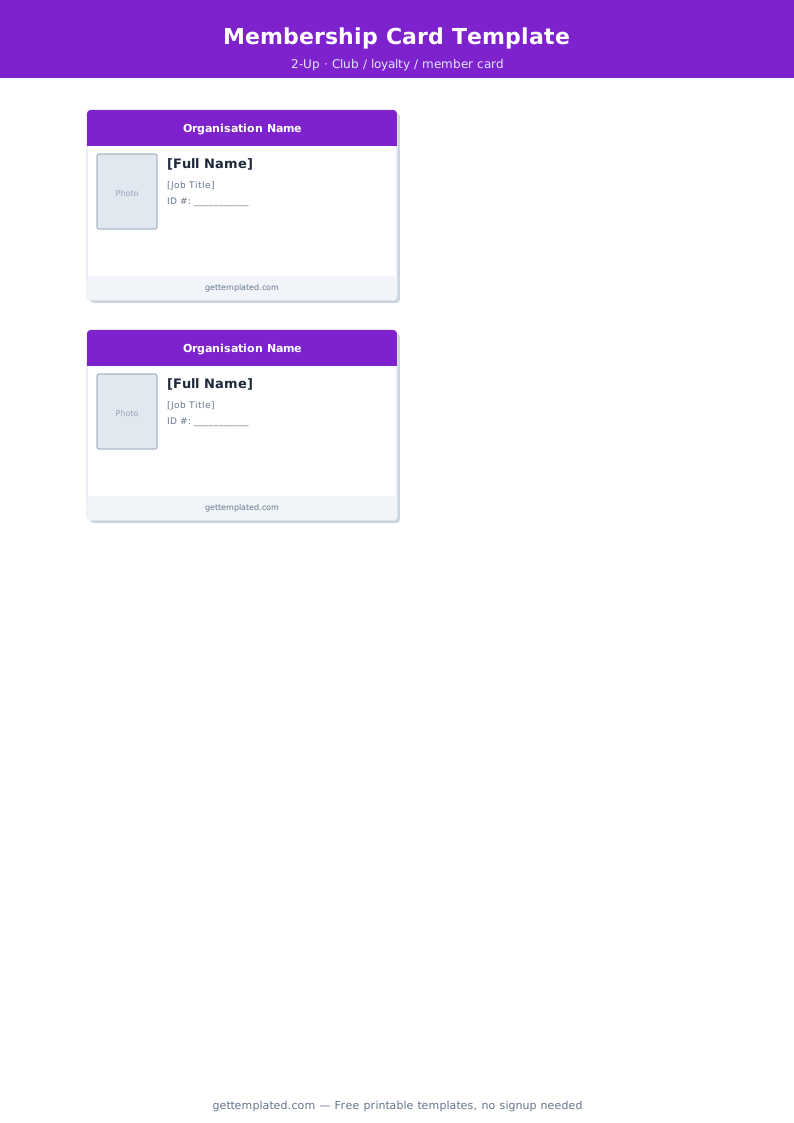
What Is an ID Card Template and Who Uses It
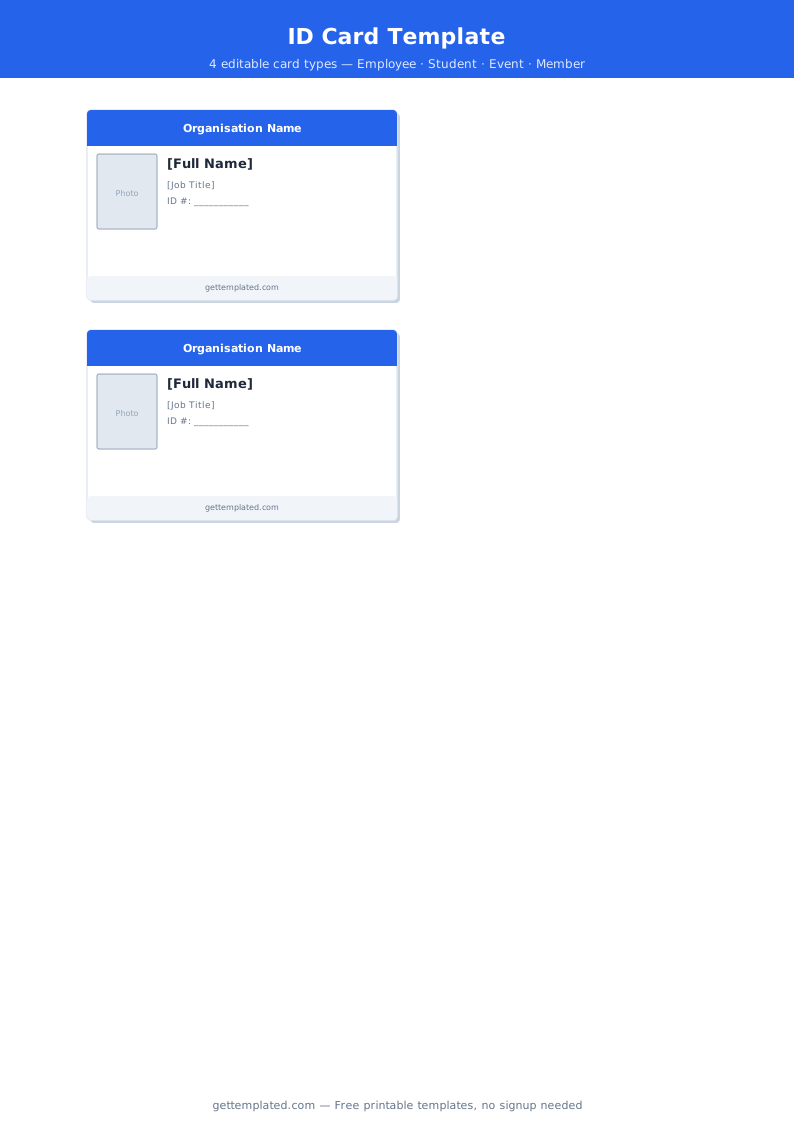
An ID card template is a pre-formatted document or design file set to standard credit card dimensions (3.375 x 2.125 inches, also called CR80 format) with labeled fields for the name, photo, organization logo, and identifier fields typically found on an identification card. The template eliminates the need to measure and position elements from scratch every time you need to create or update a card.
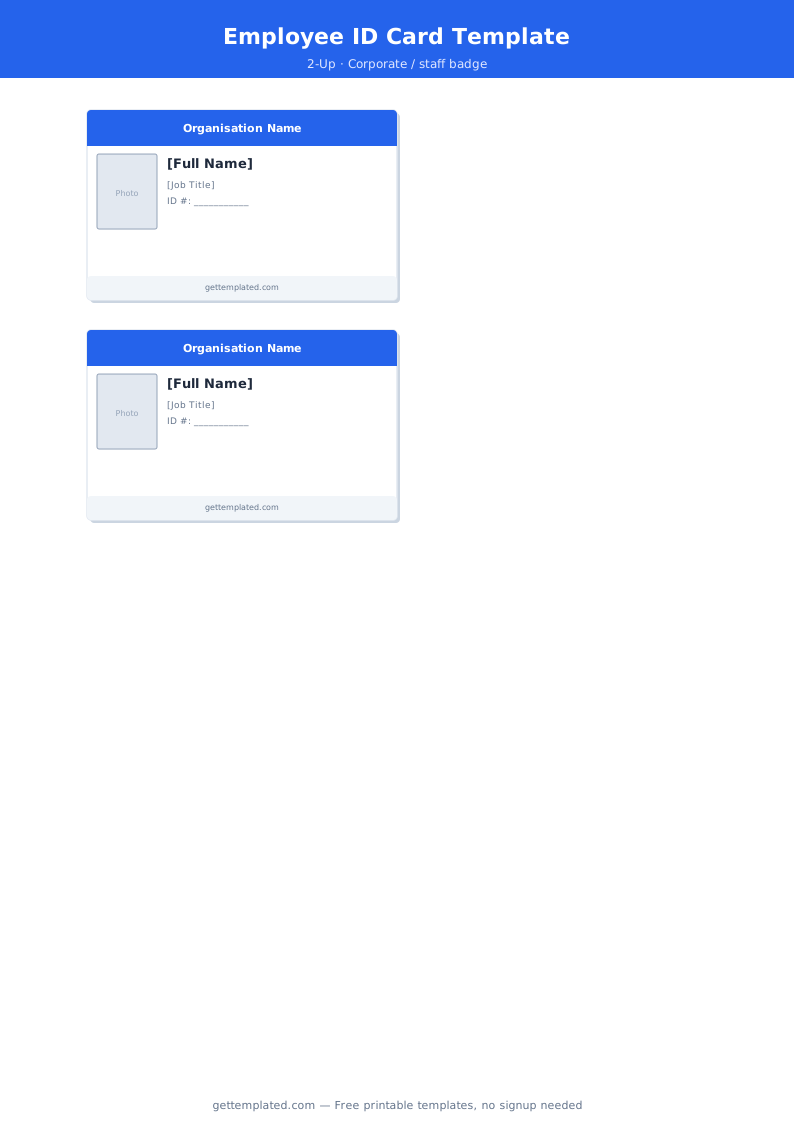
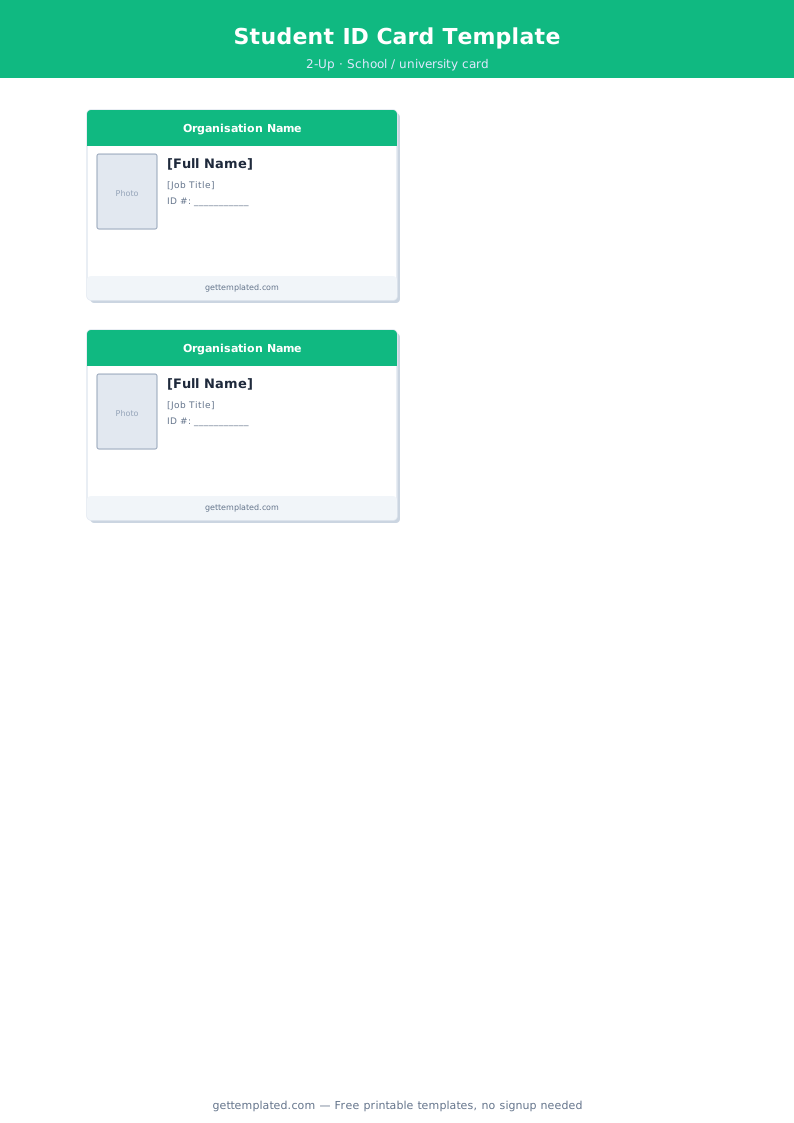
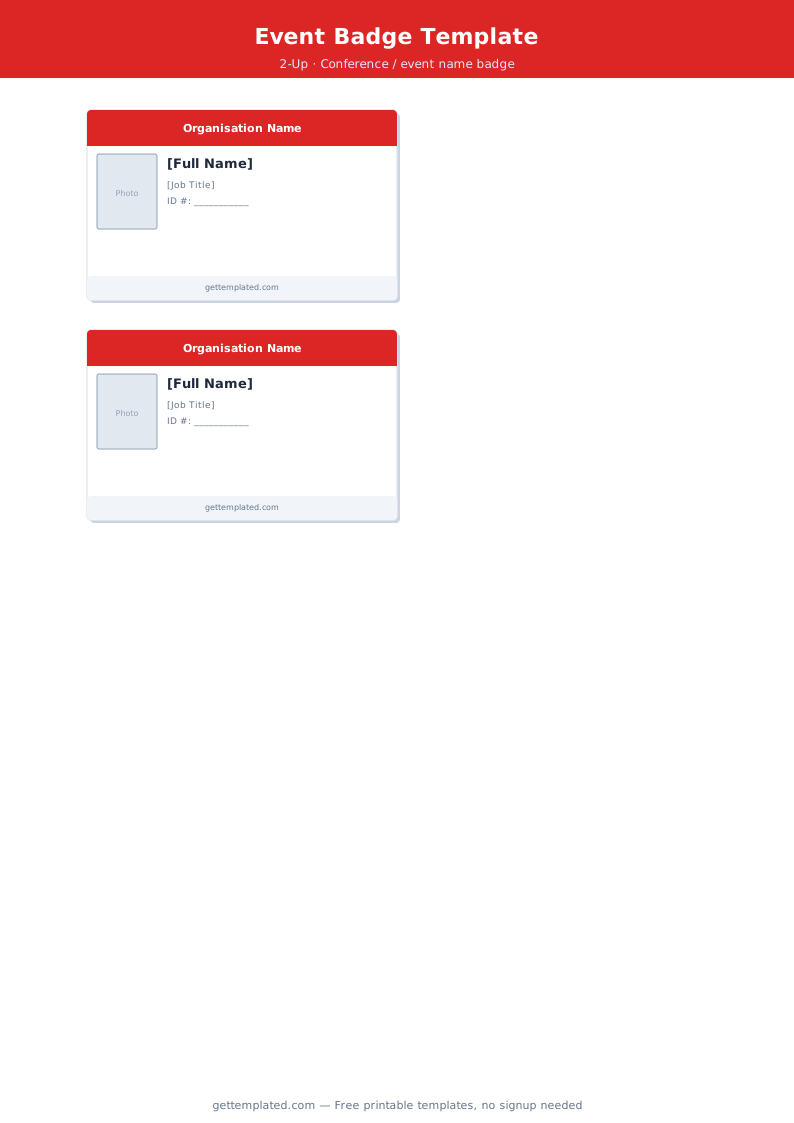
Businesses use employee ID card templates for staff badges that handle access control, visitor management, and professional identification. Event organizers use name badge templates for conferences and trade shows. Schools use student ID templates for lunch programs and library access. Healthcare providers and brokers use insurance card templates to produce or mock up the wallet-sized cards patients carry to appointments.
The same template structure also works for non-official purposes: loyalty and membership cards, punch cards for small-business reward programs, novelty cards for games and costume props, and placeholder cards for design presentations.
- Employee ID badges: businesses print staff cards with name, title, department, employee number, and photo for building access and visitor identification
- Conference and event name badges: organizers use name badge templates for attendee, speaker, and staff identifiers at trade shows and networking events
- Student ID cards: schools use student ID templates for cafeteria programs, library borrowing, bus passes, and student discount applications
- Membership cards: gyms, clubs, libraries, and community organizations give members a physical card as proof of status
- Insurance cards: brokers and HR departments use insurance card templates to produce or prepare placeholder wallet cards with member ID and coverage details
- Punch cards and loyalty cards: small businesses use a simplified card template with a grid of circles or boxes that get stamped to track loyalty program progress
What to Include on an ID Card
The right fields depend on what the card is for, but these are the standard elements that appear across the most common ID card types. Including more information than the card actually needs creates a cluttered, hard-to-read layout, while leaving out key fields reduces the card's usefulness.
- Organization name and logo: the most important trust signal on any ID card; should be prominent and in the organization's official brand colors
- Full name: the cardholder's first and last name in the largest readable font on the card, typically 14 to 18 pt even at credit card dimensions
- Photo: a current headshot is standard for employee badges, student IDs, and access control cards; optional for name badges and membership cards
- Title or role: job title, department, student year, or membership tier positioned directly below the name
- ID or member number: a unique numeric or alphanumeric identifier for database lookups, access control, and verification
- Expiration date: particularly important for insurance cards, event passes, and membership cards with an annual renewal cycle
- Barcode or QR code: a machine-readable version of the ID number for quick scanning at entry points, libraries, or point-of-sale systems
- Emergency contact (back of card): a name and phone number common on student IDs and employee badges for large organizations
How to Make and Print an ID Card Template
You can create ID cards using a dedicated card printing application, a general design tool like Canva or Adobe Express, or a word processor. Each approach involves the same setup steps even if the specific menus differ.
- Set your canvas to CR80 dimensions: create a new document at 3.375 x 2.125 inches (85.6 x 54 mm). For home printing, set resolution to 300 dpi, which means a pixel dimension of approximately 1013 x 638 px
- Add a background: fill the card background with your organization's primary brand color, a gradient, or white. A solid background is the most consistent choice for home and office printers
- Place the organization logo in the top area: keep it no taller than 0.5 inches so the name and key fields have enough room below it
- Reserve the photo area: if the card includes a photo, mark a consistent rectangle on the left or right side (1 x 1.25 inches is standard for employee badges); replace this placeholder with each person's actual headshot
- Add text fields in size order: put the cardholder's name in the largest font on the card, then add title, department, and ID number in progressively smaller sizes
- Add barcode or QR code if needed: place it at the bottom of the front face or on the card back, leaving at least 0.3 inches of clear space around it for scanner readability
- Print on heavy cardstock and cut: for small quantities, print on 80 lb cardstock or heavier and cut with a guillotine trimmer. Use a corner rounder punch for the rounded corners typical of standard cards
- Laminate for daily use: for cards handled every day, apply a pouch laminate after printing or use a laminating card printer. Lamination protects the card face from smearing and extends its lifespan significantly
ID Card Variations and Related Card Formats
The CR80 card format is shared by many different card types beyond employee badges. Knowing the common variations helps you pick the right template structure for your specific purpose.
- Name badge template: simpler than a full ID card, with just name, title, and company; no photo or ID number; typically printed on adhesive label stock (Avery 5392 or 8395 size) for single-use events rather than card stock
- Insurance card template: includes member ID number, group number, plan name, insurer contact information, and often a summary of copay amounts on the back; used by brokers and HR teams to print placeholder cards while official cards are in transit
- Punch card template: a simplified grid of circles or boxes that get stamped to track loyalty program progress; typically includes the business name, a reward offer, and contact information
- Name plate template: a wider, shorter format (typically 2 x 8 inches) for a desk nameplate rather than a portable badge; displays name and title in larger text meant to be read from across a desk
- Passport template (novelty): a full-page layout in booklet format for costumes, educational activities, or games; not a real travel document and should never be represented as one
- License plate template (novelty): a rectangular layout in standard plate proportions used for custom room decor, novelty gifts, or personalized display items
ID Card Design Tips and Mistakes to Avoid
Most ID card problems fall into two categories: design choices that make the card hard to read, and print setup errors that produce poor quality or misaligned results. These are the most common issues and how to prevent them.
- Text too small to read: the name field needs to be readable from arm's length (about 18 to 24 inches away); use at least 14 pt for the name even on a small card
- Photo placed too close to the card edge: leave at least 2 to 3 mm between the photo boundary and the card edge, especially if laminating or cutting, since slight shifts can clip the image
- Low-resolution source photo: a blurry headshot looks unprofessional and can make the card harder to verify; a 1 x 1.25 inch photo at 300 dpi requires a source image of at least 300 x 375 pixels, but 600 x 750 px or higher gives noticeably sharper results
- Inconsistent field placement across multiple cards: use locked frame positions in your template so every card has the name, photo, and logo in exactly the same location; cards with drifting field placement look like they were made in a hurry
- Printing on standard 20 lb paper: thin paper is too flimsy for a card that will live in a wallet; use at least 80 lb cardstock for home-printed cards
- Skipping lamination for cards used outdoors or daily: cards used at construction sites, outdoor events, or scanned multiple times per day need lamination or UV overlay to prevent fading and ink smearing
The template