What Is a Certificate Template and Who Uses One
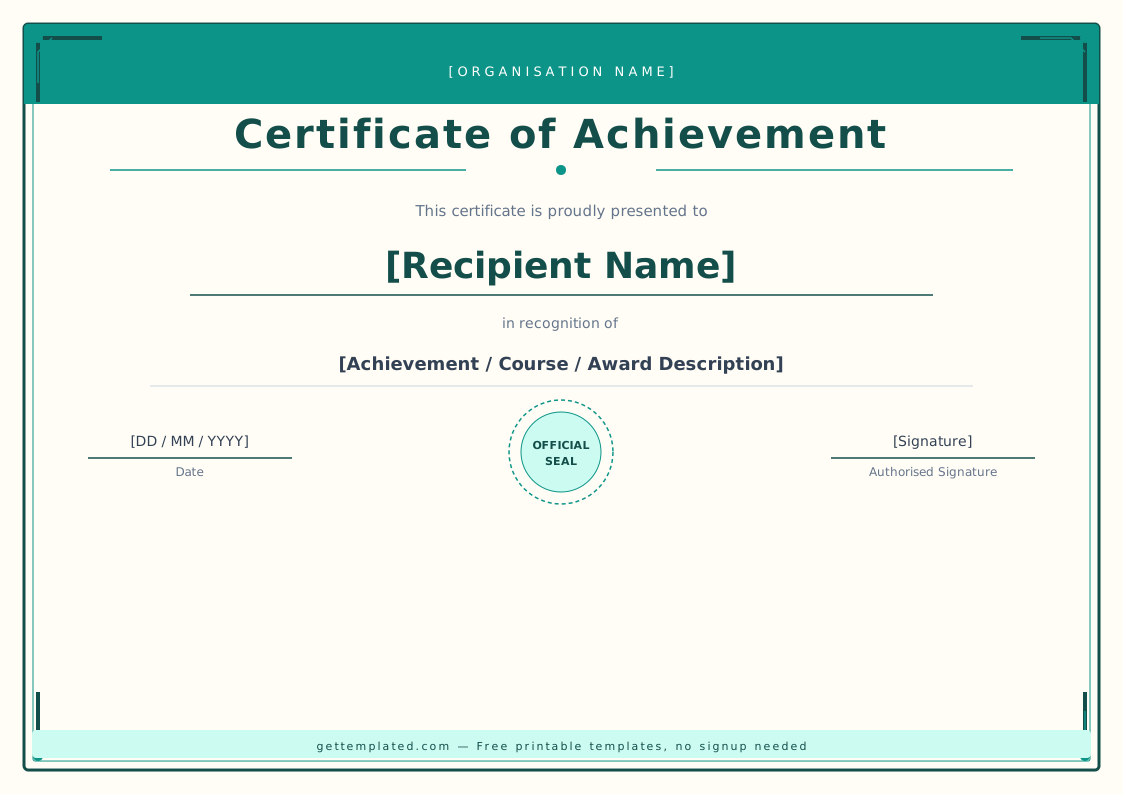
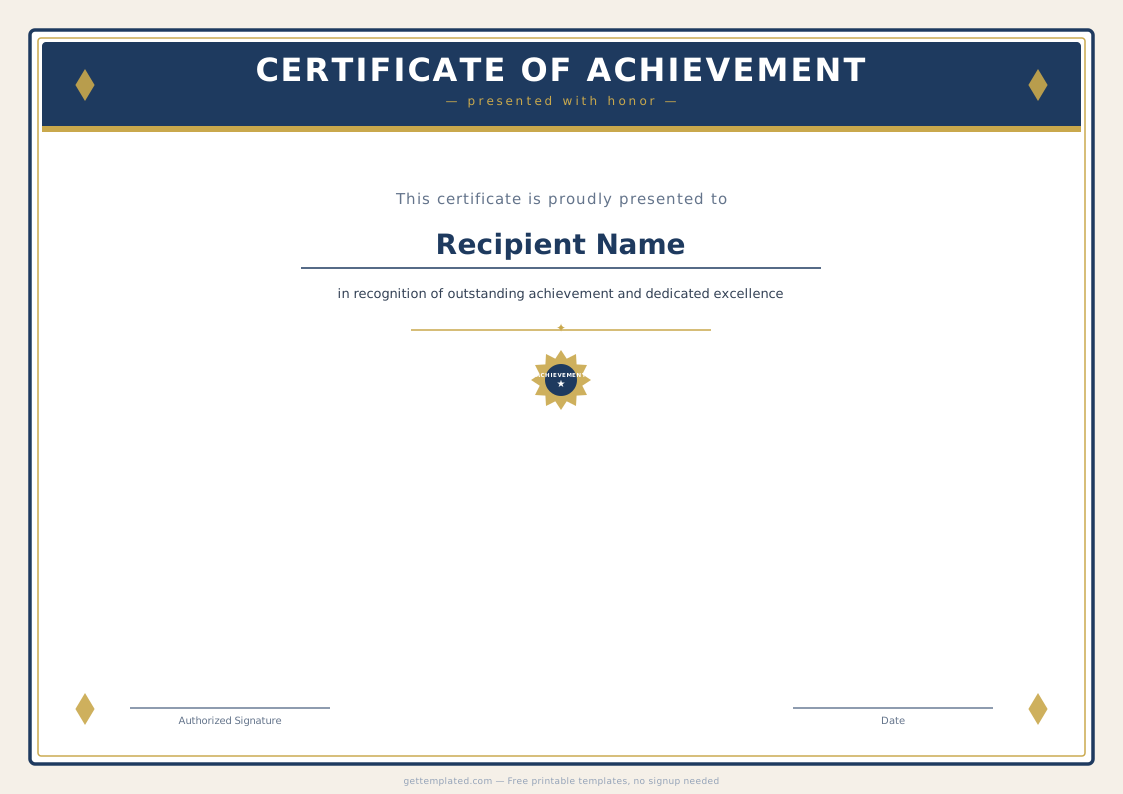
A certificate template is a pre-structured document layout that you fill in with a recipient's name, the reason for recognition, and an authorizing signature. The layout does the visual work (formal borders, centered text hierarchy, signature lines) so you only need to supply the specific details.
Schools, training programs, employers, nonprofits, and event organizers all issue certificates regularly. Having a blank certificate template ready means you can produce one in minutes instead of building a layout from scratch each time. The same base template works for everything from a certificate of completion for a course to an award certificate for employee of the month.
- Teachers issuing completion or achievement certificates to students
- HR teams recognizing employee milestones and years of service
- Training programs certifying course completion
- Event organizers awarding competition winners
- Businesses creating gift certificate templates for customers
- Nonprofits honoring volunteer contributions
What to Include in a Certificate
A well-designed certificate includes a small set of required elements. Leaving any of these out makes the document look unofficial or incomplete.
- Issuing organization name (and logo if printed)
- Certificate title: e.g., Certificate of Completion, Award Certificate, Certificate of Appreciation
- Recipient's full name, centered in a larger or bold font
- Reason for recognition: course name, achievement description, or service period
- Award date in full format (Month Day, Year)
- One or two signature lines with printed name and title below each
- Certificate number or ID (optional, useful for verification)
How to Make a Certificate in Word or Google Docs
You do not need design software to create a professional certificate. Word and Google Docs both have the text formatting and border tools needed to produce a clean result.
- Open a new document and set the page orientation to Landscape (File > Page Setup)
- Set margins to 0.75 inches on all sides to leave room for a border
- Add a page border: in Word, go to Design > Page Borders; in Google Docs, use a bordered table that fills the page
- Type the certificate text using the template above, centering each element
- Set the recipient name in a larger font (24-28pt) and bold to make it the visual focal point
- Add a horizontal rule or blank line above each signature line
- Print on cardstock (80 lb or heavier) for a formal result, or export to PDF to email or display digitally
Certificate Types and When to Use Each
Different occasions call for slightly different language and emphasis. Here is how the most common certificate types differ.
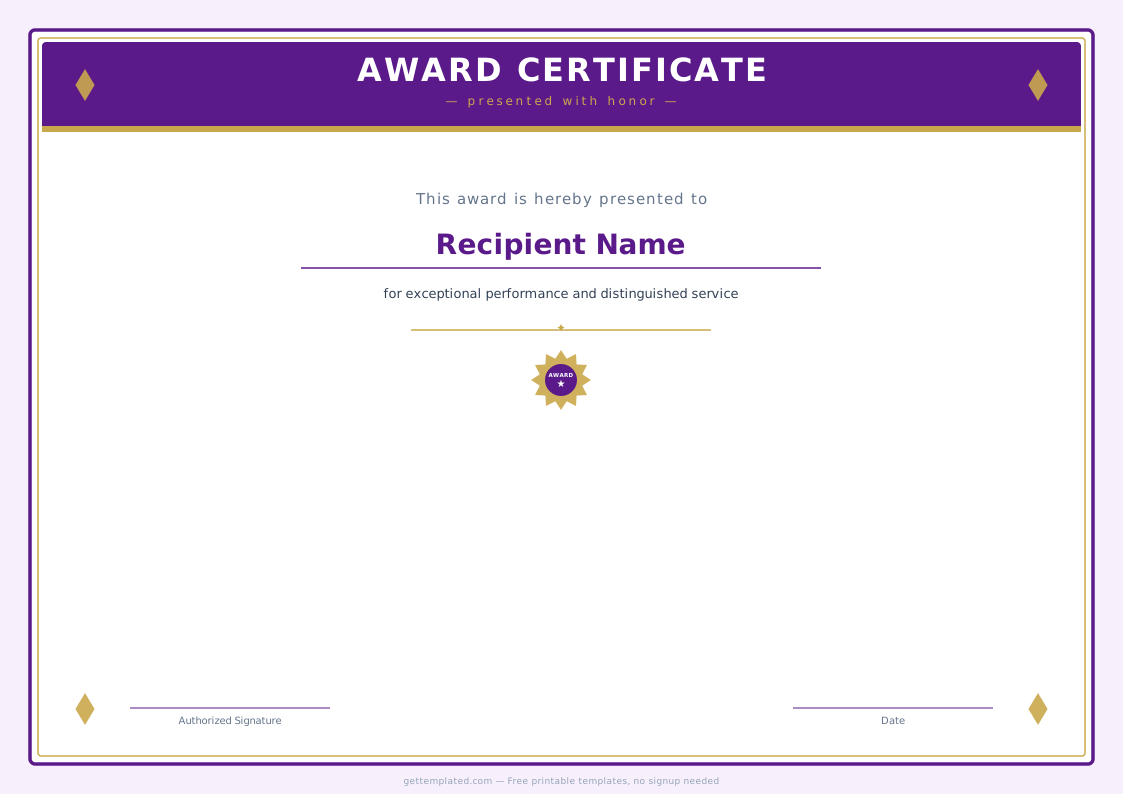
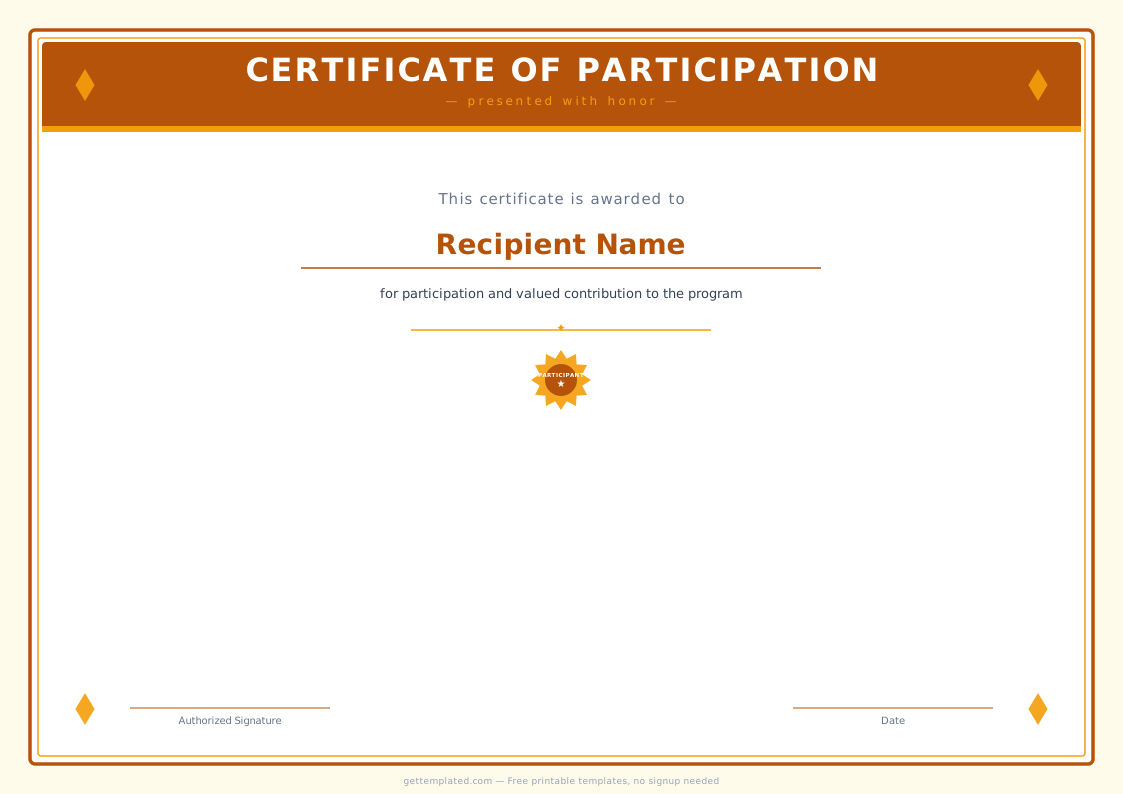
A certificate of completion states that a person finished a defined program, course, or training. A certificate of achievement recognizes performance above a threshold, top score, highest sales, most improved. A certificate of appreciation thanks someone for a contribution without implying they met a performance standard. A gift certificate template has a different structure entirely: it specifies a dollar value, expiration date, and the business offering it. A birth certificate template and baptism certificate template follow official or ceremonial formats with specific fields for dates, parents, and officiants.
- Certificate of completion: course or program finished
- Certificate of achievement: performance recognized
- Certificate of appreciation: contribution thanked
- Award certificate: winner or honoree named
- Gift certificate: monetary value assigned to a recipient
- Certificate of authenticity: item or product verified
- Certificate of origin: goods' country of manufacture stated
Tips for a Professional Certificate Design
Presentation matters when handing someone a formal recognition. A few simple choices make the difference between a certificate that looks official and one that looks like a quick printout.
- Use a serif font (Georgia, Times New Roman) for the recipient name and main text, they read as more formal than sans-serif
- Limit yourself to two font styles maximum to keep the layout clean
- Print on off-white or cream cardstock rather than plain white for a more premium feel
- If using a digital certificate template, export to PDF before sending so the layout does not shift between devices
- For a free editable certificate template in Word, use the Microsoft Word Certificate template under File > New > search 'certificate'
- Add a gold or colored border to distinguish the certificate visually from a regular document
- Sign in blue ink on printed certificates to make the signature clearly original rather than printed
Types of Certificates and When Each Format Works Best
Certificates serve recognition purposes across a wide range of settings, from formal academic institutions to informal community programs. Understanding the distinctions between common types helps you choose the right wording and layout for each occasion.
Academic certificates include diplomas, honor roll certificates, and certificates of completion for courses. These typically use a formal tone, serif typography, and an institution's official seal or logo. The recipient's full name appears in a larger, centered font, and the body text references the specific program, dates, and credential awarded.
Employee recognition certificates cover milestones like years of service, employee of the month, or project excellence awards. Corporate certificates usually include the company logo and are signed by a manager or executive. They are often printed on heavier paper stock and may include a gold or silver foil seal for premium occasions.
Training and compliance certificates confirm that a person completed a required course. Safety training, HIPAA compliance, first aid certification, and similar programs issue these regularly. The wording centers on the specific training completed, the date, and any expiration date if the certification needs to be renewed.
Gift certificate templates differ from recognition certificates in structure. Instead of a recipient and issuer relationship, a gift certificate specifies a monetary value or specific service, the issuing business, an expiration date, and redemption instructions. Design conventions lean toward the business's branding rather than formal certificate aesthetics.
- Academic: diplomas, honor roll awards, course completion certificates with institution seal
- Employee recognition: years of service, employee of the month, project excellence
- Training and compliance: safety, first aid, HIPAA, or other required certification programs
- Gift certificates: business-branded, includes dollar value or service, expiration date, and redemption terms
- Athletic: trophies and certificates for sports competitions, leagues, and tournaments
- Volunteer recognition: community service hours, outstanding contribution, nonprofit programs
The template