What Is a Poster Template and What Are the Most Common Types
A poster template is a pre-formatted document with defined layout zones for a headline, image, body content, and contact or credit information. Templates exist because effective posters follow consistent visual hierarchy rules: the most important information is largest, supporting details are smaller, and contact information anchors the bottom.
Poster templates span a wide range of purposes. The most searched categories include wanted poster templates (used for parties, games, classroom activities, and novelty gifts), missing poster templates (for lost pets or missing persons), and research poster templates (for academic conferences and science fairs). Each type has different layout priorities and content requirements.
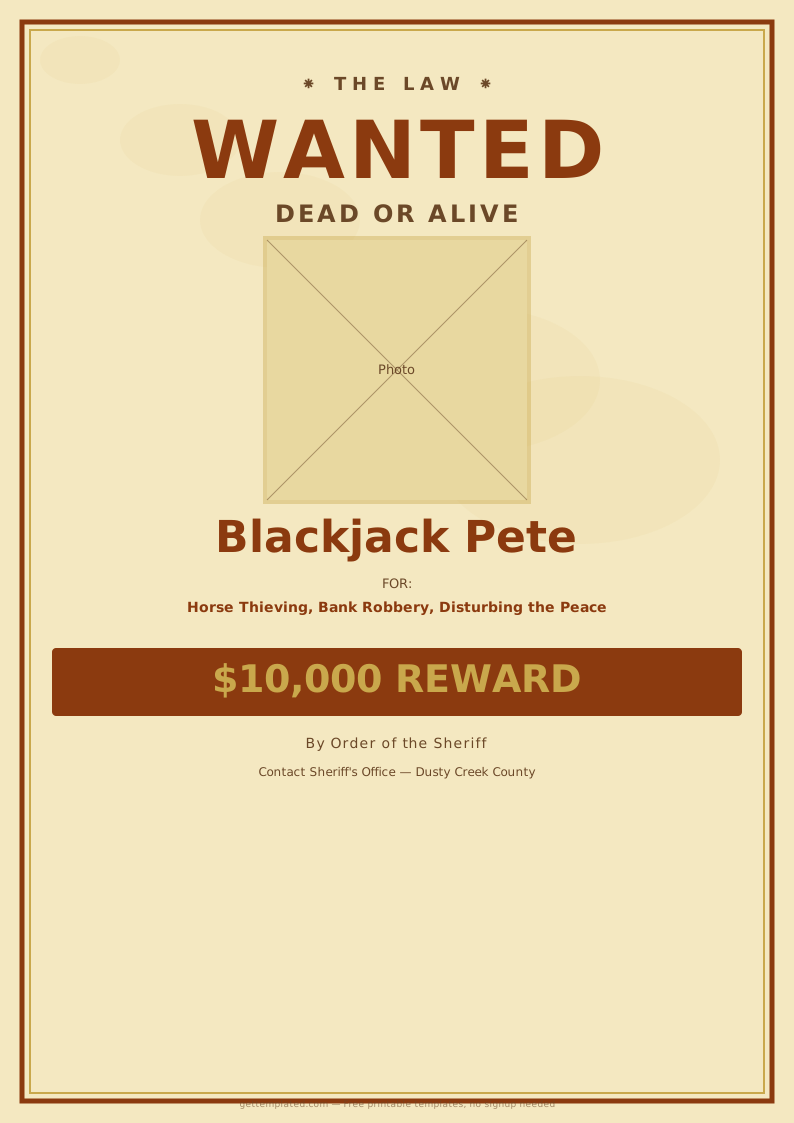
- Wanted poster template: Classic Old West or modern law enforcement style, used for novelty, party decorations, classroom projects, and online games
- Missing poster template: Used to report a lost pet or person, includes photo, description, and contact details
- Research poster template: Used at academic conferences and science fairs, presents a study question, methods, results, and conclusions
- Movie poster template: Designed to mimic professional film promotion graphics, popular for fan projects and school assignments
- Scientific poster template: Similar to research posters but more technical, used in graduate and professional science settings
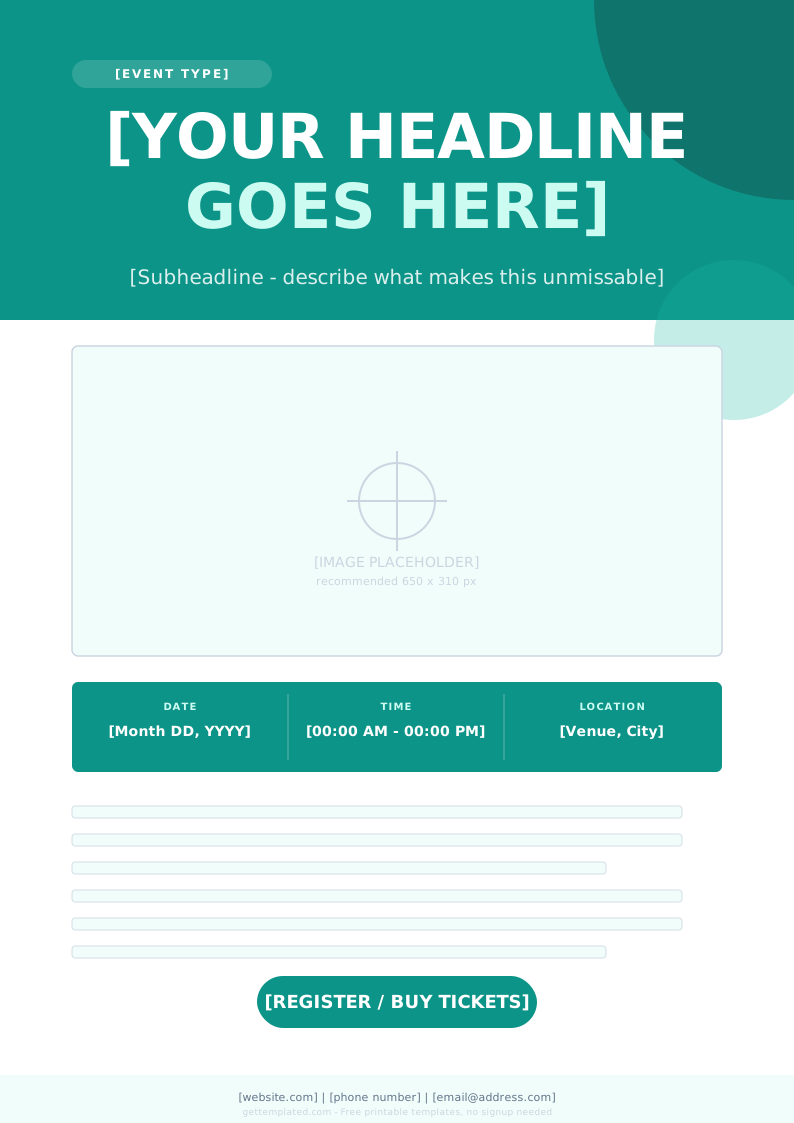
- Event poster template: Announces a concert, party, fundraiser, or community event with date, time, and location
What to Include in a Poster Template
Every poster type has a different content priority, but all effective posters share the same structural principle: the viewer should understand the main message within three seconds of looking at the poster. Everything else on the page supports that primary message.
For informational posters like missing pet or wanted posters, clarity and completeness matter most. For research and academic posters, the logical flow from question to findings is the priority. For event and promotional posters, visual impact and the key logistical details (what, when, where) drive the design.
- Headline: The single most important piece of information in the largest font
- Image: A clear, high-contrast photo or graphic in the most prominent position
- Key details: The essential facts a viewer needs to take action (description, date, location, reward)
- Contact information: How to reach you, clearly placed at the bottom or in a visually distinct zone
- Organization or attribution: Who made the poster and when, for accountability and credibility
- For research posters: Title, authors, institution, introduction, methods, results, and conclusions in a logical left-to-right or top-to-bottom reading order
How to Make a Poster Using a Template Step by Step
Creating a poster from a template is faster than designing from scratch, but the quality of the result depends on how well you adapt the structure to your specific content. These steps work whether you are using a PowerPoint poster template, a Canva layout, a Google Docs template, or a printable Word document.
- Choose the right template type for your purpose. A wanted poster template has a very different structure from a scientific poster template.
- Set the dimensions before you start editing. Standard sizes: 8.5 x 11 inches for letter-sized, 11 x 17 for tabloid, 24 x 36 or 36 x 48 inches for conference research posters.
- Add your headline first. This is the most important element and sets the visual weight for everything else.
- Insert the main image or graphic. For missing posters, use the clearest, most recent photo available. For research posters, this is typically your key result chart or figure.
- Fill in the body content. Use short sentences and bullet points rather than paragraphs wherever possible.
- Add contact information in a distinct zone, typically the bottom third of the poster.
- Check that the most important information is still legible at a distance. Print a small test version and view it from across the room.
- Export as a PDF for printing to preserve fonts and layout precisely.
Research Poster Template Guide for Academic Conferences
An academic or scientific poster template follows a standardized structure that conference attendees expect. Unlike a promotional poster, a research poster needs to present a complete study in a format that can be read in about three minutes by someone walking past your display board.
Most academic conferences specify a maximum poster size, typically 36 x 48 inches or 48 x 36 inches, and some require a specific format for the title block. Always check the conference guidelines before finalizing your layout.
- Title block at the top: Study title, author names, institutional affiliations, and any funding acknowledgment
- Introduction or background: One short paragraph stating the research question and why it matters
- Methods: Brief description of how the study was conducted, with enough detail for replication
- Results: Key findings presented in charts, graphs, or tables with a short explanatory caption for each
- Discussion or conclusions: What the results mean, limitations of the study, and future directions
- References: A small-font list of 3 to 5 key citations
- Contact information: Email and QR code linking to the full paper if available
Missing Poster Template Tips for Lost Pets and Persons
A missing poster template for a lost pet or person has one job: get the information into the hands of people who can help, quickly and clearly. The design should be as simple as possible, with maximum contrast between the text and background so the poster is readable at a glance or from a car window.
- Use the word MISSING in large, bold type at the top. This is what catches the eye first.
- Include the clearest available photo. For a pet, use a well-lit photo that shows distinguishing markings. For a person, use a recent, clear headshot.
- Describe specific identifying features: size, weight, color, breed for pets; hair color, eye color, clothing last worn for people.
- Include the date and exact location last seen.
- Add a reward amount if applicable. It significantly increases the number of people who will actively look.
- List your phone number in large text. Do not rely on email alone.
- Post at eye level on telephone poles, community boards, and in local veterinary offices, shelters, or grocery stores.
The template