What Is an Instagram Template?
An Instagram template is a pre-designed layout for a post, story, carousel, or reel. It comes with placeholder text, images, and a visual style already configured so you can swap in your own content without building the design from scratch.
Templates are useful because Instagram rewards consistency. Accounts with a recognizable visual style (consistent colors, fonts, and layout) tend to get more followers and more saves than accounts with a random mix of design styles. Using the same template family for all your posts is one of the fastest ways to make your feed look professional even if you have no design background.
Instagram templates are not limited to graphics. Caption templates help you structure your posts for maximum engagement. Bio templates help you communicate your value proposition in the four lines Instagram gives you. Reel and story templates give you animated screen layouts with text and sticker positions already planned.
- Pre-designed layouts for Instagram posts, stories, carousels, and reels
- Available in tools like Canva, Adobe Express, and Instagram's native story editor
- Help maintain a consistent visual style across your feed without a graphic designer
- Include both graphic templates (for the image) and caption templates (for the text)
- Blank Instagram post templates let you build your own look using a clean base
- Editable on mobile or desktop with no design skills required
Types of Instagram Templates
Instagram content comes in several formats, and each one has its own template conventions. Here are the main types and what each is used for:
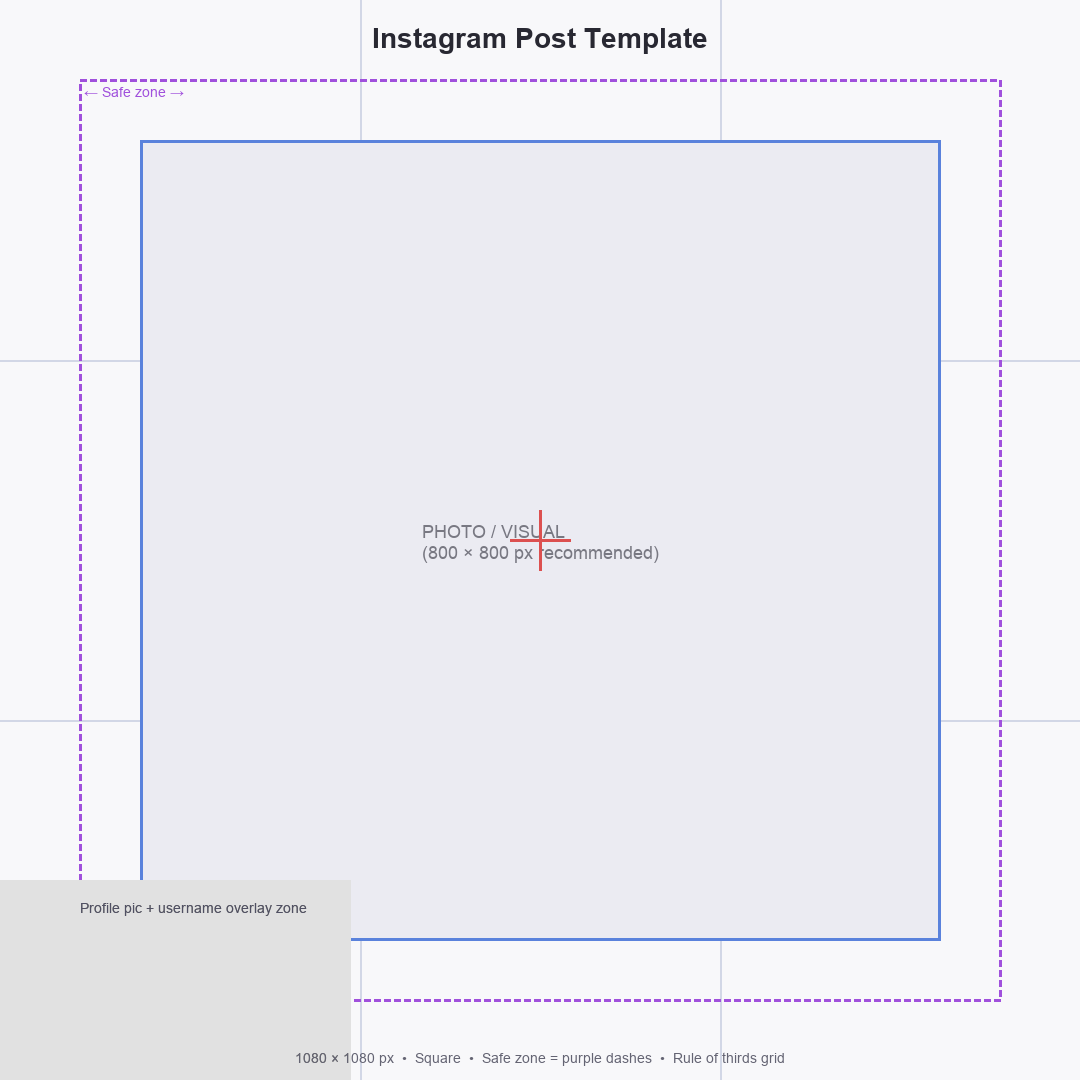
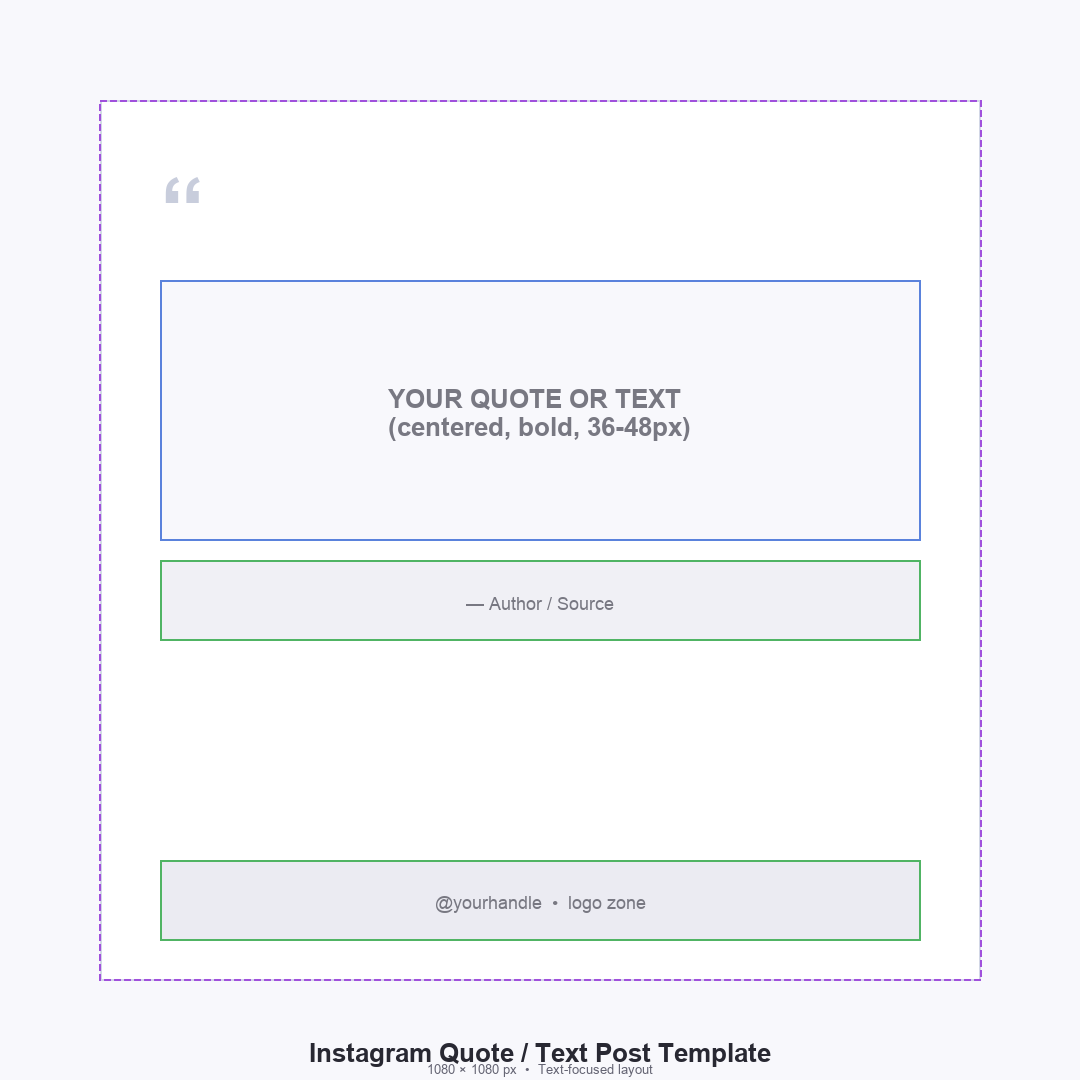
- Instagram post template: a 1:1 square (1080x1080px) or 4:5 portrait (1080x1350px) graphic for feed posts; covers promotional posts, quotes, infographics, and product images
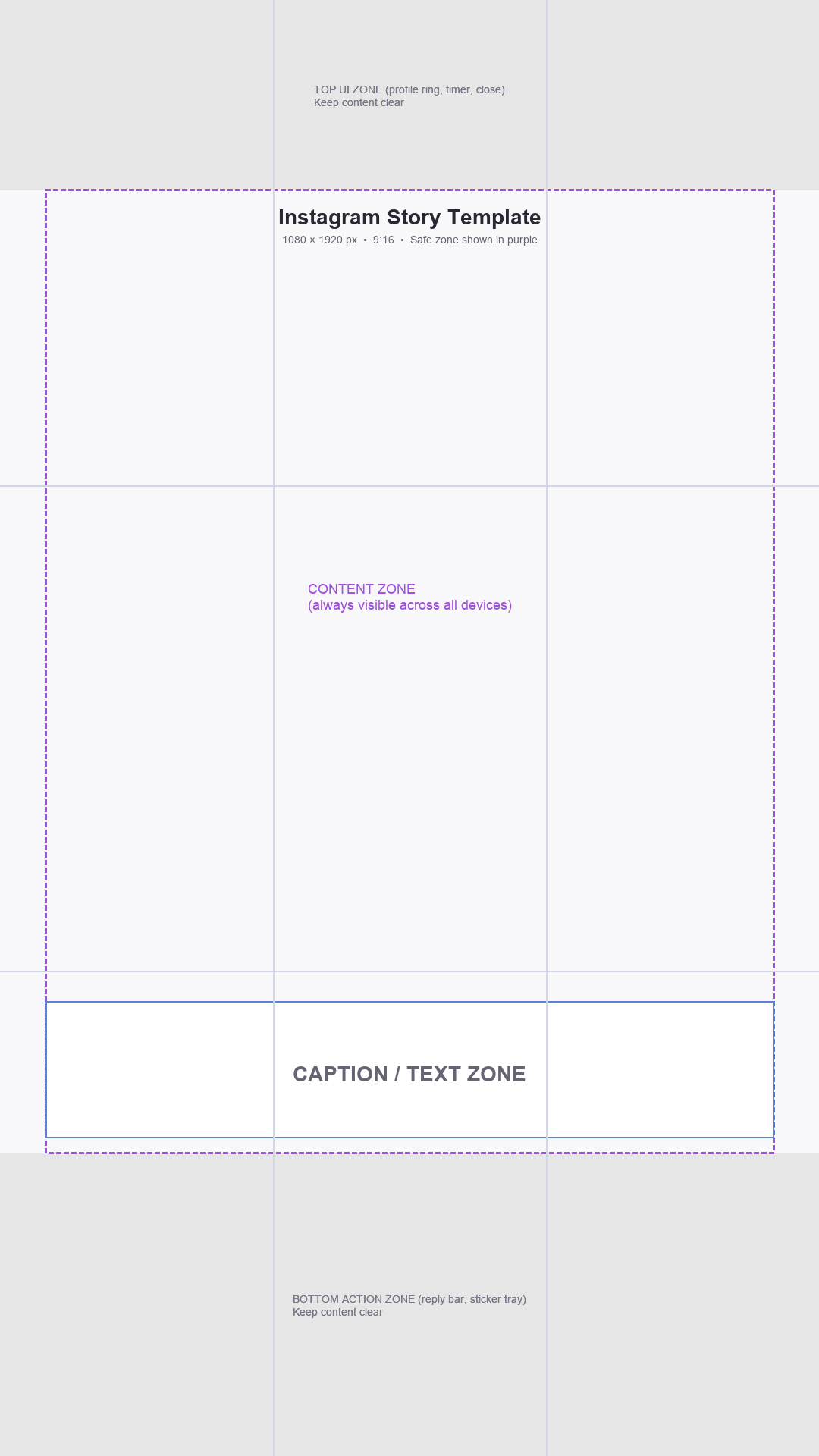
- Instagram story template: a 9:16 vertical format (1080x1920px) used for 24-hour stories; includes layouts for polls, questions, countdowns, and swipe-up links
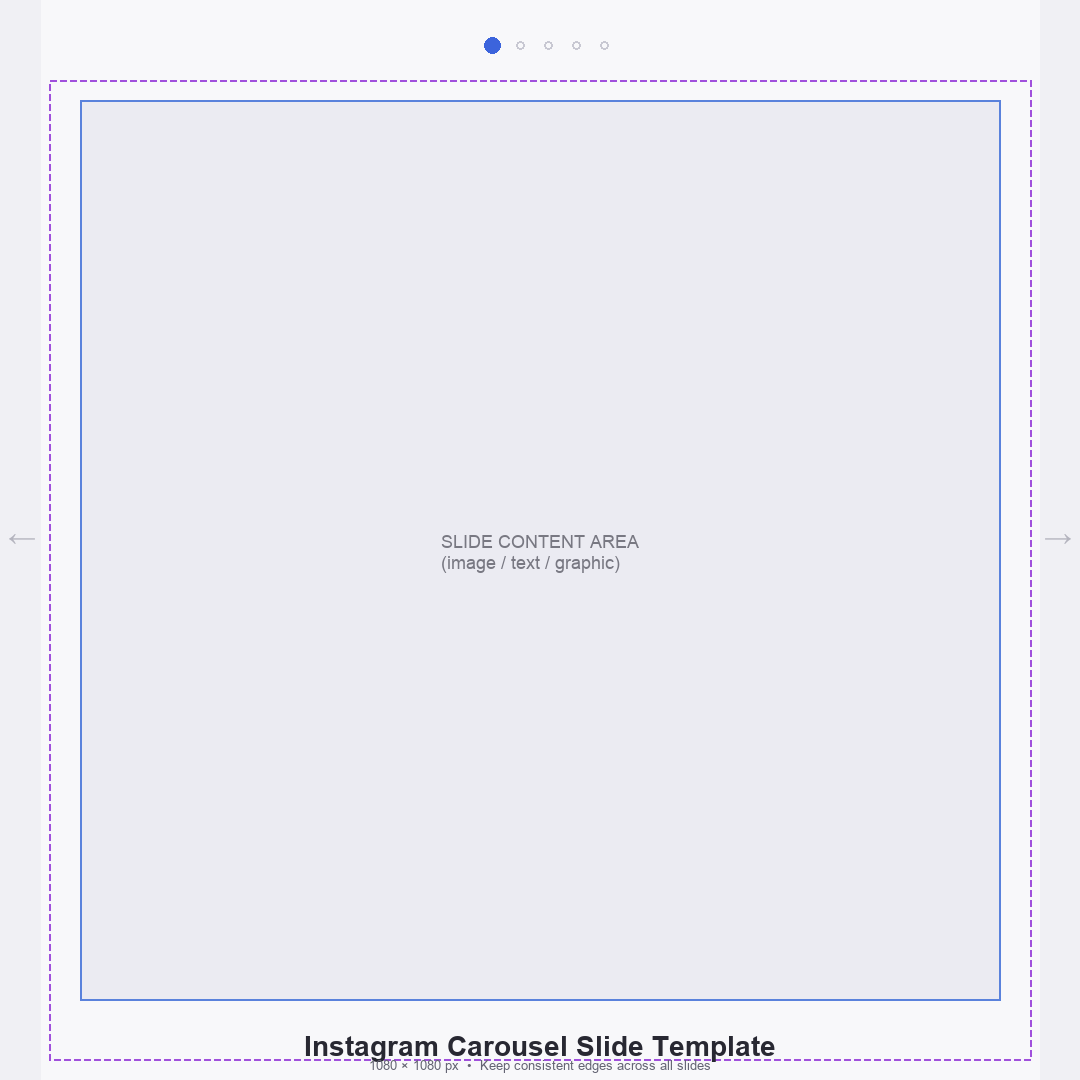
- Instagram carousel template: a series of 2-10 connected square or portrait images that viewers swipe through; popular for tutorials, listicles, and before-and-after content
- Instagram reel template: a pre-cut video layout with timed text overlays and transitions synced to music; available directly inside the Instagram Reels editor
- Blank Instagram post template: a plain background with no imagery, just a solid or gradient color, used as a base for minimalist posts or quote graphics
- Instagram profile template: a set of coordinating post templates designed to look visually unified when viewed together on your profile grid
- Instagram bio template: a text format guide for your 150-character bio section, covering what to say in each of the four lines
Where to Find Free Instagram Templates
You have several good options for free Instagram templates, depending on whether you need static graphics, animated stories, or video reel layouts:
- Canva (canva.com): the most popular source for Instagram templates; search "Instagram post" in the template library and filter by free. Thousands of options including blank Instagram templates and full carousel sets
- Adobe Express (formerly Adobe Spark): a free browser tool from Adobe with Instagram post and story templates; good for clean, professional-looking designs
- Instagram's native editor: for stories and reels, Instagram itself has a built-in template library. Tap the sticker icon in stories or use Reels templates for ready-made video layouts
- Unfold (unfold.com): a mobile app focused on story templates with a large free library of minimalist and aesthetic story layouts
- Mojo: a mobile app specializing in animated story and reel templates; free tier has a solid selection
- Pinterest: search for "free Instagram template" to find downloadable Canva template links shared by creators
- Etsy: many sellers offer free templates as a sample alongside paid packs; search "free Instagram template" and filter by price
How to Customize an Instagram Template
Customizing an Instagram template in Canva takes under five minutes for a basic post. Here is the standard process:
- Go to Canva and search for "Instagram post template" or choose a specific type like carousel or story
- Filter by free templates to see the no-cost options
- Click a template to open it in the editor
- Click on each text box and replace the placeholder text with your own content
- Click on any image and select Replace to swap it with your own photo or a free stock image from Canva's library
- Change colors to match your brand by clicking on any colored element and selecting a new color from the panel
- Update fonts to match your brand's style by selecting text and choosing a new font
- Download the finished post as a PNG or JPEG for static images, or as an MP4 for animated designs
- Upload directly to Instagram or schedule via a tool like Later or Buffer
Instagram Content Tips for Better Engagement
A well-designed template helps your post stand out visually, but the caption and posting strategy determine whether it actually gets engagement. These are the practices that consistently drive more reach and saves.
- Lead every caption with a hook: the first line is the only text visible before the "more" cut-off; make it a question, a bold statement, or a surprising fact
- Carousels get the most saves and reach: Instagram's algorithm pushes content that keeps people swiping; a 5-10 slide carousel tutorial consistently outperforms single image posts
- Use 5-10 specific hashtags rather than 30 generic ones: niche hashtags (#[yourtopic]tips) reach the right audience more effectively than maxing out with broad tags
- Post at the times your specific audience is active: check Instagram Insights for your account's peak activity times rather than following generic "best times to post" advice
- Consistent visual templates build a recognizable feed: pick two or three template styles and stick with them across all posts so your grid has a coherent look
- Stories drive daily engagement: even if your main feed is polished and templated, raw, authentic stories with polls and questions keep followers engaged between major posts
- Reuse high-performing templates: when a post format gets strong saves or shares, turn it into a repeatable series using the same template layout
The template