What a Zine Template Is and Who Makes Zines
A zine (short for magazine or fanzine) is a small, self-published booklet typically produced in limited quantities and distributed by hand, at events, or by mail. The format has roots in science fiction fan communities of the 1930s, punk culture of the 1970s and 1980s, and riot grrrl movement of the 1990s. Today, zines are made by artists, writers, activists, teachers, students, and anyone who wants to share something without going through traditional publishing.
A zine template helps you plan and execute the layout before you draw, write, or print a single panel. The most accessible zine format is the one-sheet, eight-panel mini zine made from a single sheet of letter paper, a pair of scissors, and one straight cut. More ambitious zines use multiple sheets, a stapled saddle-stitched binding, and a more structured magazine layout.
- Artists sharing visual work, illustration portfolios, or comic strips
- Writers publishing poetry, short fiction, or personal essays
- Students completing school creative projects or literary magazine assignments
- Activists distributing political writing or community resources
- Teachers creating classroom reading materials or publishing student work
- Fan creators making publications about music, movies, games, or sports teams
- Small businesses using a zine format for a creative customer newsletter or lookbook
Zine Formats: One-Sheet, Booklet, and Magazine Style
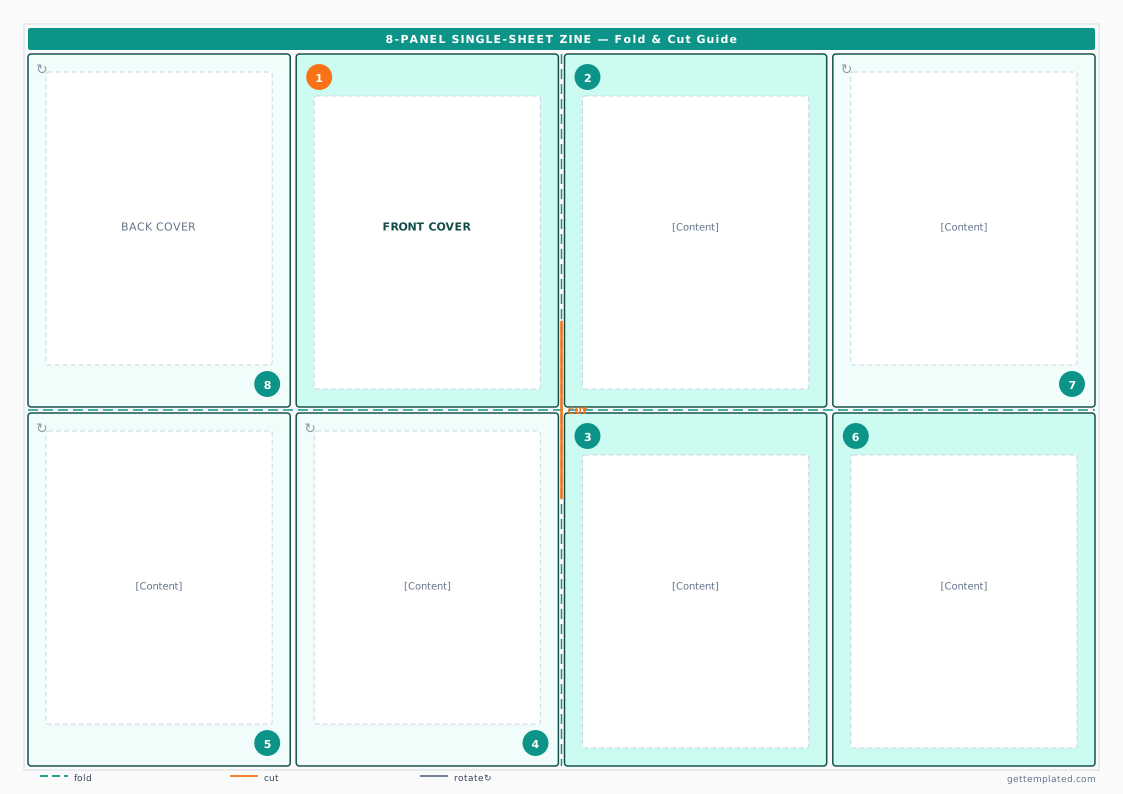
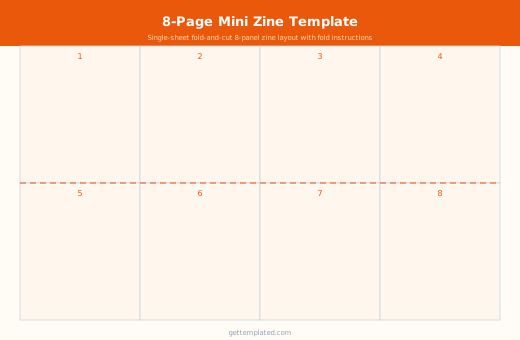
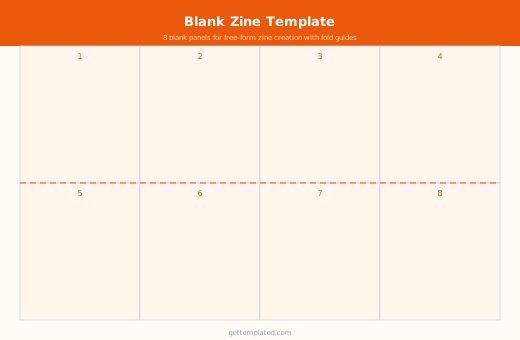
The one-sheet mini zine is the most beginner-friendly format and requires no stapler or special tools. A single sheet of letter paper (8.5 x 11 inches) folds and cuts into an eight-panel booklet. The template above gives you the exact panel arrangement you need for printing. Each panel becomes one page of your eight-page zine, including front and back covers.
A multi-sheet saddle-stitched zine uses multiple folded sheets nested inside each other and stapled at the spine. This format gives you more pages and works better for longer stories, art collections, or anything that needs space. A typical DIY zine with four sheets of letter paper gives you 16 pages plus a cover.
A magazine template or magazine cover template follows a more commercial format with a full-bleed cover image, a masthead (the magazine's title treatment at the top), cover lines pointing to inside stories, and a barcode or date field. This format is used for school magazine projects, student journalism, and any zine that wants a more polished, professional appearance.
- One-sheet mini zine: 8 panels from one sheet, no stapler needed, great for beginners
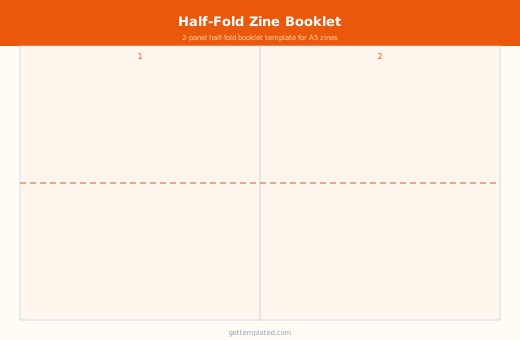
- Half-letter booklet: one sheet folded in half (4 pages), simple and very portable
- Multi-sheet saddle stitch: 16 or more pages, stapled at the spine, more content space
- Magazine format: full cover layout with masthead, cover lines, and structured interior pages
- Canva magazine template: if you want a more designed digital-first magazine cover for print or sharing
How to Make a Zine Step by Step
The one-sheet format is the best starting point because the entire process from blank paper to finished zine takes about 30 minutes. Use the template above as your panel guide, then draw or write in each panel before cutting and folding.
If you are making a more ambitious multi-page zine or using the magazine cover template format, plan your content list first. Decide how many pages you have and what goes on each one before committing anything to paper or screen. This prevents the common problem of running out of space for your best content or having too little to fill the back half.
- Decide on your format: one-sheet mini zine (8 panels) or multi-page booklet
- Plan your content: list every piece of writing, art, or information you want to include
- Assign content to panels or pages using the template as your layout guide
- Draft each panel with writing or sketches, working on the flat sheet before folding
- Refine the content and layout, checking that panels read in the correct order when folded
- Print or draw your final version
- For the one-sheet zine: fold lengthwise, fold widthwise twice, cut the center slit, and push the ends together to form the booklet
- For a multi-sheet zine: nest the folded sheets, align the spines, and staple twice along the fold
Magazine Cover Template: What to Include
A magazine cover template serves a different purpose from a zine front cover. A magazine cover is designed to sell the publication from a rack or to attract clicks when shared digitally. Every element of a good magazine cover serves a specific function, and a template helps you ensure you include them all.
The masthead is the publication's name in a consistent, recognizable treatment at the top of the cover. Cover lines are short, punchy headlines pointing to stories inside the issue. A strong cover image fills most of the space. Issue information (volume, number, date, price) appears in a consistent location, usually the top left corner or the spine. A Canva magazine template or a Google Docs-based magazine template can speed up this process significantly by giving you pre-set zones for each element.
- Masthead: publication name in a consistent font treatment at the top
- Cover image: a strong, high-contrast image that draws attention
- Cover lines: 3-5 short headlines pointing to inside stories
- Issue information: volume, number, date, and price or 'free'
- Barcode and ISSN (optional, for formal distribution or school projects that require authenticity)
- Tagline or subtitle under the masthead for context
Tips for Better Zines and Magazine Layouts
One of the most consistent mistakes in first zines is trying to fill every inch of white space with text or images. White space is not wasted space. It makes content easier to read and gives the eye somewhere to rest. Pick one or two fonts and stick to them throughout the zine rather than using a different font on every panel.
For a classroom zine project, set a consistent content requirement for each student: one poem, one illustration, and one short biography, for example. This keeps the pages coherent when they are compiled into a class zine and makes the assignment scope clear for students.
- Limit yourself to two fonts throughout the whole zine for visual consistency
- Use white space intentionally rather than filling every gap
- Make sure text in each panel is large enough to read after folding and printing
- Test fold a paper mock-up before finalizing your layout
- Number your pages and include a simple table of contents even in a short zine
- For school projects: decide on a consistent content format for all contributors before starting
The template