What Is a Trading Card Template and Who Uses It
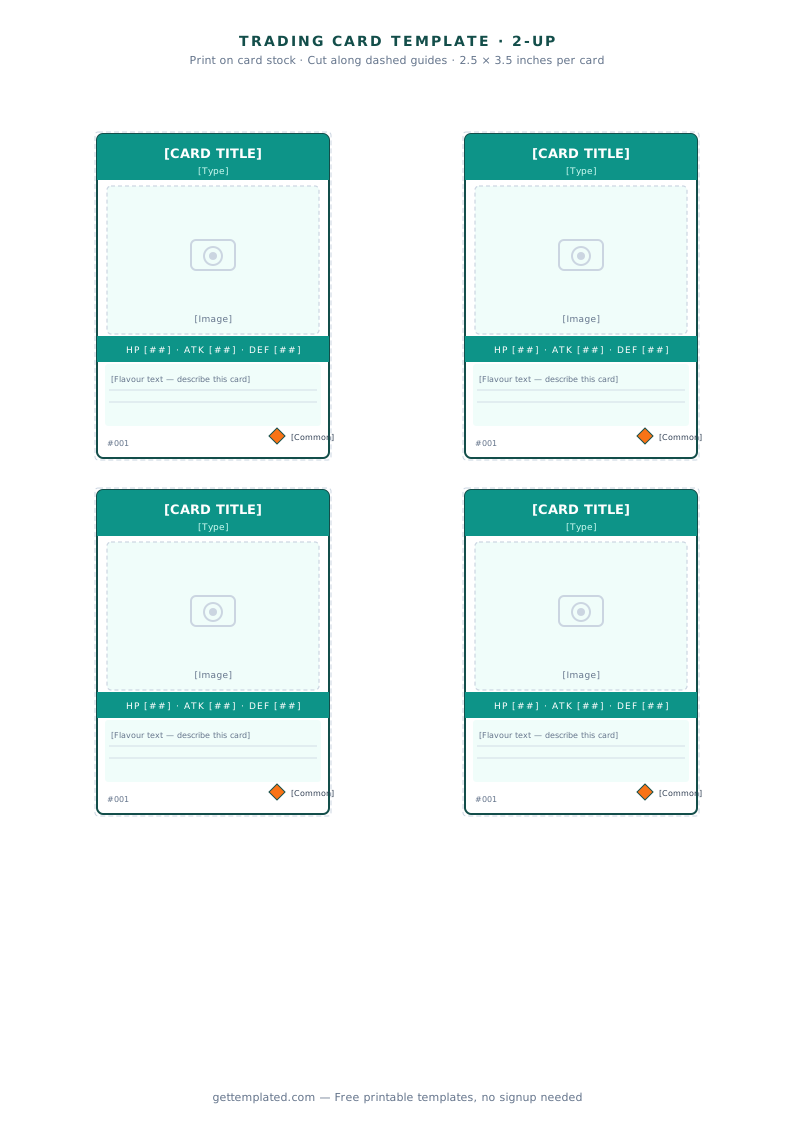
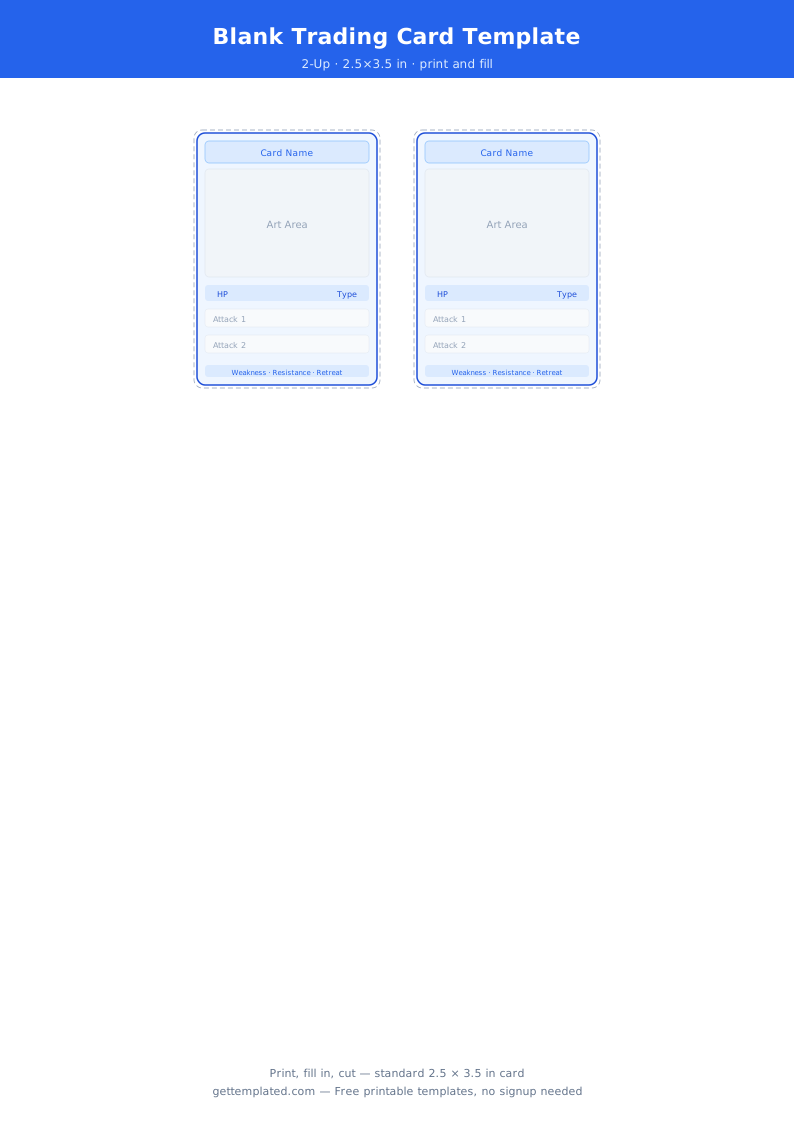
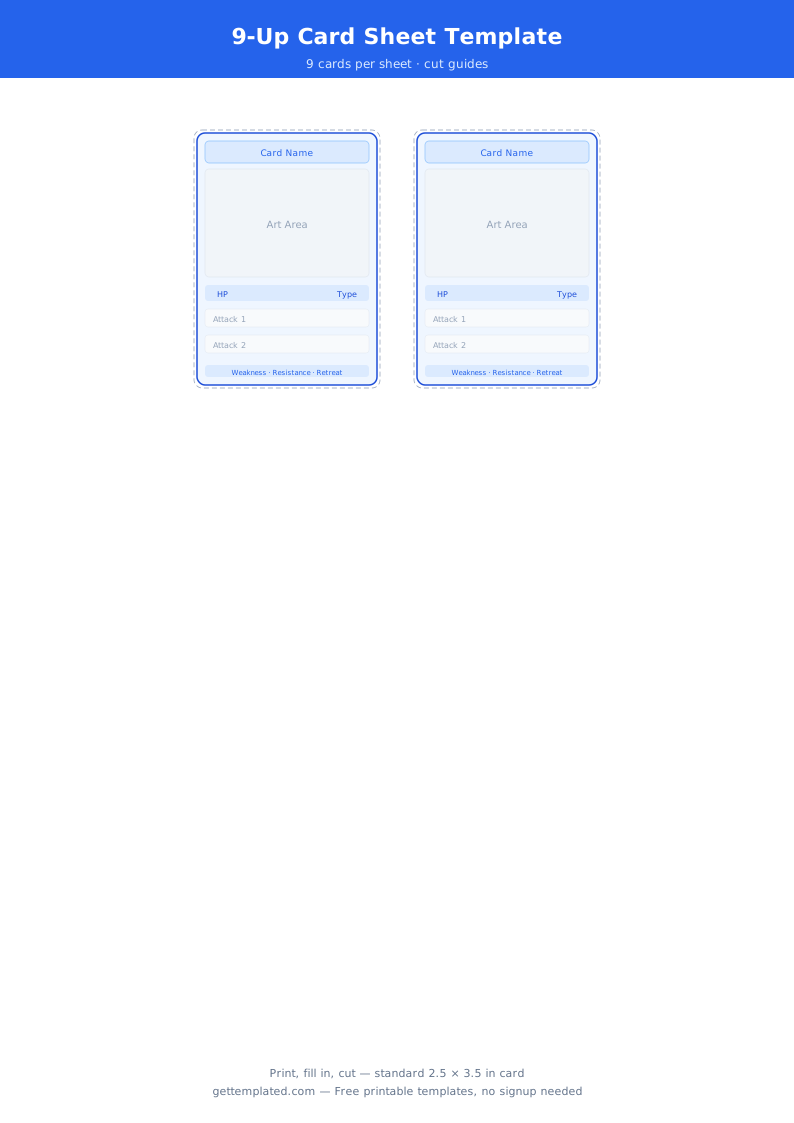
A trading card template is a pre-formatted document or design canvas sized to the standard card dimensions (2.5 x 3.5 inches in the US) with placeholder zones for artwork, a name, stats, and a back panel. Instead of building the layout by hand, you fill in the template and print.
The classic use is sports cards for baseball, basketball, football, and soccer players. But the same format has expanded well beyond sports. Teachers create flash card templates for vocabulary drills, math facts, and science review. Parents design custom family cards or pet cards as personalized gifts. Game designers prototype trading card games with blank playing card templates. Collectors create custom cards for fictional characters, bands, or pop culture sets.
Canva, Google Docs, and printable PDF tools are the most common ways to produce these cards at home or on a small budget.
- Sports fans and parents who want to design custom baseball cards or player cards for a youth team
- Teachers who need a flash card template or index card template for classroom activities
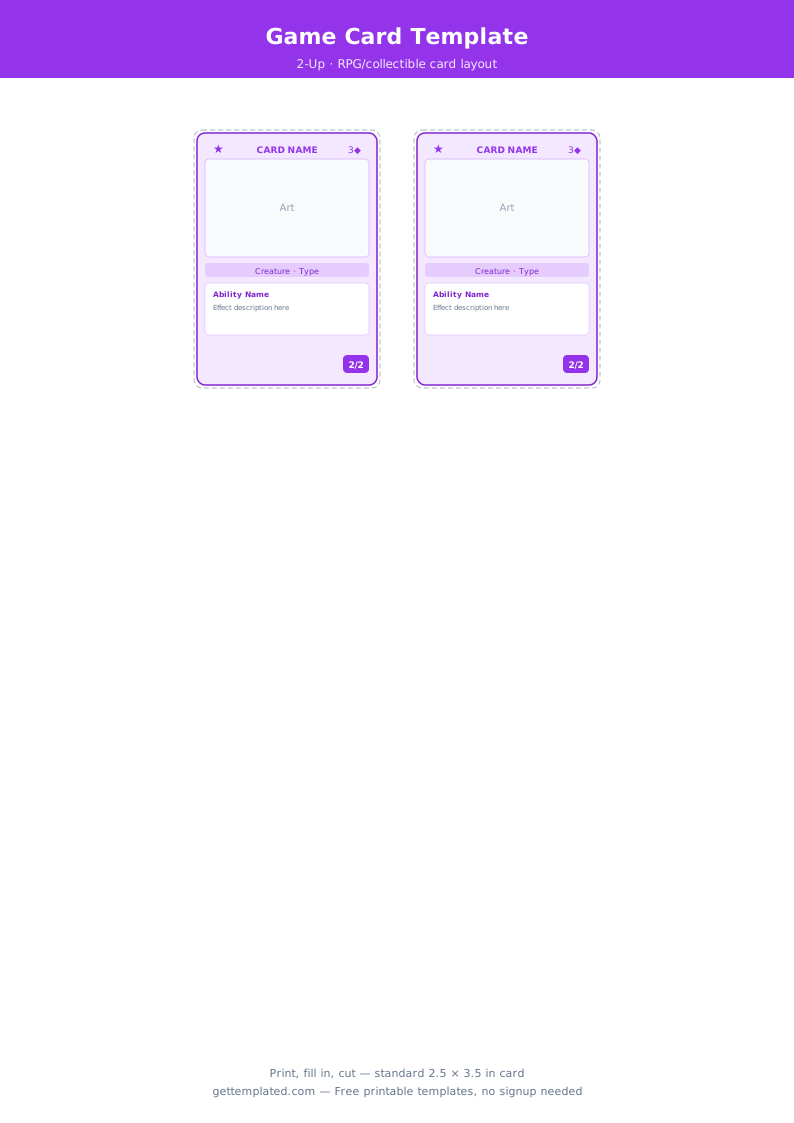
- Game designers prototyping a collectible card game or role-playing game
- Hobbyists building custom sets for movies, music, or fictional universes
- Small businesses creating branded collector cards for marketing or promotions
What to Include on a Trading Card
Trading cards pack a lot of information into a small space. Front and back each have a specific role, and knowing what belongs where makes the design cleaner and more usable.
- Front image area: The artwork, photo, or illustration occupies roughly the top 60 percent of the card face. This is the first thing a viewer sees
- Name and title: The subject name in bold at the bottom of the front face, with role, position, or type underneath
- Series or card number: A small edition number (e.g., #47 of 100) adds collectibility and helps with sorting
- Stats block (back): A table or list of 3 to 6 numbered attributes or performance stats relevant to your subject
- Bio or flavor text (back): 2 to 3 sentences giving context, a fun fact, or narrative flavor that makes the card interesting to read
- Set and copyright info (back): Series name, year, and creator or publisher at the bottom of the back panel
- Optional: Rarity indicator, logo, team or faction emblem, QR code linking to more information
How to Make a Trading Card Template
You can make a printable trading card template in Google Docs, use Canva for a design-forward result, or download a blank template and fill in the fields. Here is the step-by-step process for each approach.
- Decide your card size. Standard trading card size is 2.5 inches wide by 3.5 inches tall. For flash cards or index cards, 4 x 6 inches is a common alternative.
- Open Google Docs and go to File > Page setup. Set the page to exactly 2.5" x 3.5" and set all margins to 0.1". This turns the page into a single card face.
- Design the front: Insert a large image placeholder or color block for the artwork area using Insert > Drawing. Add a text box at the bottom for the card name and position.
- To design the back, create a second page in the same document at the same page size. Add a stats table using Insert > Table and a bio text box below it.
- In Canva, search for 'trading card' to find pre-made templates at the correct dimensions. Swap in your image, update the text fields, and download as PNG or PDF.
- For a baseball card template, add a team color stripe across the top or bottom edge of the front to give it a classic layout.
- Export to PDF and print on 80 lb cardstock or heavier. Cut with a paper trimmer for clean edges. Laminate for durability if the cards will be handled often.
Trading Card Template Variations
The same basic card layout adapts to a wide range of projects. Here are the most common variations and how the template changes for each.
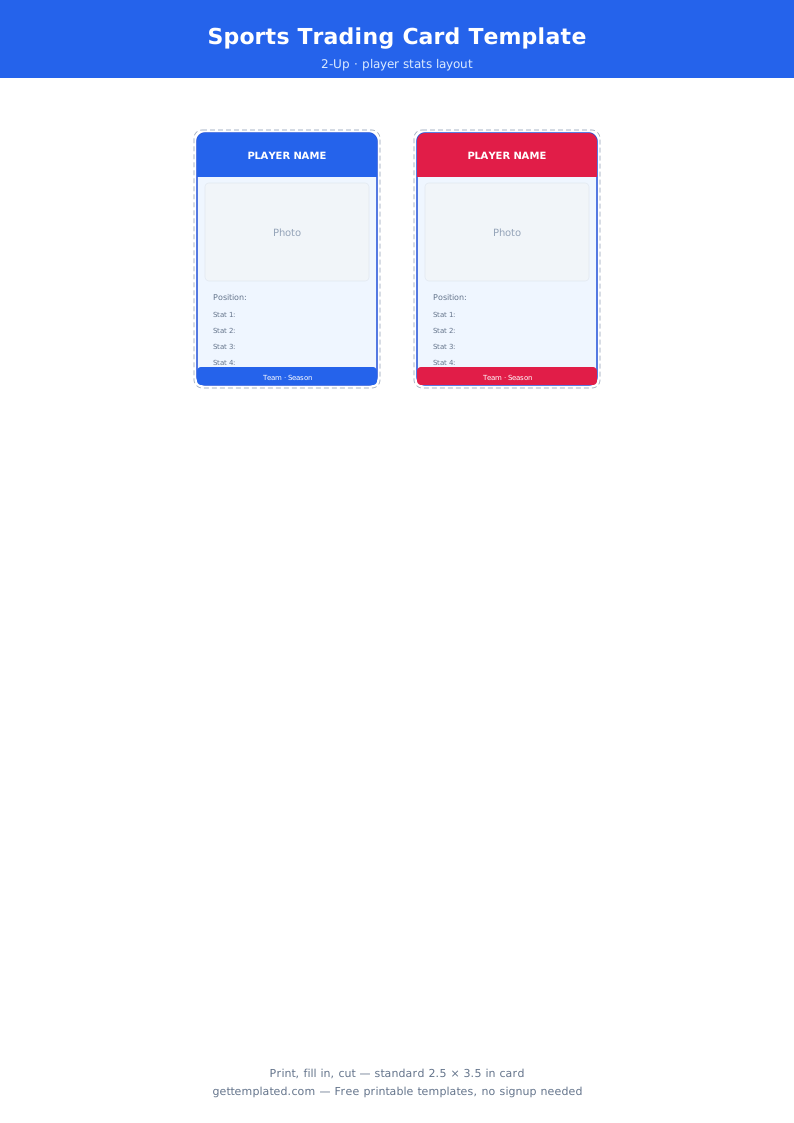
Baseball card template: Classic vertical layout with a player photo on the front and position, team, and season stats on the back. The front often includes a color bar at the bottom with the player name in white text.
Flash card template: A question or term on the front, answer or definition on the back. Flash cards are usually 3 x 5 or 4 x 6 inches, larger than standard trading cards. Index card template layouts follow the same logic.
Playing card template: Standard playing cards are 2.5 x 3.5 inches. A playing card template includes corner pips (the suit and rank in the upper-left and lower-right corners) and a central face design. For custom card games, replace the pips with character icons or ability symbols.
Tarot card template: Tarot cards are taller at roughly 2.75 x 4.75 inches. The front holds a full illustrated scene with a title banner at the bottom. The back features a repeating pattern or geometric design.
Note card template: A simple folded card with a front image area, blank interior for a message, and a back with a logo or sender name. Used for greeting cards and thank-you notes.
Printing Tips and Common Mistakes
Printing small cards at home is straightforward once you know the settings that trip people up.
- Always print at 100 percent scale, not 'fit to page.' Scaling even slightly changes card dimensions and cards will not fit standard card sleeves or holders
- Use cardstock of at least 80 lb for rigidity. Regular copy paper feels flimsy and bends too easily for cards that will be handled
- Add a 0.125 inch bleed beyond the card edge if your card has a background color that goes edge to edge. Without a bleed, trimming reveals a thin white border
- Print a single test card on plain paper first to verify the layout, text legibility, and color balance before using good cardstock
- For a baseball card set, print 9 cards per 8.5 x 11 sheet in a 3x3 grid to save paper and make cutting easier
- Laminating adds durability and a polished look but increases thickness slightly. Standard card sleeves may not fit laminated cards
The template