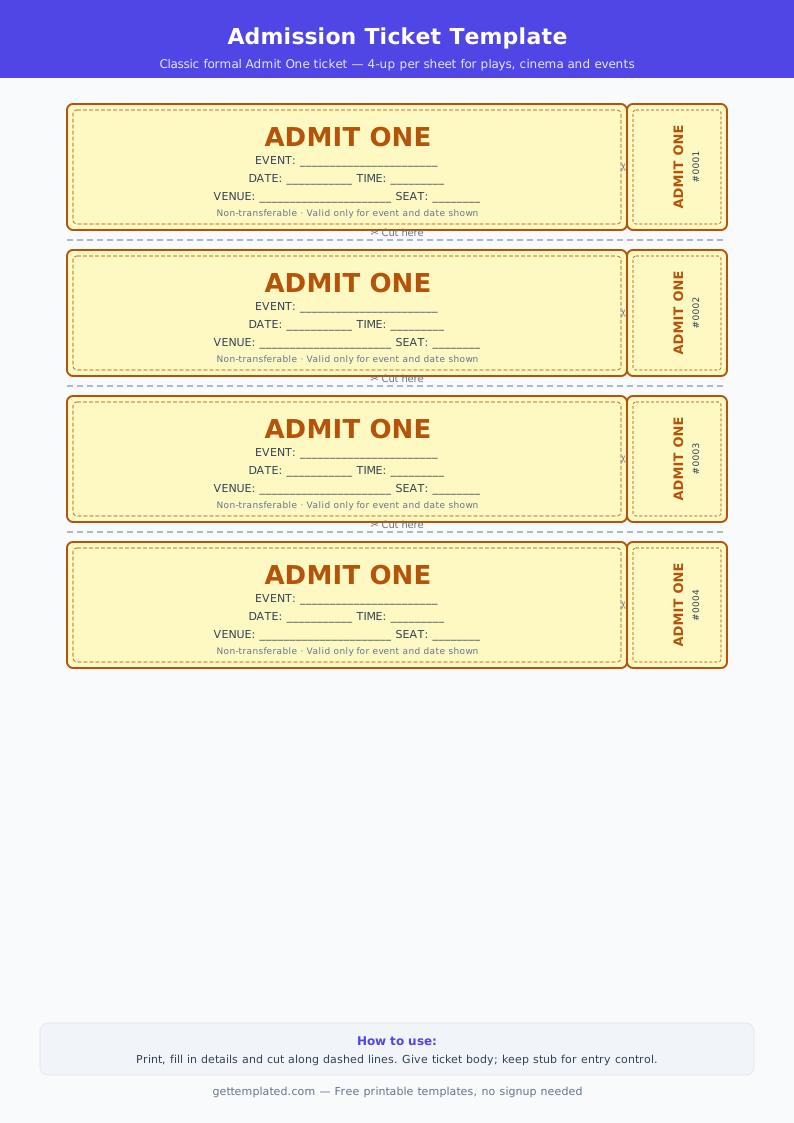
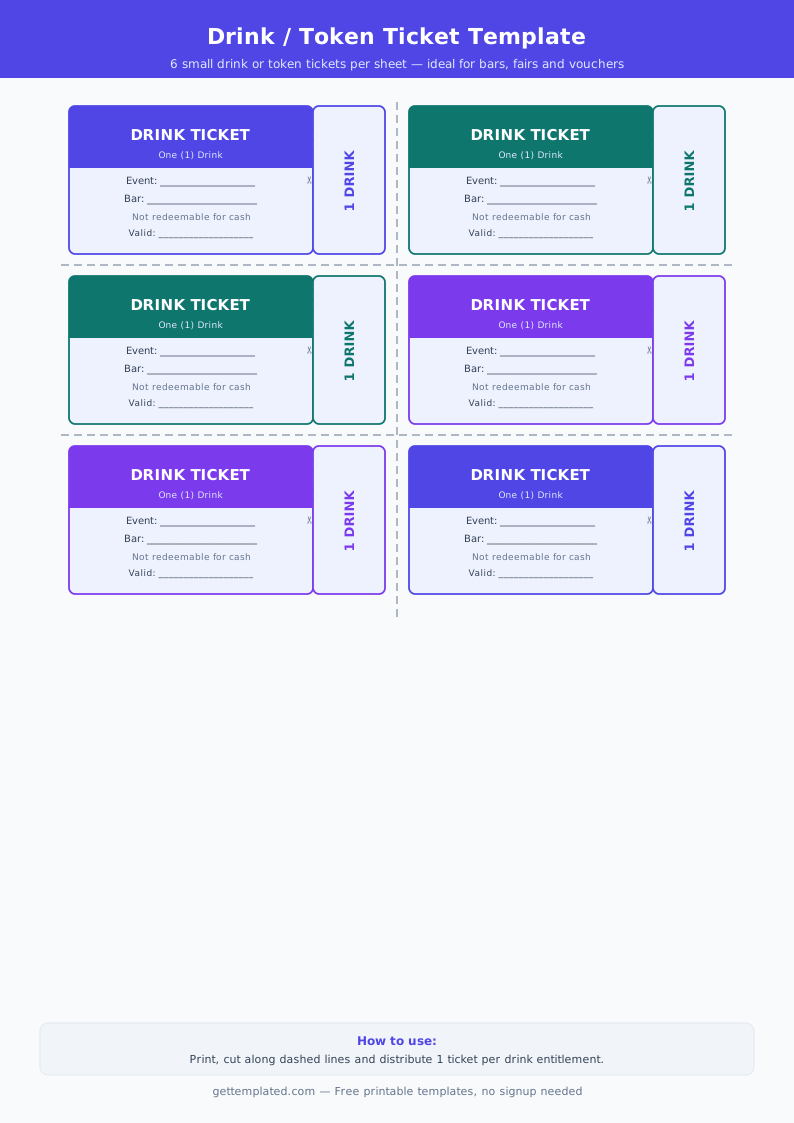
What Is a Ticket Template and Who Needs One
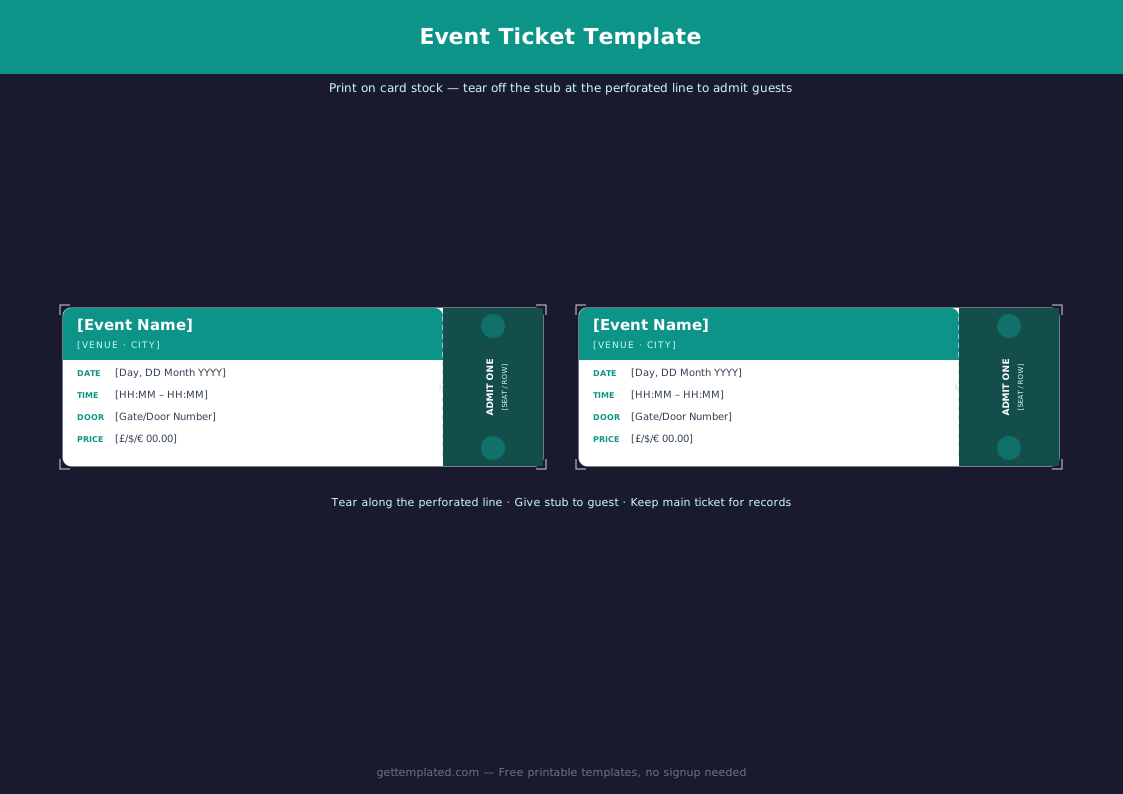
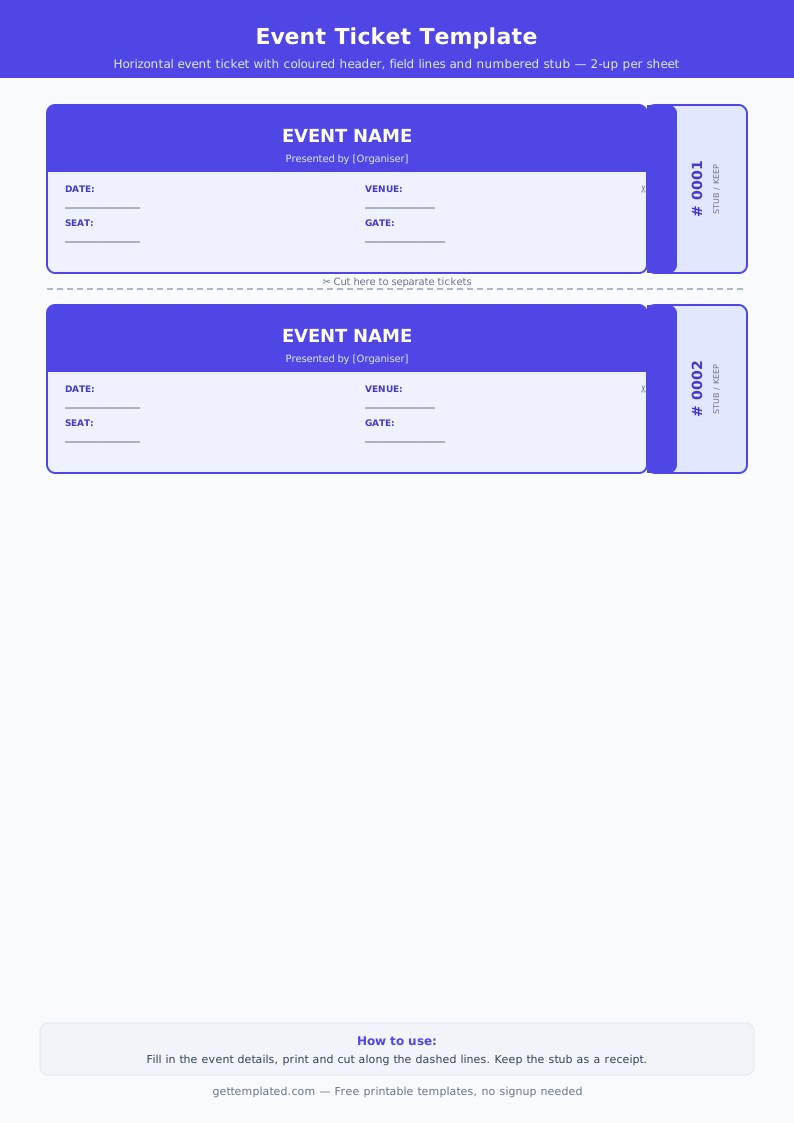
A ticket template is a structured document with designated fields for event details, ticket numbers, dates, and admission information. It gives any ticket a clean, organized look without requiring design software or a paid printing service.
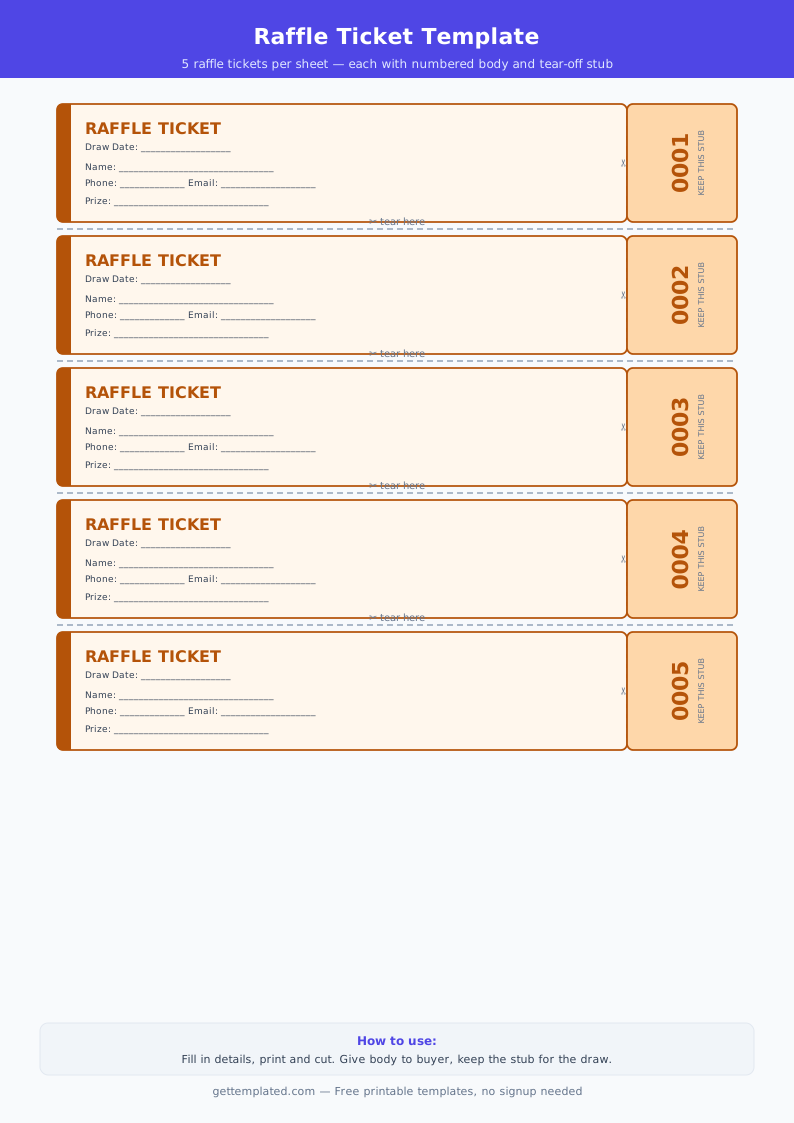
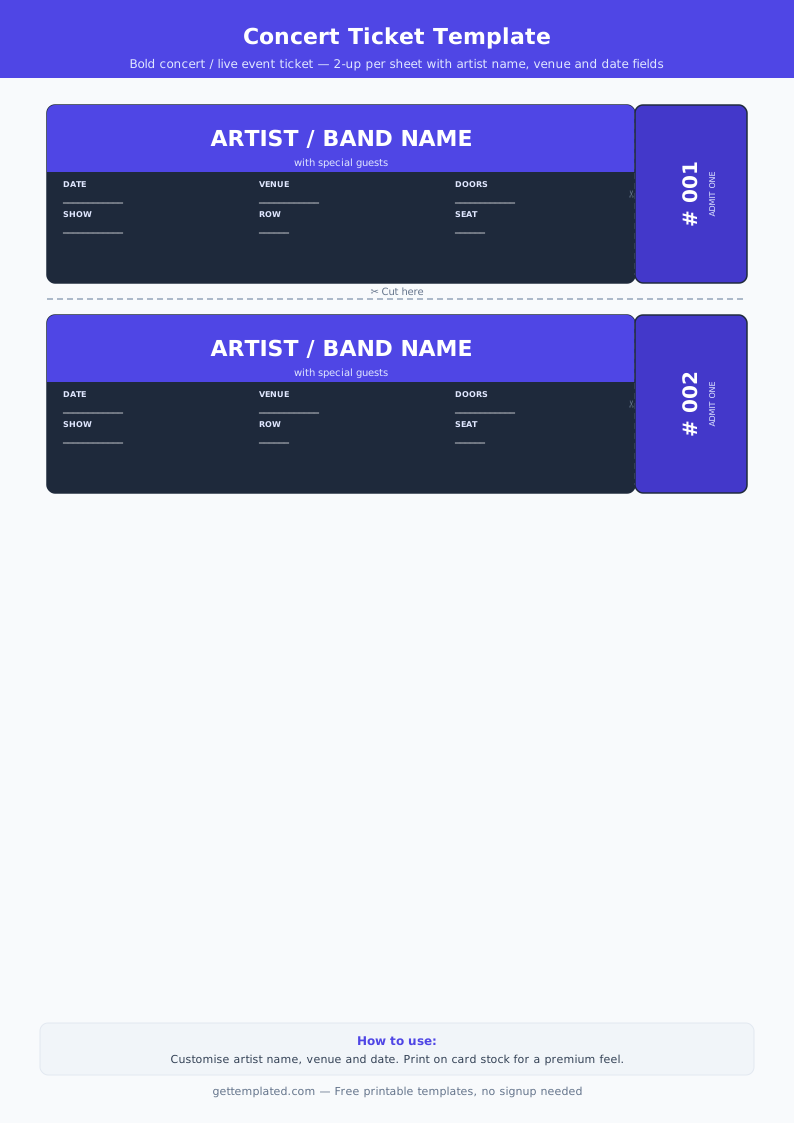
Ticket templates are used across many different contexts. Teachers rely on exit ticket templates to quickly check student understanding at the end of a lesson. Event organizers use raffle ticket templates for fundraisers, school carnivals, and charity drives. Concert venues and small performers print custom concert ticket templates for door-entry. Families and community groups create birthday party, movie night, and golden ticket templates for special gifts or experiences.
The common thread is that a good ticket template is easy to edit, easy to print at home or at a copy shop, and includes a detachable stub section for tracking entries or winners.
What to Include in a Ticket Template
The required fields depend on the ticket type, but most effective ticket templates share a core set of elements. Missing even one can cause confusion at the door or during a raffle draw.
- Event or raffle name (clear and prominent at the top)
- Date and time of the event
- Location or venue address
- Ticket number (for tracking, security, and raffle draws)
- Admission type (one person, pair, or group)
- Price or value if applicable (free, paid, or prize amount)
- Detachable stub with the ticket number repeated
- Any restrictions or notes (age limit, dress code, non-transferable)
- Contact or organizer information for questions
How to Use a Free Ticket Template Step by Step
Getting from a blank template to a finished, printable ticket takes just a few minutes when you follow a clear process.
- Choose your ticket type: decide whether you need a raffle ticket, concert ticket, exit ticket, or general event ticket. The type determines the fields you include.
- Open the template in Google Docs, Microsoft Word, or as a printable PDF. Each format has its advantages: Google Docs lets multiple people collaborate, Word gives you precise layout control, and PDF is ready to print immediately.
- Fill in the event details: event name, date, time, and location. Keep text short so it fits on a standard ticket size.
- Add ticket numbers. For raffle tickets, number them sequentially (001, 002, 003). For event tickets, you can use a code that includes the date or section (e.g., SAT-012).
- Include a stub section at the bottom or side of each ticket. The stub should repeat the ticket number and event name so it can be torn off and retained by the organizer.
- Adjust colors, fonts, or add a simple logo if your template supports it. Keep it readable above everything else.
- Print on cardstock or regular paper. For raffle tickets, print multiple per page to reduce paper use. Score and fold stubs before distributing.
Types of Ticket Templates and Common Uses
Not every ticket serves the same purpose. Understanding the main types helps you pick or adapt the right layout.
- Raffle ticket template: two-part design with a stub. Buyer keeps one half, organizer keeps the other for the draw. Usually printed 2-4 per page.
- Concert or event ticket template: emphasizes event name, date, time, and seat or section. Often includes a barcode placeholder or sequential number.
- Exit ticket template: classroom-focused, small card with a question or prompt and a student name field. Teachers collect them at the end of class to assess understanding.
- Movie ticket template: playful design inspired by cinema stubs. Popular for birthday parties, home movie nights, or gifts.
- Golden ticket template: novelty ticket for prizes, winner announcements, or special invitations. Bold design, gold color scheme.
- Blank ticket template: a clean, unstyled layout you can fully customize for any purpose.
Printing and Paper Choices for Ticket Templates
The paper you choose affects how professional your tickets look and how well they hold up during an event. Standard 20 lb copy paper works fine for classroom exit tickets, but thicker stock makes a better impression for fundraisers, concerts, and parties.
For raffle and event tickets, 65 lb to 80 lb cardstock is the most practical choice. It feels sturdy in hand, holds the stub cleanly when torn, and does not bend or crease easily in a wallet or pocket. Most home inkjet and laser printers handle cardstock up to 80 lb without any settings change.
If you want a more polished result, glossy photo paper gives printed tickets a vibrant, high-contrast look. This works especially well for birthday party movie tickets or golden tickets where appearance matters.
For large raffle batches printed at a copy shop, ask for perforated paper. Pre-perforated sheets eliminate the need to score and cut each stub by hand, saving significant time when printing 200 or more tickets at once.
- 20 lb copy paper: fine for classroom exit tickets and internal use
- 65-80 lb cardstock: recommended for event, raffle, and party tickets
- Glossy photo paper: vivid color output for decorative or novelty tickets
- Perforated paper: saves cutting time for large raffle batches (available at copy shops and office supply stores)
Ticket Template Tips and Mistakes to Avoid
A well-designed ticket is both functional and easy to read. These practical tips make the difference between a ticket that works and one that causes problems at the event.
- Keep the font size readable: ticket text smaller than 8pt is hard to scan quickly at a busy door.
- Always include a ticket number or stub: without a numbering system, raffle draws and entry checks become disorganized.
- Use high contrast: dark text on a light background prints reliably on all home printers.
- Print a test page first: before printing 100 raffle tickets, check one sheet to confirm sizing and cut lines are correct.
- Leave a small margin around the edge: content too close to the border gets cut off when trimming.
- For raffle tickets, print a tracking list: keep a record matching ticket numbers to buyers before the draw.
- Save your editable file after customizing: you will need it again for future events rather than starting over.
The template