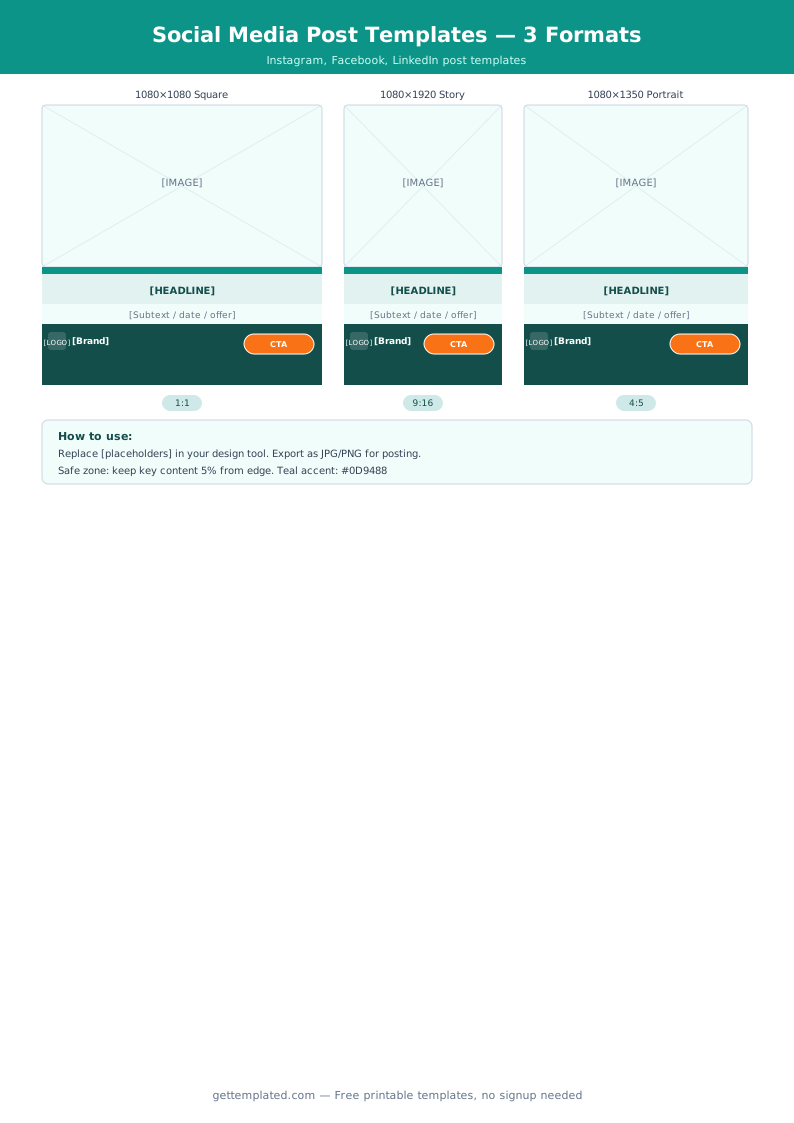
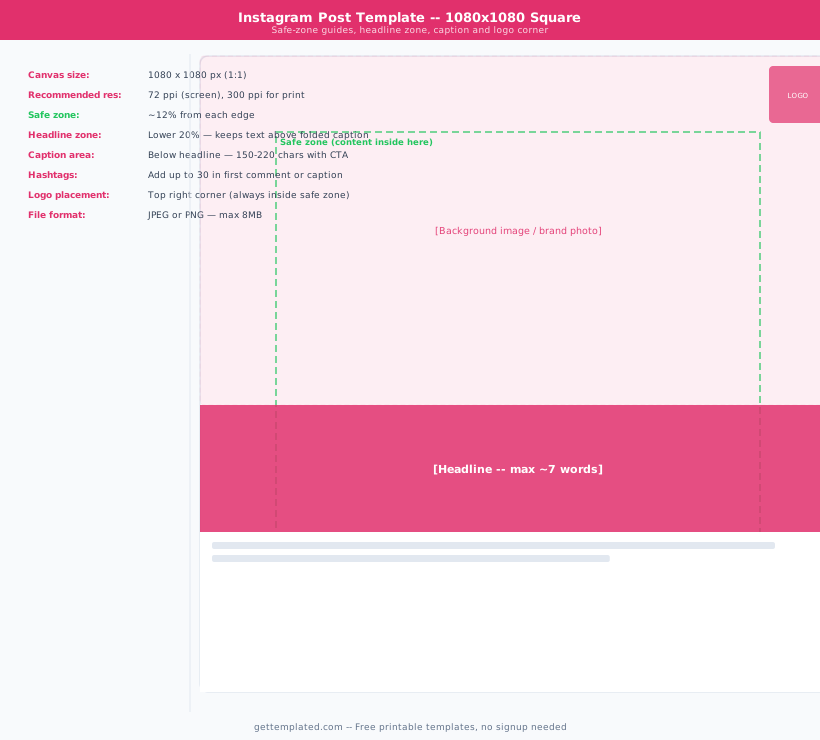
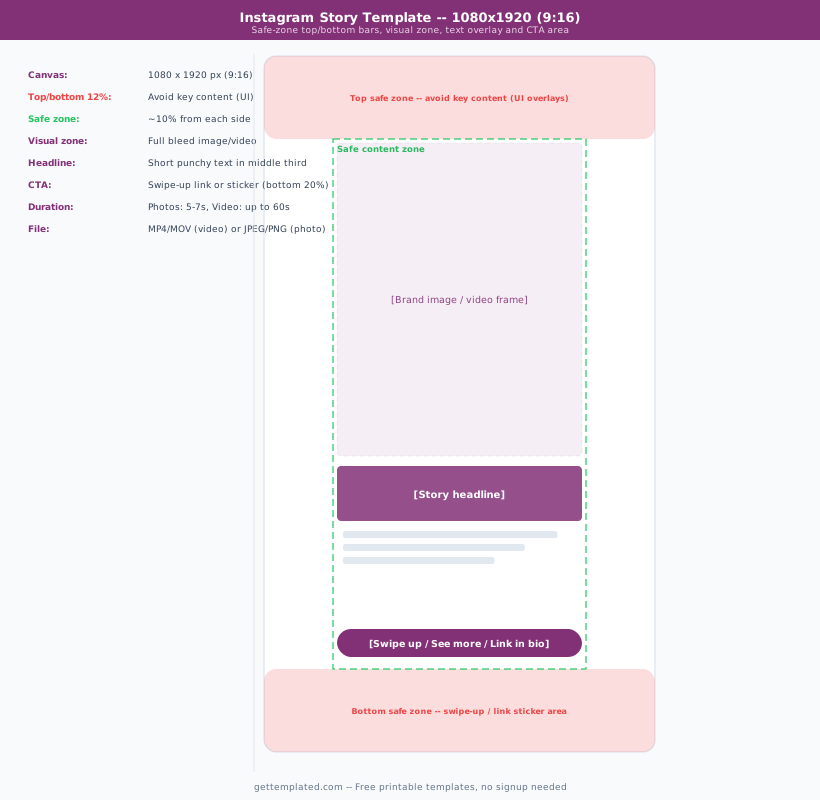
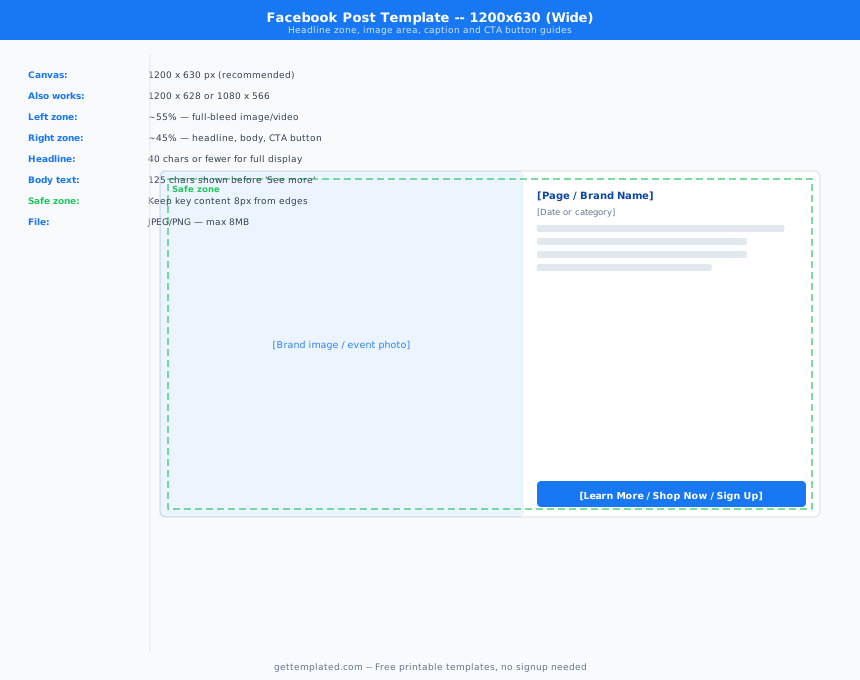
What Social Media Templates Are and Who Uses Them
A social media template is a pre-structured document that gives you a repeatable format for planning, writing, or analyzing social media content. Instead of starting from a blank document each time, you fill in a proven structure that covers all the elements you would otherwise forget.
There is no single "social media template", the term covers a family of related documents: post-writing templates, content calendar templates, strategy documents, campaign planning sheets, audit checklists, and profile setup guides.
Freelancers and social media managers use templates to create consistent deliverables for clients without rewriting formats from scratch each month. Small business owners use them to stay organized when managing accounts themselves. Marketing teams use social media campaign templates to coordinate content across multiple team members and platforms.
- Freelance social media managers creating repeatable deliverables for clients
- Small business owners managing their own Instagram, LinkedIn, or Facebook accounts
- Marketing teams coordinating multi-platform campaigns across larger organizations
- Content creators planning posts in batches for the week or month
- Agencies running social media audits for new clients
- Students in marketing programs learning campaign planning fundamentals
Types of Social Media Templates
Different phases of social media work require different templates. Here are the most useful types and when to reach for each one.
- Social media post template: A single-post writing guide that covers caption structure (hook, body, CTA), hashtag field, visual description, and platform. Useful for writing batches of posts efficiently.
- Social media strategy template: A multi-section document covering goals, target audience, platform selection, content pillars, posting frequency, and KPIs. Typically a monthly or quarterly document.
- Social media content calendar template: A spreadsheet or table with dates, platforms, post copy, visual assets, and links. Managed in Google Sheets or a project management tool. Keeps the whole team aligned on what publishes when.
- Social media campaign template: A planning document for a specific campaign with a start and end date, goals, budget, platforms, content types, and post-campaign reporting.
- Social media audit template: A structured checklist for reviewing an account's current performance, content consistency, follower growth, engagement rate, bio completeness, and link health.
- Social media profile template: A fill-in document for setting up a new account consistently across platforms, covering bio copy, handle, link, category, and profile image specs.
How to Use a Social Media Post Template
A post template is most useful when you write posts in batches rather than one at a time. Here is a workflow that makes batch creation efficient.
- Open the social media post template in Google Docs or download it.
- Duplicate the template for each post you plan to write in this batch. If you are planning 12 posts for the month, make 12 copies.
- Fill in the platform, publish date, and campaign or content pillar for each post first, before writing any copy. This gives you a bird's-eye view of your content mix.
- Write the hook line for each post. The hook is the first sentence, and it should work without any context, a scroll-stopping question, a bold statement, or a specific number.
- Fill in the body copy and call to action. One CTA per post, specific and low-friction.
- Add the visual description and any hashtags.
- Review all posts together to check that you have variety in format (not every post is a tip list or a promotional message) and that your brand voice is consistent.
- Schedule using your social media tool (Buffer, Later, Hootsuite, or the native scheduling feature on each platform).
Social Media Strategy Template: Key Sections to Fill In
A social media strategy template is more than a posting schedule. A complete strategy document covers four key areas that connect your content decisions to your business goals.
Goals and KPIs: Every social media strategy needs at least two specific, measurable goals with a baseline and a target. Common goals include follower growth (measured by follower count), engagement (measured by average engagement rate per post), website traffic from social (measured by UTM-tagged clicks in Google Analytics), and lead generation (measured by form fills or DM conversations).
Audience definition: Who are you writing for? Write a two-to-three sentence description of your ideal follower including their job, primary pain point, and what they are looking for on social media. This one paragraph informs every content decision downstream.
Content pillars: Content pillars are the three to five recurring themes your account posts about. A freelance web designer's pillars might be: portfolio work, client education, behind-the-scenes process, and personal brand (opinions and personality). Pillars prevent your account from posting randomly.
Platform and frequency: Not every platform deserves equal attention. Pick two or three platforms where your audience is most active, and define a realistic posting frequency you can sustain. Consistency beats volume.
Social Media Audit Template: What to Review
A social media audit is a quarterly or semi-annual review of your accounts to check what is working, what is outdated, and what needs to change. Use a social media audit template to structure the review and track it over time.
- Profile completeness: Is your bio filled in, your profile photo current, and your link up to date on every platform? Incomplete profiles reduce trust and conversions.
- Follower growth: Compare your follower count now to your last audit. What was your growth rate? Is it increasing, flat, or declining?
- Engagement rate: Divide average post engagements (likes plus comments plus shares) by your follower count. A healthy engagement rate varies by platform and audience size; what matters more is whether yours is trending up or down.
- Top-performing posts: Identify your five highest-engagement posts since the last audit. What did they have in common? Format, topic, or timing?
- Worst-performing posts: The same question in reverse. Are there content types or topics that consistently underperform?
- Competitor check: Look at two to three competitors and note what types of content they are producing that you are not.
- Link and CTA check: Test every link in your bio and any pinned posts. Broken links are common and damaging.
The template