What Is a Postcard Template?
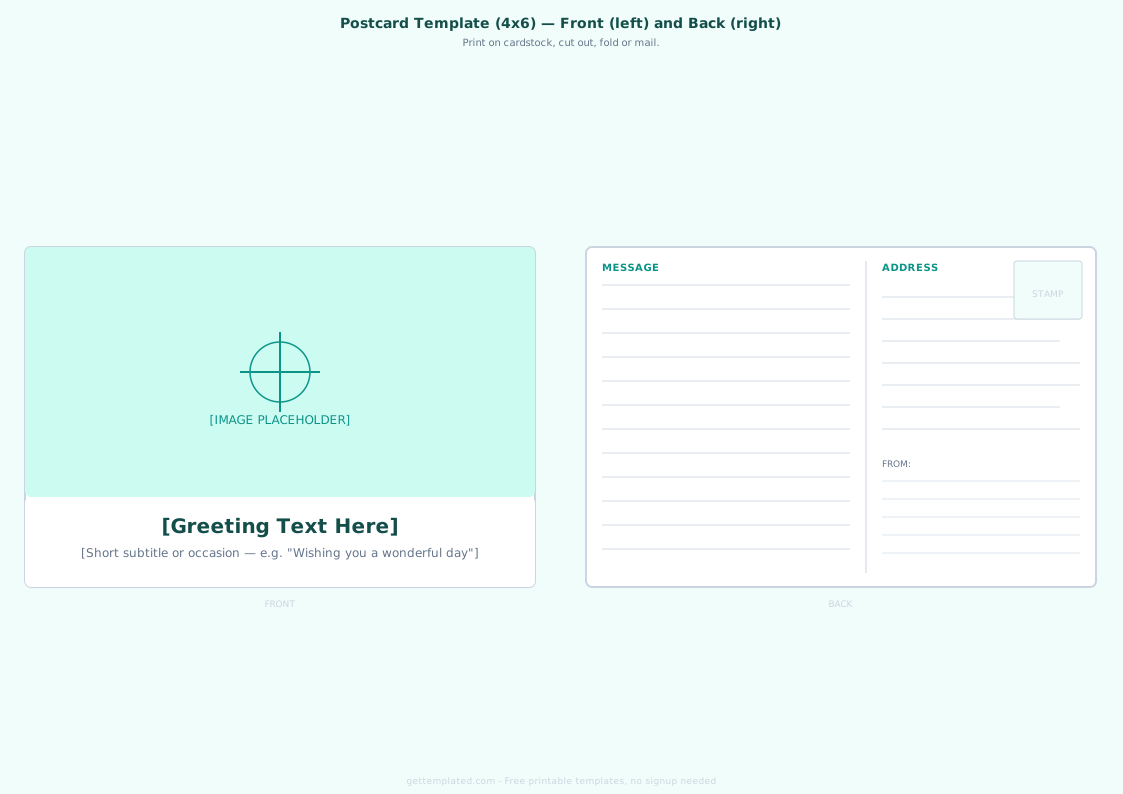
A postcard template is a pre-formatted document with the correct dimensions and layout zones for a standard mailing postcard. The standard US postcard size is 4 x 6 inches (USPS minimum for First-Class postage is 3.5 x 5 inches; maximum is 4.25 x 6 inches). The template includes two sides: a front side for an image or design, and a back side divided vertically into a message zone on the left and an address block with stamp box on the right.
Using a postcard template prevents the most common printing mistakes: placing text too close to the edge (no bleed margin), sizing the card incorrectly, or putting the address in the wrong zone. USPS regulations require the address to be on the right side of the back, with the stamp in the upper-right corner of that half.
- Standard size: 4 x 6 inches (most common for personal and marketing postcards)
- Minimum USPS mailable size: 3.5 x 5 inches (First-Class)
- Maximum USPS mailable size: 4.25 x 6 inches
- Front: image or design fills the full face
- Back left: personal or marketing message
- Back right: recipient address, return address, and stamp space
What to Include on a Postcard
A well-designed postcard includes everything on both sides. Leaving out any of these elements can prevent the postcard from being mailed or make it less effective as a communication piece.
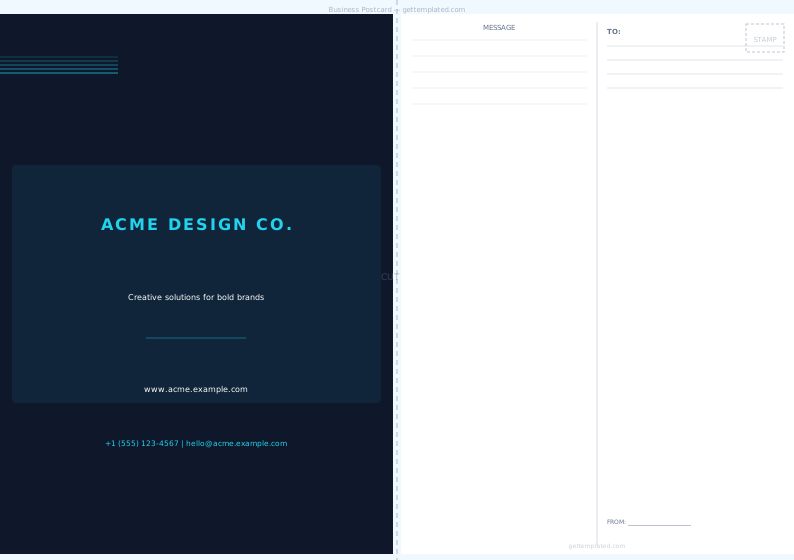
For a personal travel postcard, the tone is casual and the message is the focus. For a business or direct mail postcard, the front image and headline carry most of the persuasive weight, while the back includes a call to action, offer, and return address alongside the recipient address.
- Front: high-quality image or design, optional text overlay (tagline, destination name, greeting)
- Back left message area: greeting line, body message of 3-5 lines, closing, and signature
- Back right address area: recipient full name and mailing address
- Stamp box: blank box in the upper-right corner for postage (leave at least 1 x 1.25 inches)
- Return address: your address in the upper-left corner of the back (required for return mail)
- For marketing postcards: add a call to action, offer code, and website or phone number
How to Create a Postcard Using This Template
The template above works in any word processor or design tool. Here's how to set it up correctly for printing in Google Docs, Word, or Canva.
- Set your document to 4 x 6 inches: in Google Docs use File > Page Setup, set width to 6 and height to 4 (landscape) or width to 4 and height to 6 (portrait)
- Create two pages: page one is the front (image side), page two is the back (address and message)
- On the front page, insert your image as the full-page background using Insert > Image, then overlay any text with a text box
- On the back page, insert a single-column, two-cell table: left cell for the message, right cell for the address and stamp box
- In the right cell, add a small rectangle in the upper-right for the stamp box, then below it add the TO: address block
- Add a thin vertical line between the two cells to create the visual divider seen on standard postcards
- Export or print: for personal postcards, print on cardstock (at least 80 lb cover stock); for mailing, ensure the back text meets USPS readability requirements (dark ink, minimum 8pt font)
Avery Postcard Template and Other Print Formats
Avery makes pre-cut postcard stock that lets you print four postcards on a single standard 8.5 x 11 inch sheet. The most popular Avery postcard template number is 5389, which produces four 4.25 x 5.5 inch cards per sheet. Download Avery's free template file for 5389 from their website to get exact margins for their card stock.
If you're printing at a copy shop or commercial printer, provide a PDF with bleed marks. Add a 0.125-inch bleed zone around all edges of the design so that slight cutting variations don't leave white edges. Most print services also accept Word or Canva designs exported as PDF.
- Avery 5389: 4-up layout (4 cards per 8.5x11 sheet), each card 4.25 x 5.5 inches
- Avery 5315: 8-up layout for smaller business card-size postcards
- Standard print shop: 4x6 single cards, provide PDF with 0.125-inch bleed
- Canva: has built-in postcard templates at correct dimensions, printable directly
- Google Docs: works for simple layouts; use Page Setup to set 4x6 dimensions
Postcard Template Ideas and Design Tips
The most effective postcard designs are simple. The front should have one strong image and minimal text. The back message area gets approximately 5-7 short lines of handwritten or typed text, so keep the message focused and personal rather than trying to include everything.
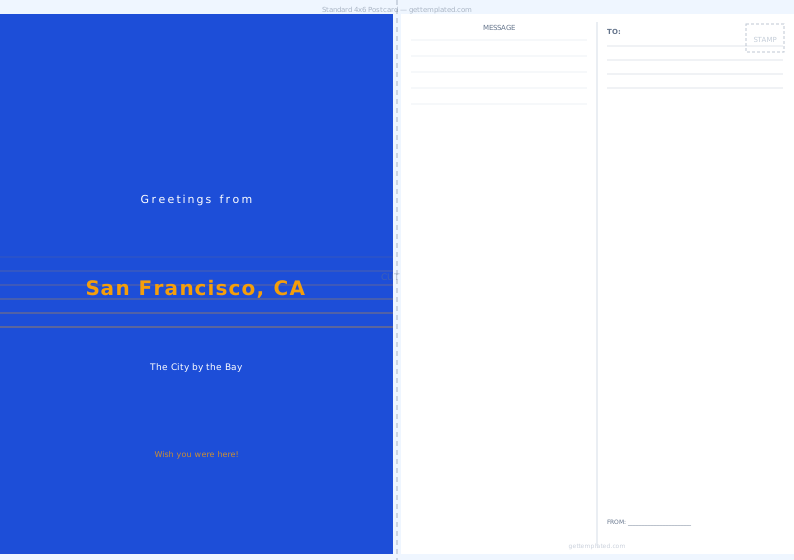
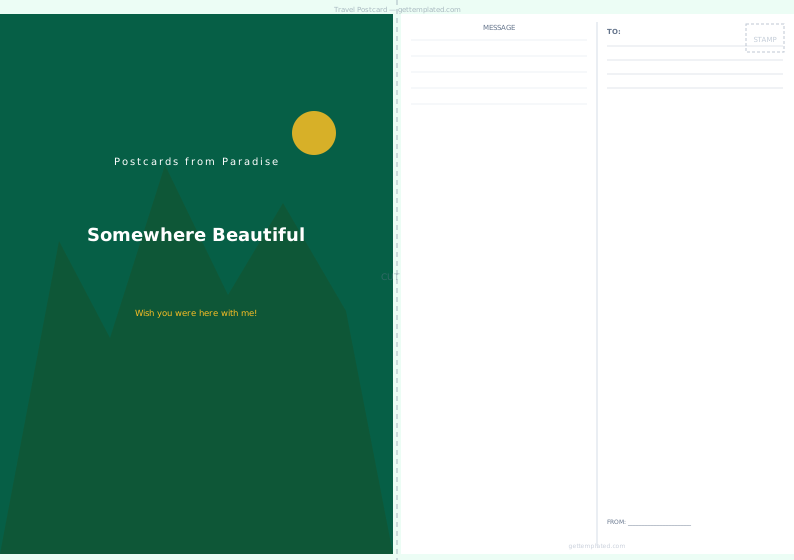
For travel postcards, a high-resolution photo of the destination fills the front, with the location name in simple text. For marketing postcards, the front should lead with a benefit headline rather than the company name. For holiday or greeting card postcards, seasonal artwork or a family photo works well on the front, with a warm message and signature on the back.
- Travel postcard: location photo front, personal message back, light and fun tone
- Marketing postcard: bold headline and offer on front, CTA and contact info on back
- Holiday postcard: seasonal image or family photo front, brief warm greeting back
- Save-the-date postcard: event image front, date/time/location details back
- Thank-you postcard: simple elegant design front, short handwritten-style thank you back
- Keep font sizes legible: minimum 10pt for the message area, 12pt for the address
The template