What Is a Mind Map Template and Who Uses It
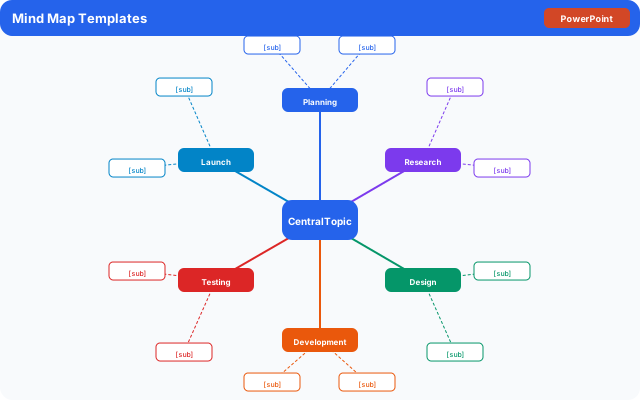
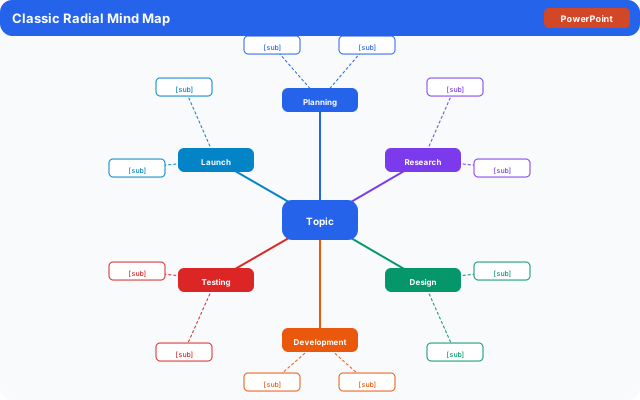
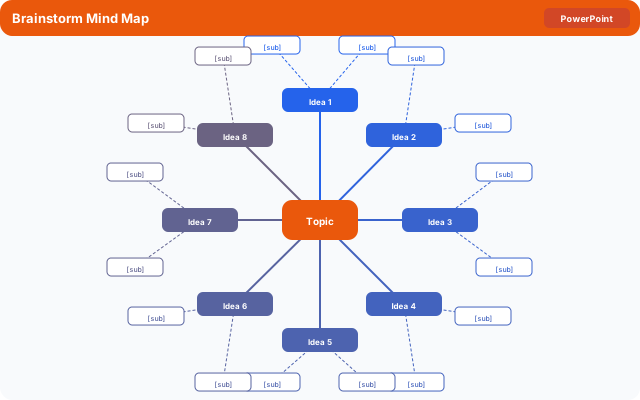
A mind map template is a pre-structured visual framework with a central topic area surrounded by branching subtopics and supporting details. Unlike a linear outline, a mind map shows how ideas connect to each other in multiple directions at once, which makes it useful for non-linear thinking and creative problem-solving.
Mind mapping was popularized by author Tony Buzan in the 1970s as a note-taking and brainstorming tool, and templates have since made the format accessible to people who are not natural visual thinkers. The template does the structural work so you can focus on generating content.
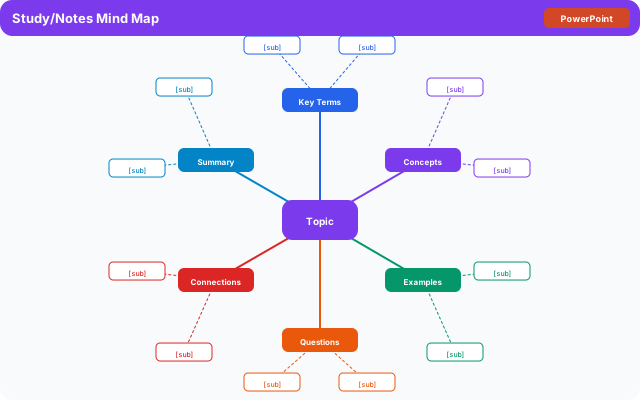
Students use mind map templates to study for exams by mapping out a chapter's key concepts. Writers use them to outline plots, develop characters, or brainstorm article angles. Business professionals use mind mapping for strategic planning, meeting agendas, and project scoping. Teachers use them as graphic organizers for classroom discussions.
- Students reviewing course material by mapping concepts and their relationships
- Writers brainstorming story ideas, article angles, or book outlines
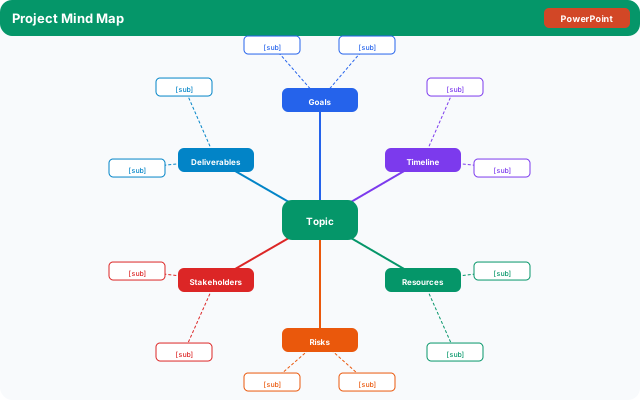
- Project managers scoping out a project's moving parts before writing a formal plan
- Teachers facilitating classroom discussions or visual note-taking
- Entrepreneurs mapping out a business idea, product, or marketing strategy
- Anyone who thinks visually and finds linear outlines frustrating to work with
What to Include in a Mind Map Template
A mind map has a clear hierarchy of elements. Understanding what each one does helps you fill in a template more effectively.
- Central idea: The core topic or question in the middle of the map. Keep it short, specific, and unambiguous so every branch you add stays focused.
- Main branches: The primary subtopics or categories that connect directly to the center. A typical mind map has four to seven main branches. More than eight usually means your central idea is too broad.
- Sub-branches: The details, examples, or supporting points under each main branch. Two to four sub-branches per main branch is a manageable amount for most uses.
- Keywords only: Mind maps work best with single words or short phrases, not full sentences. The visual connections between the words carry the meaning.
- Color coding: Assign a different color to each main branch and its sub-branches. Color coding makes the map scannable and helps your brain group related information.
- Images or icons (optional): Adding a small image at the center or a symbol next to a branch improves recall when using a mind map for studying.
How to Create a Mind Map Using This Template
This template is available as a printable PDF for hand-drawing your map and as an editable Google Docs layout for typing. Here is how to use it from start to finished map.
- Write your central idea clearly in the center of the template. Be specific: "Marketing Plan for Q3" is a better center than just "Marketing."
- Identify your four to six main branches. These are the major categories, themes, or questions related to your central idea.
- Write one main branch label on each primary line radiating from the center.
- For each main branch, brainstorm supporting details or sub-points and write them on the secondary lines.
- Look for connections between branches that are not already drawn, and add cross-links (arrows or lines) between related items.
- Color-code each main branch and its sub-branches if working digitally or with markers.
- Step back and review: Does the map answer your original question or cover your topic? Add, remove, or rearrange as needed.
Mind Map Template in Google Docs, Google Slides, and Other Tools
Different tools suit different mind mapping needs. Here is how to work with a free mind map template in the most common formats.
Google Docs mind map template: Google Docs works well for text-based or hierarchical mind map outlines. Use the template on this page, or create your own using a table for the branch structure. For a visually circular layout, Google Docs is limited because it does not have drag-and-drop shape connectors.
Google Slides mind map template: Google Slides is a better option for visual radial mind maps. Use Insert > Shape to add a circle in the center, then add rectangles or ovals for each branch connected by lines. Arrange them on the slide, color-code each branch cluster, and your finished map can be exported as a PNG or PDF.
Canva mind map template: Canva has a dedicated mind map feature with automatically connecting nodes. You type into a central node and add branches with one click. Free accounts have access to basic mind map templates, making Canva one of the fastest free options for a polished visual result.
Paper and printable: Print the template from this page and hand-draw your mind map with different colored pens. Handwriting activates memory differently than typing, which makes paper mind maps particularly useful for studying.
Mind Map vs. Outline vs. Concept Map: Which to Use
Mind maps, outlines, and concept maps are often confused with each other but serve different purposes.
A mind map radiates outward from a central idea with branches that can go in any direction. It is best for open-ended brainstorming, exploring a topic freely, and generating ideas without worrying about structure too early. The finished map is visual and non-linear.
A traditional outline is linear and hierarchical (I, A, 1, a). It is best for planning documents you will write in a specific order, like essays or reports. Outlines are faster to write and easier to turn directly into a draft.
A concept map is a type of graphic organizer where nodes (circles or boxes) are connected by labeled lines showing the relationship between ideas ("causes," "leads to," "is a type of"). It is best for showing complex networks of relationships, particularly in science and systems thinking.
Use a mind map when brainstorming. Switch to an outline when you are ready to write. Use a concept map when you need to show how things relate, not just what they are.
Mind Mapping Tips for Better Results
A mind map is only as useful as the process behind it. These tips help you get more out of every mapping session.
- Start with the central idea fully formed before branching out. A vague center creates vague branches.
- Set a timer for ten minutes and do a rapid brainstorm: write every branch and sub-branch you can think of without judging them. Edit after the timer goes off.
- Use single words or short phrases on branches, never full sentences. The goal is to trigger ideas when you review the map, not to record everything.
- If a main branch grows too many sub-branches (more than six or seven), it is a sign that branch is actually its own topic. Split it out into a separate sub-map.
- Revisit your mind map 24 hours later. New connections and missing branches become obvious after sleeping on it.
- For group brainstorming, have each person fill in their own mind map first, then combine the best ideas onto a shared map. This avoids the groupthink problem where people anchor to the first idea heard.
The template