What Is a Coupon Template?
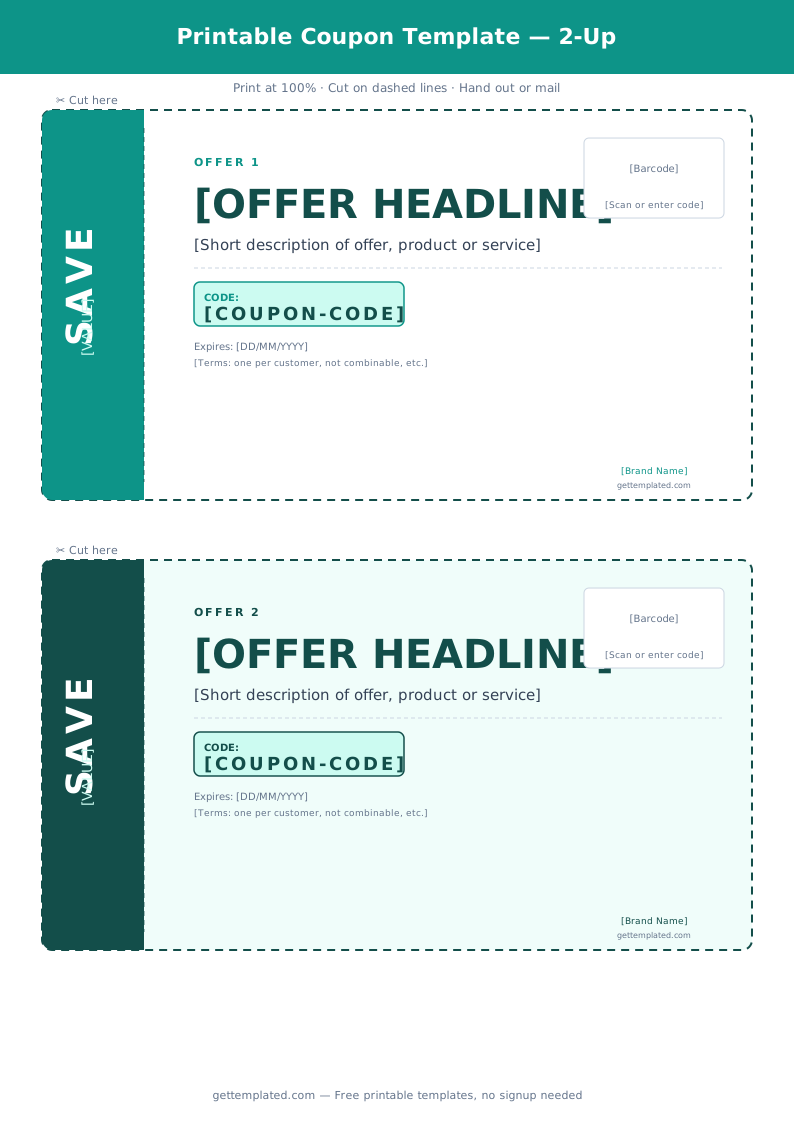
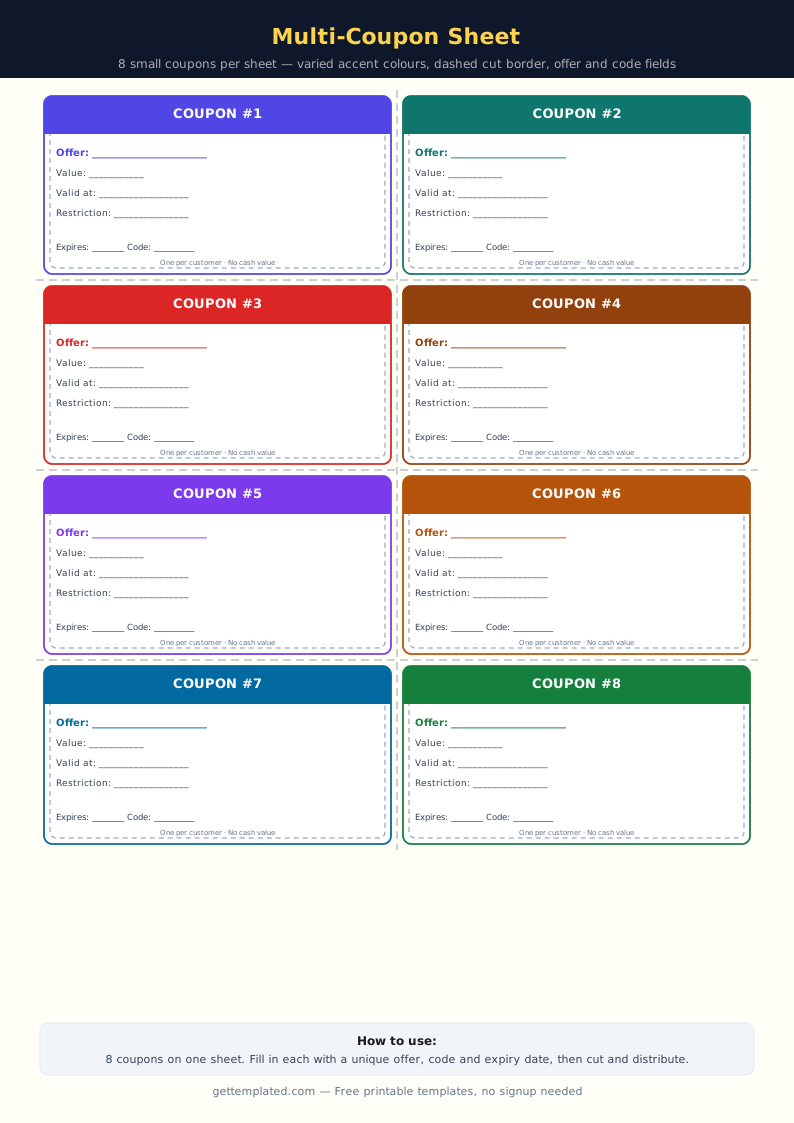
A coupon template is a pre-designed document or printable layout that includes all the standard elements of a coupon: a headline for the offer, terms and conditions, an expiration date, and redemption information. You fill in your specific details, print or export the file, and distribute it.
Coupon templates are used by small businesses to promote sales, by individuals to create personal gift coupons (a free back massage, a dinner cooked for two), by teachers for classroom reward systems, and by marketers for digital promo codes. A blank coupon template gives you the structure without locking you into a specific design, so you can adapt it for any purpose.
- Business promotions: percentage discounts, dollar-off offers, buy-one-get-one deals
- Personal gift coupons: favors, experiences, homemade gifts
- Classroom and school: reward coupons for students (free homework pass, extra recess)
- Digital marketing: promo codes to embed in emails or social media posts
- Event promotions: early-bird discounts, loyalty rewards, referral bonuses
What to Include in a Coupon
A well-made coupon includes all the information a recipient needs to understand the offer and redeem it without confusion. Leave any of these out and you create friction that reduces how many people actually use it.
- Business name or individual's name (who is offering this)
- Offer headline: the main benefit stated clearly (20% Off, Free Oil Change, One Favor)
- Offer description: exactly what is included and any notable exceptions
- Coupon code or barcode (for business coupons that need tracking)
- Expiration date: specific date, not vague phrases like 'soon'
- Restrictions: one per customer, new customers only, minimum purchase required, etc.
- Redemption instructions: where to redeem (website URL, store address, QR code, contact info)
- Visual design elements that make it look distinct from surrounding content (dashed border, scissor icon, bold headline)
How to Create and Print a Coupon Template
You do not need graphic design software to make a printable coupon. Here is how to create one using free tools.
- Choose your tool. Google Docs, Microsoft Word, and Google Slides all work for basic coupons. For more visual designs, use Canva (free tier). For a plain-text version, use the template at the top of this page.
- Set the page size. Most coupons are printed on standard 8.5x11 paper with 2-4 coupons per page. In Google Docs, go to File > Page setup and set your margins to 0.5 inches on all sides.
- Add a dashed border to define the coupon boundary. In Word, use Insert > Table (1x1) and set the border style to dashed. In Docs, use Insert > Drawing to create a dashed rectangle.
- Fill in the required fields from the checklist above. Start with the headline (the biggest text) and work down to the fine print.
- Add a coupon code if needed. For digital tracking, use a short code like SAVE20 or GIFT50. For personal coupons, this field is optional.
- Set the expiration date. Pick a specific calendar date (MM/DD/YYYY). Avoid 'expires soon' or 'limited time' without a date.
- Print on cardstock if physical. Standard paper works but cardstock (65-80 lb.) makes coupons feel more substantial and harder to crumple.
- For digital distribution, export as a PDF or share the Google Doc link.
Types of Coupon Templates
Different situations call for different coupon formats. Here are the most common types and what makes each one work well.
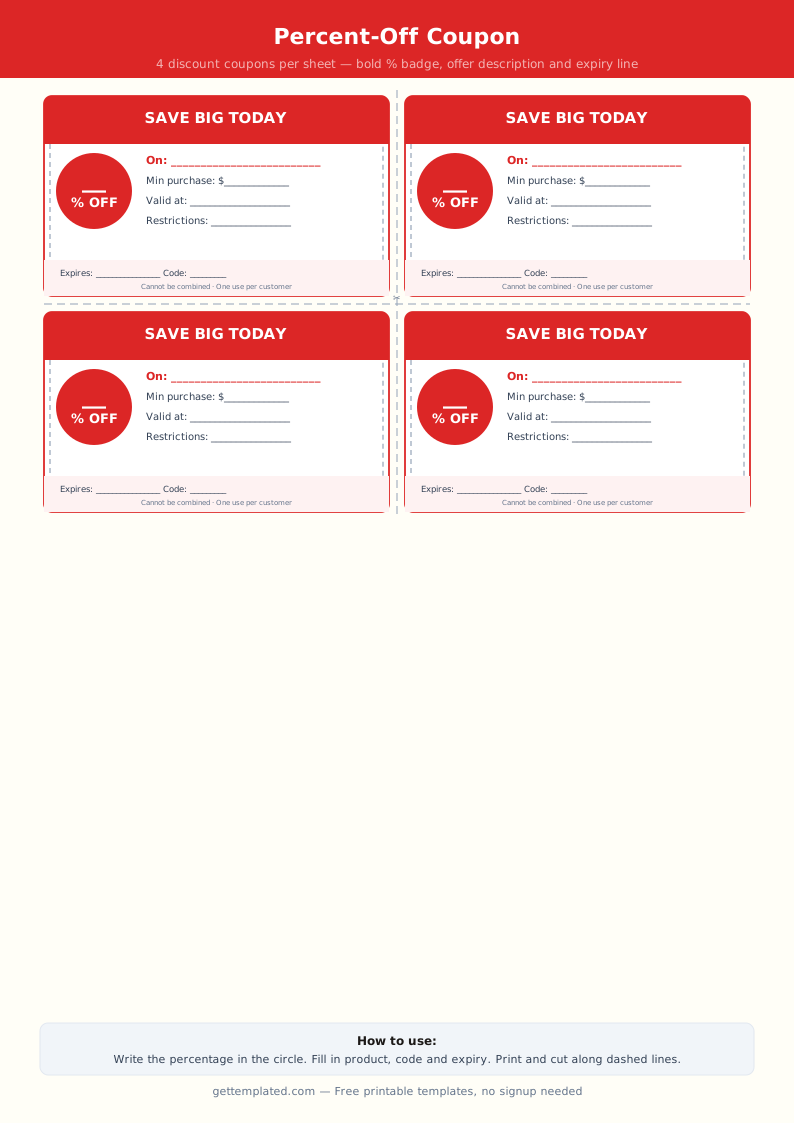
- Percentage discount coupon: Shows a large '20% OFF' or '30% OFF' headline. Include the product or service it applies to and the minimum purchase amount if there is one.
- Dollar-off coupon: '$5 off your next purchase of $25 or more.' The minimum spend threshold is the key detail to include clearly.
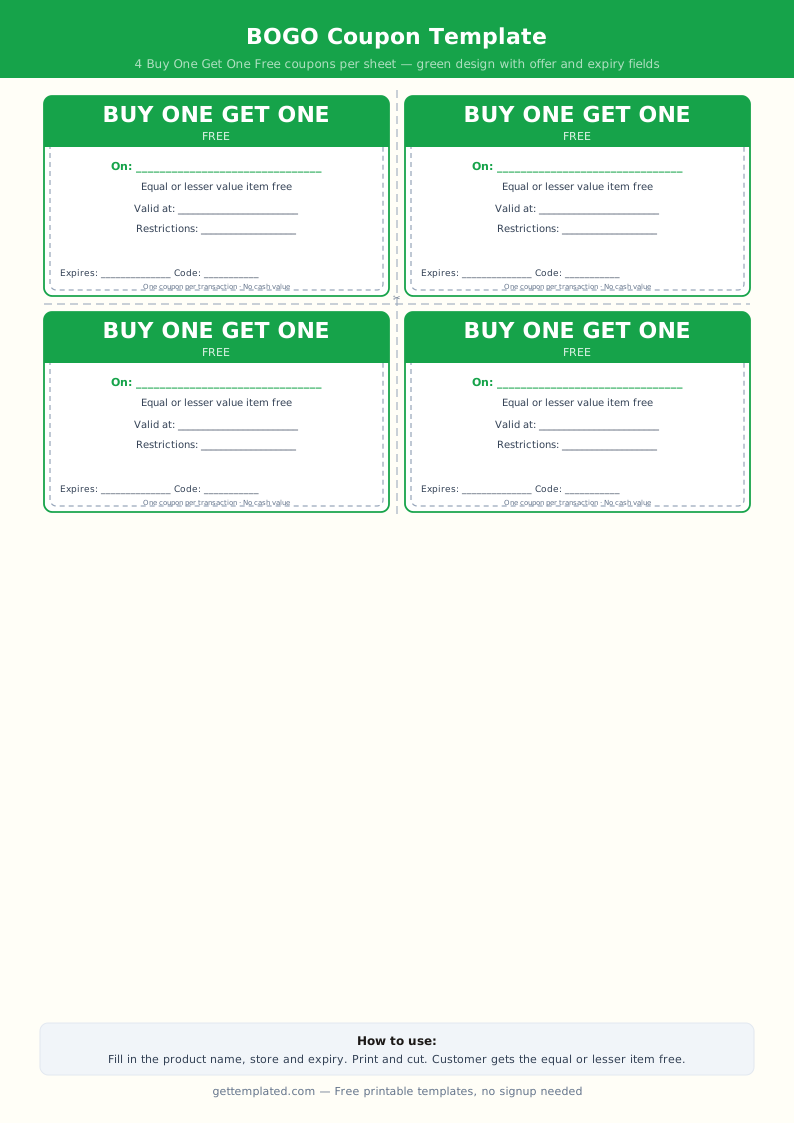
- Free item coupon: 'One free [item] with any purchase.' Specify which item and whether it requires a qualifying purchase.
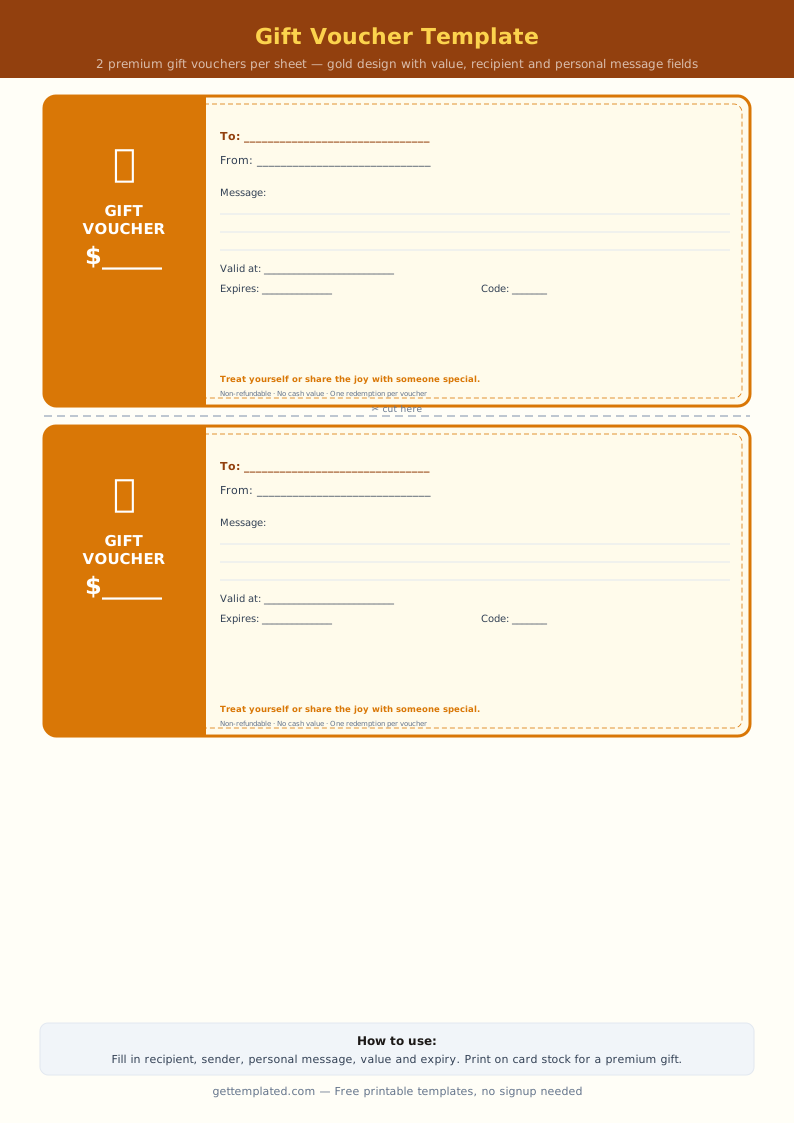
- Gift coupon (personal): For homemade gifts or favors between friends and family. The offer is a personal service or experience rather than a commercial discount.
- Loyalty/punch card: Not a one-time coupon but a repeating format. After 10 purchases, the 11th is free. The layout is a grid of boxes to stamp or check.
- Classroom reward coupon: 'Free homework pass' or 'choose your seat for a day.' Teachers print these on cardstock and give them as behavior rewards.
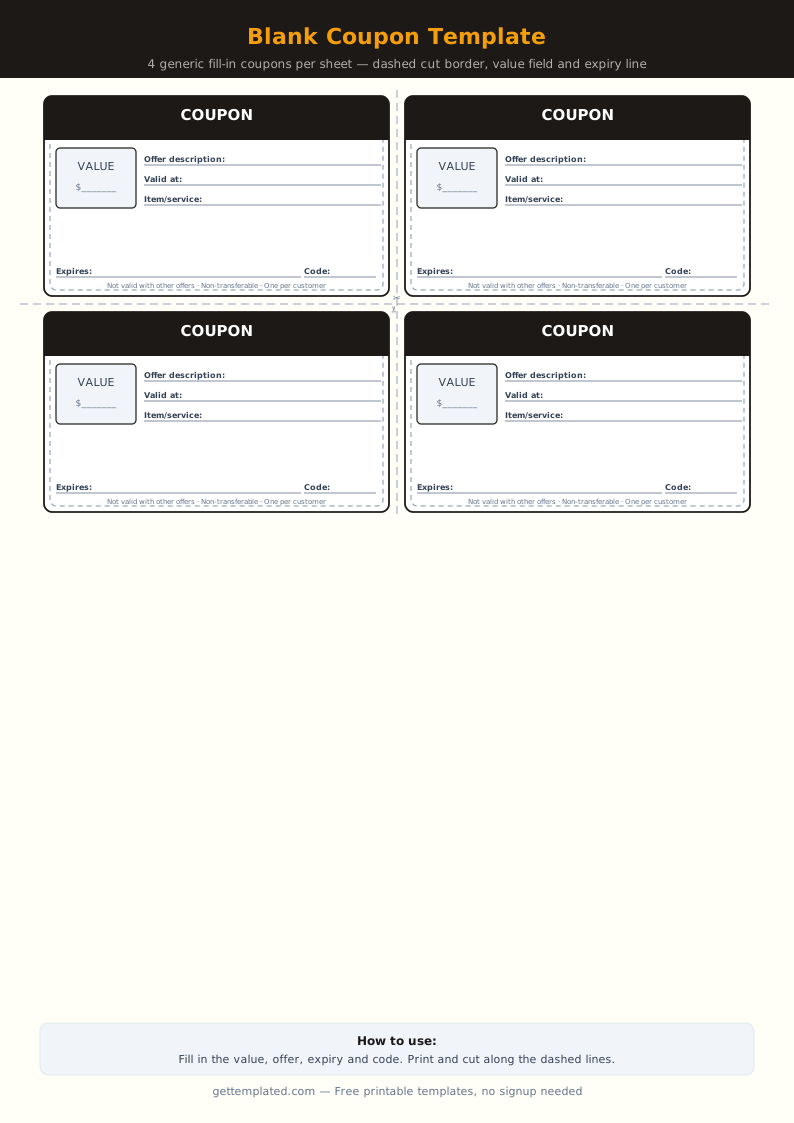
- Blank coupon template: A completely unfilled version of the standard coupon layout. Use when you want full control over the content without removing placeholder text.
Coupon Design Tips and Common Mistakes
A coupon that looks professional gets used more often than one that looks thrown together. These tips help you avoid the most common pitfalls.
- Lead with the benefit, not your brand name. '25% Off All Services' is more compelling than 'ABC Plumbing Coupon.' Put the offer first in the largest text.
- Use a clear visual boundary. A dashed border with small scissor icons at the corners signals 'cut here' and makes it obvious the piece of paper is a coupon.
- Do not crowd the layout. Leave whitespace around the headline and offer details. A cluttered coupon is harder to read and looks less credible.
- Always include an expiration date. Coupons without end dates create accounting problems for businesses and reduce urgency for recipients.
- Avoid using too many restrictions. More than two or three restrictions make an offer feel like a trick. Keep terms simple and prominent.
- Test-print before distributing in bulk. Print one copy at home and verify the text reads clearly, the QR code scans correctly, and the layout fits the page.
The template