What Is a Concept Map and Who Uses One
A concept map is a visual diagram that shows how ideas connect. Unlike a simple list or an outline, a concept map makes the relationships between ideas explicit and visible. Each node holds a concept, and each connecting line carries a short linking phrase that explains the relationship between the two nodes it joins, words like "causes," "is a part of," "leads to," or "requires." The result is a web of connected meaning rather than a hierarchy of bullets.
Concept maps were developed by education researcher Joseph Novak in the 1970s as a tool to help students externalize and organize knowledge. The approach draws on the idea that meaningful learning happens when new information is consciously linked to what a learner already knows. Decades of classroom research consistently show that actively building a concept map improves recall and comprehension compared to passive re-reading or copying notes.
Students use concept maps to study for exams, brainstorm essay topics, and take structured notes on complex reading. Teachers use them at the start of a unit to activate prior knowledge and at the end to assess how well students understand relationships, not just isolated facts. Corporate trainers use them for onboarding materials and process documentation. Project managers use them to map dependencies across complex initiatives.
What to Include in a Concept Map
A useful concept map has several structural elements that separate a clear, informative diagram from a confusing tangle of boxes. Use this checklist when building or reviewing your map.
- A single main concept or focus question at the top or center of the diagram - this anchors everything else and defines the scope of the map
- Subtopics or categories branching directly from the main concept, each representing a major idea or dimension related to the center
- Detail nodes branching from each subtopic - these hold the specific facts, examples, or supporting ideas that belong under each category
- Labeled linking phrases on every connecting line so the relationship between every pair of nodes is explicit and readable as a short sentence
- Cross-links - lines drawn between nodes on different branches to show unexpected or lateral connections; these distinguish a concept map from a plain tree diagram
- A consistent visual hierarchy with the main concept largest or highest, subtopics at medium size, and detail nodes smallest
- A legend or color key if you use different colors or shapes to represent different types of nodes or relationships
How to Build a Concept Map Using This Template
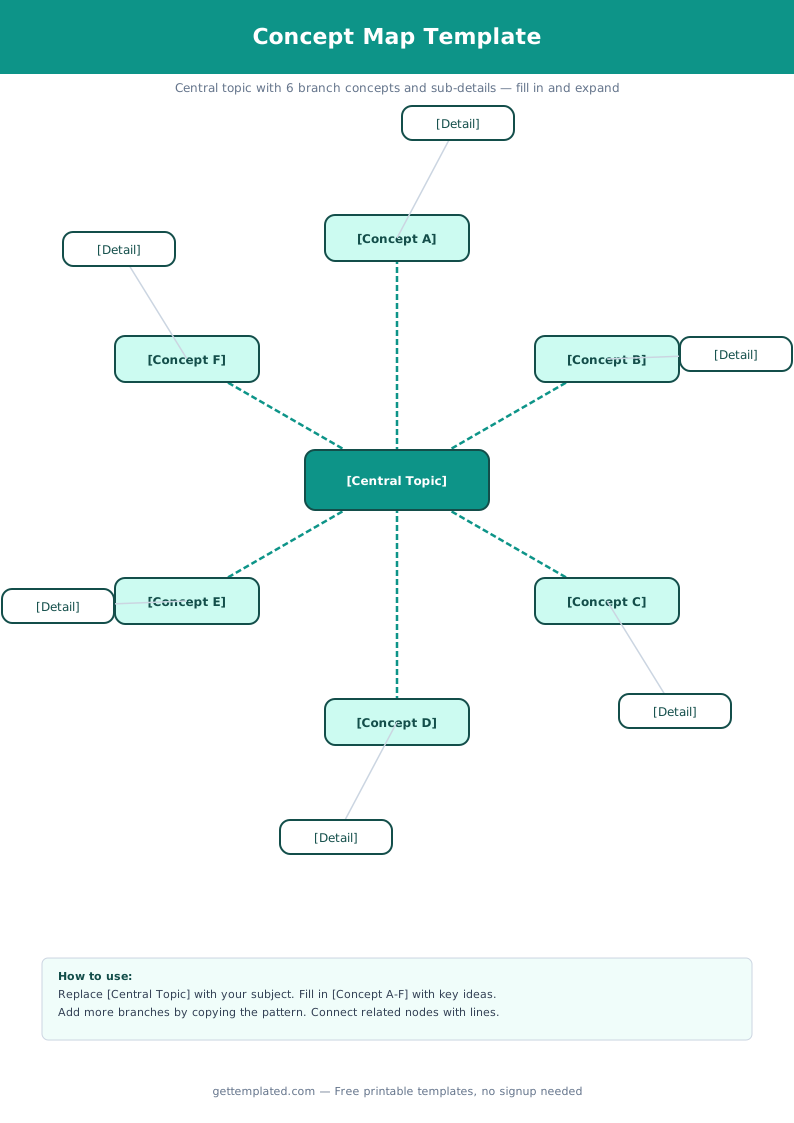
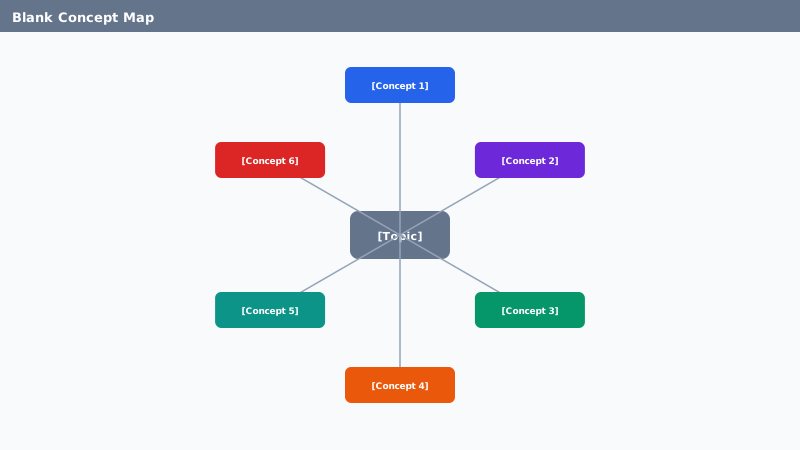
The template above gives you a ready-made structure. Follow these steps to turn it into a finished concept map for any subject. The same process works whether you are editing a Google Docs copy or drawing on paper.
- Write your main concept or focus question in the center node. Make it specific - "photosynthesis" works better than "science" because it gives the map a clear scope and keeps all the branches focused.
- Identify 3 to 5 major subtopics related to the main concept. These become the second-level nodes branching from the center. For photosynthesis you might use: reactants, products, process stages, and location in the plant.
- Add 2 to 4 detail nodes under each subtopic. Each detail should be a short phrase or label, not a full sentence. Full sentences belong in notes or a written summary, not inside nodes.
- Write a linking phrase on every connecting line. Do not leave any line unlabeled. The two nodes plus the linking phrase between them should form a readable, accurate sentence when read aloud.
- Look for cross-links between different branches. Ask: does anything on one branch directly affect or relate to something on a different branch? Draw a line and label it. Cross-links reveal the most sophisticated understanding of a topic.
- Read the finished map by tracing each path from the main concept down to the detail level as a sentence. If any path sounds unclear or a linking phrase feels wrong, revise it before you use the map for studying or submit it as an assignment.
Concept Map Variations: Bubble Map, Double Bubble Map, Flow Map, and Hexagonal Thinking
The basic concept map structure adapts into several specialized formats, each suited to a different type of thinking task. Knowing which format fits which task helps you pick the right tool quickly.
Bubble map. A central oval is surrounded by a ring of smaller ovals, each connected by a short line. Each outer bubble holds a describing word or characteristic of the central idea. Bubble maps are used for descriptive thinking, answering the question: what qualities or attributes does this concept have? They work especially well for vocabulary development and character analysis in reading.
Double bubble map. Two central ovals sit side by side. Outer bubbles that connect only to the left oval show qualities unique to the left concept. Outer bubbles that connect only to the right oval show qualities unique to the right concept. Bubbles bridging both ovals in the middle show shared characteristics. The result is a visual compare-and-contrast diagram that works well as a prewriting tool before a comparison essay.
Flow map. A left-to-right or top-to-bottom sequence of boxes shows the stages of a process, with optional sub-stage boxes below each main stage. Flow maps are used for sequential thinking, mapping the steps in an experiment, the phases of a historical event, or the stages of a project. They pair well with procedural writing assignments.
Hexagonal thinking. Ideas are written on hexagonal tiles that can be placed and rearranged so that any two touching hexagons share a logical connection along their shared edge. Hexagonal thinking is used for open-ended discussion and argument mapping, particularly in English and social studies classes. Google Slides works well for this format because each hexagon is a moveable shape that students can drag into different arrangements.
Concept Map Mistakes to Avoid
These are the issues that make concept maps hard to read or less useful for learning. Most are simple to fix once you know what to look for.
- Too many nodes at the same level with no hierarchy - if every idea connects directly to the center, the map loses its organizational value; group related details under a subtopic rather than connecting them all straight to the main concept
- Missing linking phrases - a bare line between two nodes only says these ideas are related somehow; always write the specific relationship on the line so anyone can read the map without guessing
- Full sentences inside nodes - nodes should hold short labels or key phrases, not complete sentences; move any sentence-length ideas into a notes section or written summary
- No cross-links anywhere - a map with no cross-links is really just a tree diagram; push yourself to find at least one connection between different branches, as those links usually reveal the most interesting insight
- Cramming too much onto one map - for a complex topic, build a second-level map that zooms into one subtopic from the first map rather than making a single enormous diagram that is unreadable at normal size
- Copying someone else's concept map instead of building your own - the learning benefit of a concept map comes from the act of constructing it; copying a finished map gives you a diagram but skips the thinking that makes the technique effective
The template