What Is a Comic Template and Who Uses It
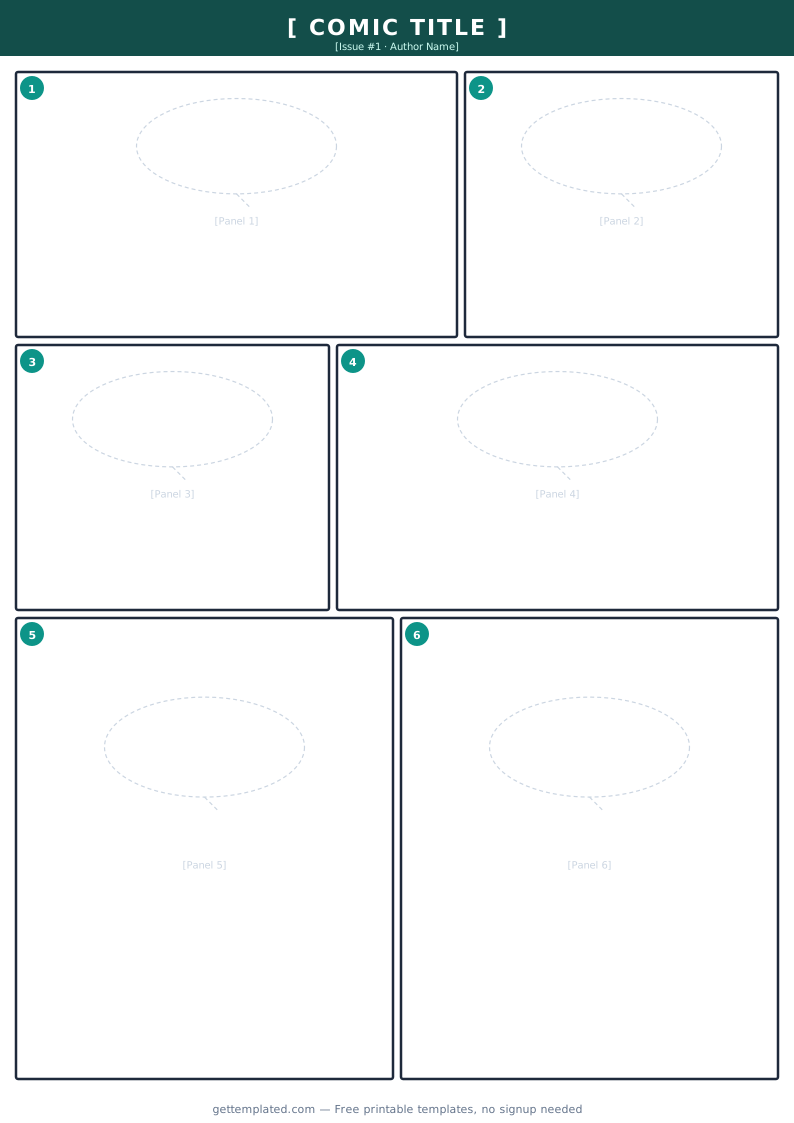
A comic template is a pre-structured layout you use to plan and produce comic pages. It comes in two main forms depending on where you are in the production process: a panel grid template, which is a page of blank boxes arranged and sized for drawing, and a comic script template, which is a text document describing each panel's setting, characters, and dialogue for a collaborating artist or as a personal planning tool.
Panel grid templates are used by artists and illustrators who draw the pages themselves. A script template is used by writers who work separately from the artist, or by solo creators who want to plan the story thoroughly before opening their drawing software. Both types serve the same core purpose: getting the structure of the page settled before the creative work begins so nothing has to be rebuilt mid-project.
Comic panel templates are also widely used outside traditional print comics. Graphic novel creators, webcomic artists, educators making classroom materials, and game developers creating narrative storyboards all rely on a standard layout so pages feel intentional rather than improvised.
- Comic book artists and illustrators: use a printed or digital panel grid to keep page proportions consistent across every issue of a series
- Comic writers: use a script template to communicate scene, action, and dialogue clearly to an artist they are collaborating with remotely
- Webcomic creators: use a fixed-width panel template sized for screen display (typically 800 to 1000 px wide) so panels read well without zooming
- Students and educators: use comic page templates for school projects, literacy activities, and creative writing assignments
- Zine makers: use compact two- or three-panel layouts that fit on a folded half-letter or A5 page for self-published print runs
- Storyboard and game narrative teams: adapt comic panel templates for animatics, cutscene planning, and visual story scripting
What to Include in a Comic Page Template
A well-built comic template captures both the visual layout and the storytelling information needed to produce a clear, readable page. These are the core elements to include whether you are working with a drawn panel grid or a written script format.
- Page number: mark every page at the top so an artist, editor, or printer can sequence pages without any guesswork
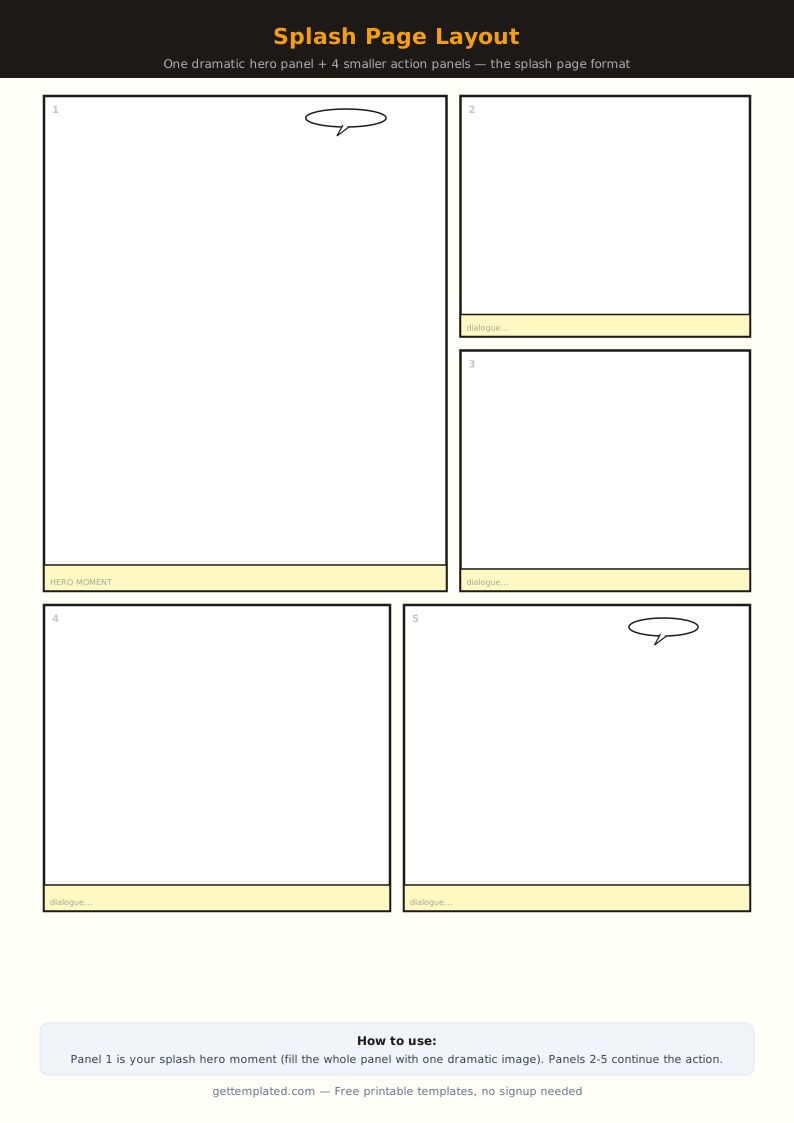
- Panel count and arrangement: note how many panels are on the page and whether they form an equal-size grid, stacked tiers, or include a splash panel
- Gutter width: the white space between panels should be consistent across all pages; 5 to 10 pt in print or 8 to 12 px for web is a reliable standard
- Bleed and trim marks (print only): if printing professionally, include a 3 mm bleed on all edges so art that touches the page edge does not show white slivers after cutting
- Panel description: what the reader sees in each panel, including the setting, character positions, and the key visual action for that story beat
- Dialogue and caption placement: indicate where speech bubbles and narration boxes sit within each panel so they do not cover important art
- Sound effects (SFX): any typographic sound elements that are part of the panel composition, with a note on placement
- Page-level notes: pacing instructions, mood direction, or specific artistic technique requests for that page
How to Set Up and Use a Comic Panel Template
You can create or use a comic panel template in a dedicated drawing app like Clip Studio Paint or Procreate, in a layout application like Adobe InDesign or Affinity Publisher, or with a simple word processor table for script planning. The process below covers both the panel grid approach and the script approach.
- Decide your page size and format: standard US comic book pages are 6.875 x 10.438 inches with bleed (6.625 x 10.25 inches at trim). Manga pages use B4 format (257 x 364 mm). Webcomic canvases are typically 800 to 1000 px wide with height determined by your panel count
- Set up margins and bleed: for print, add 0.125 inches (3 mm) bleed on all edges and keep important content at least 0.375 inches from the trim line. For web, a 20 px margin on each side keeps panels from touching the browser edge
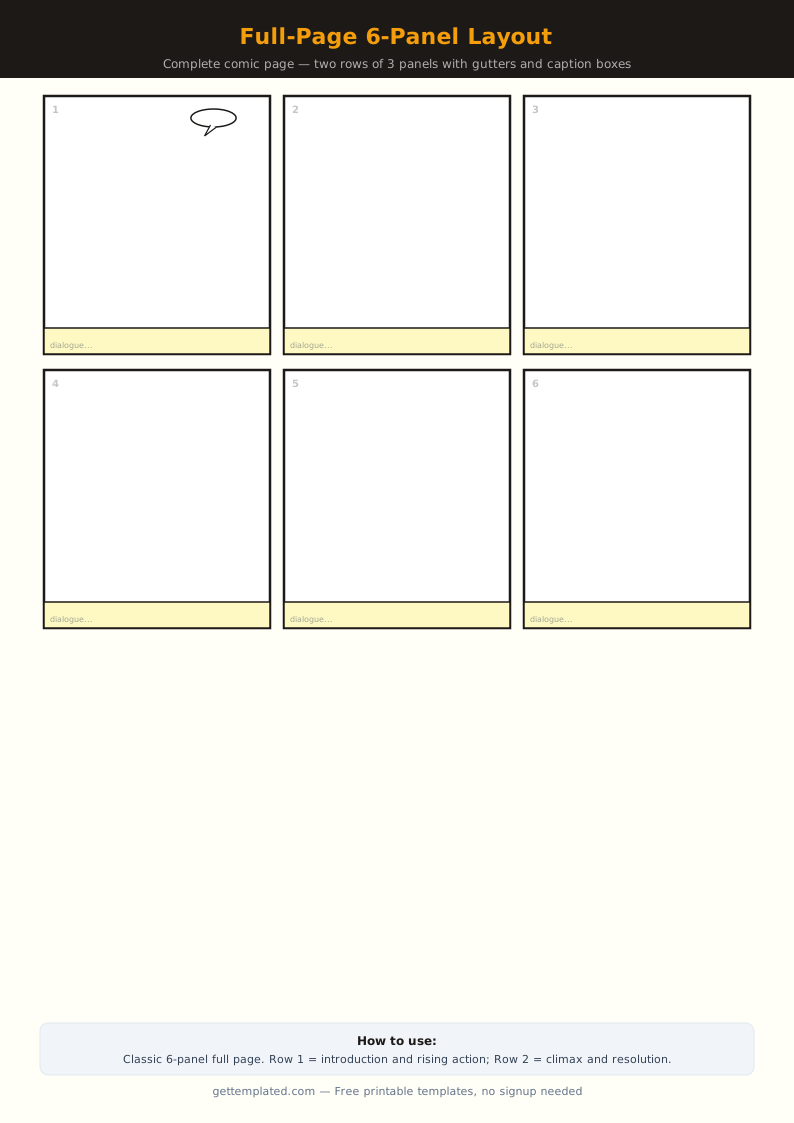
- Define your panel arrangement: decide how many panels this page needs based on the story beat. A six-panel grid with two columns and three rows is the most versatile starting layout for most pages
- Set a consistent gutter width: draw gutters between all panels and lock that measurement in your template file. Gutters that vary randomly across a page make the layout look unfinished
- Add tier structure if needed: for pages with a large establishing shot at the top and several smaller reaction panels below, plan the tier proportions before drawing any borders so the sizing feels deliberate
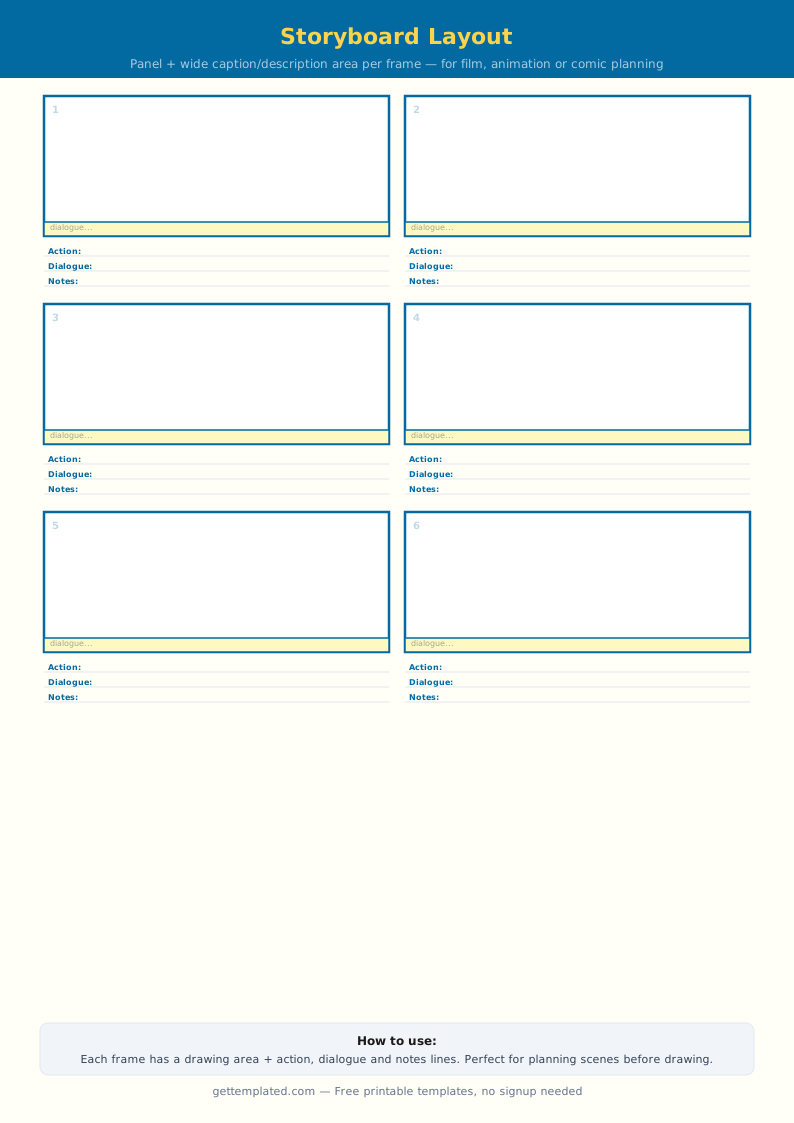
- For script templates: write the panel number, location description, action description, and all dialogue in sequence. Label each speaker clearly and note any captions or sound effects
- Check the reading flow: scan the panels in the order a reader would follow them (left to right, top to bottom in Western comics; right to left in manga). Every panel transition should feel like a natural step in the story
- Save a clean master copy: keep one blank version of your template to duplicate at the start of each new page rather than rebuilding the layout from scratch every time
Common Panel Layouts and When to Use Each
Varying your panel layout from page to page helps control pacing and guide the reader's eye toward important story moments. These are the most common arrangements and the storytelling purpose each one serves.
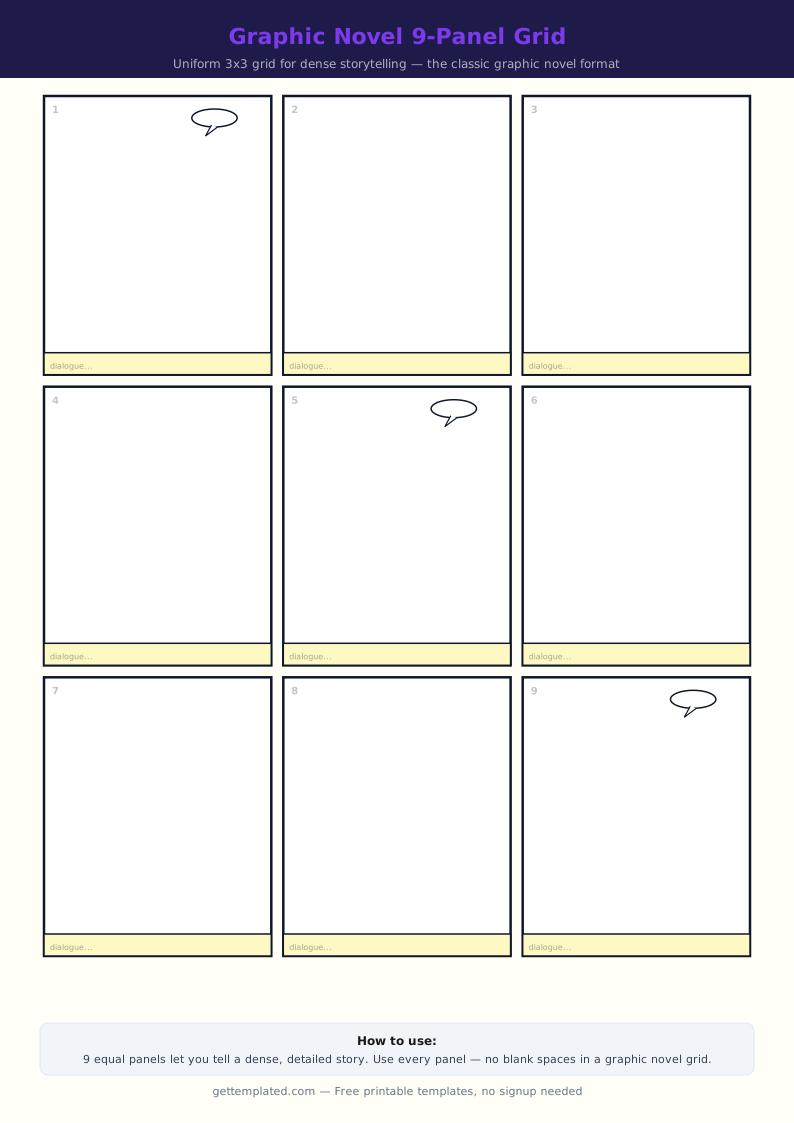
- Six-panel grid (2 columns x 3 rows): the standard layout for dialogue-heavy scenes and action sequences with multiple story beats; gives equal visual weight to each moment
- Four-panel grid (2 x 2): slows the pace; good for quiet scenes, emotional exchanges, or setting up a reveal in the final panel of the page
- Splash page (one full-page panel): used for dramatic reveals, opening pages, or climactic action moments where a single image needs to carry maximum impact
- Double-page spread: two facing pages treated as one large image; reserved for the biggest set pieces because they interrupt reading flow significantly and should be used sparingly
- Tier layout (wide panels stacked): two or three horizontal panels spanning the full page width; creates a cinematic widescreen feeling that works well for landscape establishing shots
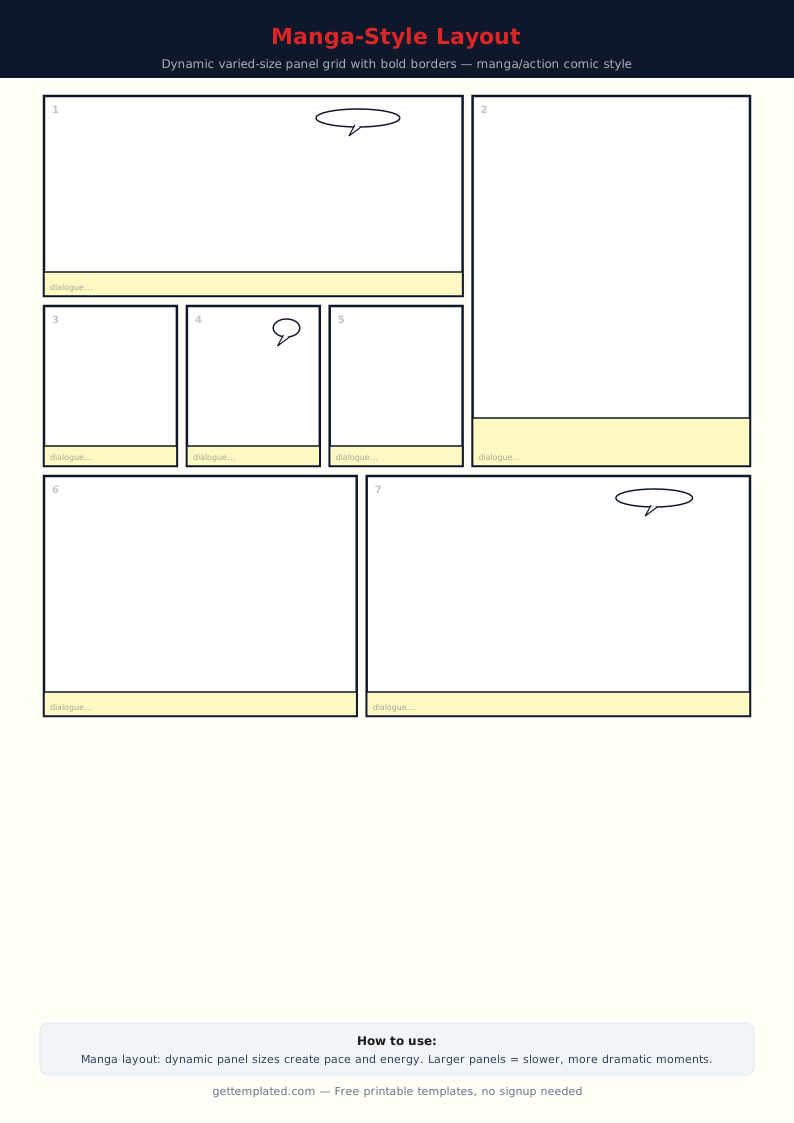
- Variable panel layout (mixed sizes): larger panels for important beats, smaller ones for quick transitions or reaction shots; requires more planning but gives the page a dynamic, designed quality
- Borderless or full-bleed panels: removing the panel border or extending art to the page edge creates an open, immersive feeling; use sparingly at emotional peak moments so the effect does not lose impact
Comic Template Tips and Mistakes to Avoid
Even experienced comic creators run into layout and script problems that a better template setup would have caught earlier. These are the most common issues and how to avoid them.
- Too many panels per page: cramming eight or nine panels onto one page makes every panel too small to read or draw well; aim for four to six per page and go above six only when each panel is a single fast beat
- Inconsistent gutter widths: gutters that vary randomly from panel to panel make the page look unfinished; set your gutter in the template file and do not adjust it individually
- Unlabeled pages in a script: if you are writing a script for another artist, number every page and every panel clearly; referring to 'the fight scene' rather than 'page 12, panel 3' makes revision conversations impossible
- Dialogue that overfills panels: count words per balloon in your script before the artist starts drawing; more than 25 to 30 words per balloon will crowd out the art and force a costly redraw
- No bleed on print files: always work with bleed from the start on any page that will be professionally printed; adding it after the art is finished means stretching or redrawing every edge panel
- Ignoring page turns: the last panel on a right-hand page is the most powerful position in print comics because the reader sees it just before turning; plan your most compelling panel transitions to land at the bottom right of the page
The template