What Is a Comic Strip Template and Who Uses One
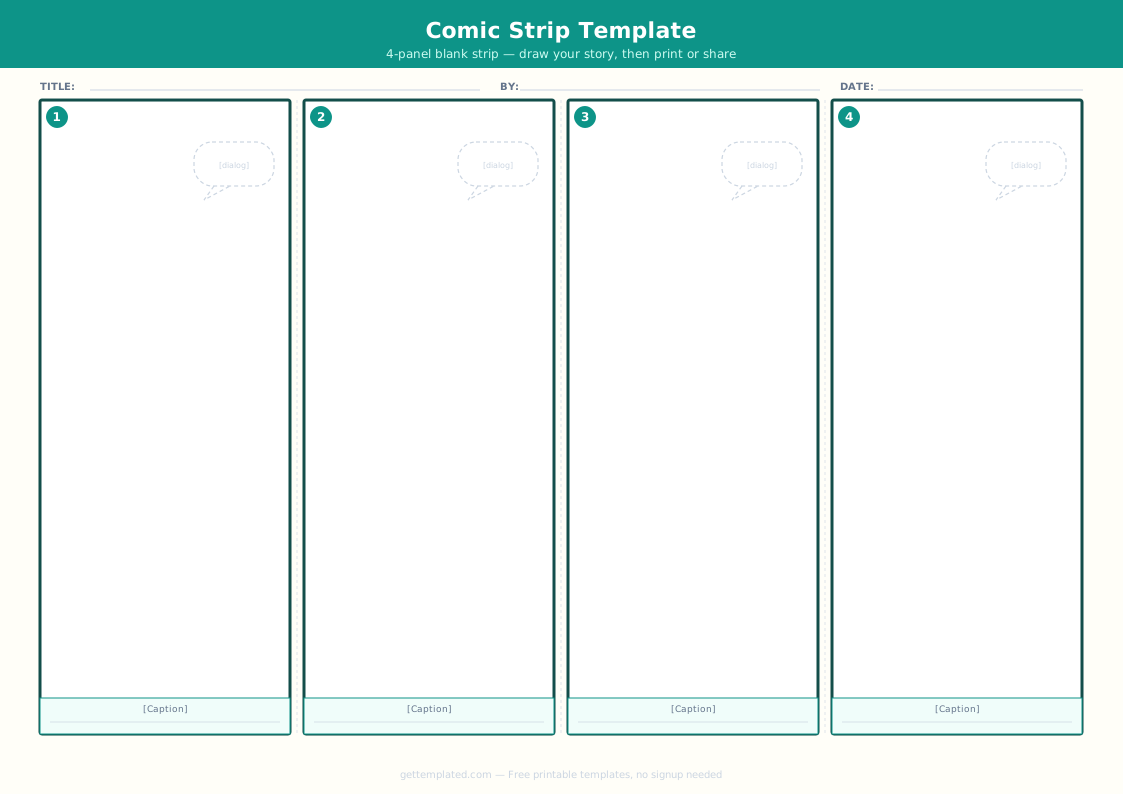
A comic strip template is a blank multi-panel grid with labeled areas for artwork, dialogue bubbles, captions, and sound effects. The structure allows a storyteller to focus on the content rather than the layout, because panel borders, proportions, and spacing are already established.
Teachers use comic strip templates in elementary and middle school classrooms to teach narrative structure, sequence of events, cause and effect, and character development. Visual storytelling through comics engages students who find traditional written assignments difficult, because the panel format gives a clear slot for each story beat.
Artists and hobbyists use blank comic strip templates when sketching ideas quickly. Rather than ruling out panels by hand, the template provides the grid and they fill in the artwork. Comic book templates extend this to full-page multi-panel layouts used in longer-format stories.
Comic strips with 3-4 panels are ideal for jokes, brief scenes, and one-page stories. Longer comic book templates with 6-8 panels per page work for multi-page sequential narratives with developed characters and subplots.
What to Include in Each Comic Strip Panel
Each panel in a comic strip template serves a distinct narrative purpose. Knowing what goes into each element helps you plan the strip before you start drawing.
- Background or setting: establishes where the scene takes place. The first panel usually has the most detailed background; later panels can simplify.
- Characters: the people, animals, or figures in the scene. In a 3-4 panel strip, use two or three characters maximum to keep it readable.
- Action or pose: what each character is physically doing. Action creates visual interest and drives the story forward.
- Speech bubble (oval cloud shape): contains spoken dialogue. The tail of the bubble points to the character who is speaking.
- Thought bubble (cloud of circles): contains a character's internal thoughts rather than spoken words.
- Caption box (rectangle at top or bottom of panel): used for narration, location labels, or time stamps ("Later that day...").
- Sound effects (SFX): onomatopoeia words like POW, CRASH, BUZZ, or WHOOSH that represent sounds and add energy to action panels.
- Gutter: the white space between panels. This space represents time passing or a scene change between moments.
How to Use a Comic Strip Template Step by Step
Creating a comic strip is a process of planning first and drawing second. Rushing to the artwork before the story is clear almost always results in panels that do not flow logically.
- Plan your story in plain text first. Write out what happens in each panel in one sentence per panel before touching any artwork. A 4-panel strip needs a setup (panel 1), a development (panel 2), a complication or rise in tension (panel 3), and a punchline or resolution (panel 4).
- Print the blank comic strip template PDF or open the text-based template above. For hand-drawn work, printing a PDF gives you a physical grid to sketch in. For digital work, use a drawing app and import the panel structure.
- Sketch the characters and background in pencil first. Keep figures simple: even basic stick figures work in early drafts to establish positioning and scale.
- Add the dialogue in the speech bubbles. Write the text first and size the bubble to fit it. A common mistake is drawing the bubble first and then cramming the text in.
- Ink over the pencil sketch if you are doing a hand-drawn strip. Let the ink dry before erasing pencil marks to avoid smearing.
- Add captions, sound effects, and any narrator boxes. Keep text brief: every word in a comic panel costs visual space.
- Review the strip by reading it as a reader would, left to right, panel by panel. Confirm the story flows logically and the punchline or ending lands clearly.
Comic Strip Template Variations and Formats
The structure of a comic strip template varies based on the length of the story, the platform, and the format you plan to use or print.
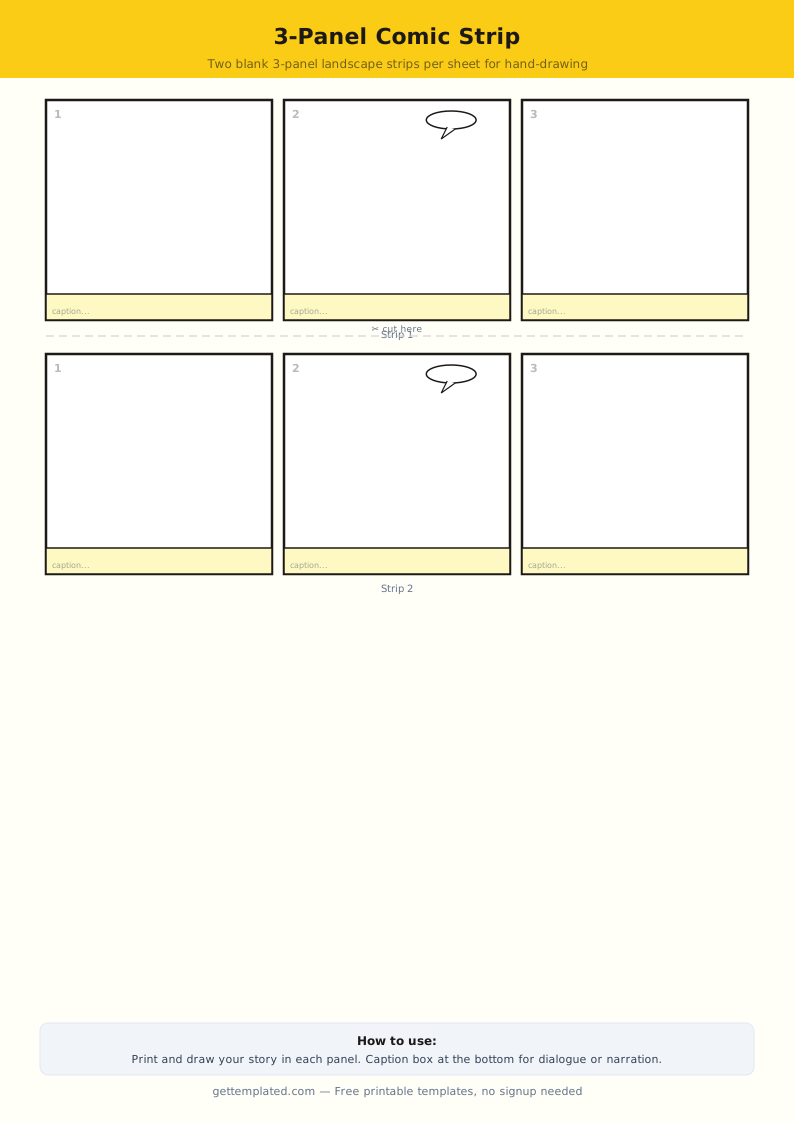
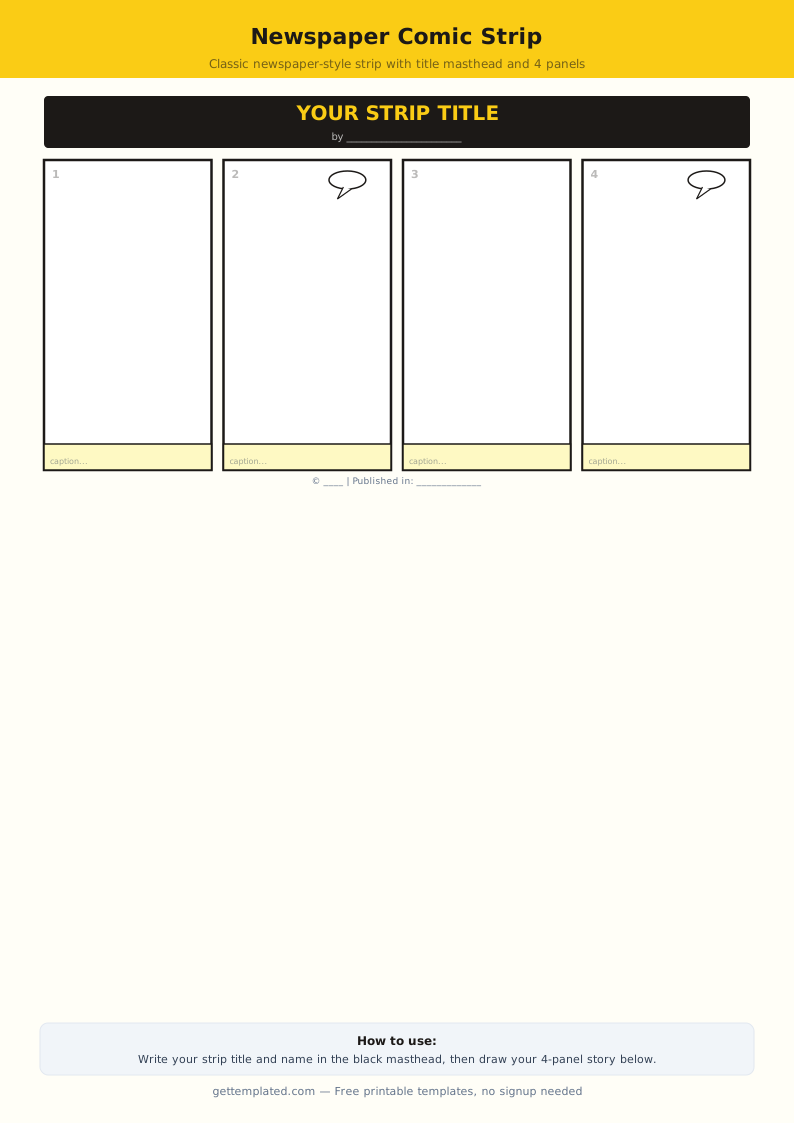
- 3-panel horizontal comic strip: the classic newspaper format. Tight, efficient, and ideal for jokes or a single scene. Panels are the same width and arranged in a single row.
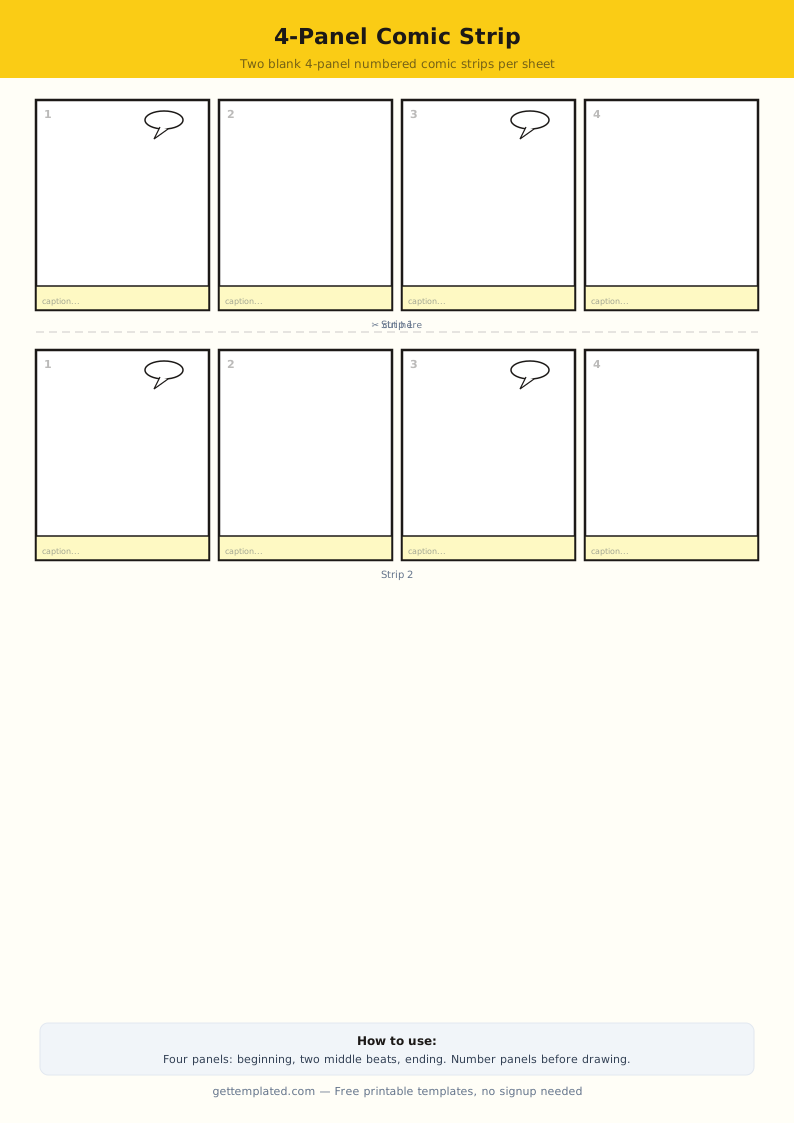
- 4-panel comic strip template: adds one more panel for slightly more developed stories. Still fits on a single row or stacks into two rows of two panels each.
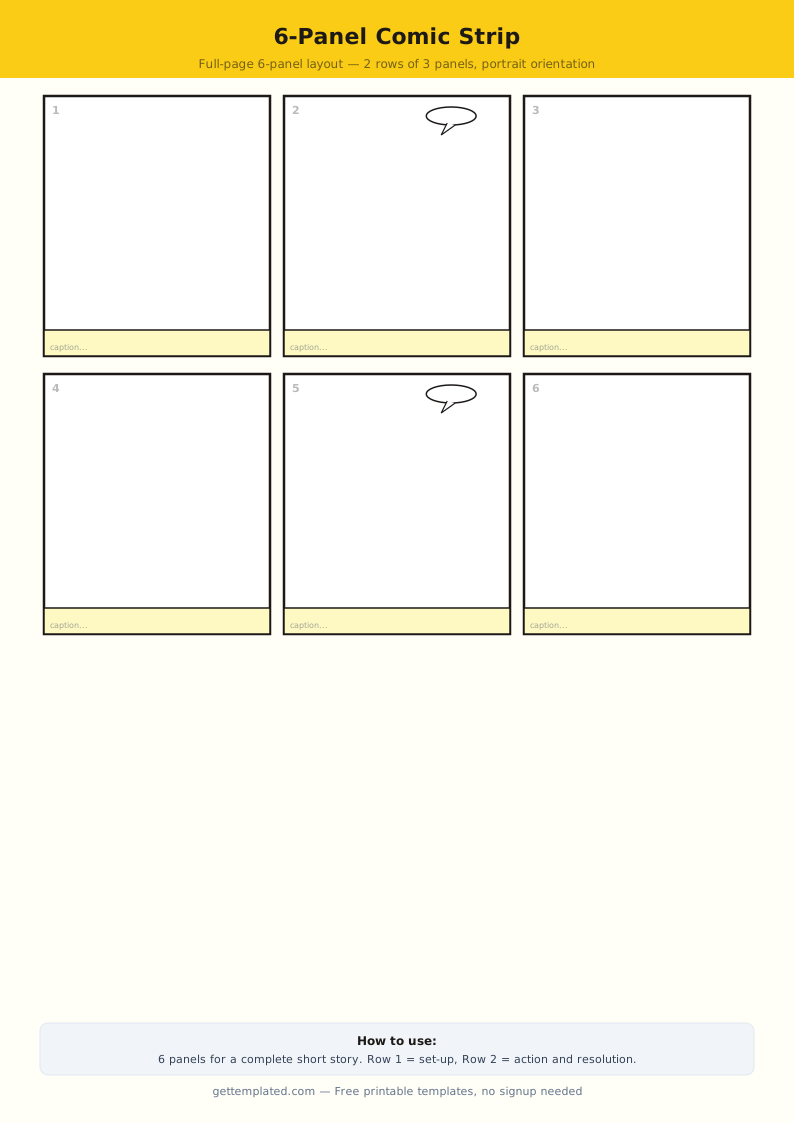
- 6-panel comic strip template: suitable for a short scene with a clearer beginning, middle, and end. Can be arranged as a 3x2 grid.
- Blank comic strip template PDF: a printable version with empty panels and no text fields. Draw directly in each box by hand.
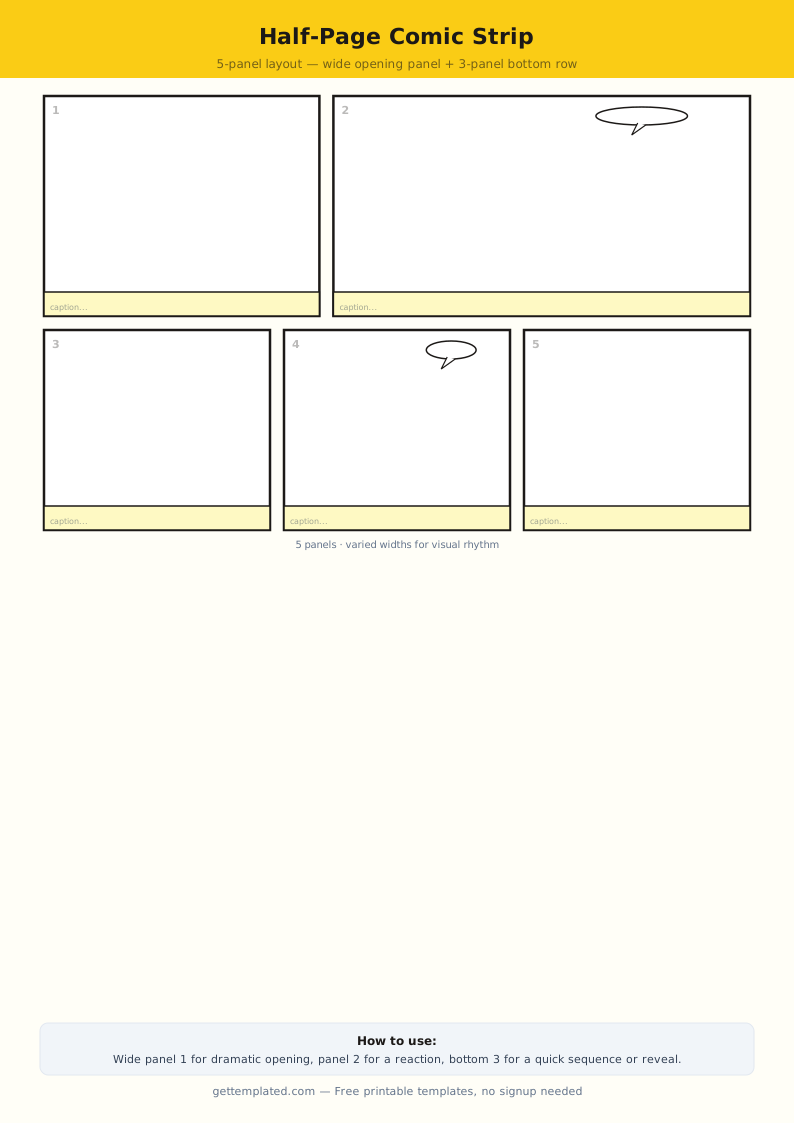
- Comic book template: full-page layouts with 4-8 panels of varying sizes. Larger panels emphasize important story moments; smaller panels cover transitions. Used for longer multi-page narratives.
- Comic book cover template: a single panel formatted as a cover page with a title area, creator credit, and issue number. Used for presenting a comic as a finished publication.
Comic Strip Template Tips for Students and Beginners
These tips address the specific challenges beginners face when filling out a comic strip template for the first time.
- Do not try to be a perfect artist: comic strips tell stories, not display fine art. Clear, readable characters matter more than detailed illustration.
- Use simple, consistent character designs: give each character one or two distinctive visual features (a hairstyle, a hat, a different body shape) so readers can tell them apart easily.
- Keep dialogue short: real conversations can run for pages, but comic dialogue must be scannable in under three seconds per bubble. Aim for 5-15 words per bubble.
- Use varied panel sizes to show importance: a dramatic moment deserves a larger panel. A quick transition can fit in a narrow panel.
- Establish left-to-right reading order clearly: place the character who speaks first on the left side of the panel. Readers follow the natural left-to-right flow.
- For classroom comic strip templates, try a theme prompt: "show a character solving a problem," "retell a historical event in 4 panels," or "illustrate a math word problem." Constraints make creative tasks easier to start.
- Save or scan completed strips: physical comic strips get damaged or lost. Even a phone photo of a finished strip preserves the work.
The template