What Is a Bookmark Template and Who Uses It
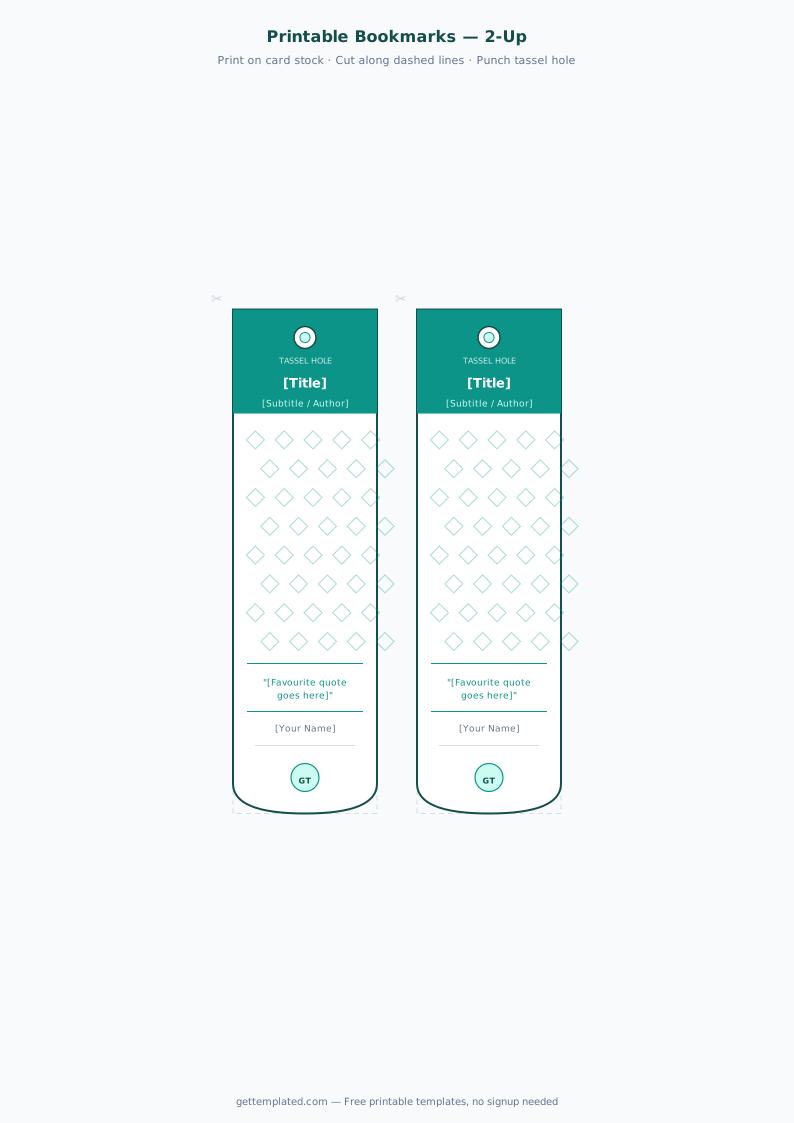
A bookmark template is a pre-sized layout, typically 2 inches wide by 7 inches tall, that holds a design and optional text for a printed bookmark. You fill in the placeholders, print on cardstock, cut, and use. No measuring, no guessing about proportions.
Bookmarks are one of those small printed items that people consistently want to make but rarely want to design from scratch. Readers make personalized bookmarks as gifts or to match a current book series. Teachers hand out custom bookmarks as reading rewards. Libraries and school librarians create themed bookmarks for reading programs. Crafters sell them at markets. Small businesses print branded bookmarks as low-cost marketing giveaways.
A binder cover template and binder spine template solve a related problem for students and office workers who want organized, labeled binders without hand-lettering every one.
- Readers and book clubs who want personalized or themed bookmarks as gifts
- Teachers and school librarians creating reading reward bookmarks or summer reading program materials
- Students who want clean, matching binder covers and spine labels for each subject
- Crafters and small business owners selling printed bookmarks at markets or as add-ons
- Event planners using branded bookmarks as wedding favors, party favors, or event keepsakes
What to Include on a Printable Bookmark
A good bookmark has a clear visual area and a small amount of text. The layout is tall and narrow, so prioritizing vertical flow matters more than on other templates.
- Top design area: An image, illustration, pattern, or bold color block that draws the eye and sets the theme
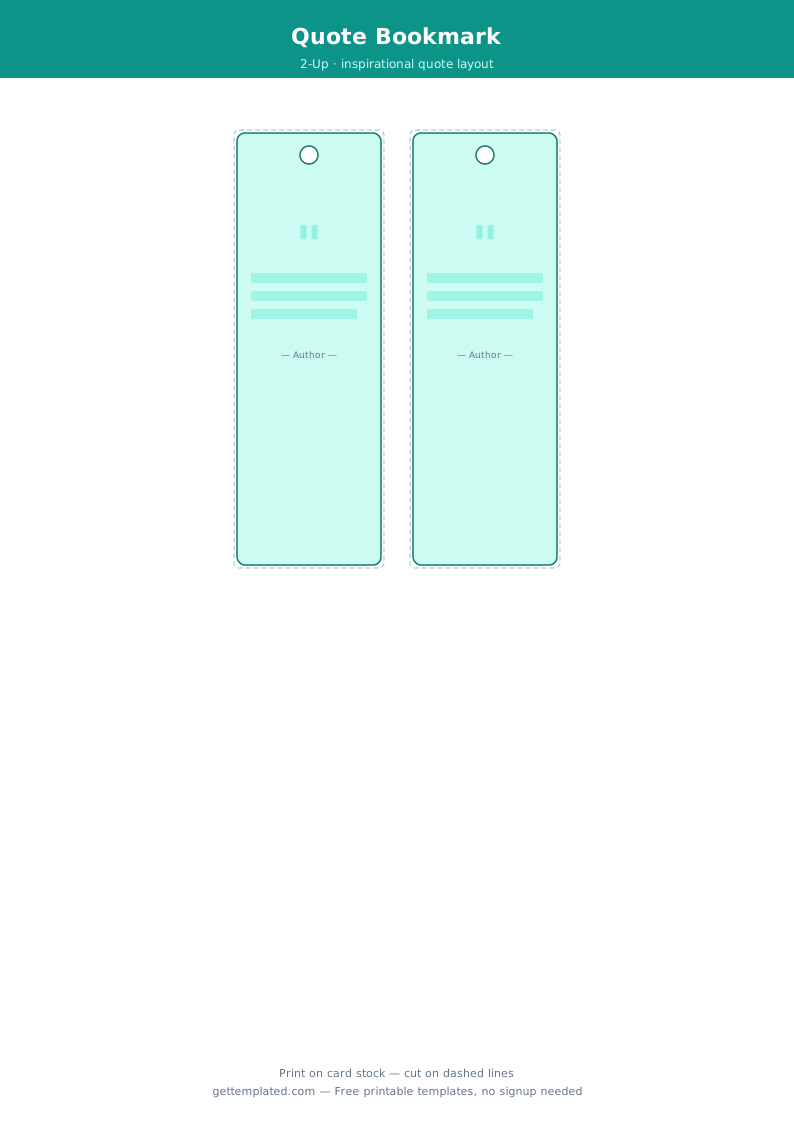
- Title or quote: A book title, motivational quote, or short message in the center section, usually the largest text on the bookmark
- Author or attribution: If the text is a quote, credit the source below in a smaller font
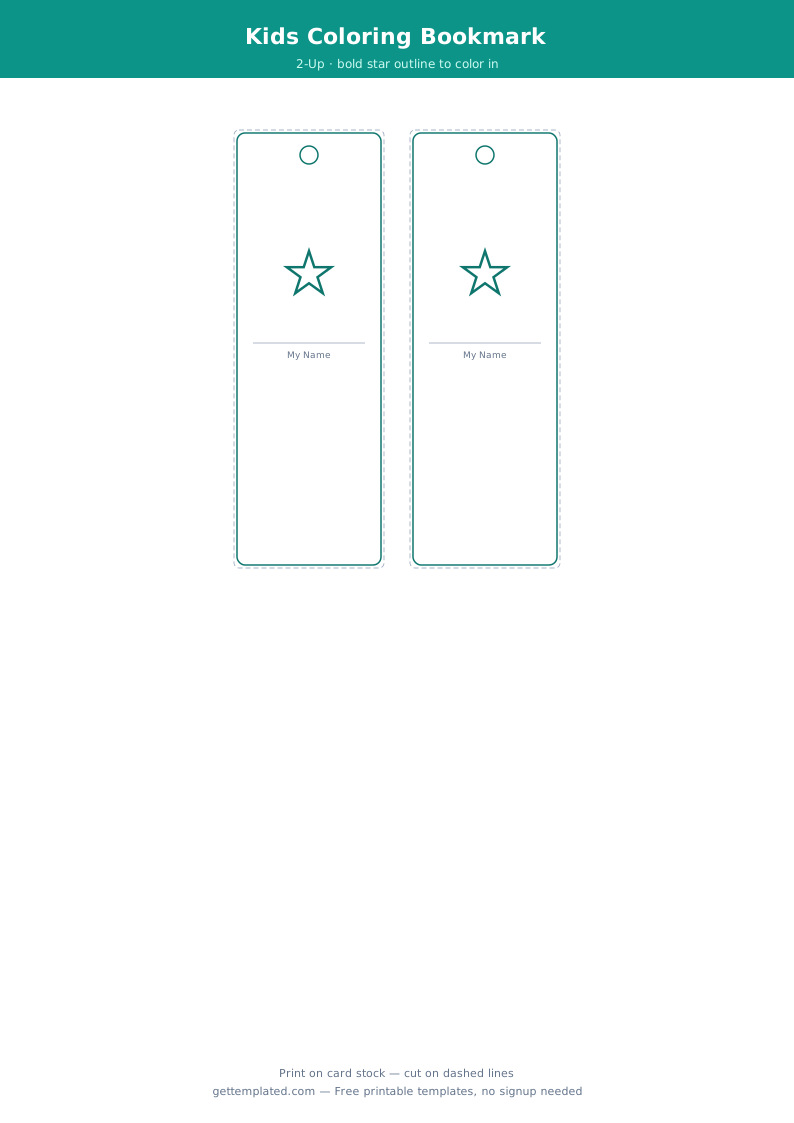
- Optional middle image: A second illustration, decorative divider, or icon can break up the vertical space
- Bottom text: A website URL, social media handle, event name, or your name for branded or gift bookmarks
- Hole punch area: If you plan to add a tassel or ribbon, leave 0.25 inches of clear space at the top before any design elements
How to Make a Printable Bookmark Template
You can create a bookmark template in Google Docs, Microsoft Word, or Canva. Here is how to set up and print a standard 2 x 7 inch bookmark in each tool.
- Open Google Docs and go to File > Page setup. Set the page size to 2" wide by 7" tall. Set all margins to 0.1" or 0.15".
- Add your top design element using Insert > Image or Insert > Drawing. A color block, photo, or illustrated header works well.
- Type your quote or title in the middle section. Use a font size between 14 and 18 pt for a quote, smaller for secondary text.
- Add any bottom text or branding in a smaller font (8 to 10 pt) near the bottom of the page.
- To fit 4 bookmarks on one sheet for efficient printing, create a new 8.5 x 11 page, insert a 2-column by 2-row table, and paste your bookmark design into each cell.
- In Canva, search for 'bookmark' to find pre-sized templates. Replace the image and text with your own content and download as a high-resolution PDF.
- Print on 65 lb cardstock or heavier at 100 percent scale (not 'fit to page'). Laminate after cutting for a durable, professional feel.
Binder Cover and Binder Spine Templates
Binder covers and binder spine labels are natural companions to bookmarks for anyone organizing school or work materials. Both use the same basic design logic: a clear title, a clean background, and consistent branding across a set.
A binder cover template fills a standard 8.5 x 11 inch sheet that slides into the clear front pocket of a three-ring binder. It typically includes the binder title, subject or course name, year or semester, and the owner's name. A logo, color block, or themed illustration fills the background to make the binder easy to spot on a shelf.
A binder spine template is a narrow vertical strip, usually 0.5 to 1 inch wide by 11 inches tall, that slides into the spine pocket of the binder. It shows the binder title, subject, and year in small horizontal or rotated text. The width of your spine template must match the actual ring capacity of your binder: 0.5 inches for a 1-inch binder, and 1 inch for a 2-inch binder.
For a matching set, use the same font and color scheme for the cover and spine so binders look consistent when lined up together.
Bookmark Design Tips and Common Mistakes
Bookmark templates are small, so small design choices have a bigger visible impact than on larger formats.
- Use portrait orientation and a tall, narrow layout. Landscape bookmarks exist but are less common and do not fit standard book widths as neatly
- Limit yourself to one or two fonts. A decorative font for the main quote and a clean sans-serif for attribution or secondary text is a reliable combination
- Contrast matters more on a small format. Light text on a dark background or dark text on a light background is the safest choice for legibility
- Leave at least 0.125 inches of margin around all edges. Content too close to the edge gets cut off during trimming
- For gifts, personalize with the recipient's name or favorite quote. A personal touch is what separates a homemade bookmark from a generic one
- For binder spine templates, print one test strip first to verify the width matches your actual binder before printing a full set
The template