What a Spotify Wrapped Template Is and Who Uses It
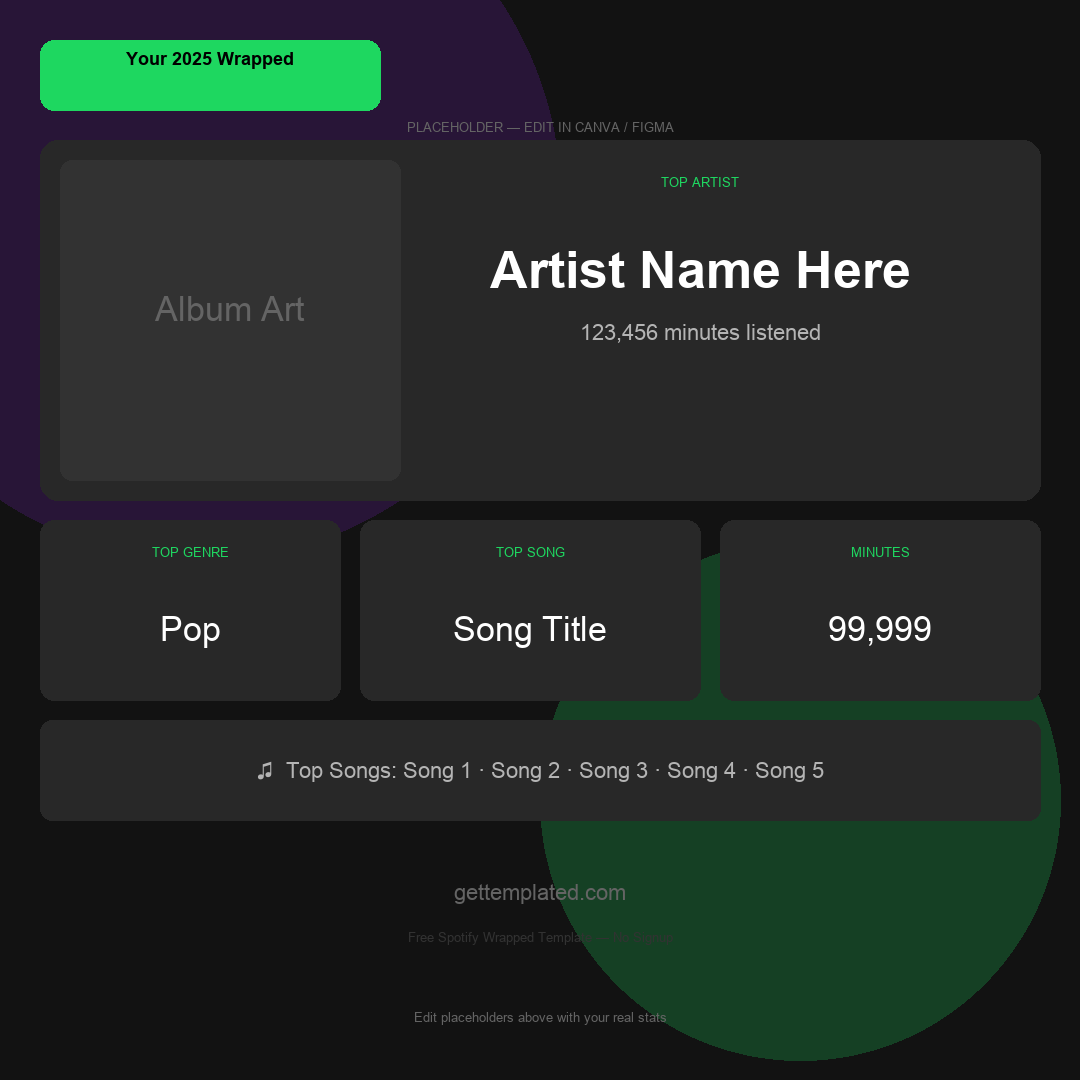
Spotify Wrapped is the annual listening recap Spotify releases each December showing your most-played artists, songs, genres, and total minutes listened. A Spotify Wrapped template lets you recreate that shareable card format with your own data, at any time, without waiting for the official release or needing an active Spotify account.
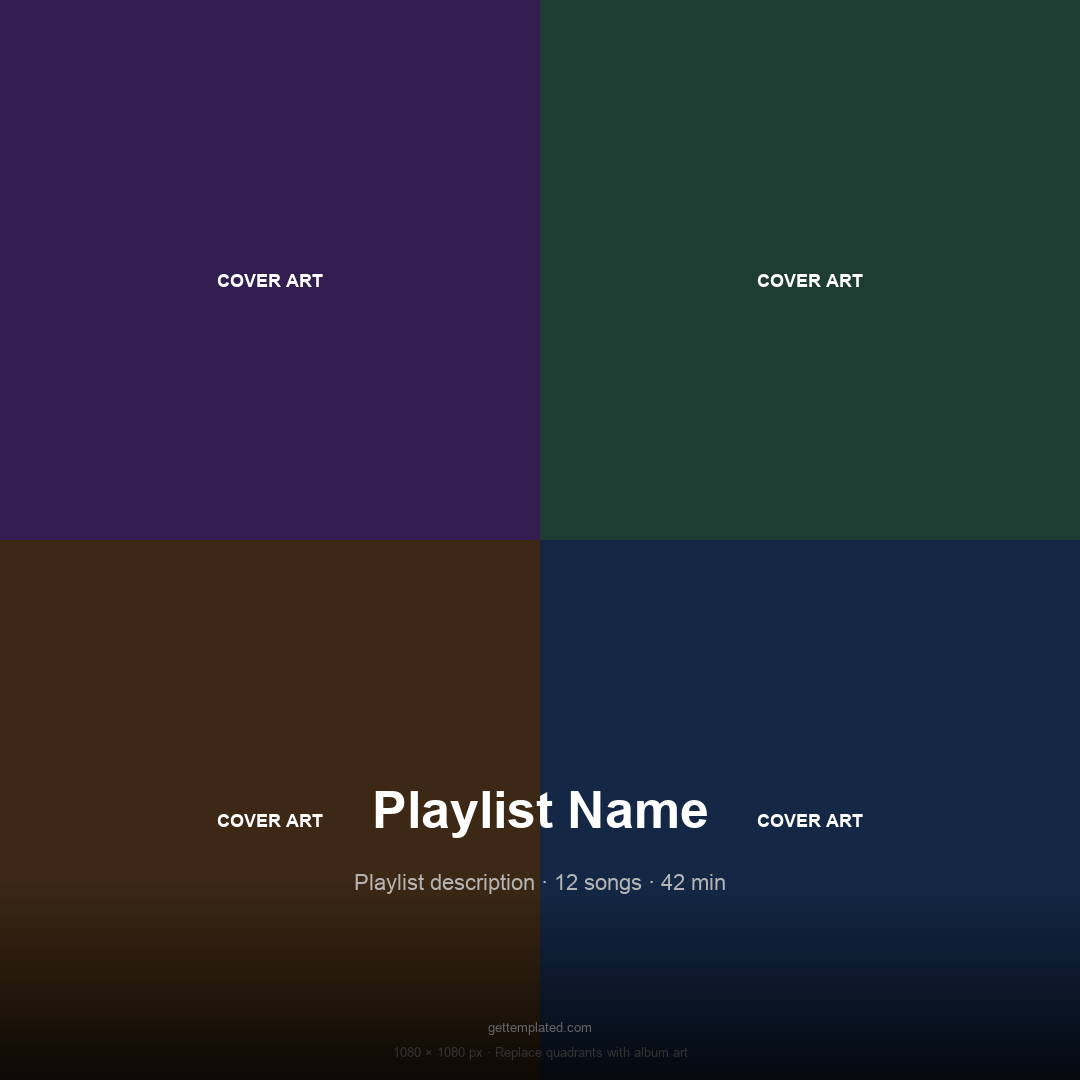
The format has become its own social media genre. People use Spotify-style cards to share current playlists, recommend music to friends, react to new albums, and create fictional or joke Wrapped cards for fun. A Spotify playlist template takes the aesthetic one step further, presenting a curated collection with album-style artwork, track listing, and a mood label the way Spotify itself would display a featured playlist.
- Music fans who want to share listening habits outside the official December release window
- Content creators making music recommendation posts for Instagram Reels and TikTok
- People who want a Wrapped-style card based on their own manually tracked stats
- Anyone building a playlist recommendation post in a familiar, recognizable visual format
- Students and hobbyists making personalized music recap posters for their room or desktop
- Podcasters and musicians using the format to present episode or song stats visually
What to Include in Your Spotify Wrapped Card
The official Spotify Wrapped covers a specific set of stats that people expect to see on any Wrapped-style card. Sticking close to this structure makes your custom card immediately recognizable and feel authentic to the format people already know.
The most shareable Wrapped cards combine a mix of listening data with a personality label or mood category. Spotify uses labels like 'Road Tripper,' 'Deep Focus,' or 'Genre Fluid' to add a personal narrative layer beyond raw numbers. Adding your own mood label to a custom Spotify song template makes it more engaging and gives people something to react to beyond just the list.
- Top Artist with an approximate listening time or number of plays
- Top Song with artist name and a play count or listening minutes figure
- Top Genre or the top 2 to 3 genres for the time period
- Total listening time in minutes (and the hour equivalent for context)
- Top 5 Artists and Top 5 Songs in ranked order
- A personality or mood label that characterizes your listening style
- The time period covered: full year, summer, a single month, or a custom range
- An optional 'first song of the year' or 'most replayed song' stat for extra detail
How to Make a Spotify Wrapped Template in Canva or Google Slides
Canva is the easiest tool for building a Spotify-style graphic because it handles the visual design (bold typography, gradient backgrounds, rounded cards) without needing any design skills. Google Slides works too and is completely free with no account beyond a Google login.
The Spotify aesthetic uses a dark background (deep black or very dark green), large bold sans-serif type, and bright accent colors (neon green, lime, or bright pink). You can find pre-built Canva templates by searching 'Spotify Wrapped' in the template search, then replace the placeholder text with your own data. For the Google Slides approach, set the slide background to a dark color and use white and bright accent text.
- Open Canva (free tier) and search for 'Spotify Wrapped' in the template search bar
- Choose a template in the 9:16 format (1080x1920 pixels) for Instagram and TikTok Stories
- Replace the placeholder artist, song, and stats text with your own data
- Change the accent color to match your personal palette or your top artist's brand colors
- Add a personality or mood label in large type as the closing card
- Download as a PNG or JPG at high resolution
- Share directly to Stories, or use TikTok's built-in green screen effect to react to it on camera
Spotify Wrapped Template Variations and Related Formats
The Wrapped card format has spawned several popular variations beyond the standard year-end recap. Each follows the same bold-typography-on-dark-background aesthetic but presents different kinds of information.
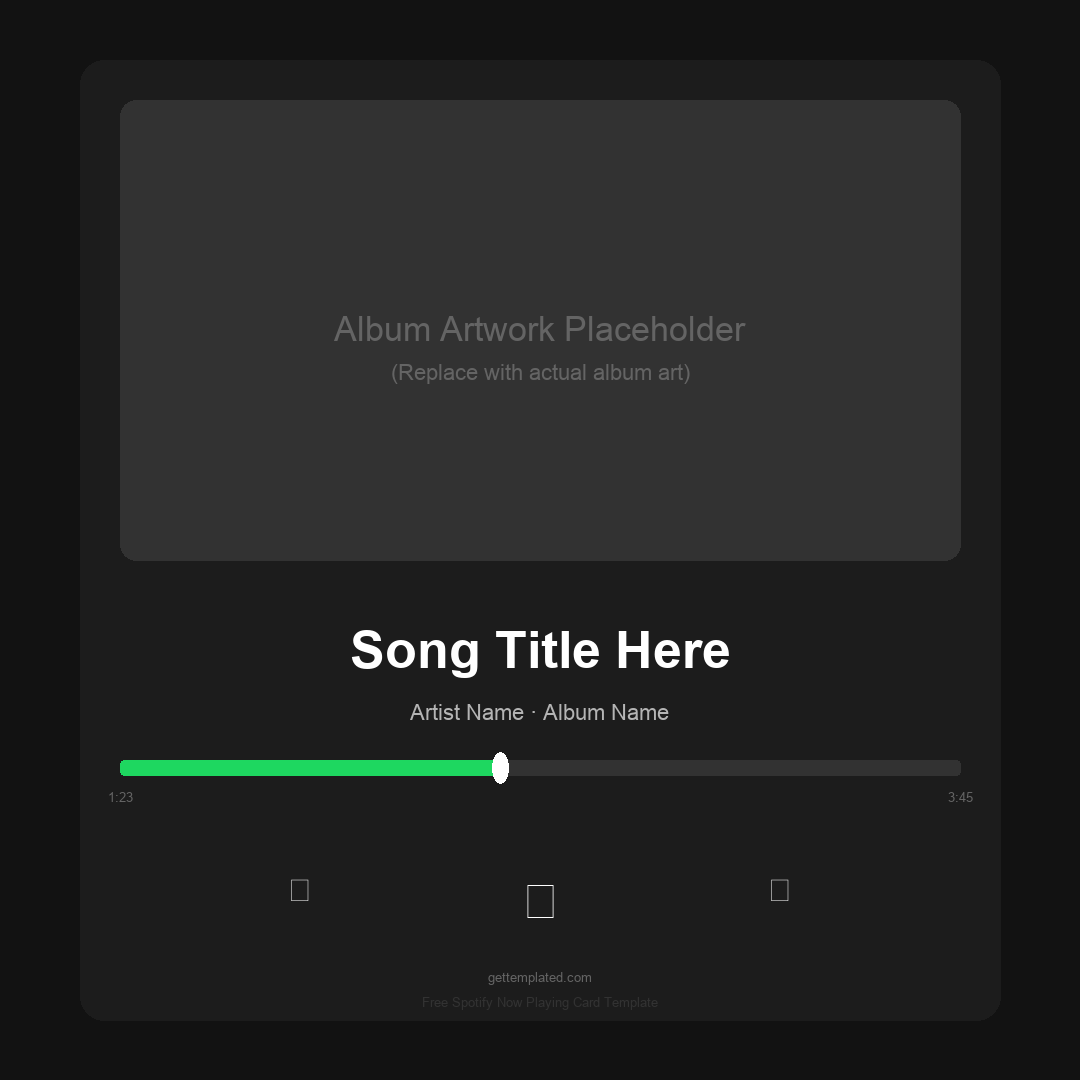
A Spotify playlist template presents a curated collection as a visual card rather than a recap of listening stats. It typically shows a playlist title, mood label, approximate length, and the top 5 to 10 tracks. A Spotify song template focuses on a single track: the song title, artist, album art area, lyrics snippet, and a play count or listening streak. These single-song cards are popular for new release announcements and concert reaction posts.
- Year in review: the classic Wrapped format with top 5 artists and songs for the full year
- Monthly recap: same structure but for a single month, good for sharing more frequently
- Playlist card: curated collection presented with a title, vibe label, and track listing
- Single-song card: deep focus on one track with lyrics, play count, and mood tag
- Album card: visual recap of an album release with ratings and favorite track callouts
- Fictional or joke Wrapped: parody versions using TV shows, podcasts, or joke data
- Canva Wrapped: built using a Canva template for fully branded, polished graphics without coding
Tips for Making Shareable Spotify-Style Cards
The most shareable Wrapped cards are the ones that feel personal and spark conversation. A list of artists is less engaging on its own than a list of artists combined with a surprising or relatable personality label. The labels people laugh at or relate to are what drive the comments and shares.
Keep the text hierarchy clear: one massive headline stat (your top artist or total minutes), a supporting stat below it, and smaller detail stats underneath. Spotify's own cards use this three-level hierarchy in almost every slide. Trying to fit too much information onto one card makes it feel cluttered and less shareable.
- Lead with the most surprising or relatable stat rather than the most obvious one
- Use a personality label that sparks conversation or is slightly self-deprecating
- Keep each card to one main stat with two to three supporting details maximum
- Dark backgrounds with bold white type photograph better and stand out in Stories feeds
- Use the 9:16 aspect ratio (1080x1920) so the card fills a Stories frame without black bars
- Make multiple cards for a swipeable carousel rather than cramming everything onto one image
- Reference the year or time period so the card has a specific context rather than being generic
The template