What a Game Board Template Is and Who Uses It
A game board template is a ready-made layout that eliminates the blank-page problem when creating a board game from scratch. Instead of drawing a path or grid by hand, you start with a structured template that already has spaces, zones, or a grid and fill in your own content, rules, and artwork.
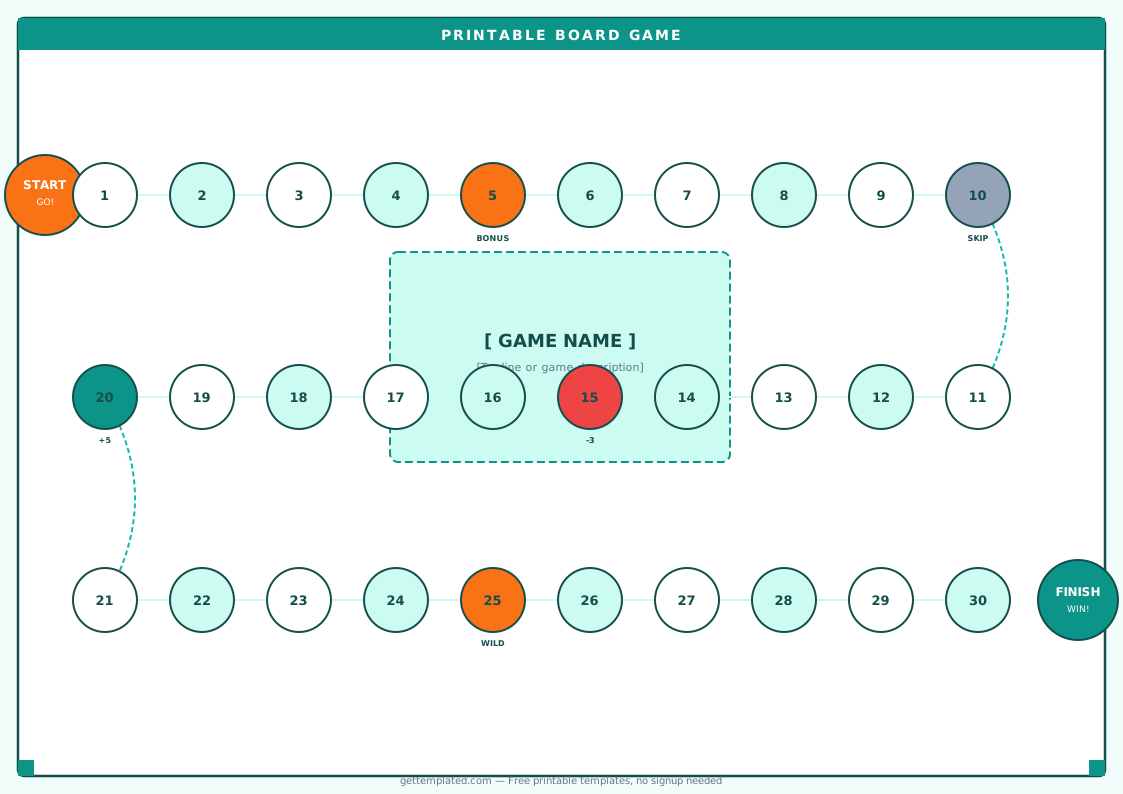
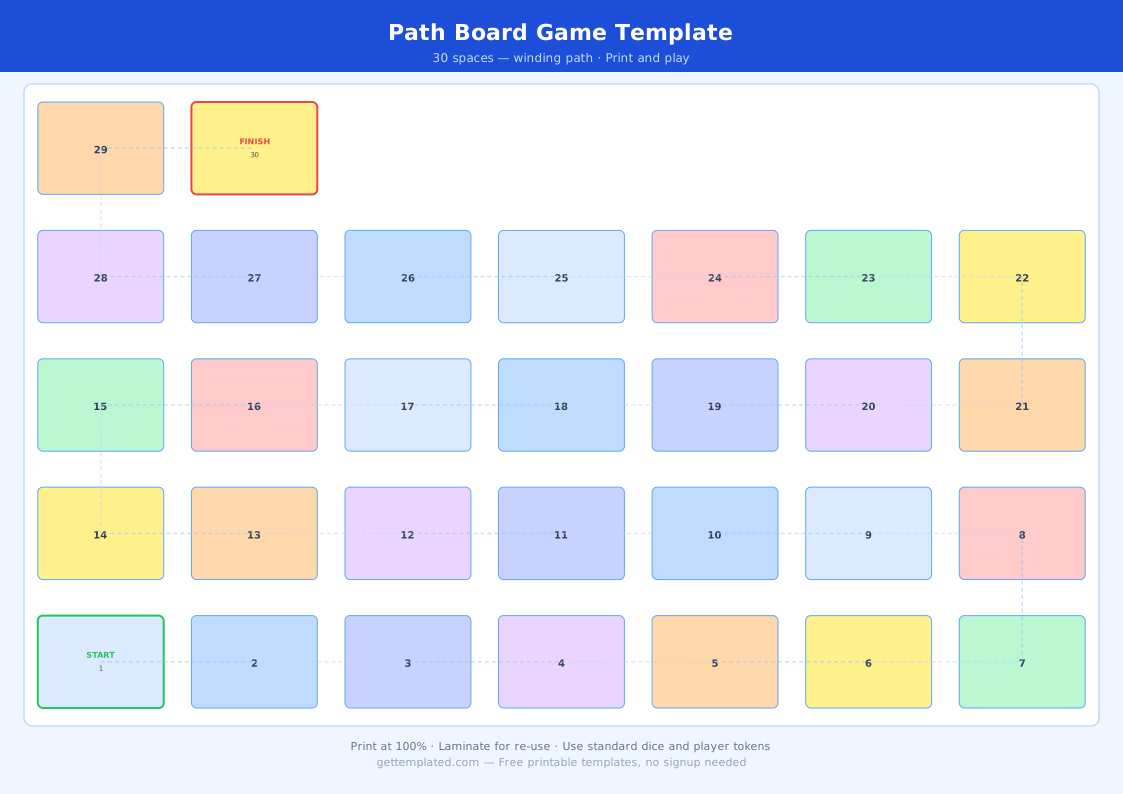
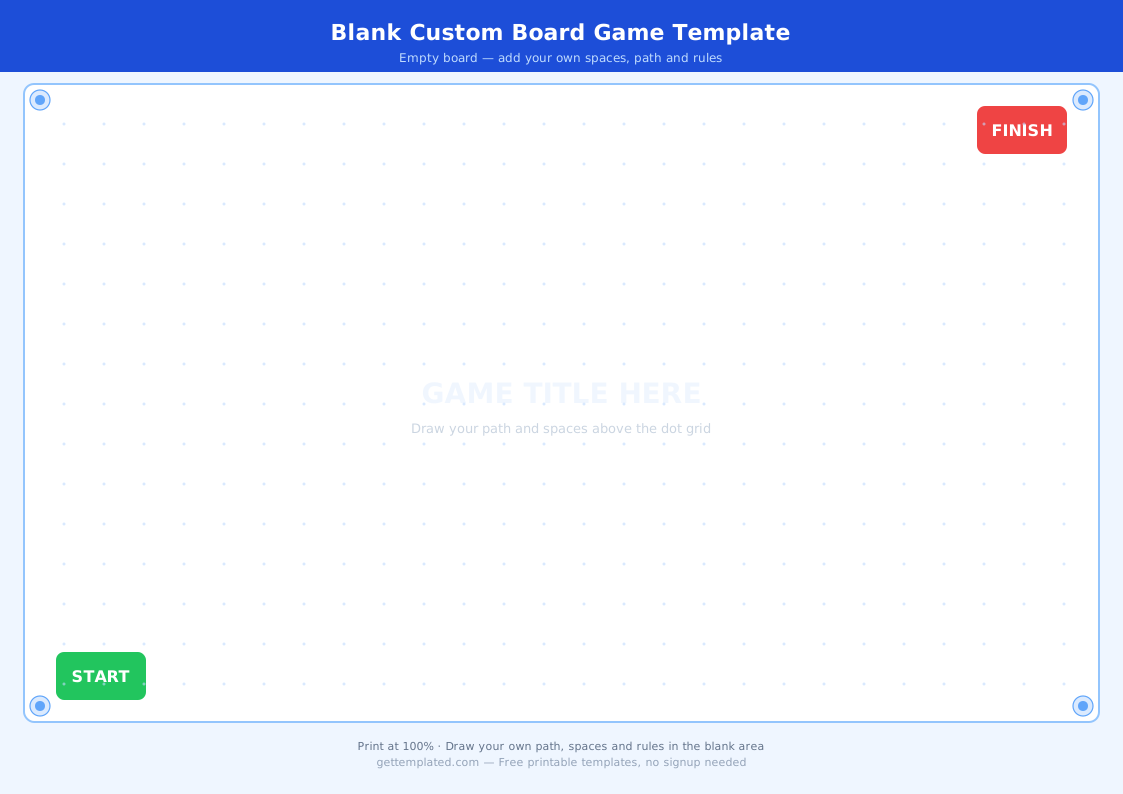
The blank board game template is the most versatile version. It gives you an empty path of spaces with no pre-filled content, so you can adapt it to any subject or theme. A scavenger hunt template uses the same basic layout but replaces movement instructions with clue-based challenges. A guess who template uses a grid format where players flip down character cards. A game design document template goes one step further and includes sections for mechanics, win conditions, and playtesting notes alongside the visual board.
- Teachers creating vocabulary or math review games for the classroom
- Parents building custom family game nights around kids' interests
- Designers prototyping new game concepts before paying for production
- Event planners building scavenger hunts and party games
- Youth groups making cooperative games for team building activities
- Kids who want to invent their own games as a creative project
What to Include in a Board Game Template
A complete game board template needs several components working together. The board itself is the playing surface, but the spaces on that board and the supporting cards, dice, and rules are what actually make a game work. Thinking through each component before you start filling in spaces saves a lot of revision later.
- Start and Finish spaces clearly labeled at opposite ends of the path
- A path of numbered or sequenced spaces (20 to 40 spaces suits most casual games)
- Special action spaces: move forward, move back, skip a turn, draw a card, roll again
- A dice template or spinner section if you are printing the randomizer as part of the board
- A rules card or rules box summarizing how to start, move, and win
- A card deck area or card backs if the game uses challenge or question cards
- Player token placeholders or a legend explaining what each token represents
- A win condition clearly stated: first to reach Finish, most points, or last player standing
How to Make a Board Game Template in Google Docs or Word
Building a board game template in Google Docs takes under 20 minutes using tables and text boxes. The key decision is your board shape: a winding path fits on one page and prints easily, while a grid layout works better for chess-style or coordinate-based games.
For a printable game with 20 to 30 spaces, a single US Letter page in landscape orientation gives you enough room for spaces that are large enough to place tokens on. Use a table with merged cells to create the path shape, or draw the path with text boxes if you want more visual flexibility. Number each space in small text so players can reference rules by space number.
- Decide on your theme and win condition before opening the document
- Open Google Docs and set the page to landscape orientation (File > Page Setup)
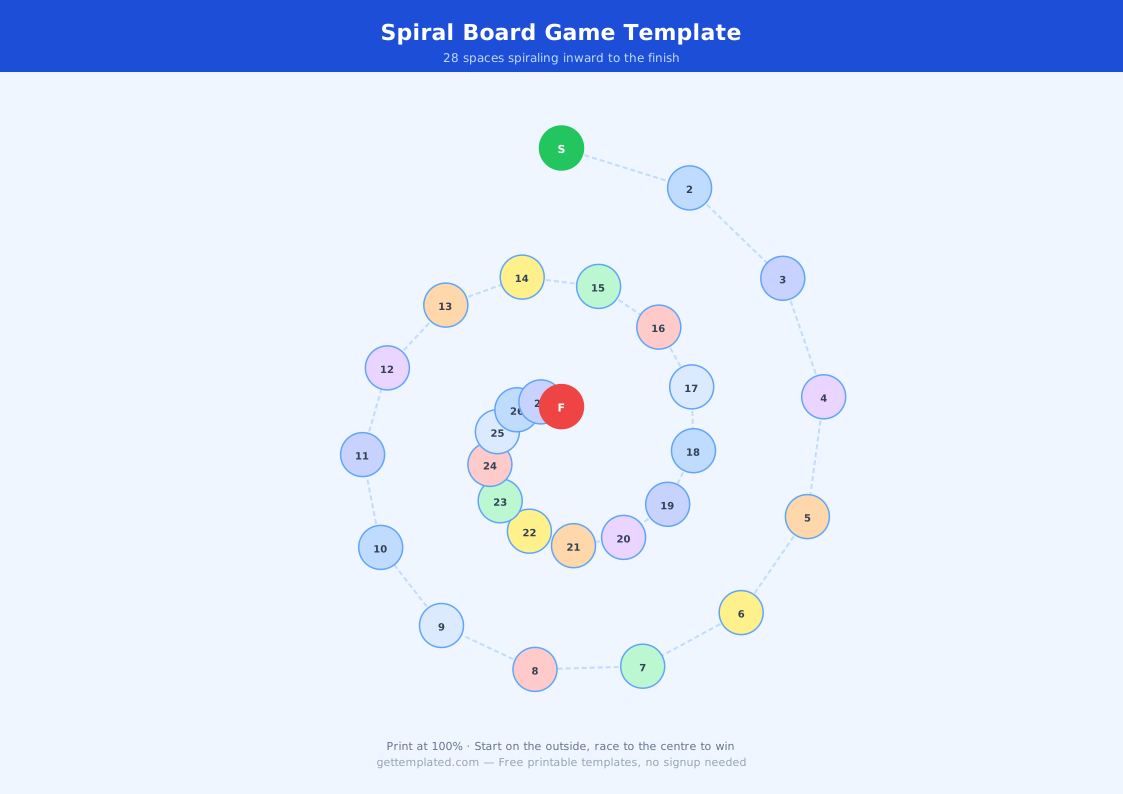
- Insert a table and merge cells to create the path shape you want (spiral, U-shape, or straight)
- Number each space and label Start and Finish clearly in bold
- Fill in special action spaces: aim for one special space every 3 to 5 regular spaces
- Add a rules box in a corner using Insert > Drawing, or type rules below the board
- Print on card stock or laminate the sheet for durability during repeated play
- Cut out tokens from colored card stock or use coins and game pieces from other sets
Types of Game Board Templates and Variations
Board game templates range from simple linear paths to complex grids depending on the type of game you want to make. Matching the template type to your game mechanics before you start saves time and results in a better-playing game.
A scavenger hunt template uses clue spaces instead of move spaces. Players do not move a token down a path; instead they collect clues that lead them to a physical location. A guess who template uses a two-player grid where each player has a set of character cards and asks yes or no questions to eliminate cards until only one remains. A baseball lineup template is not a board game at all but a sports planning sheet, though it falls in the same category because it uses a grid-based template for organizing player positions.
- Classic path board: linear or winding route with action spaces, good for 2 to 6 players
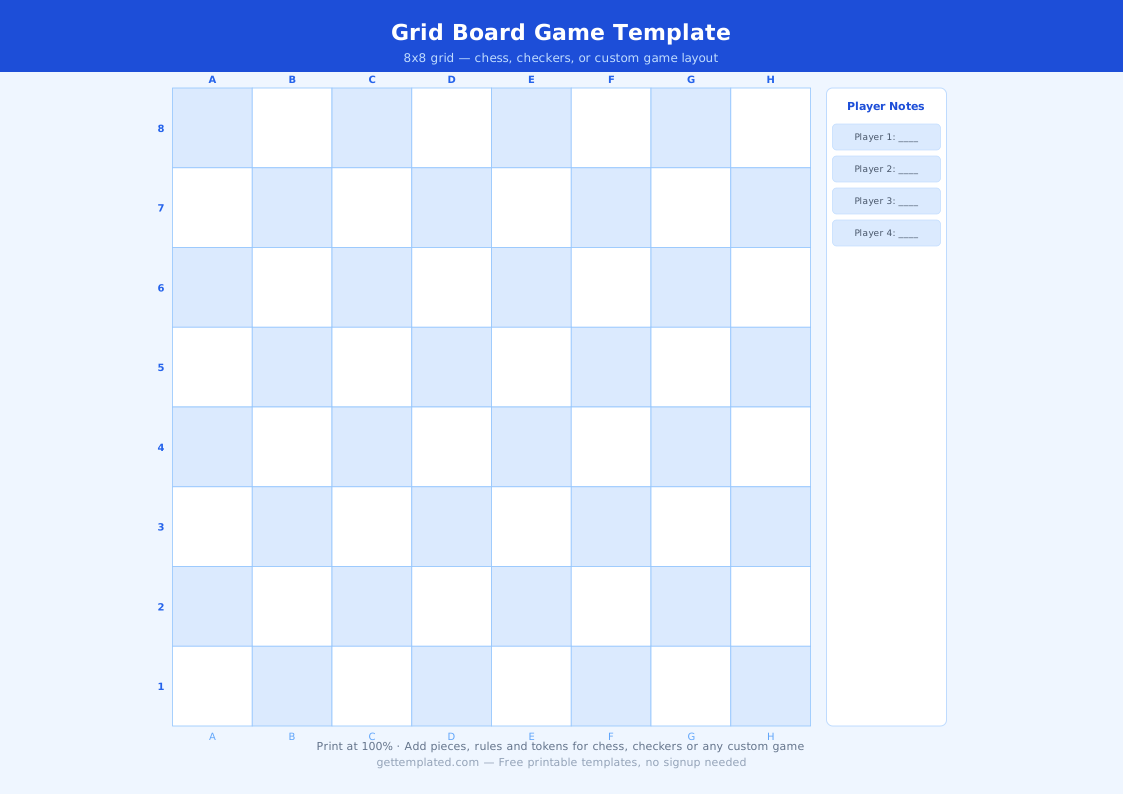
- Grid board: chess or checkers-style square grid for strategy games
- Scavenger hunt template: clue-based layout where locations replace spaces
- Guess who template: two-player grid card-flip format for deduction games
- Trivia game board: path with category-color spaces matching a question card deck
- Cooperative board: shared territory where all players work against the board itself
- Game design document template: planning sheet with mechanics, balancing notes, and playtesting logs
Tips for Making Your Printed Board Game Work Well
The biggest mistake in homemade board games is spaces that are too small to place a token on once printed. Aim for each space being at least 0.75 inches square on paper, or 1 inch if you are using standard game pieces. Print a test page at actual size before printing the full set.
Laminating the board makes it reusable and gives it a more professional feel. Use dry-erase markers on a laminated sheet if you want to change the content from game to game. For a classroom version where you print 10 or more copies, printing on card stock without laminating is faster and still durable enough for a single session.
- Make spaces at least 0.75 inches wide so tokens fit without overlapping
- Print a test copy before finalizing to check that text is legible at actual size
- Laminate for durability; use dry-erase markers to make the board reusable
- Place special action spaces at predictable intervals, not all clustered together
- Include a rules reference directly on the board so players do not need a separate sheet
- Balance forward and backward action spaces so the game does not drag or end too fast
- Test with 2 players first, then scale up, to find the right number of spaces
The template