What Is a Customer Journey Map?
A customer journey map is a visual or structured document that traces the complete experience a customer has with a business, starting from when they first hear about it and continuing through purchase, use, and ideally into repeat business or referrals. Each stage captures what the customer does, which channels or touchpoints they encounter, how they feel, and where they hit friction.
The purpose is to shift your team's thinking from internal processes to the customer's actual perspective. It's common to discover that steps your team assumes are simple are actually confusing or frustrating for real users. A user journey map template serves the same purpose, focusing on digital product interactions specifically, while a customer journey map template covers the full end-to-end relationship including offline moments.
- Shows the full arc from awareness through loyalty, not just the purchase moment
- Captures both rational actions (what they do) and emotional states (how they feel)
- Identifies gaps between what your team thinks happens and what customers actually experience
- Creates shared understanding across marketing, product, support, and sales teams
- Provides a prioritized list of improvements based on real friction points
What to Include in a Customer Journey Map
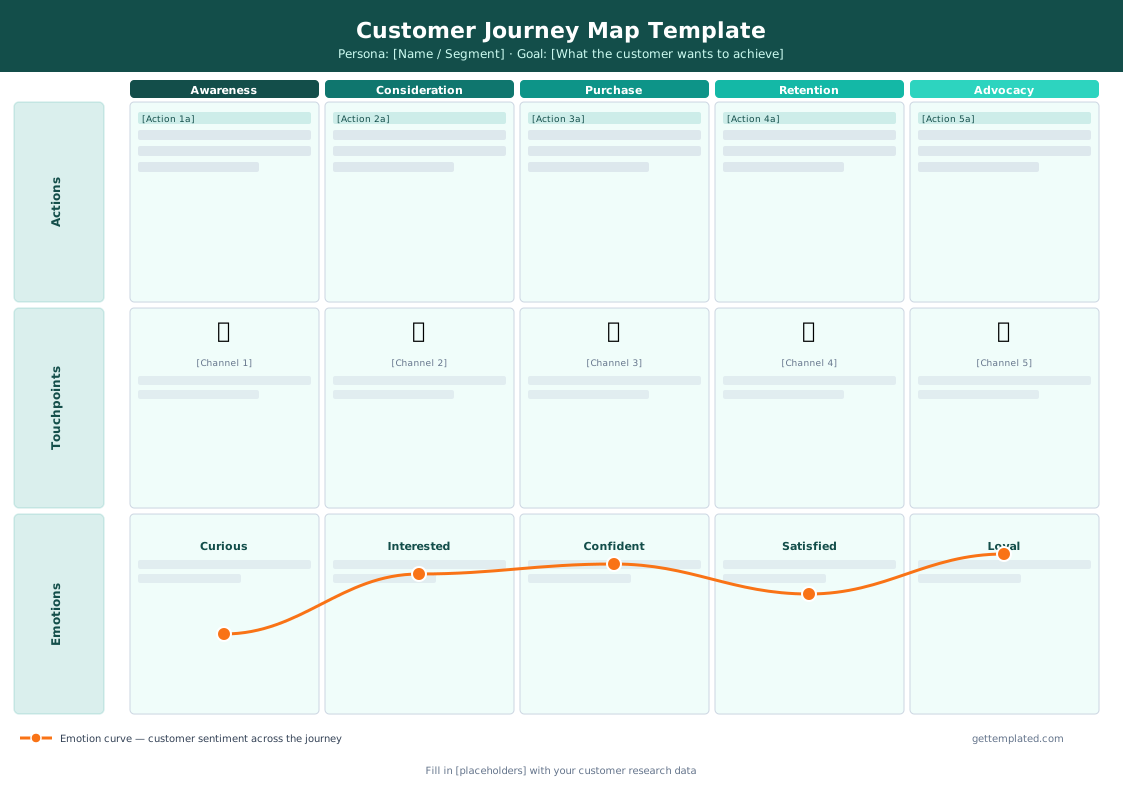
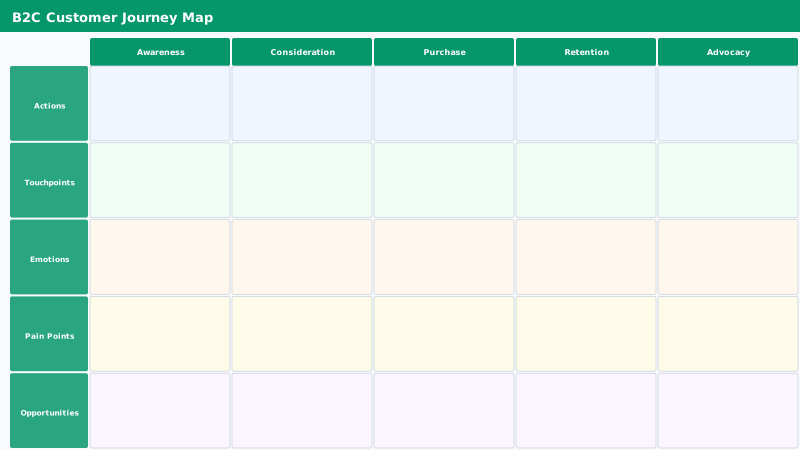
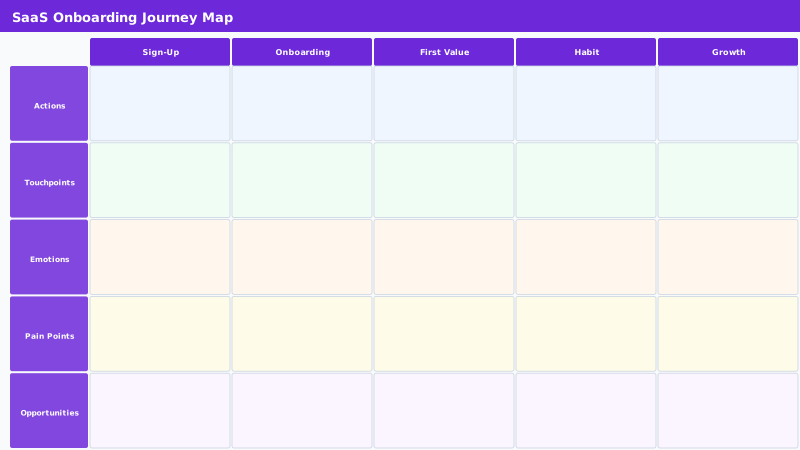
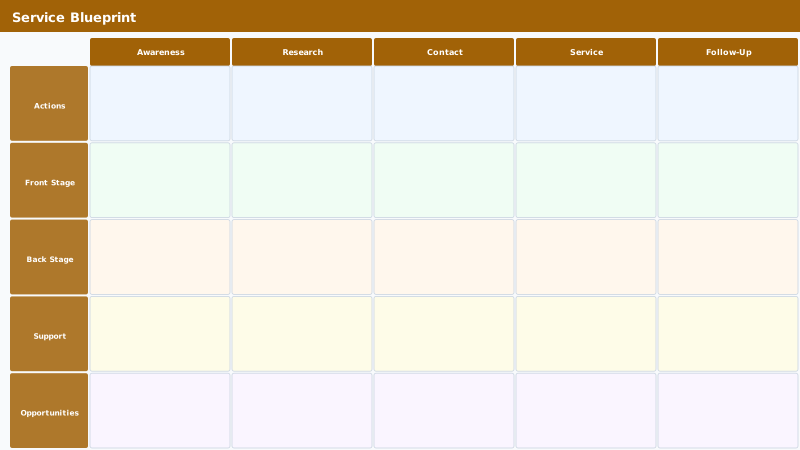
A complete customer journey map has five core rows or columns per stage. Most templates use stages as columns across the top and these row categories running down the side. You fill in each cell for every stage-row combination.
The emotion row is the most actionable because it tells you where customers feel frustrated (opportunity to fix) or delighted (opportunity to double down). Many teams also add a sixth row for internal ownership, noting which team or person is responsible for each touchpoint.
- Stages: typically Awareness, Consideration, Decision, Retention, Advocacy (adapt to your business)
- Customer actions: specific behaviors at each stage (searches, clicks, calls, fills out form)
- Touchpoints: specific channels or assets the customer interacts with (ad, landing page, email, support chat)
- Emotions: the customer's feeling at that stage (curious, frustrated, confident, excited)
- Pain points: specific problems or confusions the customer encounters
- Opportunities: improvements your team could make to fix pain points or amplify positive moments
- Internal owner: which team or role is responsible for this stage (optional but useful)
How to Create a Customer Journey Map Step by Step
The template above gives you the structure. Here's how to fill it out with real, useful information rather than guesses.
- Define your persona first: pick one specific customer segment (not all customers at once) and write a one-paragraph description of who they are, what they want, and what they fear
- Set the scenario: write a single sentence describing what goal this persona is trying to achieve (e.g., "Find and switch to a better invoicing tool for her freelance business")
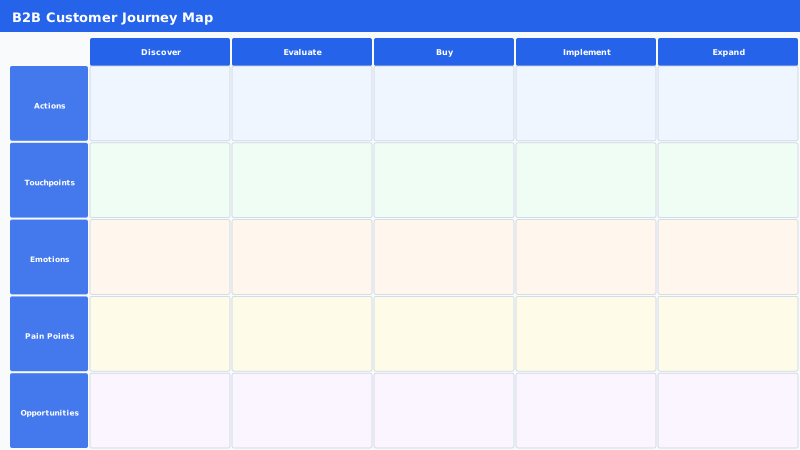
- List all the stages relevant to your business: the five-stage model above is common, but adjust based on your actual sales cycle (some B2B journeys have a Demo stage, some e-commerce journeys skip Advocacy)
- Fill in customer actions using research: interviews, session recordings, support tickets, and sales call notes are far more reliable than guessing
- Add touchpoints by auditing all the places your brand appears during each stage
- Score or color-code emotions: green for positive, yellow for neutral, red for negative, then look for red clusters
- List pain points and assign opportunity notes for each red or yellow emotion
- Share with your team and vote on which three to five pain points to address first
Customer Journey Map Template Formats: Google Docs, Sheets, and Word
The text-based template above works well in Google Docs or Microsoft Word. Copy it into a new document, then use heading styles to visually separate stages. For a more visual presentation, Google Sheets or Excel works well because you can use column headers for stages and row headers for categories, filling each cell and using conditional formatting to color-code emotions.
If you want a visual layout with a horizontal timeline, Google Slides or PowerPoint lets you use shapes and arrows. Miro and Figma are popular for collaborative digital whiteboard versions. For most teams, Google Sheets is the most practical: it's free, shareable, and easy to update as you learn more about your customers.
- Google Docs: paragraph format, great for narrative-heavy journey maps with detailed descriptions
- Google Sheets: table format, best for side-by-side stage comparison with color-coded emotions
- Excel: same as Sheets but offline-first, good for teams not on Google Workspace
- Word: good if your team uses Microsoft Office and needs a formatted document to share with leadership
- Google Slides or PowerPoint: visual timeline presentations for stakeholder reviews
Common Mistakes When Building a Journey Map
Journey maps built from assumptions rather than customer data are decoration, not strategy. The most common mistake is filling out the template based on what you think customers experience instead of what they actually tell you. Even five customer interviews will surface friction points that surprised the whole team.
The second mistake is trying to map all customer types at once. A journey map that tries to cover every persona ends up describing no one specifically. Start with your most important or highest-value persona and build separate maps for different segments later.
- Using internal assumptions instead of customer interviews and real data
- Mapping all personas at once instead of one specific segment
- Treating the map as a one-time project rather than a living document to update as you learn
- Focusing only on digital touchpoints and missing phone calls, packaging, physical stores
- Building the map without cross-functional input (product, marketing, sales, support all see different parts of the journey)
- Skipping the emotion row, which is the most actionable part of the whole template
The template