What Is a Lined Paper Template and Who Uses One
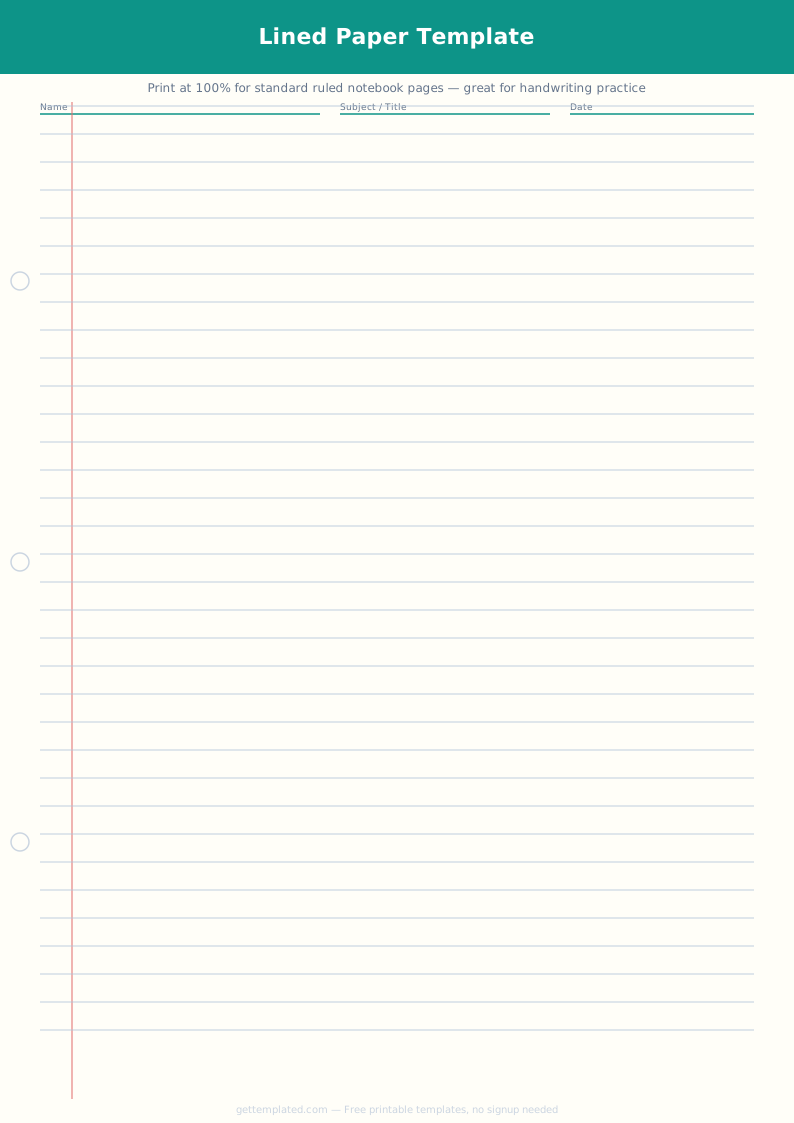
A lined paper template is a page formatted with horizontal lines at a consistent spacing to guide handwriting or structured note-taking. The lines serve several functions: they keep handwriting at a uniform size and angle, they divide a page into a predictable structure for notes, and they give writers a visual anchor that helps maintain consistent spacing across a full page.
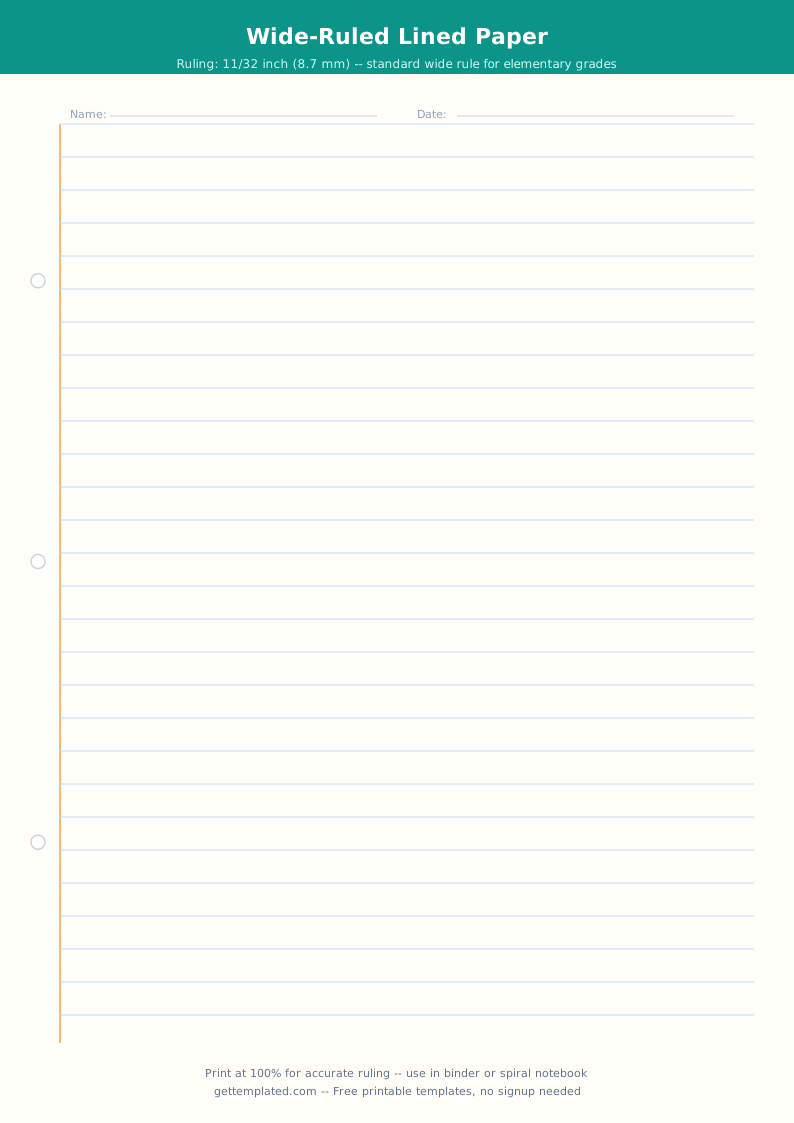
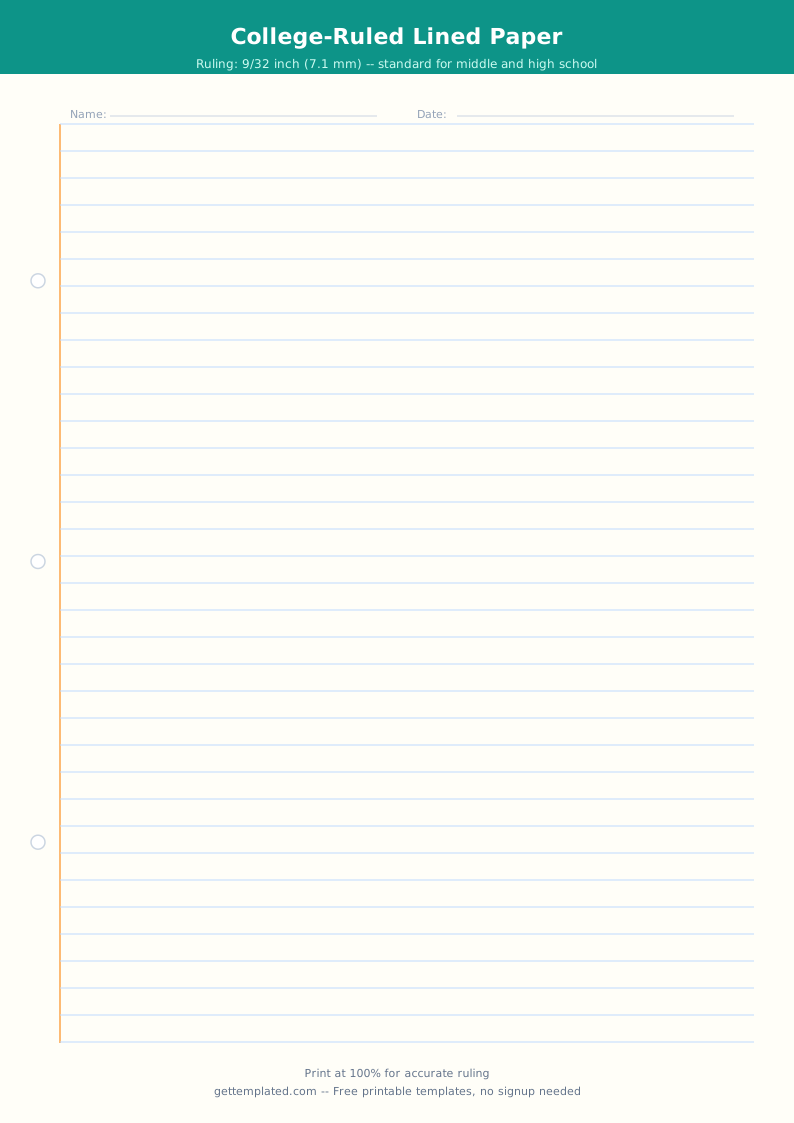
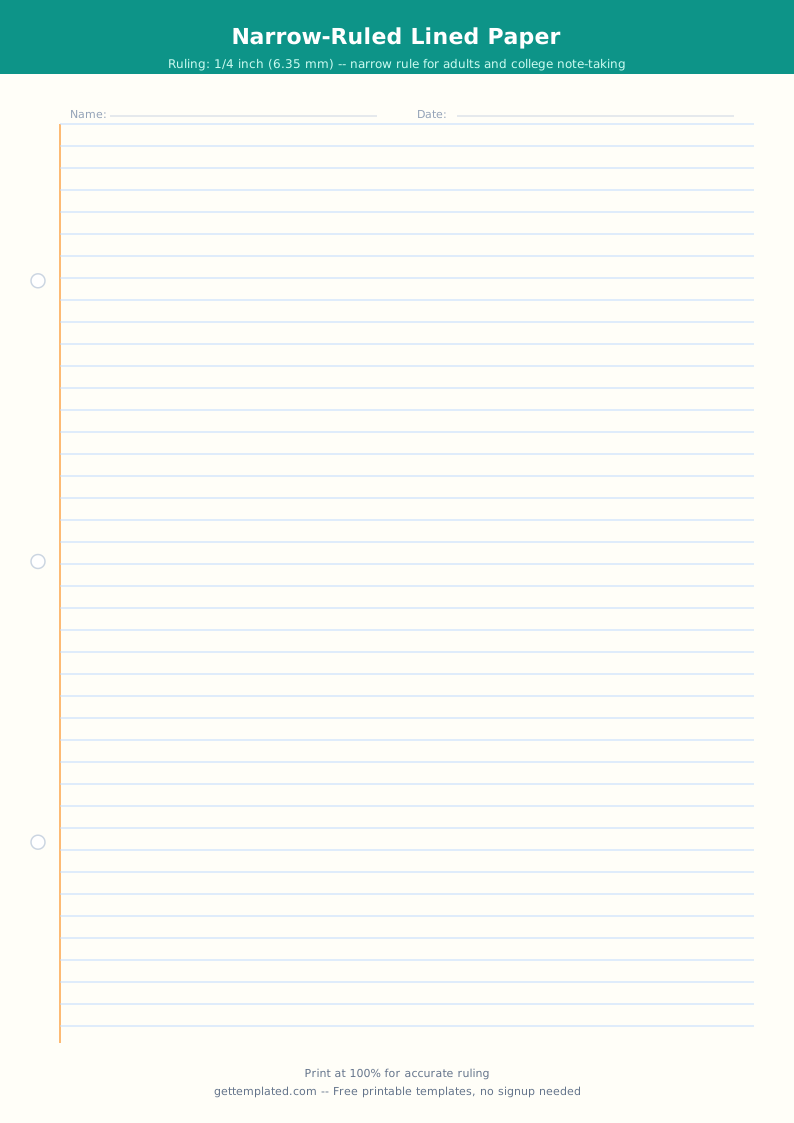
Lined paper is one of the most universally used writing surfaces in education. Elementary students use wide-ruled paper, which has larger spacing between lines to accommodate developing handwriting. Middle and high school students transition to college-ruled or narrow-ruled paper with tighter spacing that fits more content on a page. Adults use lined paper for note-taking, journaling, to-do lists, and freewriting.
A printable lined paper template is useful whenever you run out of standard lined paper, need a specific ruling size not available at a local store, want to include a name-and-date header for classroom use, or need a clean page for handwriting practice or vocabulary lists. Teachers print lined paper templates for writing centers and for students who need additional structure. Parents print them for homeschool work packets. Writers and journalers use them for morning pages, brain dumps, and freewriting sessions.
What to Include in a Lined Paper Template
Different use cases call for different lined paper configurations. The elements below cover the options most commonly needed for classroom and personal use.
- Line spacing: wide ruling (about 11mm spacing) for younger students and those with larger handwriting; college ruling (about 7.1mm) for everyday school and adult use; narrow ruling (about 6.3mm) for more content on a page
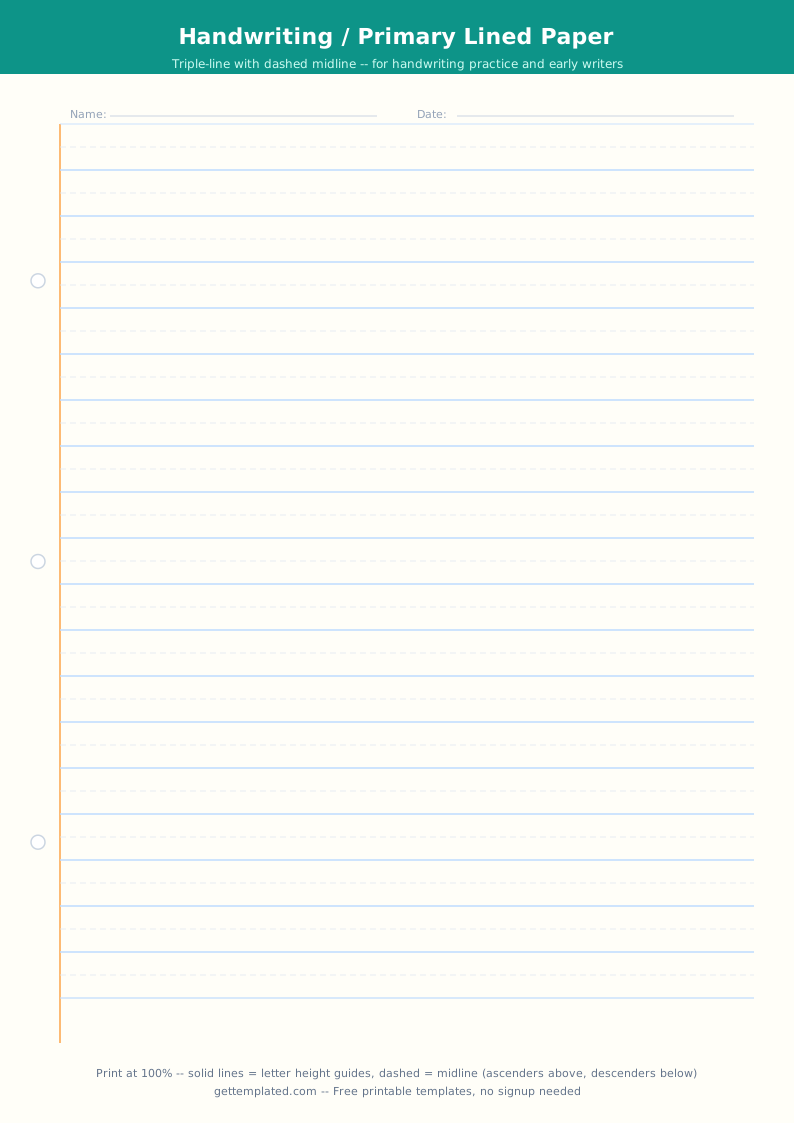
- Name and date fields at the top: essential for classroom templates where teachers need to identify student work; a simple name line and date line above the first ruled line is the standard format
- Subject or topic line: useful for notebook-style templates where a student uses the same format across multiple subjects; one header line above the ruled area keeps pages organized
- Margin line: a vertical margin line on the left side at about 1.25 inches from the edge, where teachers write comments or students keep a column for key terms; standard on most college-ruled paper
- Page number or page header: helpful for multi-page assignments or journaling templates where the reader needs to navigate between pages
- Hole-punch guides: small circles or guide marks indicating where to punch holes for a 3-ring binder, useful when printing templates that will be stored in notebooks
How to Make and Use a Printable Lined Paper Template
The fastest way to get a printable lined paper page is to use the template above. These steps show how to customize it for different line spacings and formats in Google Docs.
- Open the template above in Google Docs. Go to File > Make a copy to save an editable version to your Google Drive.
- Adjust line spacing to set the ruling size. Select all the lines, go to Format > Line and paragraph spacing, and choose a fixed spacing value. A 24pt line height approximates wide ruling; 16pt approximates college ruling.
- Add a name line and date line at the top if you need a classroom version. Type 'Name: _____ Date: _____' above the first ruled line. For a cleaner header, insert a one-row table with a thick bottom border in place of underscores.
- Add a vertical margin line if needed. For a visual left margin, insert a drawing (Insert > Drawing) with a vertical line at the margin position, or use the ruler to set a consistent left indent.
- Set the page to the correct paper size before printing. Go to File > Page setup and confirm the paper size is Letter (8.5 x 11 inches) for US printing. Set margins to 0.5 to 0.75 inches to maximize writing space.
- Print the template using File > Print. Choose the correct printer and confirm paper size. For handwriting practice sheets, print on standard 20lb copy paper. For a more durable classroom set, print on 24lb or 28lb paper.
Lined Paper Variations: Bullet Journal, Daily Journal, Brain Dump, and Notebook Templates
Lined paper templates come in specialized formats that add structure beyond plain ruled lines. These variations are popular for specific personal organization and journaling use cases.
Bullet journal template. A bullet journal template adapts the analog planning system developed by Ryder Carroll. It typically uses dot-grid paper (dots at regular intervals instead of continuous lines) or a combination of lined sections and dot-grid sections. The template includes symbols for tasks (a dot), events (a circle), notes (a dash), migrated tasks (a forward arrow), and scheduled tasks (a back arrow). Printed bullet journal templates let you try the system before committing to an expensive dot-grid notebook.
Daily journal template. A daily journal template is a lined page structured for reflective or freewriting journaling. It includes a date header, an optional prompt line at the top to get the writer started, and a full page of ruled lines below. Some daily journal templates add a small box for a brief summary or a mood tracker at the bottom. Daily journal templates work well for morning pages, gratitude journaling, and diary-style writing.
Brain dump template. A brain dump template is a blank or lightly structured page designed for rapid, uncensored capture of everything in your head. The goal is to transfer thoughts from your mind to paper without filtering or organizing. A brain dump page often has minimal structure, just a title area and a full page of lines or blank space. Some versions add category boxes (to-do, ideas, worries, gratitude) to organize the output after the initial dump. Brain dumps are used at the start of a workday, before sleep, or before a focused work session to clear mental clutter.
Vocabulary template. A vocabulary template is a lined page structured specifically for vocabulary study. It typically divides each entry into labeled fields: the word, the part of speech, the definition in the student's own words, an example sentence, and sometimes a visual or mnemonic. Vocabulary templates are common in language arts, foreign language classes, and standardized test preparation. They combine elements of lined paper with the structured cell format of a graphic organizer.
Lined Paper Tips and Common Mistakes
These tips help you get the most out of printed lined paper templates for classroom and personal use.
- Match ruling size to the writer's age and handwriting size: wide ruling for grades K-3, college ruling for grade 4 and up, narrow ruling for high school and adults; using the wrong ruling leads to cramped or floating handwriting
- Print on one side only for classroom assessments where students write from margin to margin, as ink from one side can bleed through thinner paper and become distracting on the back
- For handwriting practice templates, use a slightly heavier paper weight (24-28lb) so the lines show through less when held up to light
- Add a margin line if you want students to leave space for teacher comments; without a margin indicator, students often write all the way to the edge of the page
- For brain dump and journaling use, avoid templates with too many boxes or categories; the value of a brain dump comes from unrestricted flow, and excessive structure on the page works against that goal
- Save the blank template file in Google Drive rather than re-downloading it each time; a saved master template lets you print fresh copies instantly without reformatting
The template