What a Greeting Card Template Is and Who Uses One
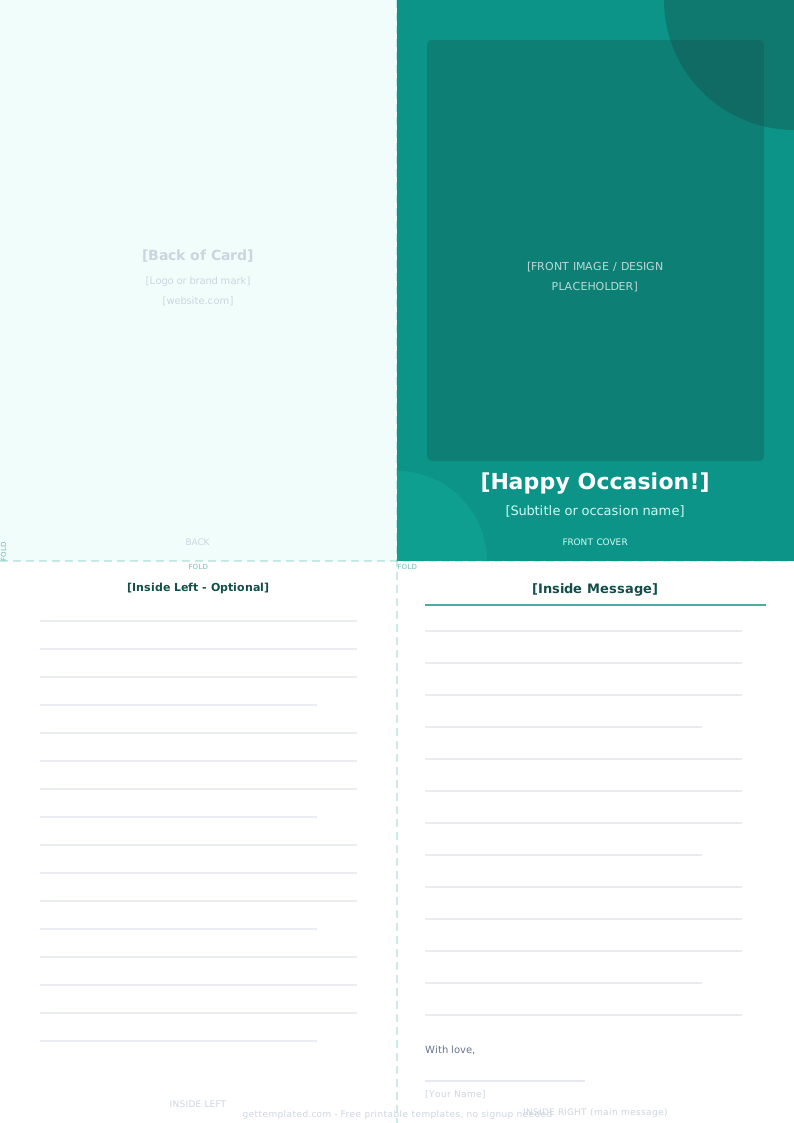
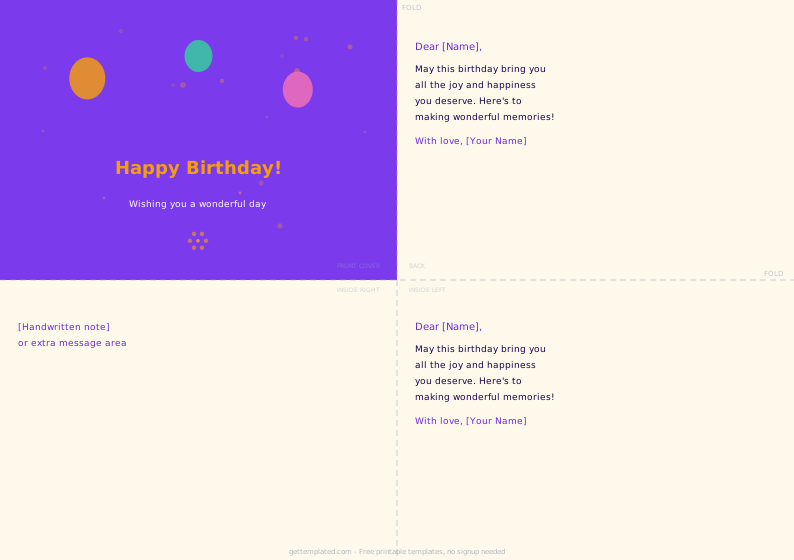
A greeting card template is a pre-built document structure that handles the layout and message flow of a written card. You fill in the personal details; the template handles the rest. The category covers a wide range of occasions: holiday card templates for Christmas, Hanukkah, or New Year; seasonal templates for Mother's Day cards, Father's Day cards, and Valentine's Day cards; and general-purpose templates for thank-you notes, thinking-of-you messages, and congratulations.
Anyone who sends cards regularly and wants messages to feel genuine rather than rushed benefits from starting with a template. Teachers sending end-of-year notes, office managers coordinating team holiday cards, parents writing notes in school lunches, and individuals who want a consistent card-writing habit all find templates useful. A good template does not make the card feel generic; it removes the blank-page friction so the personal details can take center stage.
The most popular specific types are holiday card templates (for the winter holidays season), Mother's Day card templates, Valentine's card templates, and Father's Day card templates. Each shares the same basic structure but has its own tone and seasonal details.
What to Include in a Greeting Card
A well-structured greeting card covers a few key elements. Missing any of them can make the message feel flat or incomplete.
- A clear, warm opening that names the occasion and addresses the recipient directly
- One specific, personal detail: an achievement, a quality, a shared memory, or something you genuinely appreciate about them
- A sincere wish or hope related to the occasion or the season ahead
- A closing that matches the tone of the relationship (love, warmly, best wishes, cheers)
- Your name, and for formal or workplace cards a brief title or context if the recipient may not know you well
- For holiday cards: an optional family update or a note about plans if you want a more personal touch
- For Valentine's Day or Mother's Day cards: a concrete memory or reason, not just a general statement of affection
How to Write a Greeting Card Using a Template
Writing a card from a template takes about five minutes when you follow a clear process.
- Choose the right template type for the occasion. A holiday card template, a Valentine's card template, and a Father's Day card template each have a different tone. Start with the one closest to your occasion.
- Open the template in Google Docs or copy it into any word processor. For a physical card, open a new Google Doc, go to File then Page setup, set the page size to a card format such as 5 by 7 inches, and paste the template in.
- Fill in the recipient's name in the opening line. Using the person's name immediately makes the card feel personal.
- Replace the personal message placeholder with one specific, true observation about the recipient. This is the most important sentence in the card. It should refer to something real: a quality, an achievement, a shared experience.
- Write the wish line. Keep it specific to the occasion. For a Mother's Day card, a wish tied to the year ahead feels more genuine than a generic sentiment. For a Valentine's card, a brief reference to the relationship means more than a stock phrase.
- Choose a closing that fits the relationship. Close friends and family: with love. Colleagues or acquaintances: warmly or best wishes. Sign your name clearly.
- Read the finished card aloud. If any line sounds like it could apply to anyone, make it more specific. If any line sounds stiff, loosen the phrasing. Print or write out your final version.
Greeting Card Examples by Occasion
Different occasions call for different tones. The same template structure adapts to any event or relationship. These examples show how the structure translates to specific card types, and what makes each one work beyond the standard greeting.
For holiday card templates, the warmest versions reference something specific that happened in the shared year rather than relying entirely on seasonal language. Mentioning a visit, a milestone, or even an inside reference to something you experienced together turns a generic seasonal card into something the recipient actually keeps.
For workplace holiday cards sent to many people at once, the strategy shifts: write a warm but universal opening, then add one handwritten line to each recipient that references something specific to your relationship. The printed template does the heavy lifting; the handwritten addition is what they remember.
- Holiday card template: 'Wishing you a warm and restful holiday season, [Name]. This year brought [specific shared moment or news], and we are grateful to have you in our lives. Here's to a wonderful new year.'
- Mother's Day card template: 'Happy Mother's Day, [Mom/Name]. Watching how you [specific thing they do for the family or you] reminds me every year how lucky I am. Thank you for everything. I love you.'
- Father's Day card template: 'Happy Father's Day, [Dad/Name]. Your [specific quality or piece of advice they gave] has stayed with me more than you know. Grateful for you every day.'
- Valentine's Day card template: 'Happy Valentine's Day, [Name]. Since [a specific moment or detail from your relationship], I have been grateful every day that [I met you / you are in my life]. Here's to many more.'
- Thinking of you card: 'Thinking of you, [Name], and hoping things feel a little lighter today. You are in my thoughts. [Your name].'
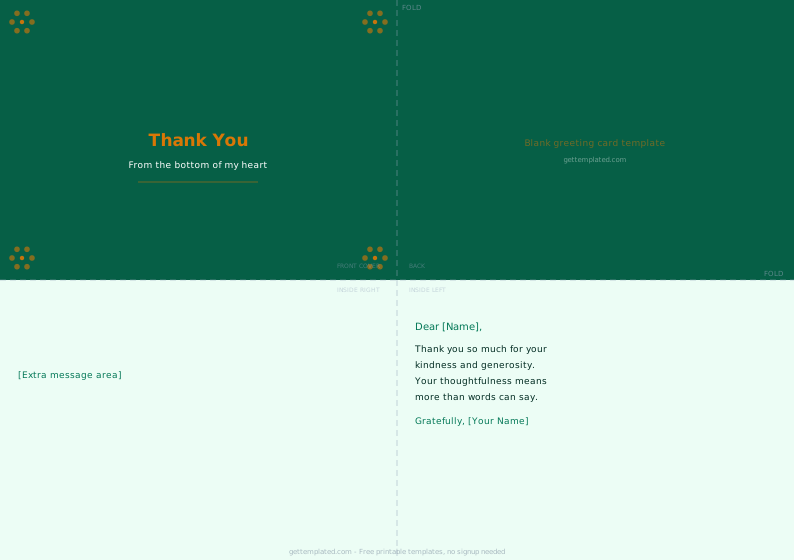
- Thank-you card: 'Thank you, [Name]. [Specific action they took] made a real difference. I am genuinely grateful and wanted you to know it.'
Tips for Better Greeting Cards and Common Mistakes to Avoid
A few small changes separate a card that gets saved from one that gets recycled after a week. These practical tips apply to all greeting card types and come from the most common mistakes people make when writing from a template.
The single biggest mistake in greeting card writing is treating the template text as the final message rather than as a starting point. A template tells you the structure: opening, personal observation, wish, closing. It does not tell you what to observe or what to wish. That part has to come from you, and it is the only part that makes the card worth keeping.
For printable greeting card templates, the physical experience of the card matters. A card printed on copy paper and folded feels like an afterthought. A card on cardstock with a clean one-color design and a short, specific message feels considered even if it took 15 minutes to make.
- Write at least one sentence that could only be about this specific person. Generic cards feel like form letters; one concrete detail makes the whole message feel real.
- Keep cards short. Three to six sentences is the right length for most occasions. A longer message is only better if every sentence adds something specific.
- Avoid cliches as standalone statements. 'Wishing you all the best' at the end of a warm, specific message is fine. As the only content, it reads as filler.
- Match the tone to the relationship. A card to your boss and a card to your best friend should sound different. The template is a structure, not a script.
- For holiday card templates sent to a long list, batch-personalize: write one or two recipient-specific lines at the top, then use a shared closing paragraph for the rest.
- For printable greeting card templates, use cardstock or at least 80 lb paper rather than standard copy paper. The weight alone makes the card feel considered.
- Do not skip the closing and signature. An unsigned card or one that ends abruptly feels unfinished, no matter how good the message is.
The template