What a Graduation Announcement Template Is and Who Needs One
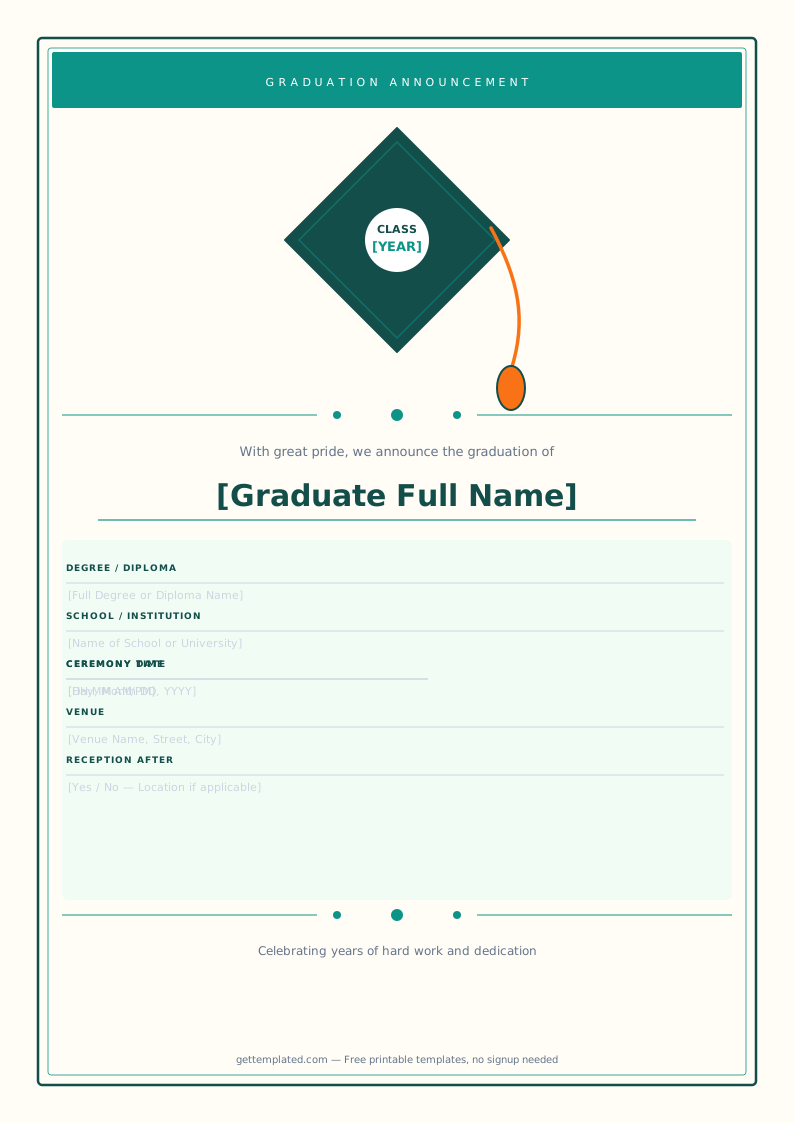
A graduation announcement is a formal notice sent to family, friends, and colleagues to share the news of completing a degree, diploma, or certificate program. It is distinct from a graduation invitation, which specifically requests the recipient's attendance at the ceremony. An announcement can be sent to a much wider list of people, including those who live far away or who you are not expecting to celebrate with in person.
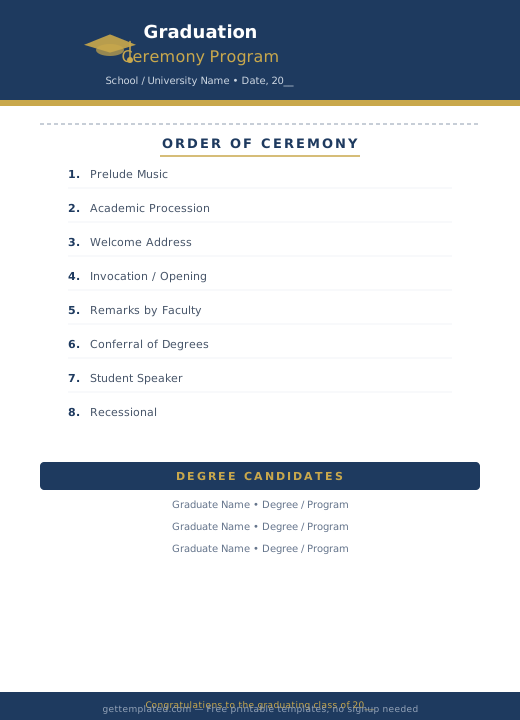
A graduation announcement template gives you a pre-formatted card layout so you only need to fill in the graduate's name, school, degree, and date rather than designing a card from scratch. A graduation invite template adds RSVP details and a celebration party or reception section. A graduation program template is a different document entirely: it is the printed booklet distributed at the ceremony listing the processional order, speaker names, graduate roster, and ceremony schedule.
- Parents sending printed announcement cards to extended family and family friends
- Graduates sharing digital announcements via email or social media
- Schools creating ceremony programs listing all graduates in order
- Teachers or administrators printing recognition certificates and diplomas for graduates
- Party hosts sending graduation party invitations with date, time, and location details
- Individuals completing certifications or professional credentials at any career stage
What to Include in a Graduation Card Template
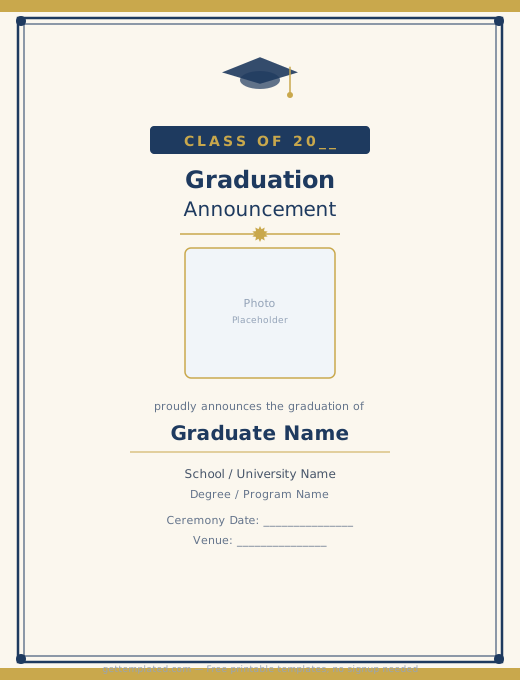
A complete graduation announcement includes the graduate's full name, the institution, the degree or diploma earned, and the year. For a party invitation, you also need the date, time, location, and RSVP contact. Graduation announcements sent by mail traditionally also include a small portrait photo of the graduate.
A graduation program template requires additional fields: the order of the processional, the names of speakers and their titles, the full roster of graduates in alphabetical or department order, and the words to any songs or readings used during the ceremony. Programs are usually printed in booklet format (two sheets of paper folded in half gives an 8-page booklet on standard paper).
- Graduate's full name as it appears on the diploma
- School, university, or institution name
- Degree, diploma, or certificate earned
- Graduation date and year
- Photo of the graduate (for mailed announcement cards)
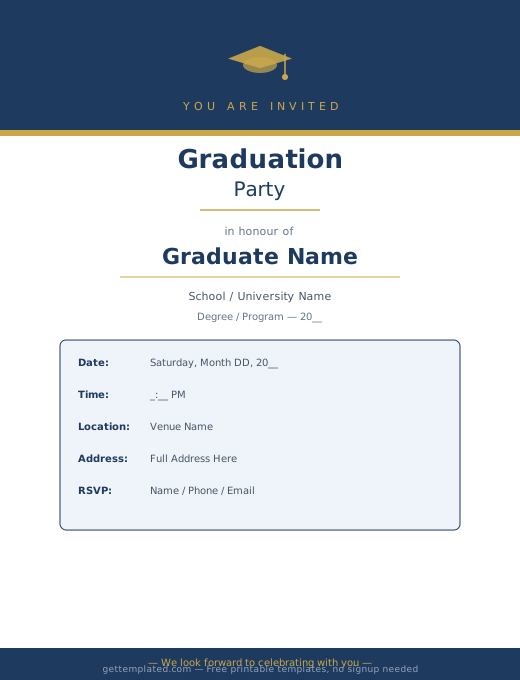
- Celebration party details: date, time, venue, address, and RSVP contact
- A short personal note or motivational quote from the graduate or family
- For programs: processional order, speaker names and titles, graduate roster, and ceremony schedule
How to Create a Graduation Announcement in Google Docs
Google Docs is a practical choice for graduation announcements and programs because you can share and print from any device and send a PDF by email without anyone needing special software. For a mailed printed card, set your document to a 5x7 inch page size in File > Page Setup to match standard card envelopes.
A graduation cap template used as a decorative element in the header of the announcement adds a recognizable visual touch. You can insert a cap icon from Google Docs' special characters or copy a simple graduation cap shape from Google Slides and paste it as an image. Keep the overall layout clean: one or two fonts maximum, and consistent spacing between each line of information.
- Open Google Docs and go to File > Page Setup to set the page size to 5 x 7 inches
- Set all margins to 0.5 inches to give the content breathing room on the card
- Center-align the entire document, then type the announcement text using the template above
- Choose one header font (something elegant like Playfair Display or Lora) and one body font
- Add the graduate's photo by going to Insert > Image and choosing a portrait or cap-and-gown photo
- Insert a horizontal line between the announcement section and the party details section for visual separation
- Download as PDF (File > Download > PDF) for digital sharing by email or social media
- Print on card stock (65 lb or heavier) for mailed announcement cards that feel substantial
Graduation Template Variations: Diplomas, Programs, and Cards
Graduation templates cover a range of document types that each serve a different purpose in the graduation experience. Understanding which type you need saves time and helps you find or build the right starting point.
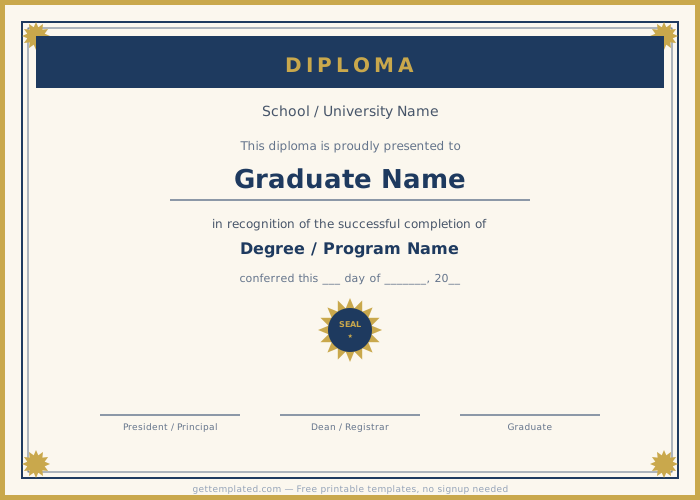
A diploma template is a formal certificate document with an ornamental border, the institution name, the graduate's name, the degree or credential awarded, the date, and signature lines. Schools and training programs use diploma templates for recognition ceremonies where a professional printer is not involved. A graduation cap template is typically a decorative graphic element used in announcements, invitations, and social media posts rather than a standalone document.
- Graduation announcement card: formal notice mailed or emailed to announce the achievement
- Graduation invite template: party invitation with date, venue, and RSVP details
- Diploma template: formal certificate with ornamental border, degree name, and signature lines
- Graduation program template: ceremony booklet with processional order and graduate roster
- Graduation cap template: decorative graphic used in announcements and social posts
- Digital graduation announcement: sized for Instagram, Facebook, or email banner sharing
- Graduation program for small ceremonies: one-sheet front-and-back layout for informal graduations
Tips for Making Graduation Announcements That Stand Out
A graduation announcement is often the first impression family and friends have of the graduate's milestone, so it is worth taking a few extra minutes to make it feel personal rather than generic. The most memorable graduation cards combine clear information with a genuine personal touch, whether that is a favorite quote from the graduate, a photo that captures their personality, or school colors in the design.
For printed mailed announcements, using a heavier card stock and addressed envelopes gives the card a more formal, keepsake feel. Many people hold onto graduation announcements for years. For digital announcements shared on social media, a horizontal format works better for feed posts while a vertical format works better for Stories.
- Include a favorite quote from the graduate or a short personal note for a warmer tone
- Use the school's official colors as accent colors in the announcement design
- Print on 80 lb or heavier card stock for mailed announcements that feel like keepsakes
- Send announcements 3 to 6 weeks before the ceremony so recipients can plan to attend or send gifts
- For digital announcements, keep the most important details (name, school, degree) visible without scrolling
- Add a QR code on printed programs that links to a live-streamed ceremony for remote family members
- Keep graduation program text legible by using at least 11pt font and high contrast between text and background
The template