What Is a Circle Template?
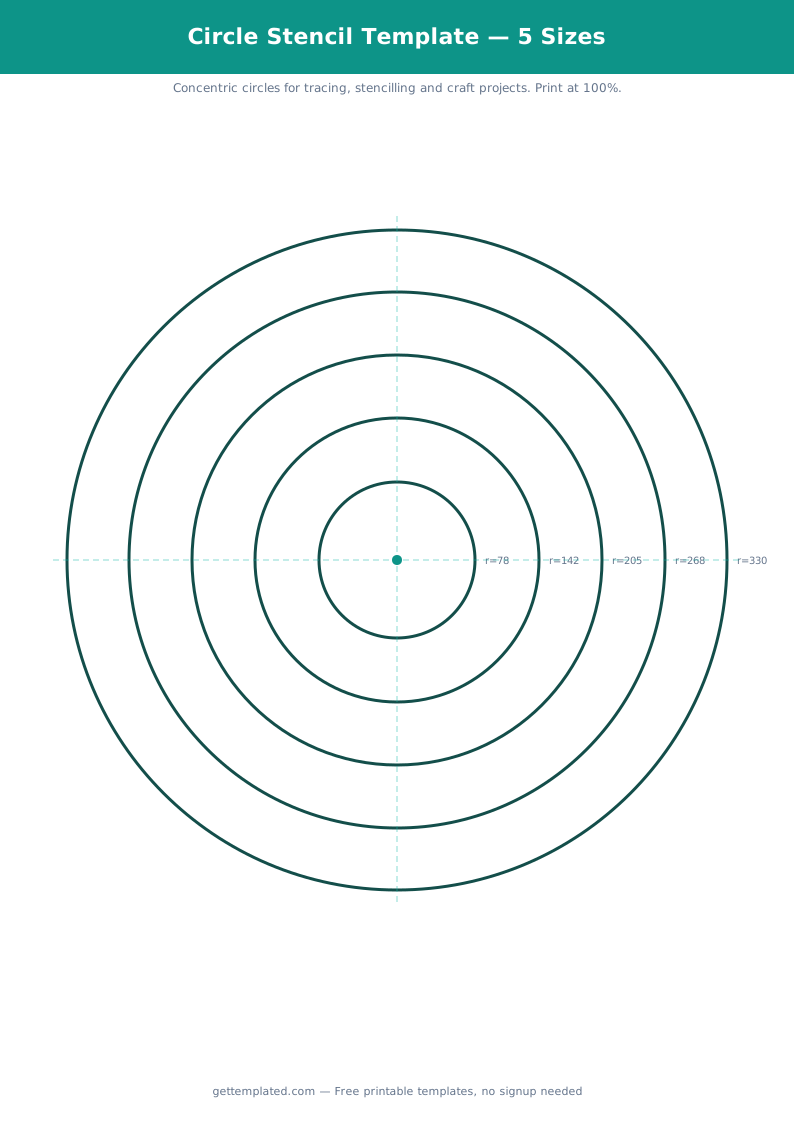
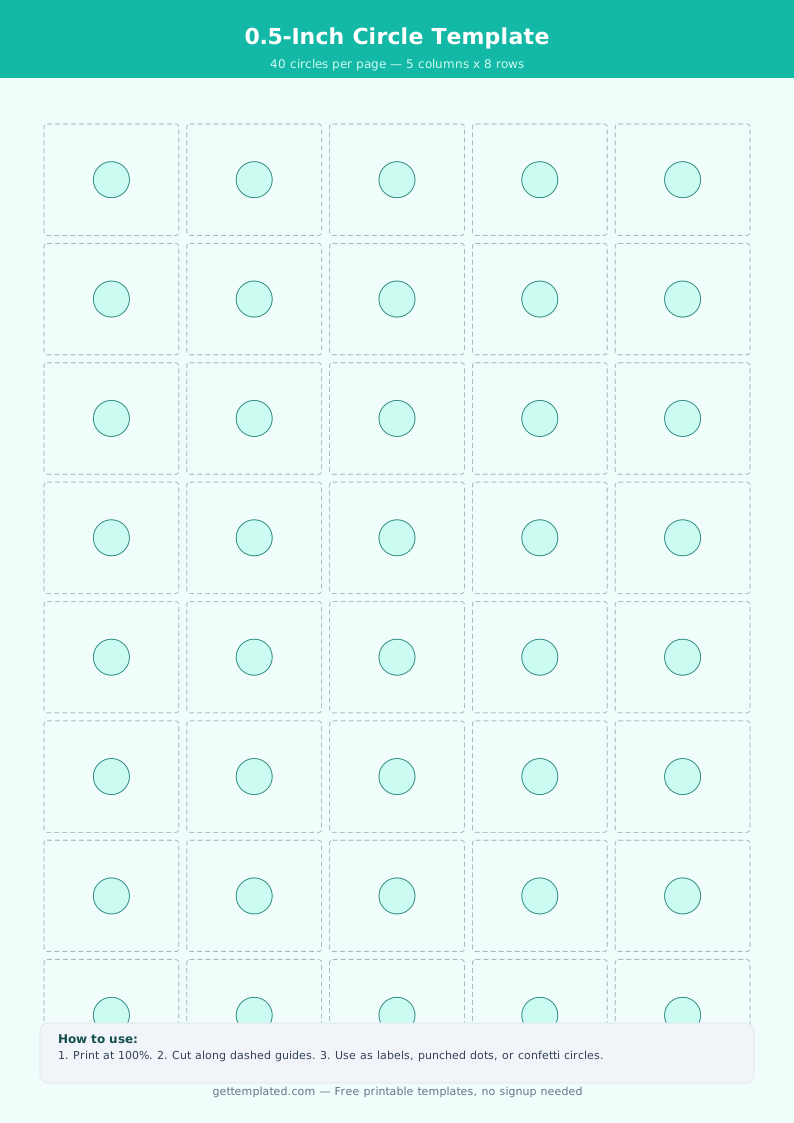
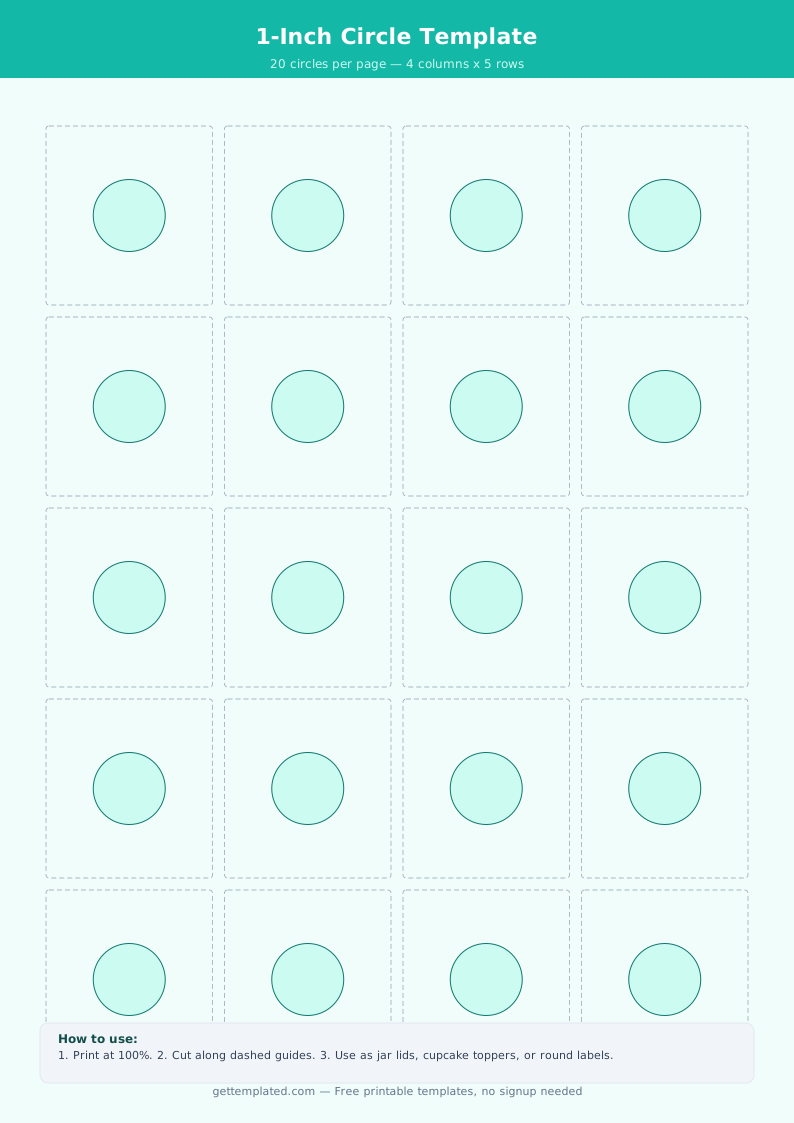
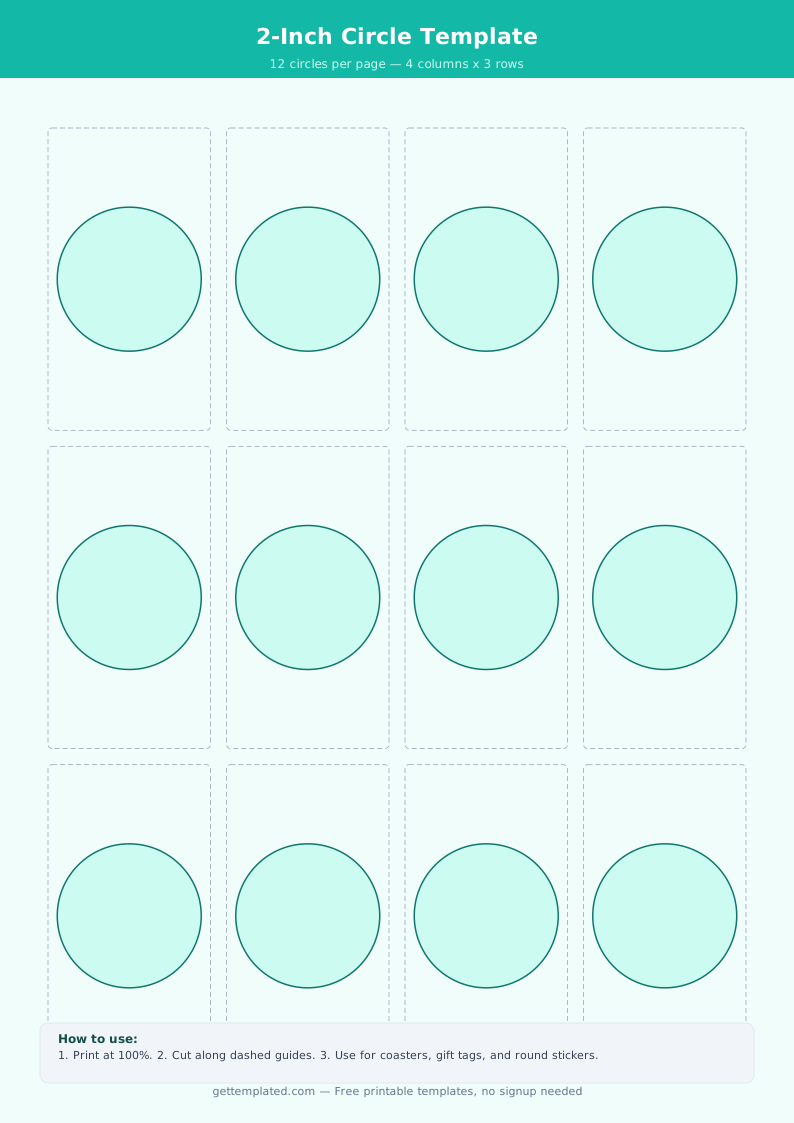
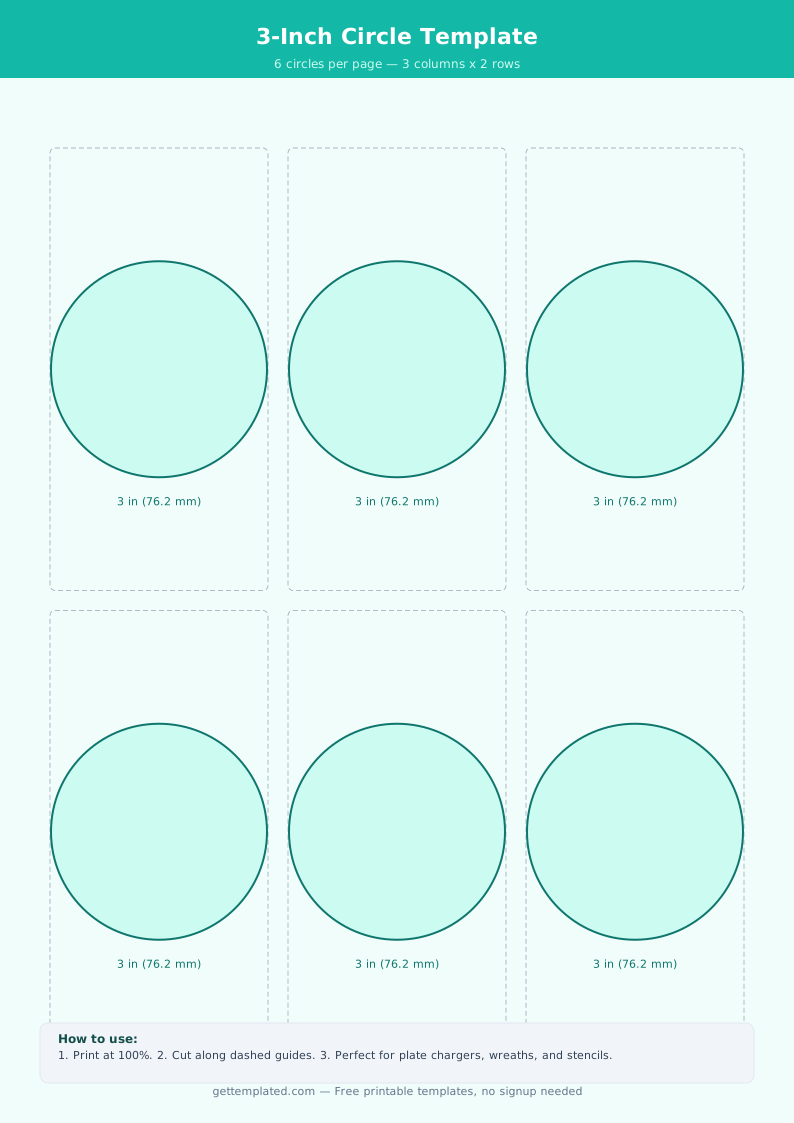
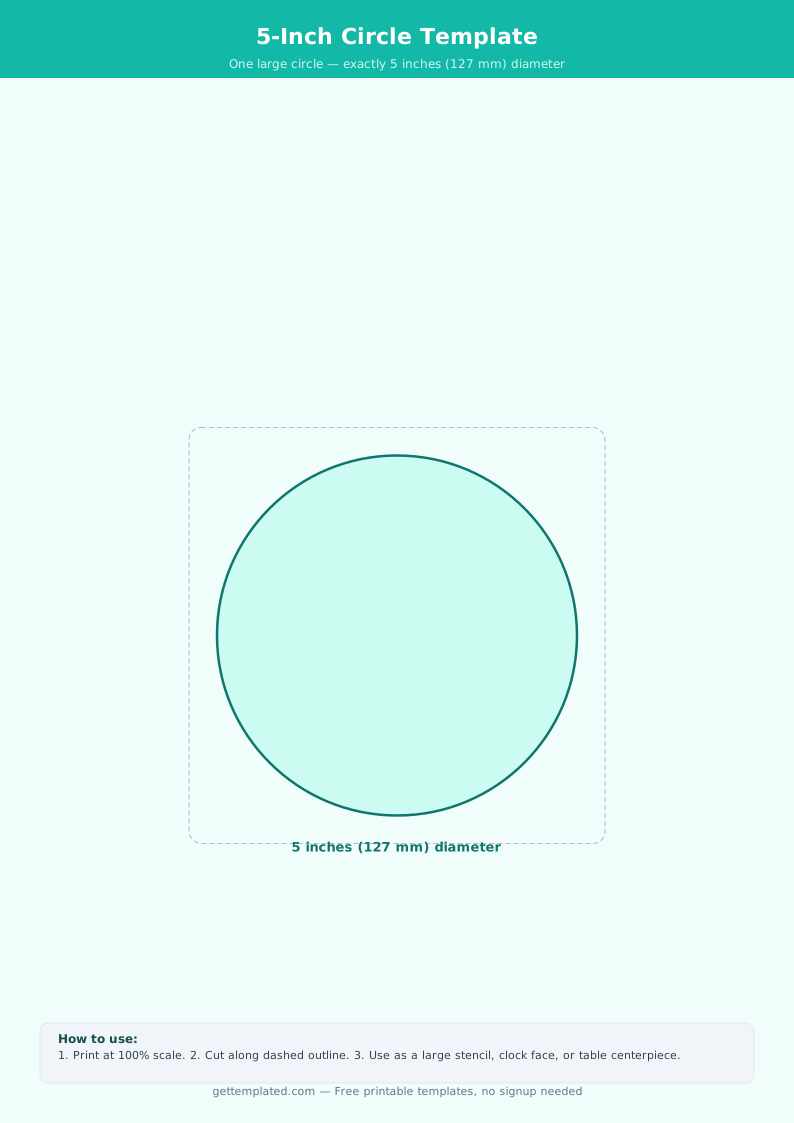
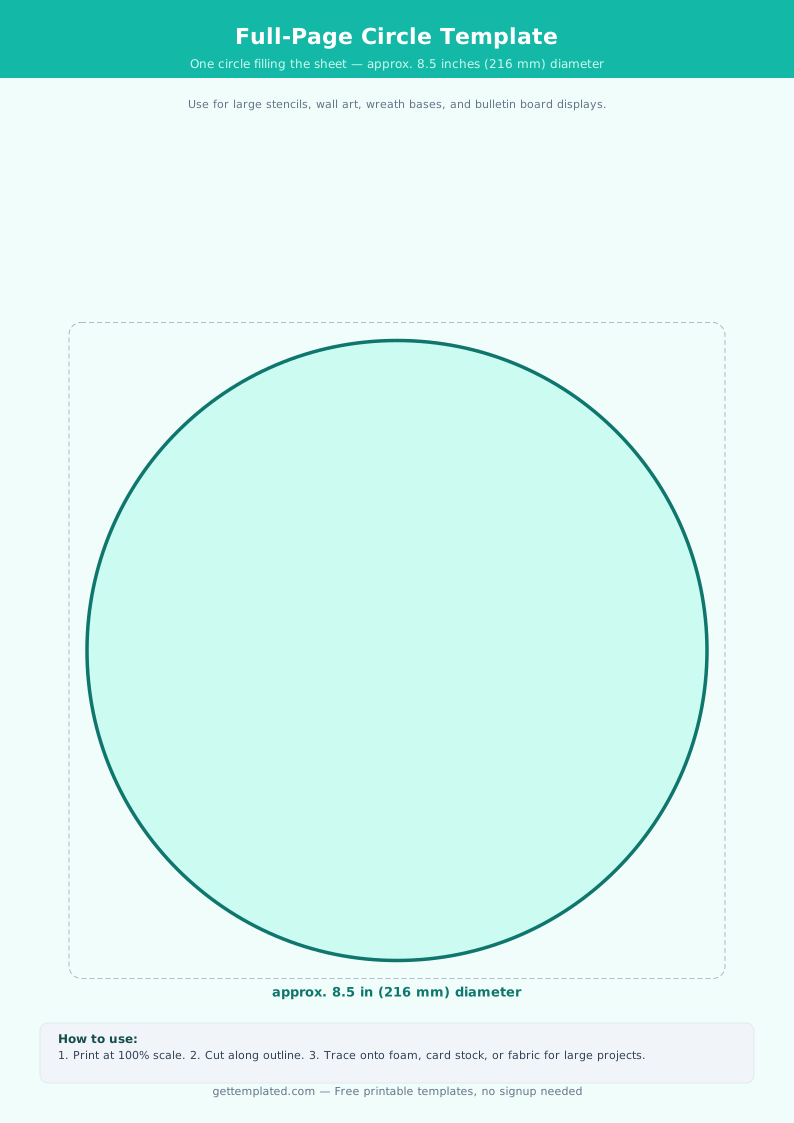
A circle template is a printable page containing one or more perfectly round circle outlines in specified sizes. You print the page, then trace or cut the circles for whatever project you are working on. Circle templates eliminate the need for a compass or any drawing skill to produce a clean round shape.
The term covers two distinct uses. The first is a physical printable shape: a page with circle outlines in various diameters that you print, then trace or cut. The second is the circle map template used in K-12 education, a Thinking Map graphic organizer with a small inner circle (for the topic) and a larger outer ring (for brainstorming related details).
Both types are commonly used in classrooms, craft projects, sewing and quilting, and any visual or hands-on activity that involves working with round shapes.
- Classroom crafts and art projects
- Geometry lessons and shape recognition activities for young learners
- Circle map graphic organizers for brainstorming (Thinking Maps)
- Sewing and quilting circle patterns
- Homemade labels, tags, and round gift stickers
- Party decorations (paper garlands, place card rounds, wreath bases)
- Pie chart and data visualization aids
Circle Map Template for Classrooms
A circle map is a specific type of graphic organizer used in K-12 education as part of the Thinking Maps framework. It consists of two concentric circles: a small inner circle where students write the topic, word, or concept being defined, and a larger outer ring where they write details, examples, associations, and related facts.
Circle maps support brainstorming, defining in context, and activating prior knowledge. A teacher might use a circle map at the start of a lesson to have students write everything they already know about a topic before new instruction begins. At the end of a unit, students revisit the map and see how their understanding expanded.
The circle map template is one of eight standard Thinking Maps, each designed for a specific type of thinking: circle maps are for defining and brainstorming, bubble maps are for describing with adjectives, and flow maps are for sequencing events.
- Write the topic, word, or concept in the center circle
- Fill the outer ring with everything you know about that topic: definitions, examples, related words, facts, and associations
- Use a square frame around the outside for context (where did you learn this? what sources are you drawing from?)
- Works for any subject: vocabulary, science concepts, historical events, math terms, literary characters
How to Print and Use a Circle Template
Getting accurate circle sizes when printing requires one important setting. Follow these steps to print circles at the correct dimensions.
- Download or open the template. Use the template on this page or create your own circle in Google Docs or Word using Insert > Drawing > Shape > Ellipse.
- Set exact dimensions. In Google Docs Drawing or Word, right-click the shape and open Format options. Set the width and height to the same value for a perfect circle. Common sizes: 2 inches, 4 inches, 6 inches, 8 inches.
- Print at 100% scale. Open print settings and look for 'Page scaling' or 'Fit to page' and set it to None or 100%. Scaling to fit distorts the dimensions.
- Verify the size before cutting a full sheet. After printing, use a ruler to measure the circle diameter. If it does not match, adjust your printer's scale setting.
- Trace or cut. For tracing, place the printed circle under your material and trace the outline. For cutting, use scissors for simple shapes or a craft knife on a cutting mat for cleaner edges.
- For sewing and quilting patterns, add a seam allowance (typically 0.25 inch) around the outside of the circle before cutting.
Circle Sizes and What Each Is Used For
Different projects require different circle sizes. Here is a practical reference for the most common diameters and their typical uses.
- 1 inch (2.5 cm): Hole punch reference guide, small labels, game tokens, button covers
- 2 inches (5 cm): Name tags, price tags, small ornaments, coin-size cutouts for crafts
- 3 inches (7.5 cm): Cupcake toppers, small gift tags, classroom reward badges
- 4 inches (10 cm): Coasters, small wreaths, clock face templates, CD-size reference
- 6 inches (15 cm): Pie tin reference, plate chargers for table settings, medium quilt circles
- 8 inches (20 cm): Dinner plate tracing, large wreath base, pizza size reference
- 10 inches (25 cm): Large decorative circles, pattern pieces for bags and tote bases, large quilt appliques
- 12 inches (30 cm): Standard ruler length, pizza pan reference, large paper medallions for party decor
How to Draw a Perfect Circle Without a Compass
If you do not have a compass or printer, you can still draw precise circles using a few simple methods. Each works with materials most people already have at home or in a classroom.
- String and pencil method: Tie a pencil to one end of a piece of string. Hold the other end at the center point. Pull the string taut and draw around the center. The string length equals the radius.
- Plate or bowl tracing: Trace around any round object. Dinner plates (approximately 10 inches), soup bowls (approximately 6 inches), and mugs (approximately 3 inches) are common household guides.
- Ruler pivot method: Mark the center point. Hold one end of the ruler at the center and mark the distance you want for your radius. Rotate the ruler around the center point, making small marks at regular intervals. Connect the marks.
- Grid paper method: For accuracy in schoolwork, plot the center point on graph paper, count out equal distances in all four directions (up, down, left, right), then connect the points with a smooth curve.
- Google Docs or Word: Insert a shape (Ellipse), hold Shift while dragging to constrain it to a perfect circle, then set the exact size in the Format options.
Circle Template Tips for Crafts and Sewing
Circle templates come up frequently in quilting, applique, and general crafting. A few specific techniques make working with fabric circles much easier than working with paper circles.
- Use cardstock or template plastic rather than regular paper for sewing circles. Cardstock holds its shape through repeated tracings, and template plastic is reusable indefinitely.
- Add seam allowance before cutting fabric. For applique, add 0.25 inch outside the circle. For piecing, add 0.25 inch as well. Print the base circle at the finished size, then trace it and add seam allowance by hand.
- For perfectly round applique circles, cut the fabric with seam allowance, sew a running stitch around the edge, place the cardstock circle in the center, pull the thread to gather the fabric over the template, press with an iron, then remove the template.
- For paper crafts, use a circle punch (available at craft stores in common sizes) for clean cuts on multiple identical circles. Punches are faster and more consistent than scissors for small circles.
- When cutting multiple identical circles in fabric, stack 2 to 4 layers and cut through all at once with sharp fabric scissors.
The template