What a Nail Template Is and Who Uses One
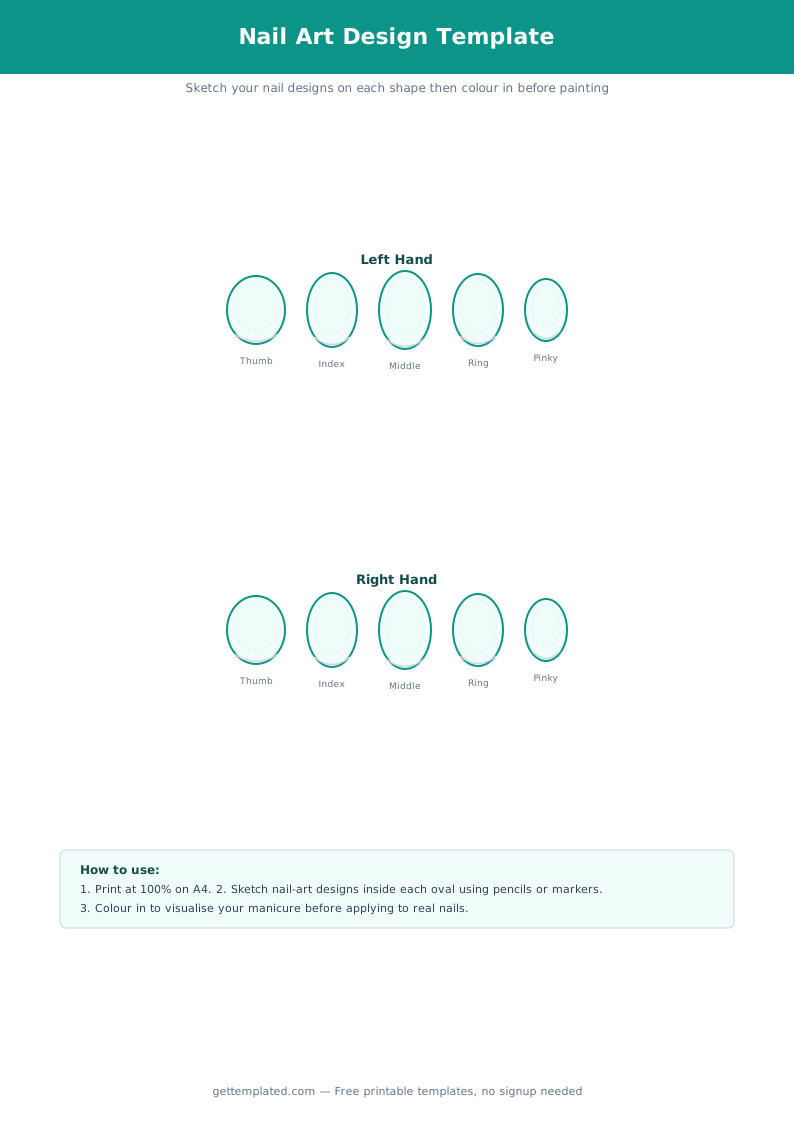
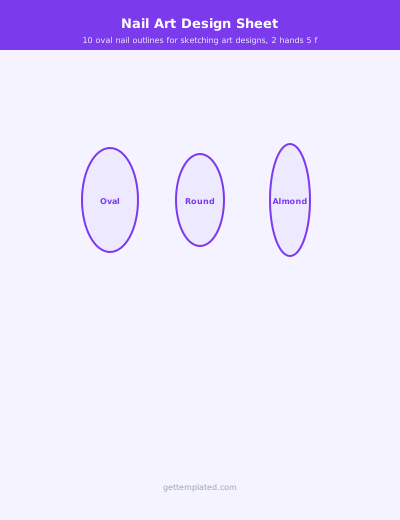
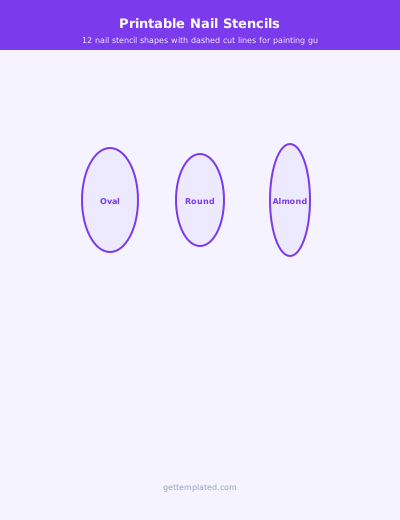
A nail template is a printed or digital sheet showing outlines of fingernail shapes at roughly true-to-life or slightly enlarged scale. The outlines are blank inside so you can fill them with colors, patterns, gradients, or nail art designs using pencils, markers, or digital tools.
Nail technicians use nail design templates to create client consultation portfolios, show options before a full set goes on, and train new staff. Nail art students use blank nail templates to practice color theory and pattern work on paper before working on actual nails. DIY enthusiasts use them to plan seasonal looks or test whether a color combo will work before buying polish.
- Nail technicians building client consultation portfolios
- Cosmetology and nail school students practicing designs
- DIY hobbyists planning seasonal or event nail art
- Nail artists photographing and sharing design previews
- Salons creating printed menus of available nail art styles
Nail Template Shapes: Almond, Square, Oval, Coffin, and More
The most useful nail templates include multiple shapes because clients come in with different natural nail structures and length preferences. A blank nail template set should cover at least five common shapes.
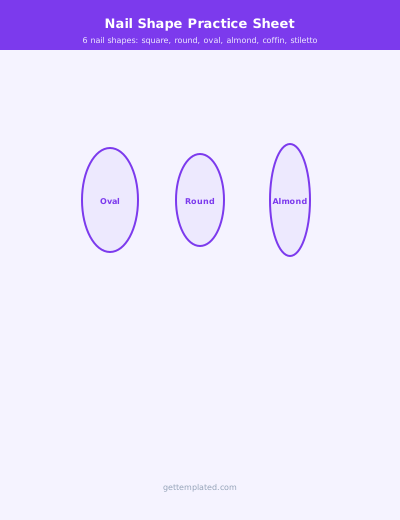
Almond nail templates are teardrop-shaped with a pointed tip, popular for an elegant elongated look. Square nail templates have flat tips with sharp corners and suit shorter nails well. Stiletto templates are more dramatically pointed than almond and are common for press-on art. Oval nail templates are rounded at the tip, more subtle than almond. Coffin or ballerina templates have flat, squared-off tips on tapered sides and are very popular for long acrylics.
- Almond: tapered sides, rounded point, flatters longer nail beds
- Square: flat straight tip, sharp corners, suits short to medium length
- Oval: rounded tip, softer than square, good for natural nails
- Stiletto: extreme taper to a sharp point, usually for acrylics or press-ons
- Coffin/Ballerina: tapered sides with a flat squared tip, popular for acrylics
- Round: dome-shaped tip following the natural curve of the fingertip
How to Use a Blank Nail Template
Using a blank nail drawing template is straightforward whether you are working on paper or digitally. The key is to print at the right scale so the outlines actually match your client's nail size, or to use digital templates in design software where you can resize freely.
For paper templates, standard US Letter printing usually gives outlines that are close to average finger size. If you want practice outlines that match a specific client, measure the widest point of their nail bed in millimeters and resize the template before printing. For digital nail design templates, import the outline into Procreate, Photoshop, or even Google Slides and paint directly on the layer above the outline.
- Download or copy the template and print on US Letter paper at 100% scale (no fit-to-page scaling)
- Choose the nail shapes that match your client's natural nails or the style they want
- Sketch the base color or gradient across all five nails first before adding detail
- Add accent designs on the ring finger or nail of choice as a focal point
- Note the specific polish shades, foil colors, or gel formulas you used in the design notes area
- Photograph the finished template page as a reference and add it to a portfolio binder or digital folder
- If working digitally, import the outline into Procreate or Photoshop and use a separate layer for each design element
Nail Template Variations and Creative Uses
Beyond basic design planning, nail templates serve several creative and professional purposes. A nail design template sheet with five fingers labeled left and right hand is useful for matching sets where both hands need to be consistent.
Wedding nail templates are a popular variation where the client approves a design on paper before the appointment, reducing chair time significantly. For Instagram or portfolio shots, large-scale single nail outlines printed at 3x to 4x normal size let you create detailed swatch art that photographs clearly. Some nail artists print the nail template on watercolor paper and use actual nail polish or acrylic paint directly on the template to create frameable art.
- Full two-hand templates for consistent matched sets
- Single large-format swatch sheets for portfolio photography
- Wedding or event planning sheets for client approval before appointments
- Color palette testing strips using five nail outlines in a row
- Nail art training worksheets for cosmetology students
- Press-on nail design planning before cutting or shaping tips
Tips for Getting the Best Results from Nail Templates
Print nail templates on a slightly heavier paper stock (90 gsm or higher) if you plan to use markers directly on the template. Regular 75 gsm copy paper can bleed with alcohol markers. If you are using water-based colored pencils, standard paper works fine.
When building a client consultation binder, laminate your most-used blank nail templates and let clients use dry-erase markers to sketch preferences during consultations. This makes cleanup easy and the template reusable. For digital workflows, maintain a master Procreate or Photoshop file with the nail outlines on a locked base layer, and duplicate the canvas for each new design concept so your original outlines are never overwritten.
- Use heavier paper (90 gsm+) with alcohol markers to prevent bleed-through
- Laminate templates for reusable dry-erase consultation sheets
- Keep a master digital file with outlines on a locked layer
- Label each template with client name, date, and tech initials for your records
- Photograph each completed design template for your portfolio or Instagram content
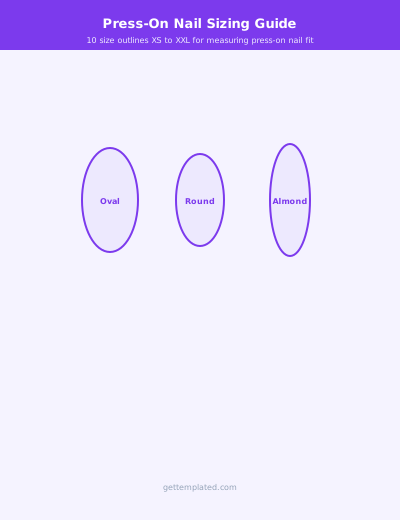
- Scale templates to match each client's actual nail measurements for accuracy
The template