What Is a Family Tree Template and Why Use One
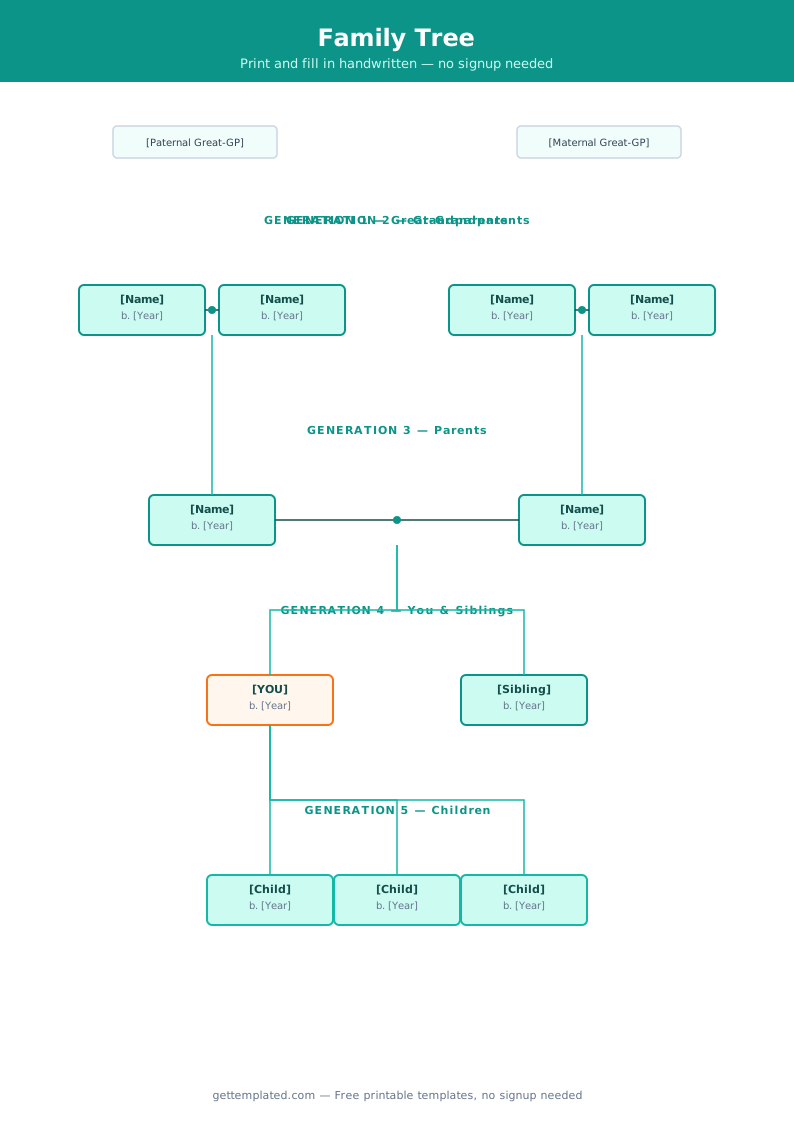
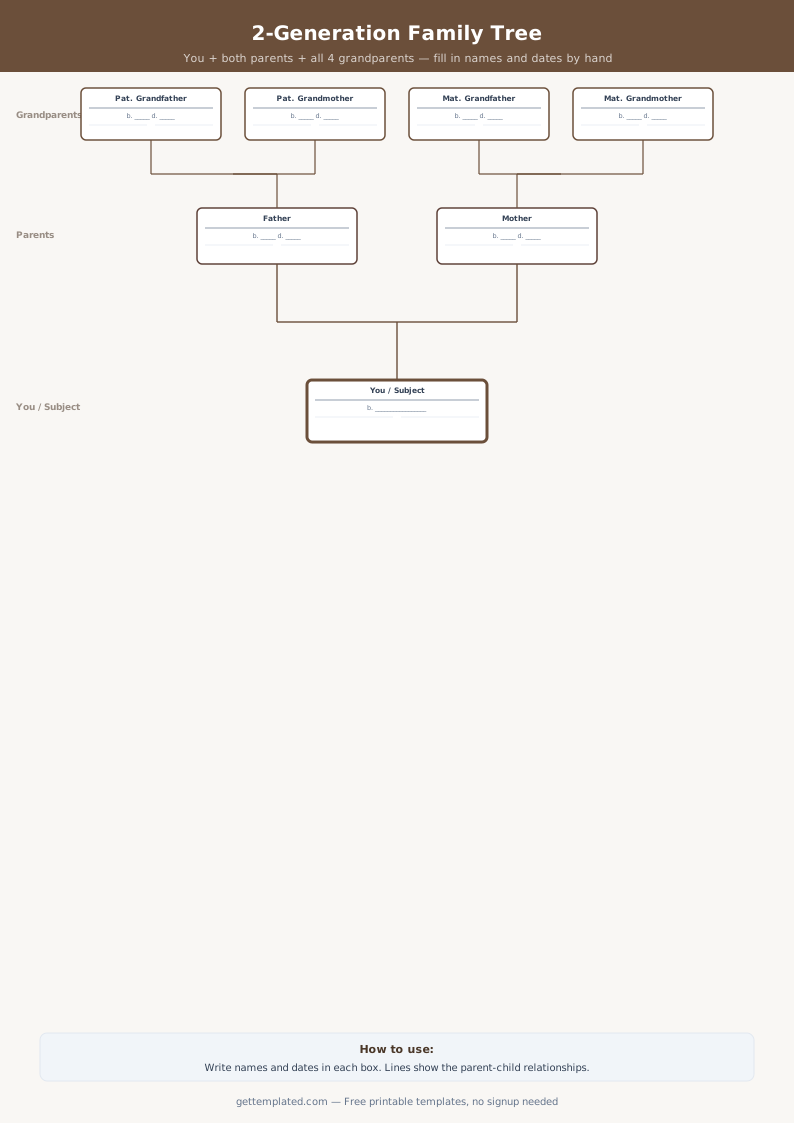
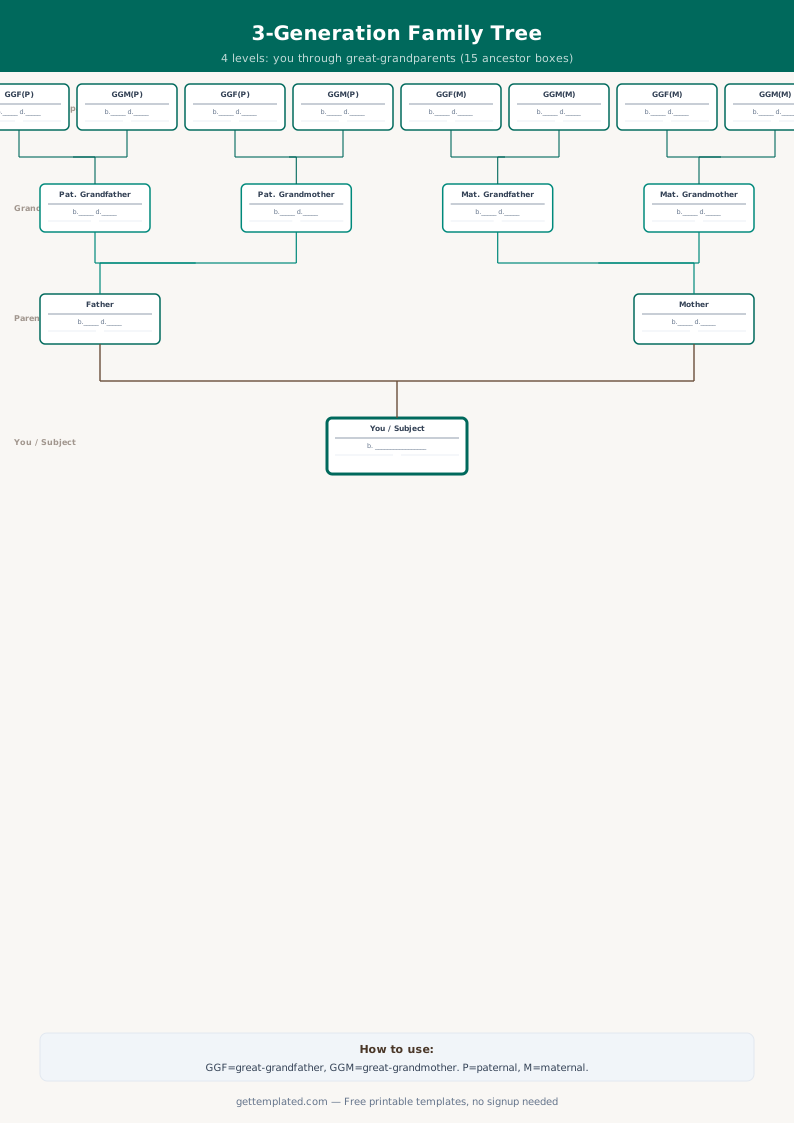
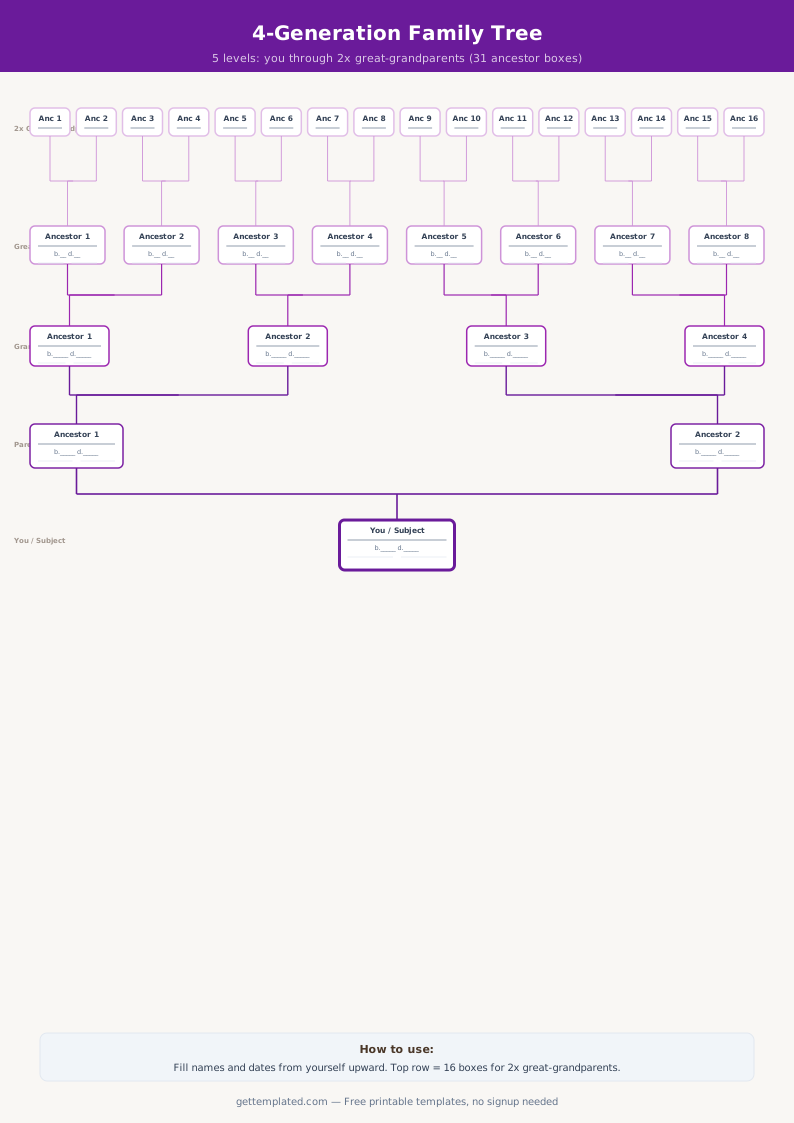
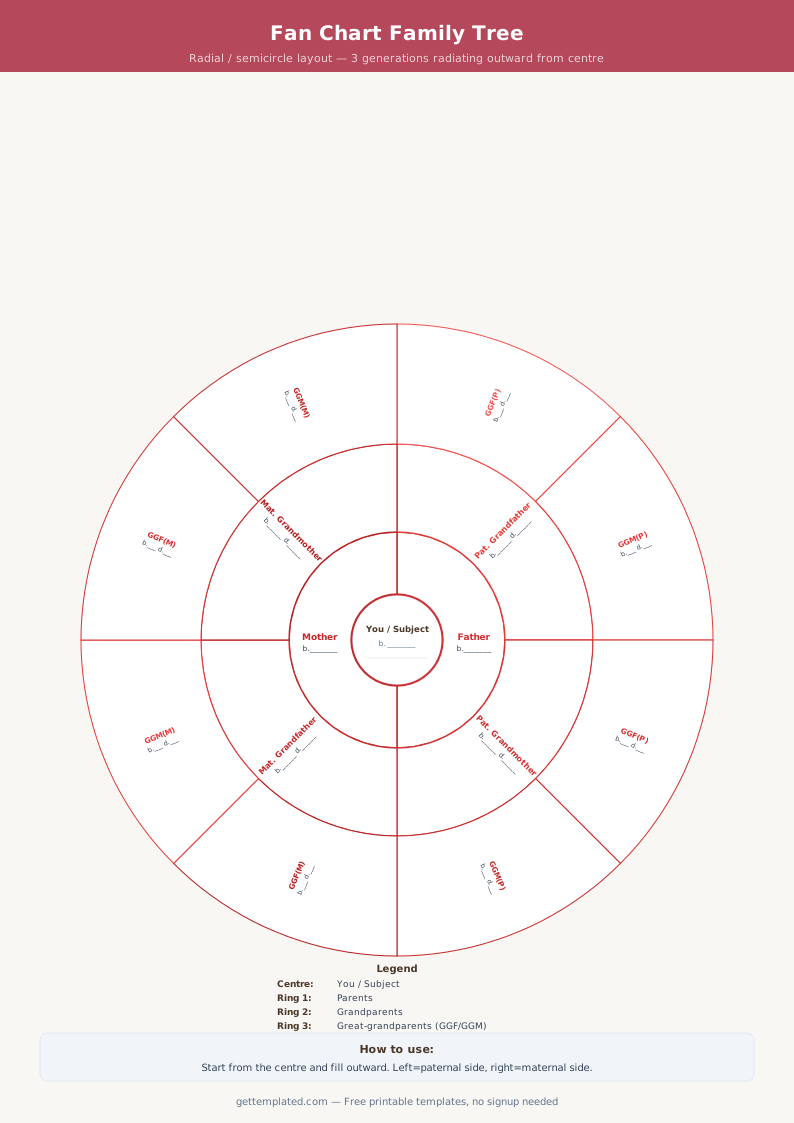
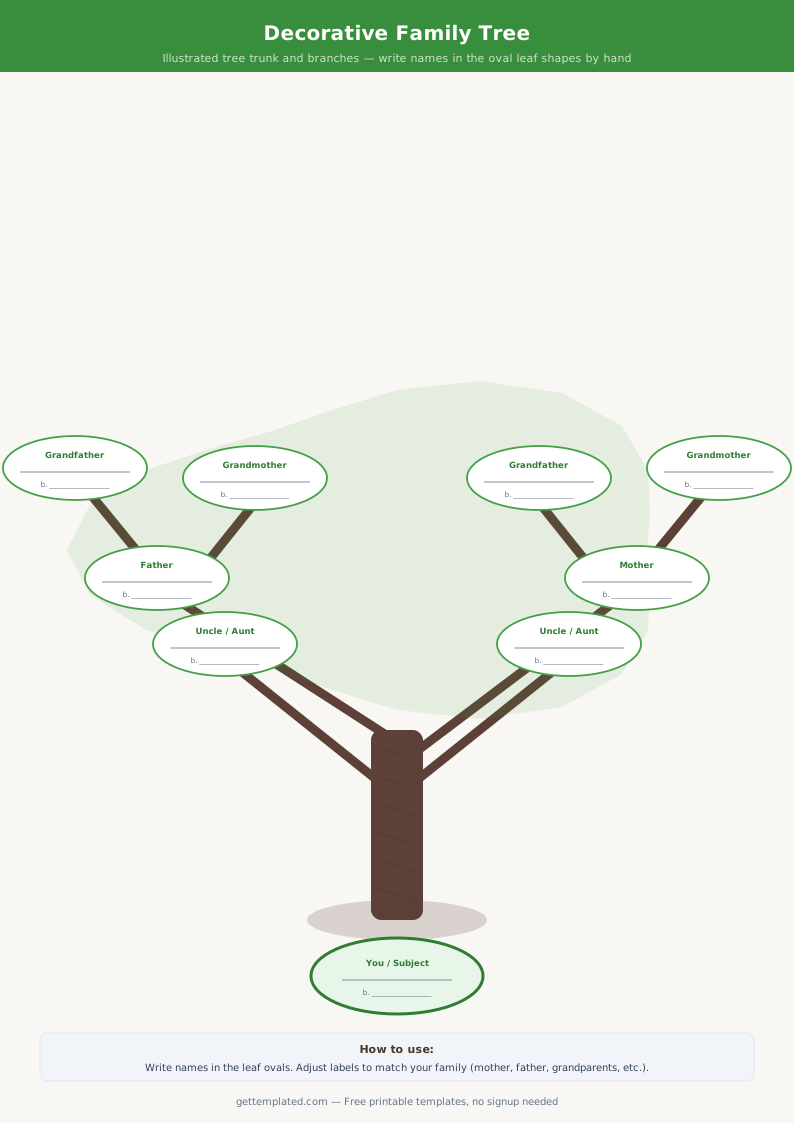
A family tree template is a document or chart that organizes your family's genealogical information in a visual hierarchy. Starting from yourself (or a child) at the bottom or left, it branches outward to show parents, grandparents, great-grandparents, and further ancestors in a structured layout.
Templates make it easier to gather information systematically. Rather than keeping names and dates in scattered notes, a family tree template gives everyone a consistent format. The blank family tree template works as a worksheet you fill in as you research, while a family tree maker template in Google Docs or Word lets you share a draft with relatives who can add details they remember. Most templates cover three to four generations, which represents the practical limit of living family members' direct knowledge.
- Individuals researching their ancestry for personal interest
- Parents creating a family history document for their children
- Students completing school assignments on family heritage
- Anyone organizing genealogy research before using dedicated tools
- Families preparing heritage books or memory projects
What Information to Include in a Family Tree
The core data in any family tree follows a consistent set of fields. Recording these consistently for each person makes the chart useful for genealogy research and meaningful as a family document.
- Full name at birth (including maiden names for women)
- Birth date and birth location (city, state or country)
- Death date and death location (if applicable)
- Marriage date and marriage location
- Spouse's full name (including maiden name)
- Names and birth years of children
- Occupation, immigration details, or religion (optional but historically useful)
- Source notation: where you found each piece of data
How to Build a Family Tree Step by Step
Building a family tree is a research process. Starting with what you know and expanding outward is more effective than trying to find distant ancestors before you have confirmed the connecting generations.
- Start with yourself: fill in your own name, birth date, and birthplace completely
- Add your parents' information from memory or documents you already have
- Call or visit grandparents and older relatives, they hold information that is not recorded anywhere else
- Search for birth certificates, marriage certificates, and death records for the generations you cannot confirm from memory
- Use the free research tools at FamilySearch.org (no subscription required) to find census and vital records
- Note your sources for every fact, 'told by grandmother' is a valid source, but document it alongside any official records you find
- Once you have confirmed three or four generations, consider transferring the data to dedicated genealogy software (Ancestry, MyHeritage, FamilySearch) for easier visual charting and DNA integration
Family Tree Template Formats and Which to Choose
Family tree templates come in several formats, each suited to a different use case or output.
A blank family tree template is a printed chart with empty boxes you fill in by hand. It is the simplest option and works well for school projects or quick family gatherings where you want everyone to add their information on paper. A free family tree template in Google Docs is a text-based or table-based document that multiple family members can edit simultaneously via a shared link. A family tree maker template typically refers to a file that works with dedicated genealogy software, though many are simply formatted Word or Docs files with boxes and connectors. Visual chart templates, available in Canva or PowerPoint, produce a traditional branching diagram. For deeper research, FamilySearch.org provides a free online family tree tool that connects to its global records database automatically.
- Printable blank chart: handwritten, good for school or family events
- Google Docs family tree template: shareable, editable by multiple family members
- Word/table format: structured text with boxes for each person's details
- Visual diagram (Canva, PowerPoint): traditional branching chart
- Online tool (FamilySearch, Ancestry): interactive, connects to records databases
Tips for Accurate and Complete Family Tree Research
A few practices separate a thorough family tree from one with gaps and uncertainties.
- Record maiden names for every woman, surnames change at marriage and block genealogy searches backward
- Note the exact source for every date and name you record; 'aunt's memory' and '1940 US Census' are both valid sources
- Do not assume spellings: immigrant ancestors often had their names changed or misspelled in records
- Cross-reference at least two sources for any birth or death date before treating it as confirmed
- Ask older relatives about photos, identify and label people while those who recognize them are still living
- Use free family tree template Google Docs for collaborative family projects so relatives on different computers can add their branch
- Distinguish between biological and adoptive/step relationships in your notes, both matter, but record them accurately
The template