What a Butterfly Template Is and Who Uses It
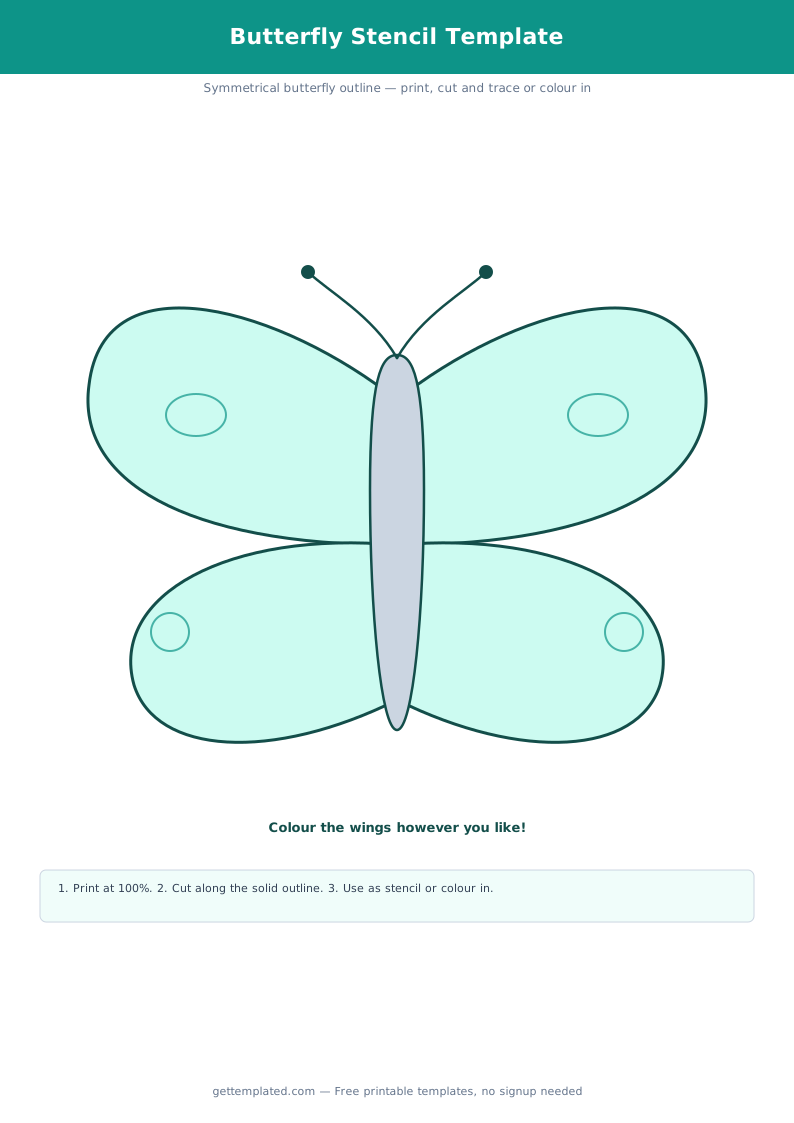
A butterfly template is a printed outline of a butterfly shape that you cut out, trace, color, or use as a stencil. The outline typically shows two upper wings, two lower wings, a body, and sometimes antennae. The shape is bilaterally symmetric, which makes it useful for both art projects and math and science lessons on symmetry.
Teachers use butterfly templates for early childhood art, symmetry worksheets, and life-cycle units in second and third grade science. Parents use them for birthday party crafts, spring decorations, mobile projects, and school dioramas. Crafters use larger versions as pattern pieces for fabric butterflies, felt boards, and scrapbooking embellishments.
- Classroom art: paint one wing, fold, press to show symmetry
- Life cycle displays: pair with egg, caterpillar, and chrysalis cutouts
- Bulletin board decorations for spring and nature themes
- Fabric and felt crafts using the outline as a cutting pattern
- Birthday party activities and favor bag decorations
- Greeting card inserts and scrapbook embellishments
- Symmetry and geometry lessons for elementary students
What to Include on a Butterfly Template
The parts of a butterfly template depend on how you plan to use it. A basic printable outline includes the full wing shape and body. More detailed templates may add features that help with coloring activities or educational goals.
For classroom science use, labeling the wings and body helps students learn butterfly anatomy. For pure craft use, a clean unlined outline gives the most flexibility for painting, glittering, or collaging.
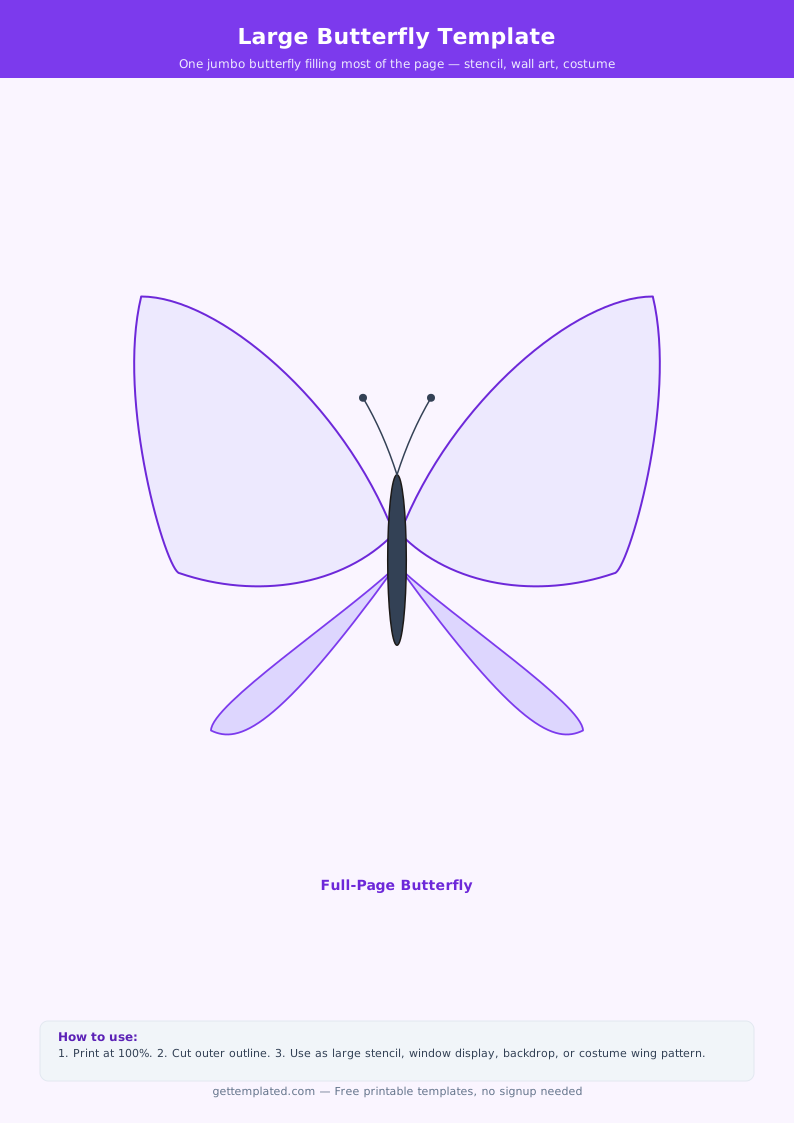
- Wing outline: two upper wings (larger) and two lower wings (smaller, rounded)
- Body: a narrow oval or elongated shape down the center
- Antennae: two thin lines extending from the head, often with a club at the tip
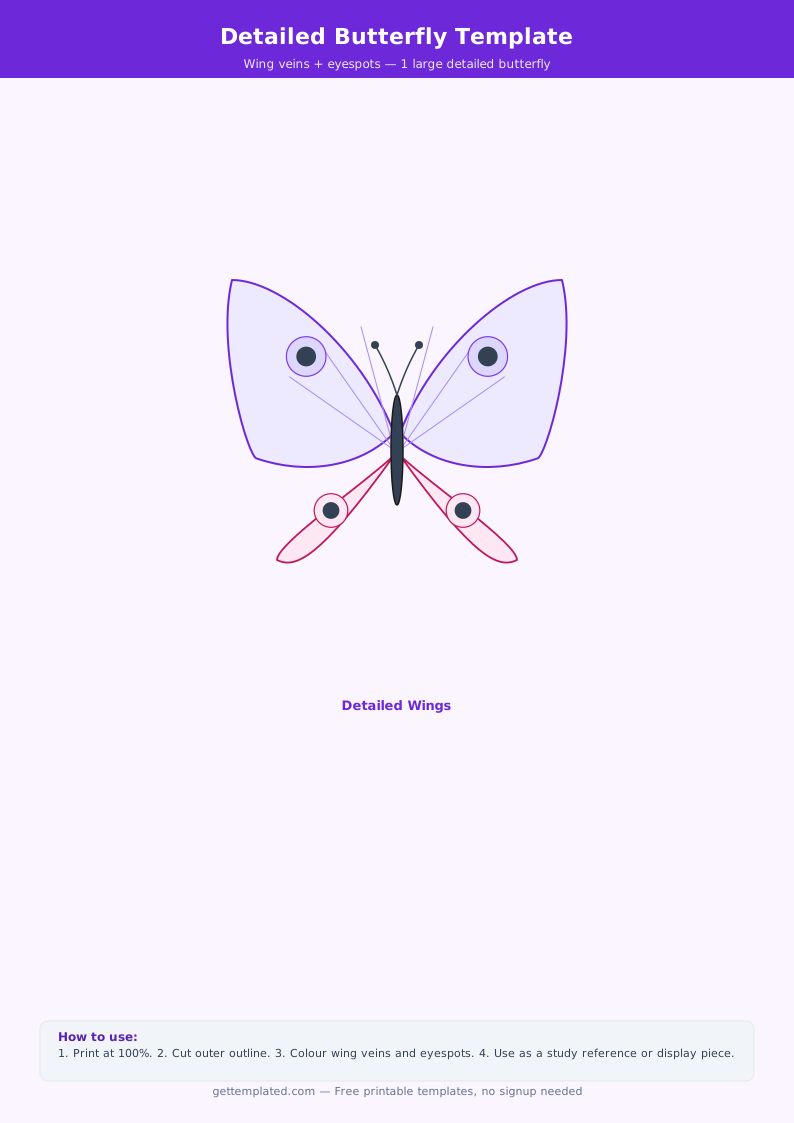
- Wing veins: optional line details that divide wings into sections for coloring
- Symmetry line: a dotted center line useful for folding activities
- Label area: name and date fields for classroom assignments
- Size reference: a scale bar helps when printing at different sizes
How to Use a Printable Butterfly Template
Using a butterfly template takes about five minutes from download to ready-to-use. The process is the same whether you print one copy or thirty for a classroom.
- Open the template file and choose your size. Most butterfly templates are designed for standard 8.5 x 11 inch paper. For larger crafts, scale up to 11 x 17 or print on cardstock.
- Set printer options to actual size, not fit to page. Fit to page will shrink the butterfly and throw off proportions.
- Choose your paper. Regular copy paper works for coloring activities. Cardstock (65 lb or heavier) works better for cutting, painting, or using as a stencil.
- Print and cut along the outer outline. Sharp scissors or a craft knife give the cleanest edge. For small children, cut out the shape first and let them color the pre-cut butterfly.
- Decorate. Crayons, markers, watercolors, tissue paper, glitter, and paint all work well. For the symmetry activity, fold the paper in half along the body before painting one side, then press and unfold.
- Use or display. Punch a small hole in the top of the body to hang from a mobile or bulletin board. Glue to a stick for a butterfly wand. Attach to a card as an insert.
Types and Variations of Butterfly Templates
There are several distinct types of butterfly templates, each suited to a different purpose. Choosing the right type saves time and produces a better result.
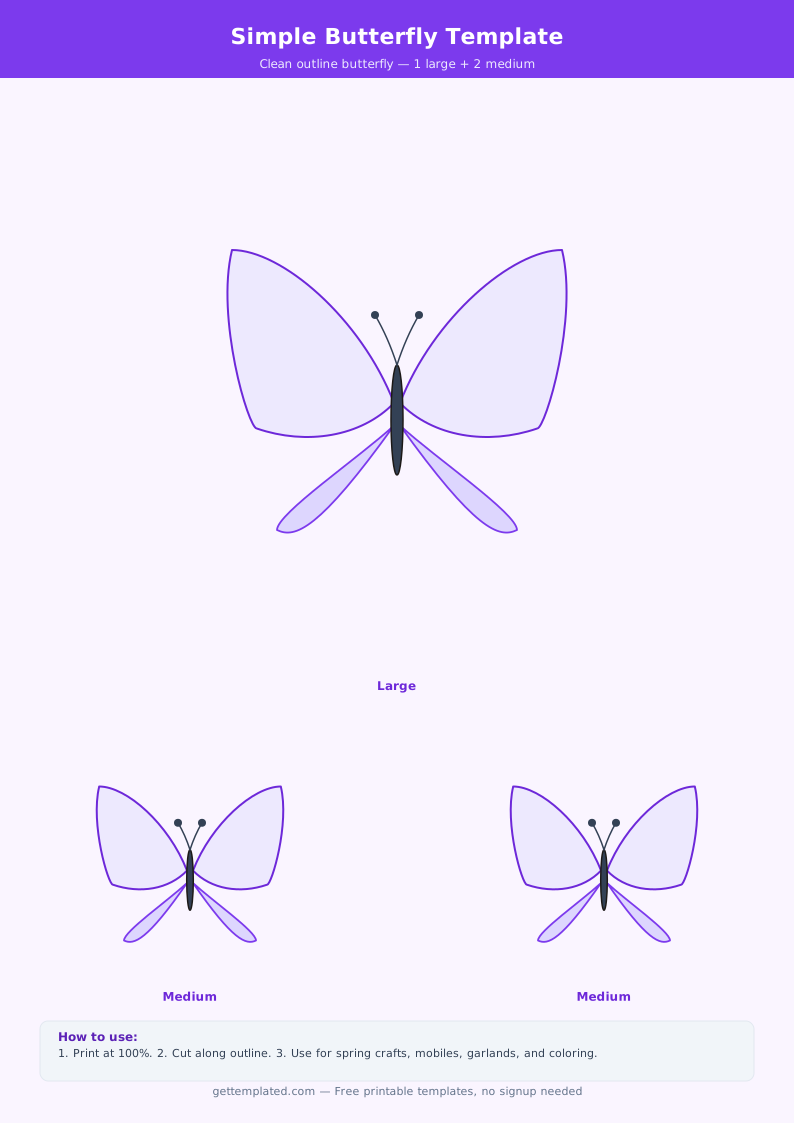
A simple outline template is the most versatile. It shows only the outer edge of the wings and body, with no interior lines. This version works for all ages and is easiest to cut out cleanly.
A wing-vein template adds dividing lines inside the wings that mirror real butterfly anatomy. These sections are useful for structured coloring activities and look more realistic when finished.
A symmetry template has a dotted or solid fold line down the center. Students fold the paper, cut, and unfold to see a perfectly symmetrical butterfly. This is the standard format for math and art integration lessons.
A labeled anatomy template includes text labels for forewings, hindwings, thorax, abdomen, head, and antennae. This version works for science worksheets and life-cycle unit displays.
- Simple outline: clean edge only, maximum flexibility for decoration
- Wing-vein: interior section lines for detailed coloring
- Symmetry fold: center line for mirror-image art and math activities
- Labeled anatomy: text labels for science and nature study units
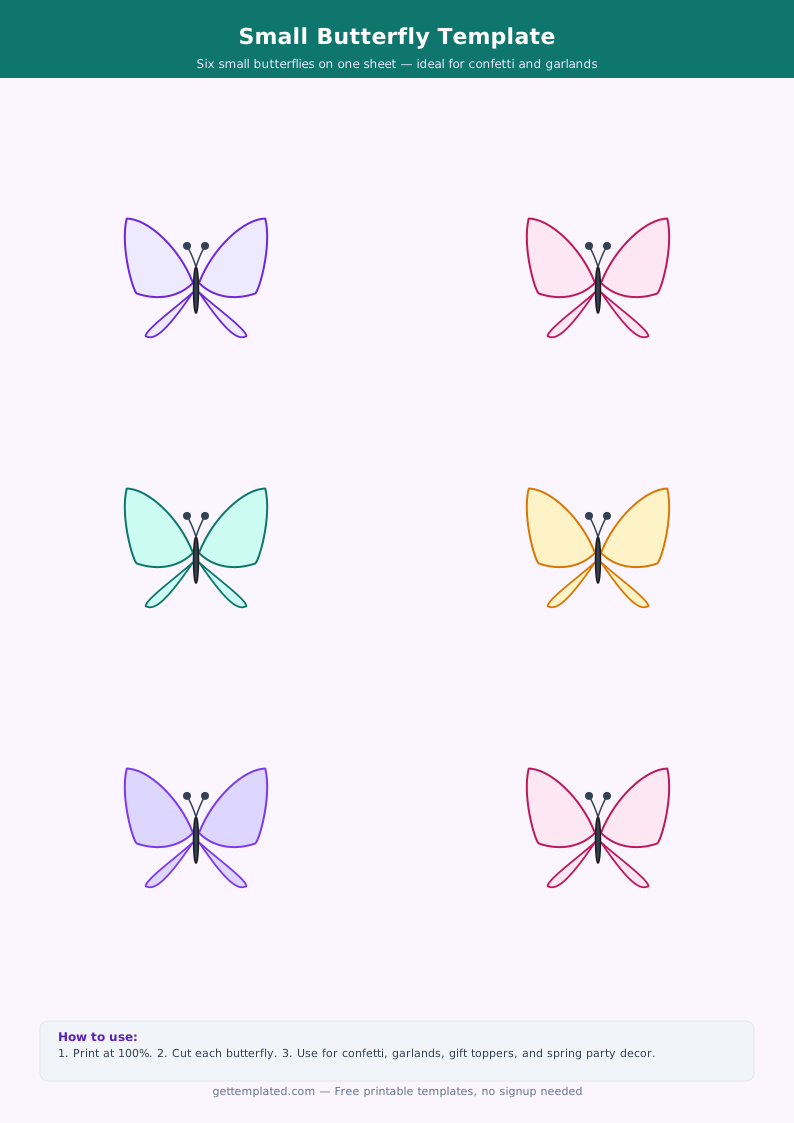
- Multiple sizes: thumbnail to poster size for different projects
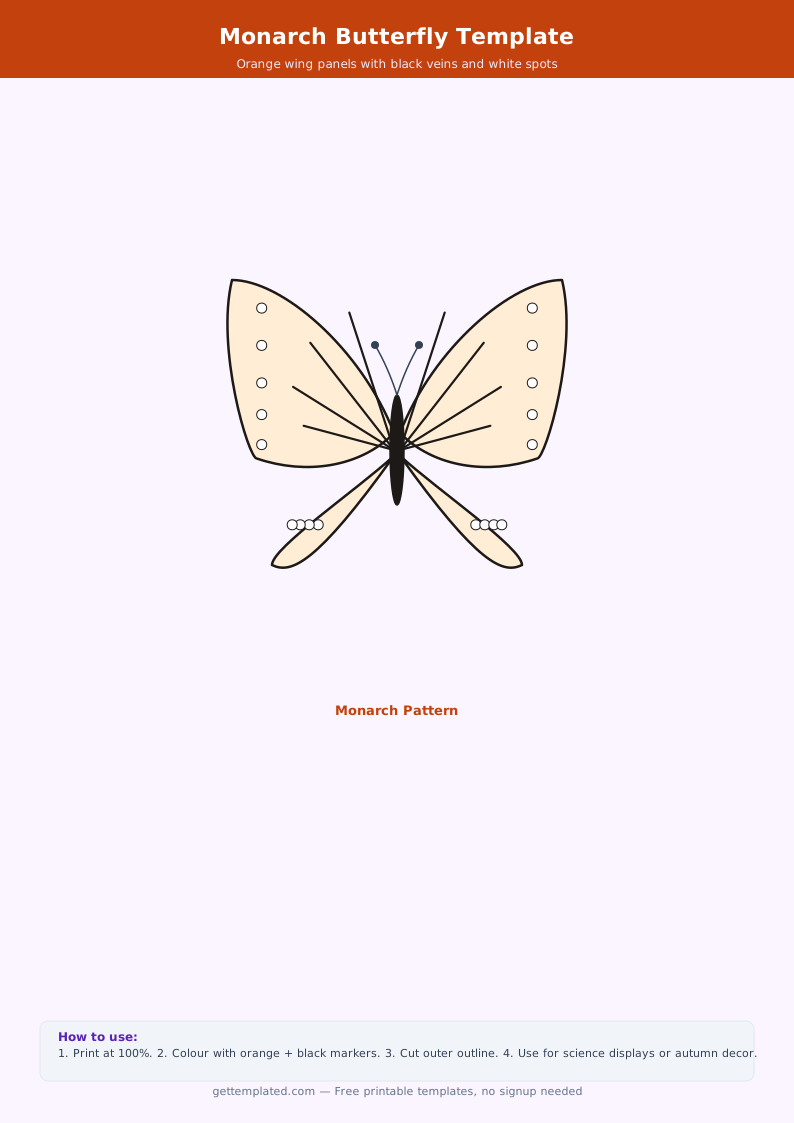
- Monarch style: rounded upper wings with a distinctive shape
- Swallowtail style: pointed lower wing projections, more complex outline
Tips for Getting the Best Results
A few small adjustments make a big difference in how butterfly template projects turn out, especially when preparing multiple copies for a classroom or event.
- Print on cardstock for any project that involves cutting and gluing. Copy paper tears too easily along thin wing sections.
- For the fold-and-press symmetry technique, use liquid paint rather than crayon. Crayon does not transfer when folded.
- Laminate one copy as a reusable tracing stencil so you do not have to reprint for every use.
- For fabric projects, pin the paper template to the fabric and cut around it. Freezer paper templates iron directly onto fabric and stay in place while cutting.
- Avoid scaling below 50 percent on a standard sheet. Very small butterfly cutouts lose wing detail and become difficult to cut cleanly.
- To make a mobile, print four to six butterflies in graduated sizes and hang them from a single dowel rod at different string lengths.
Common Mistakes to Avoid
Most butterfly template projects fail for one of three reasons: wrong paper choice, incorrect print settings, or cutting too quickly. Knowing these pitfalls in advance makes every project go smoothly.
- Printing fit-to-page instead of actual size distorts wing proportions
- Using thin copy paper for painted projects causes the paper to buckle and tear
- Cutting into the wing tips too aggressively leaves jagged edges
- Not leaving enough margin around the outline makes the template fragile after cutting
- Skipping the symmetry fold means hand-coloring both wings identically, which is much harder to do accurately
The template