What a Baby Announcement Template Is and Who Needs One
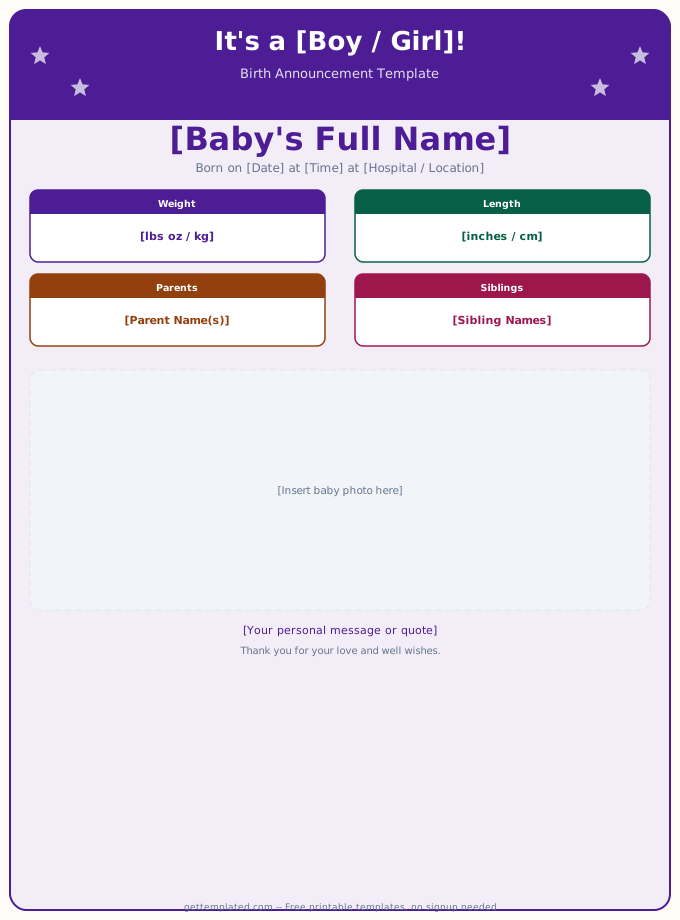
A baby announcement template is a pre-formatted document or card layout that parents fill in with their newborn's details. The template handles the structure and design so parents can focus on the information rather than formatting from scratch.
New parents are the primary users, but grandparents, close friends, and doulas also use announcement templates to send news on behalf of a family. The same template structure works for digital sharing over text or email, printing as physical cards, posting on social media, and mailing to relatives who do not use smartphones.
Beyond birth announcements, the same template approach applies to baby shower invitations, gender reveal announcements, and newborn thank-you cards.
- Birth announcement card mailed to family and friends
- Digital announcement sent by text message or email
- Social media post caption or image overlay text
- Baby shower invitation with date, time, and location details
- Hospital birth board displayed in the delivery room
- Newborn thank-you card sent after gifts are received
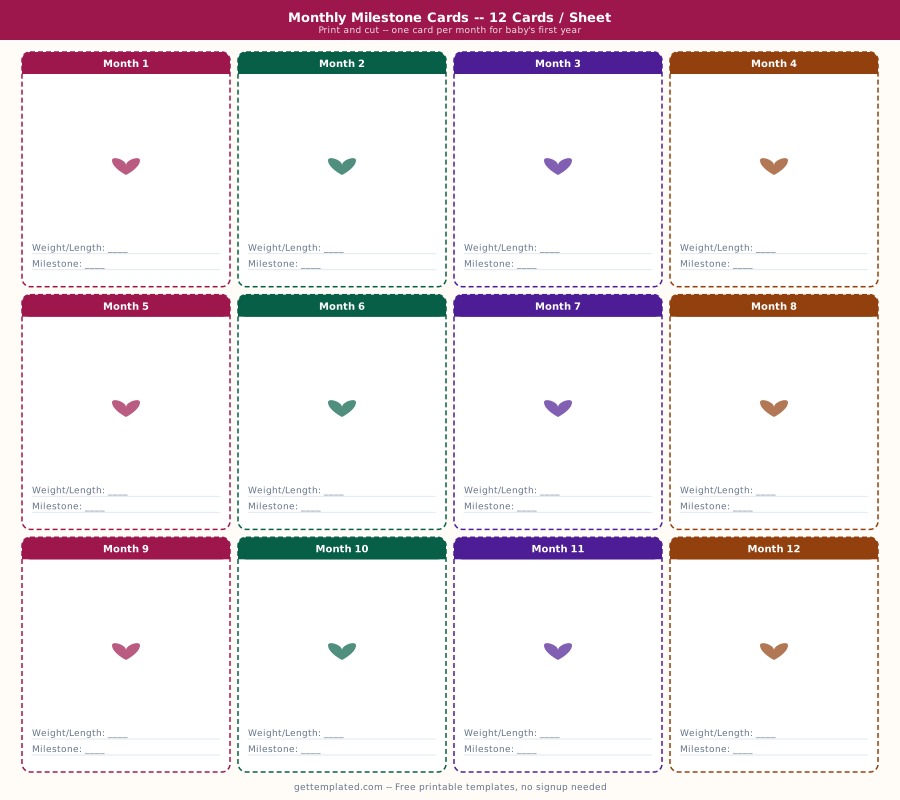
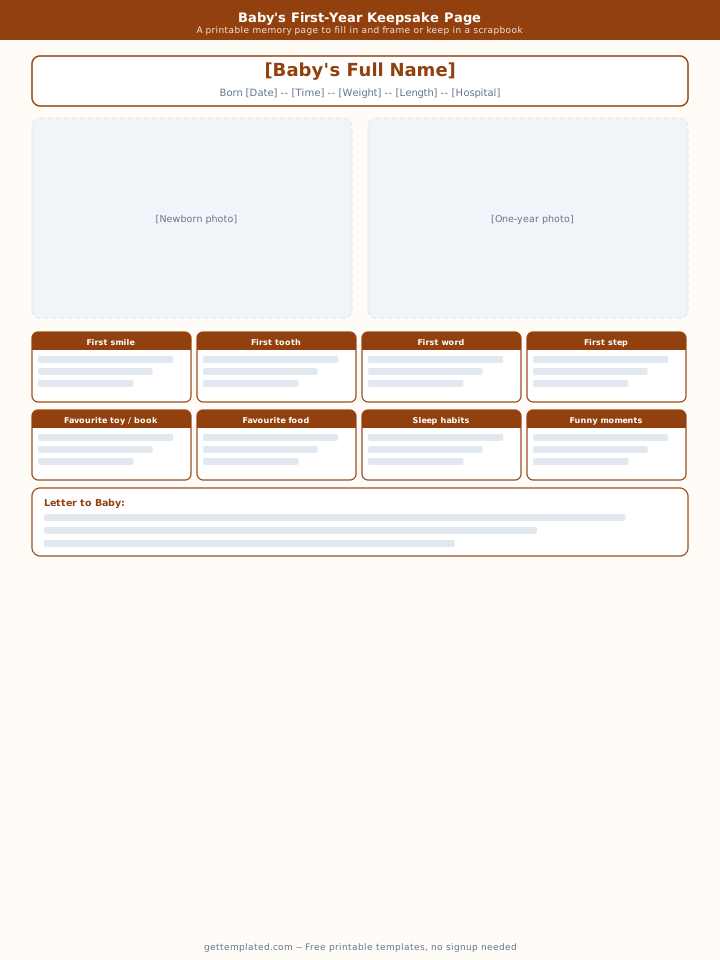
- Baby book keepsake page preserving arrival details
What to Include in a Baby Announcement
A complete baby announcement contains the essential facts about the birth plus the right amount of family warmth. Too little information leaves readers guessing. Too much turns a heartfelt announcement into a form.
The core information every announcement should include is the baby's full name, date of birth, and weight. Optional but common additions are birth time, length, hospital or location, parents' names, and sibling names. For baby shower invitations, you swap birth details for event logistics.
- Baby's full name (first, middle, and last)
- Date of birth written out in full to avoid date format confusion
- Weight in pounds and ounces (or grams for international recipients)
- Length in inches or centimeters
- Birth time, especially meaningful for families who mark time zones
- Parents' names as they want to be recognized
- Sibling names if welcoming a new family member into an existing family
- Contact information for scheduling visits or sending gifts
- Optional quote, verse, or personal message
How to Fill In and Send a Baby Announcement Template
Filling in and sending a baby announcement takes fifteen to thirty minutes using a ready-made template. Having all the details written down before you open the template makes the process faster.
- Gather the details before you start: baby's full name, birth date, time, weight, and length. Have both parents' preferred names written out exactly as you want them to appear.
- Choose your format. For a printed card, open the template in Google Docs or Microsoft Word and adjust fonts and layout. For a digital share, copy the text-based template and paste into your messaging or email app.
- Replace every placeholder in brackets with the actual information. Read through the full announcement once to catch any missed fields.
- Proofread names carefully. A misspelled baby name or parent name is the most common error in announcements.
- For printed cards, choose cardstock or photo paper and print a test copy at actual size before printing the full batch. For digital versions, send a test message to yourself first.
- Share according to your list. Mail printed cards to relatives who prefer physical mail. Send digital versions to those who prefer text or email. For social media, add a photo and use the announcement text as your caption.
Baby Shower Invitation Template Versus Birth Announcement Template
Baby shower invitations and birth announcements use a similar template structure but serve opposite purposes. An invitation goes out before the baby arrives. An announcement goes out after.
A baby shower invitation template needs the event date, time, location, RSVP deadline, registry information, and any theme or dress code. The baby's name may not be known yet if the shower is before birth, so some invitations use a placeholder or just the parents' names.
A birth announcement template centers on the newborn. The event is past, so logistics are replaced by personal details. The tone is celebratory rather than logistical.
- Baby shower invite: event date, time, venue, RSVP by date, registry link
- Birth announcement: baby name, birth date, weight, length, parents' names
- Both share: a warm tone, the family name, and contact information
- Shower invite timeline: send 4 to 6 weeks before the event
- Birth announcement timeline: send within 2 weeks of birth for mailed cards, within a day or two for digital
- Google Docs works well for both because sharing is easy and editing is free
Tips for a Professional-Looking Baby Announcement
A few small details separate a polished announcement from a rushed one. None of them require graphic design skills.
- Use consistent fonts. Two fonts maximum, one for headings and one for body text, looks cleaner than mixing three or four.
- Left-align text for easy reading. Centered text works for short headers but is hard to read in paragraph form.
- Include a photo if sending digitally. A birth photo of the baby or a family photo taken at the hospital adds personal warmth.
- Use the full date format (June 15, 2026) rather than 6/15/26. The full format is clearer internationally and looks more formal.
- Avoid all-caps for the full body text. Reserve caps for the baby's name or a single headline.
- Print on cardstock (80 to 100 lb) for mailed cards. Lighter paper looks flimsy and does not survive mailing well.
Common Mistakes in Baby Announcements
Even simple announcements go wrong in predictable ways. These are the most common errors and how to avoid them.
- Misspelled baby name: triple-check the spelling of the first, middle, and last name
- Wrong date format: verify AM versus PM and confirm the date is correct before sending
- Missing RSVP details on shower invitations: always include a deadline and contact method
- Too much information: announcements should be warm and brief, not a birth story
- Sending a digital announcement to relatives who do not use smartphones without a backup plan
The template