What Is a Vision Board Template and Who Uses One
A vision board template is a pre-structured layout that organizes your goals and aspirations into labeled sections, so the final board is intentional rather than a random photo collage. The core idea is that regularly seeing visual representations of your goals keeps them in conscious focus and reinforces the habits that move you toward them.
Vision boards work by combining two well-studied techniques: written goal-setting and visualization. When you translate a vague aspiration ("I want a better life") into a specific, visually represented goal (a photo of the city you want to move to, a figure for the salary you are targeting), your brain is better at recognizing relevant opportunities and staying motivated through setbacks.
People use vision board templates at the start of a new year, after a major life change, before starting a new business, and for annual goal reviews. Students use them to stay focused on graduation and career goals. Entrepreneurs use them to keep a long-term business vision visible during the daily grind.
- People setting annual goals or intentions at the start of a new year
- Students keeping long-term academic or career goals in sight
- Entrepreneurs and freelancers maintaining focus on a business vision
- Anyone recovering from a setback who needs a concrete picture of what they are rebuilding toward
- Coaches and therapists who use visualization as part of a goal-setting process with clients
What to Include on a Vision Board
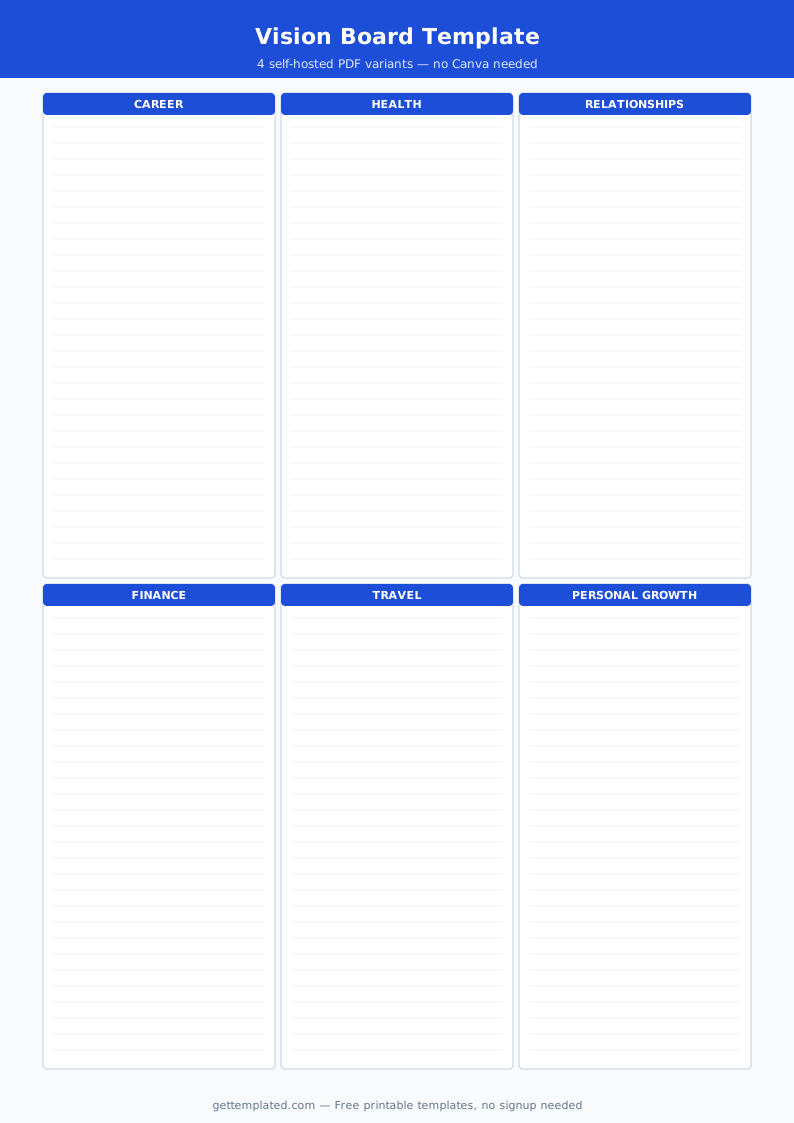
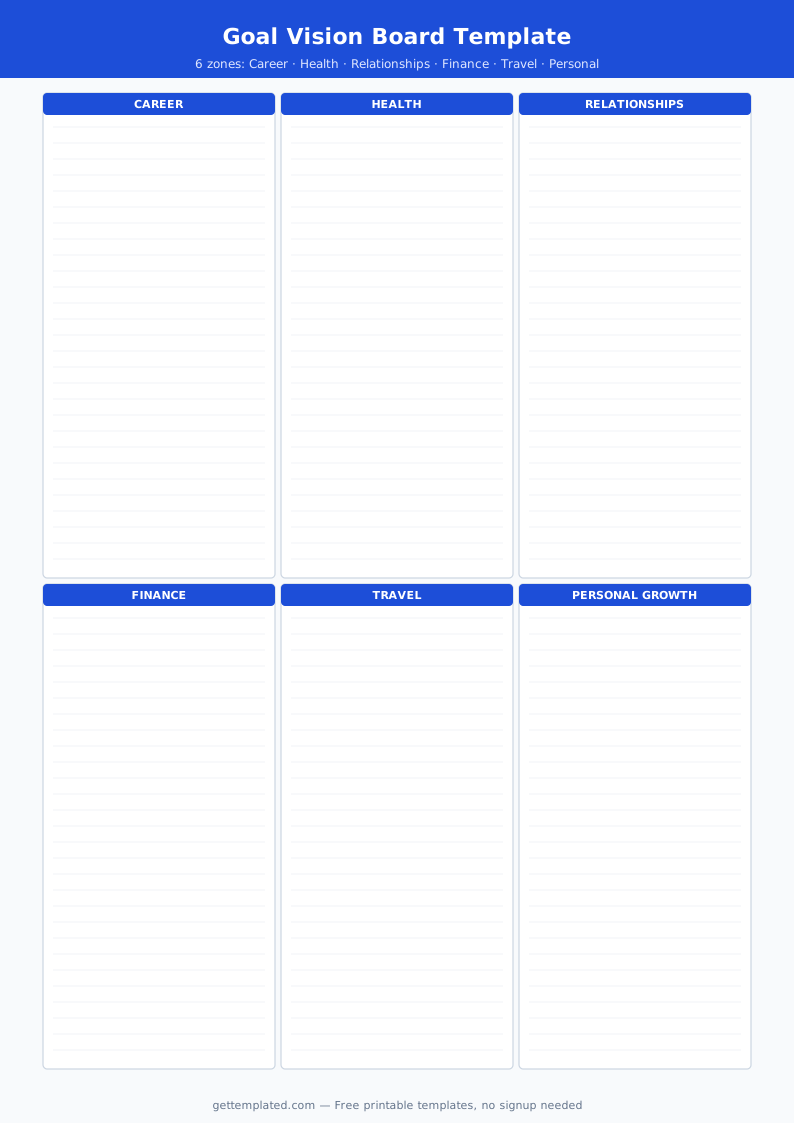
The best vision boards cover multiple life areas rather than focusing only on money or career. A balanced vision board catches goals in every domain, which prevents the common problem of achieving one thing while neglecting others.
- Career and business: Your professional goal for the next one to three years, the role or income level you are targeting
- Health and fitness: A specific physical health or wellness outcome, not just "be healthier"
- Relationships: Goals for romantic partnership, family, or friendships you want to invest in
- Finances: A concrete target, whether a savings milestone, a debt payoff, or a property purchase
- Personal growth: A skill to learn, a habit to build, or a mindset shift to make
- Travel and experiences: Places you want to visit or meaningful experiences you want to have
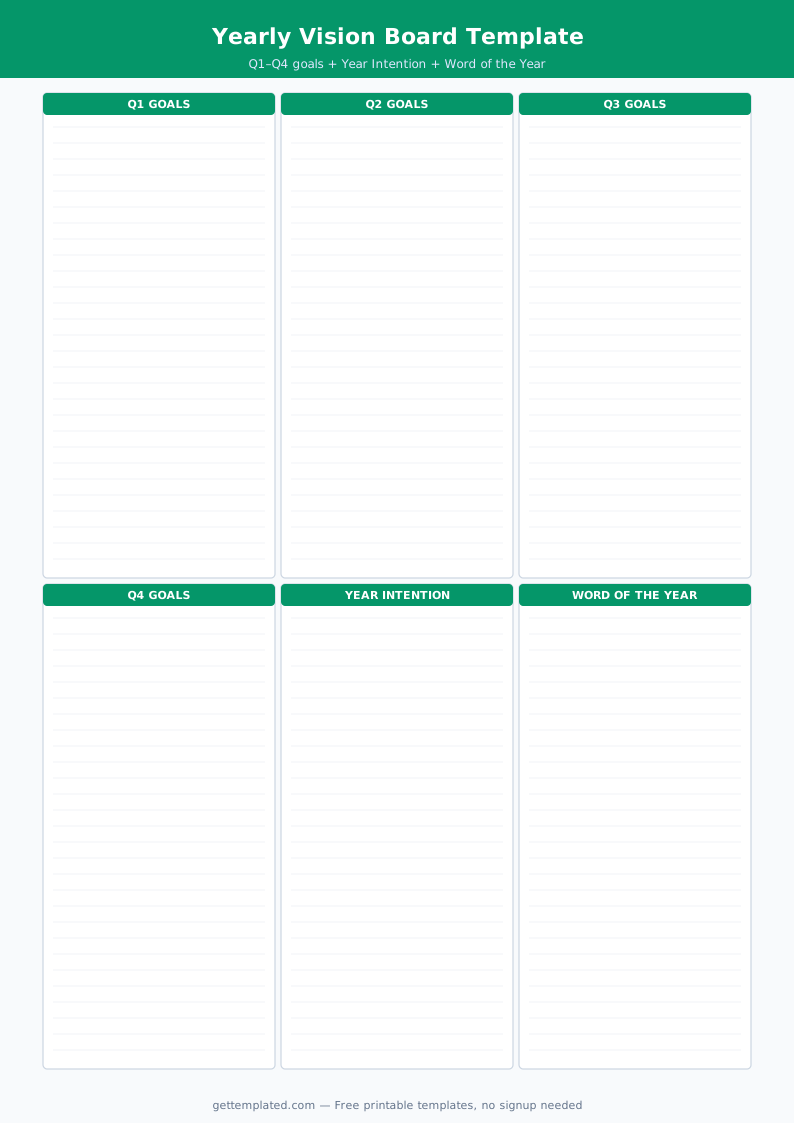
- A central intention or theme: A one-sentence statement that captures the feeling or direction of the whole year
How to Create a Vision Board Using This Template
A vision board template works best when you treat the planning document as Step 1, then build the visual board based on it. Jumping straight to cutting out magazine photos often produces an unfocused board.
- Open this template in Google Docs or print it and fill it out with your goals before selecting any images
- For each category, write a specific goal, the reason it matters to you, and one action you will take this month
- Search for images that represent each goal. Use free image sites like Unsplash or print magazine clippings
- Arrange your images on a physical board (poster board, corkboard) or in a digital tool like Canva, with each image near its matching goal from the template
- Write a one-sentence overall theme for the year and place it at the center of the board
- Put the board somewhere you will see it daily: beside your desk, as a phone wallpaper, or in a frame near your bed
- Set a calendar reminder every 30 days to review the board and check progress on the monthly actions
Vision Board Template Formats: Digital vs. Printable
Vision board templates come in two main formats, and the best choice depends on how you work and where you will display the board.
A digital vision board template works well in tools like Canva, Google Slides, or a digital whiteboard. You search for and insert images directly into the layout, then set the finished board as your desktop wallpaper or phone background. A Canva vision board template is especially popular because Canva has a large built-in image library and pre-made layouts in grid, collage, and mood-board styles. You can update a digital board easily when goals change.
A printable vision board template works well for anyone who prefers a physical object in their workspace. Print the planning template from Google Docs, then build a physical board using printed photos, magazine cutouts, and handwritten notes on a poster or corkboard. Physical boards tend to be more personal and tactile, and many people find them more motivating to look at than a digital file.
You can also combine both: use the text-based planning template in Google Docs to clarify your goals in writing, then use a Canva vision board template to build the visual version for display.
Tips for Making Your Vision Board Actually Work
A vision board is not magic, but it is a reliable tool for keeping your intentions visible and your actions aligned with them. These practices separate boards that influence behavior from boards that sit unlooked-at.
- Be specific about goals: "Run a 5K in under 30 minutes by October" is more useful than a photo of someone running, with no target attached
- Include images that genuinely move you: If a photo of a beach house makes you indifferent, find an image that actually triggers excitement or clarity
- Add one concrete action per goal: Each section in the template includes a monthly action field; filling this in transforms a dream into a to-do item
- Review the board on a schedule: Monthly reviews take five minutes and dramatically increase follow-through compared to setting the board and forgetting it
- Update it when goals change: A goal you achieved or outgrew should be replaced. A living board is more powerful than a static one
- Keep the categories balanced: A board with nine career images and one relationship image reflects an imbalance worth noticing before it becomes a life regret
The template