What Is a Storyboard Template and Who Uses One
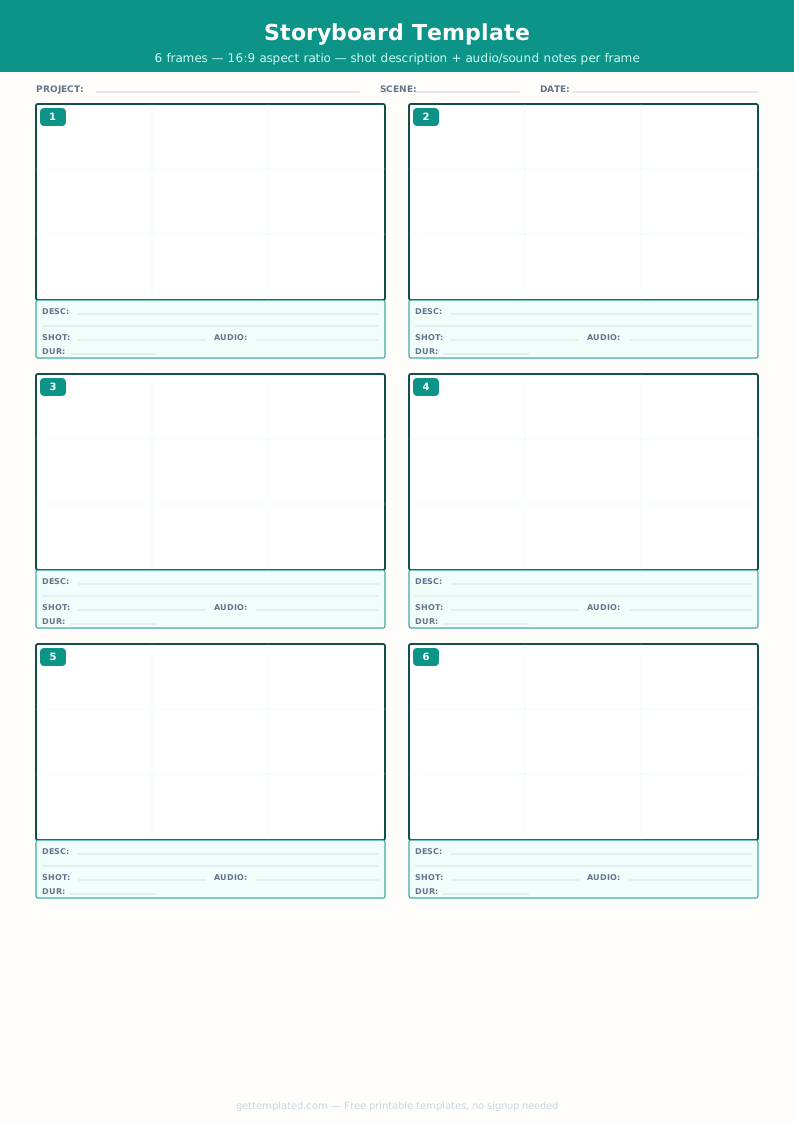
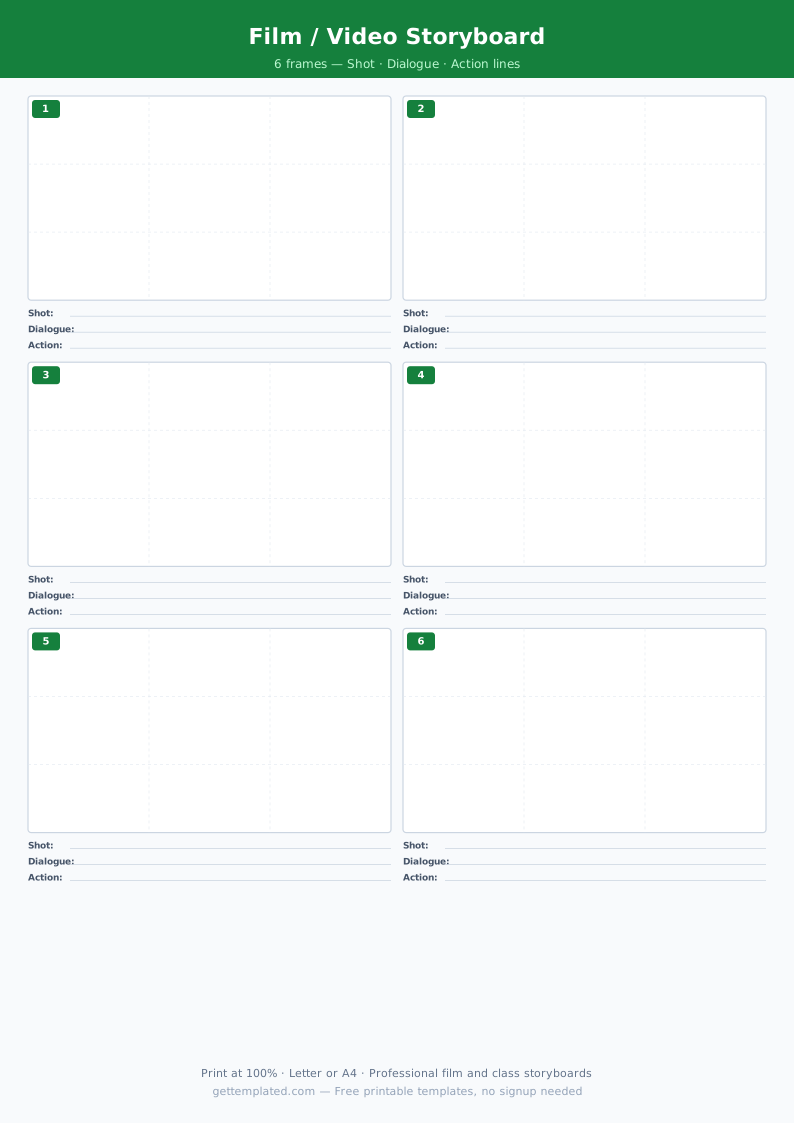
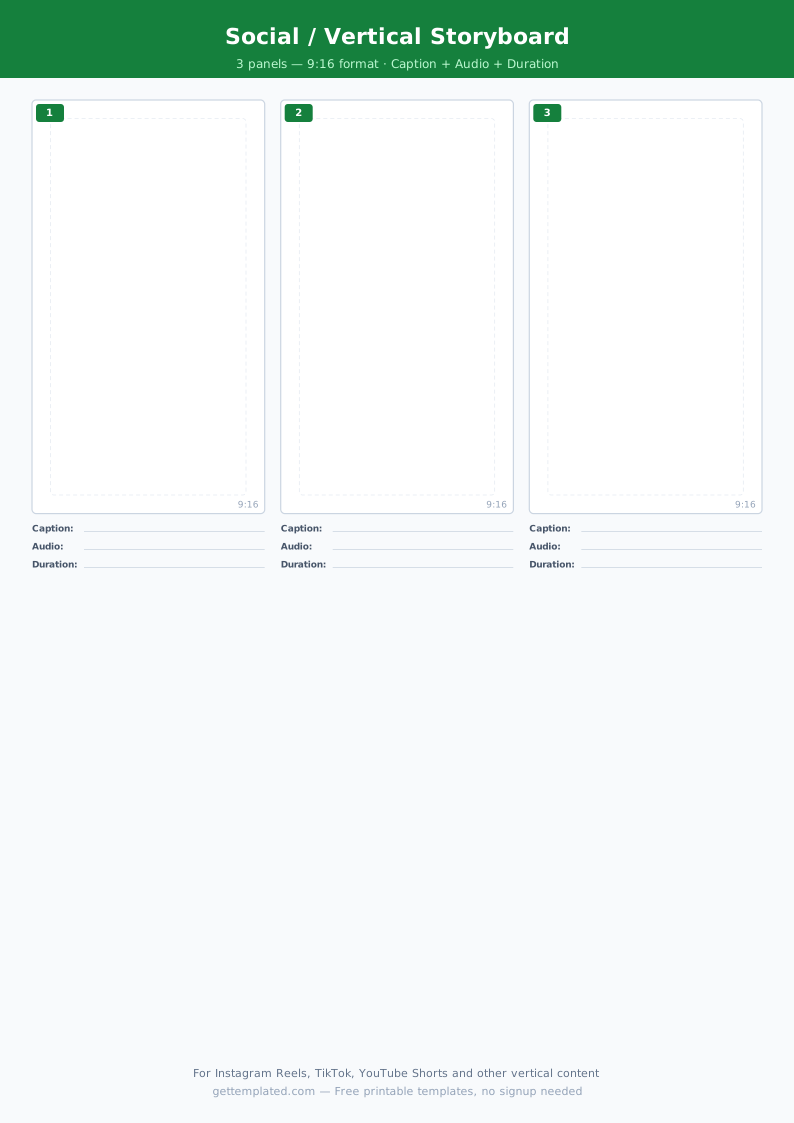
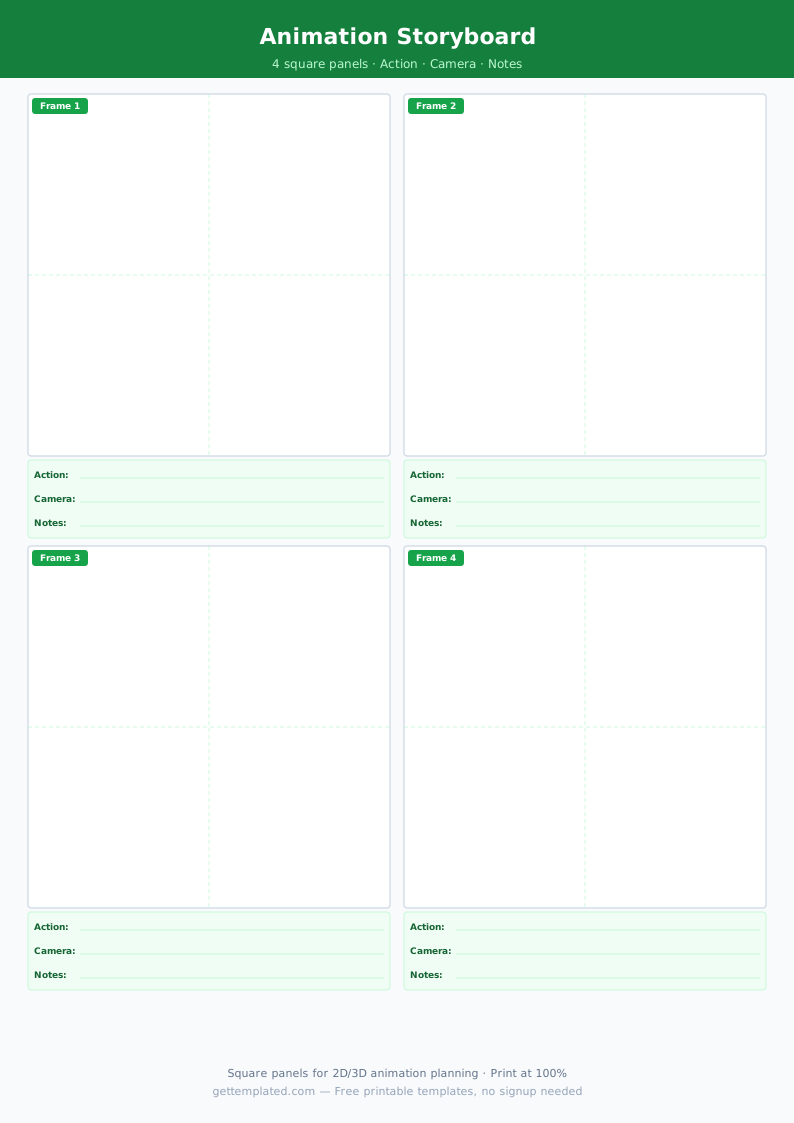
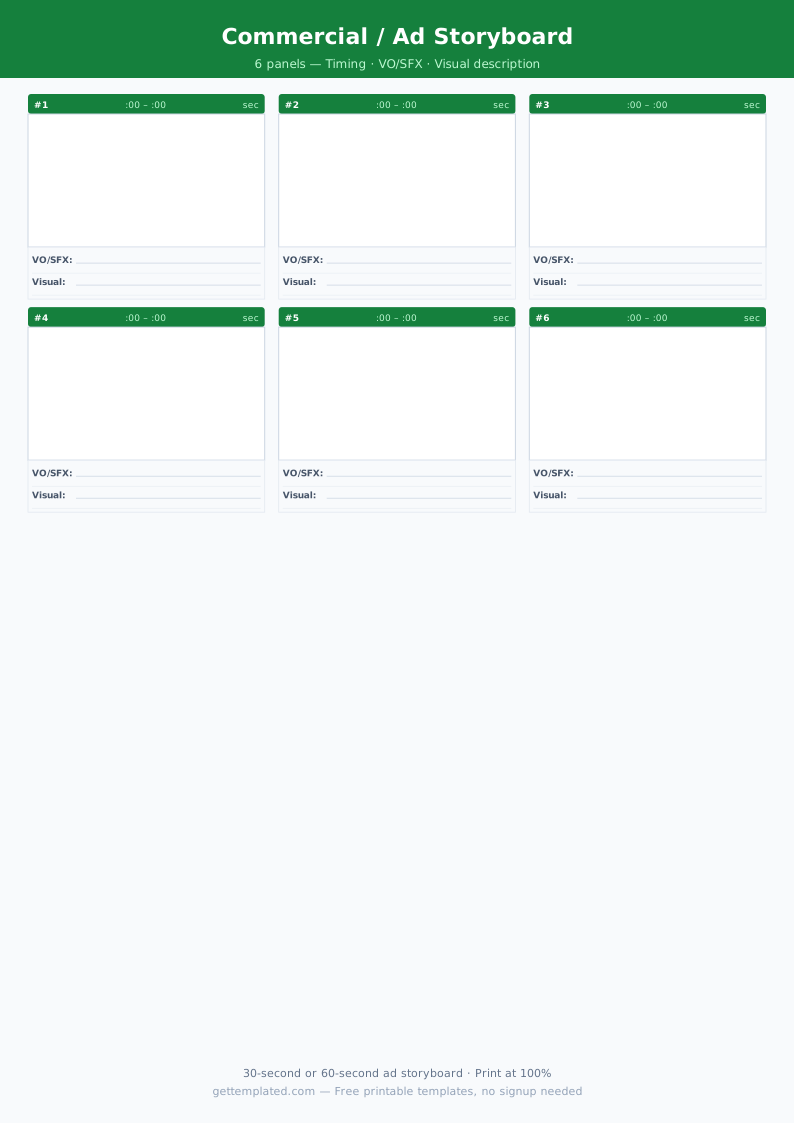
A storyboard template is a pre-built document with a series of blank panels arranged in sequence, each accompanied by labeled fields for visual description, action notes, dialogue, camera directions, and timing. Instead of drawing on blank paper and re-creating labels for every project, a template gives you the structure so you can focus on the creative decisions.
Film directors and cinematographers use storyboard templates to plan shot-by-shot sequences before production begins. Animators use them to map character movement and scene transitions across hundreds of frames. Video producers creating YouTube content, commercials, or training videos use simplified storyboard templates to align script, visuals, and voiceover before recording. Teachers use storyboard templates in English, media studies, and art classes to help students plan narratives visually. Game designers use them to prototype cutscenes and story sequences.
Anyone who needs to communicate a visual sequence to another person benefits from a storyboard template. The format forces clarity: if you cannot describe what happens in each panel, the scene is not ready to shoot.
What to Include in a Storyboard Template
A complete storyboard template captures both the visual and the logistical information needed to reproduce or execute each shot. Here are the fields that matter most.
- Panel number or scene and shot number (e.g., Scene 2, Shot 4)
- Visual sketch or description box (the largest element on each panel)
- Action description: what is physically happening in the frame
- Dialogue or voiceover text for that moment
- Camera angle or shot type (wide shot, medium shot, close-up, POV, aerial)
- Camera movement if relevant (pan left, zoom in, dolly forward)
- Duration or timing estimate in seconds
- Audio or sound effect notes
- Transition type to the next panel (cut, fade, dissolve)
- Project title, scene number, and page number in the header
How to Use a Storyboard Template Step by Step
Using a storyboard template effectively means working through the script or concept methodically before touching any drawing tool or camera.
- Read through your script or outline and identify every distinct visual moment. A new shot begins whenever the camera position, subject, or action changes significantly.
- Open the storyboard template in PDF form (for hand-drawing), Google Docs (for digital text descriptions), or a presentation app if you prefer labeled slides.
- Assign one panel per shot. Rough stick figures or simple shapes are completely acceptable. The goal is communicating the composition, not artistic quality.
- Fill in the action and dialogue fields below each panel. Write exactly what the viewer sees and hears at that moment, nothing more.
- Note the camera shot type: wide shots establish location and context, medium shots show characters from the waist up, close-ups focus on faces or important objects.
- Estimate the duration of each shot in seconds. This helps you calculate total scene or video length during pre-production.
- Share the completed storyboard with your team, client, or teacher for feedback before any recording or animation work begins. Revisions on paper cost nothing; revisions on set are expensive.
Storyboard Template Formats: PDF, Google Docs, and Printable
The best storyboard template format depends on how you and your team work. Each has real advantages depending on the project scale and your workflow.
- Printable PDF storyboard template: print as many pages as you need and sketch by hand with pencil. Hand-drawn storyboards are faster for visual thinkers and easy to share in physical meetings.
- Google Docs storyboard template: useful when the team is remote or when you want to type descriptions rather than draw. Insert placeholder image boxes for each panel and fill in text fields below.
- Presentation-based storyboard (Google Slides or PowerPoint): one slide per panel, making it easy to reorder shots by dragging slides. Good for client presentations.
- Dedicated storyboard software: tools like Storyboarder or Boords offer frame-by-frame animation previews, but a simple template handles most projects without the learning curve.
Common Storyboard Mistakes and How to Avoid Them
A storyboard is only as useful as the information it contains. These are the most common gaps that cause confusion during production.
- Drawing too elaborately: detailed artwork slows you down and shifts focus from planning to illustration. Stick figures and labeled shapes communicate just as much.
- Skipping the action notes: the visual panel alone does not capture movement, pacing, or character interaction. Always fill in the action field.
- Leaving out camera directions: knowing the shot type in advance prevents on-set confusion and ensures the editor has coverage.
- Not numbering panels: when scenes run to multiple pages, un-numbered panels get mixed up easily. Always use scene and shot numbers.
- Planning only one version: for complex shots, sketch two or three alternative angles on separate panels. You can decide on set which works best.
- Skipping the review step: showing the storyboard to at least one other person before production catches logic gaps and missing shots you will have overlooked.
The template